Features:
✅ Mobile recording studio
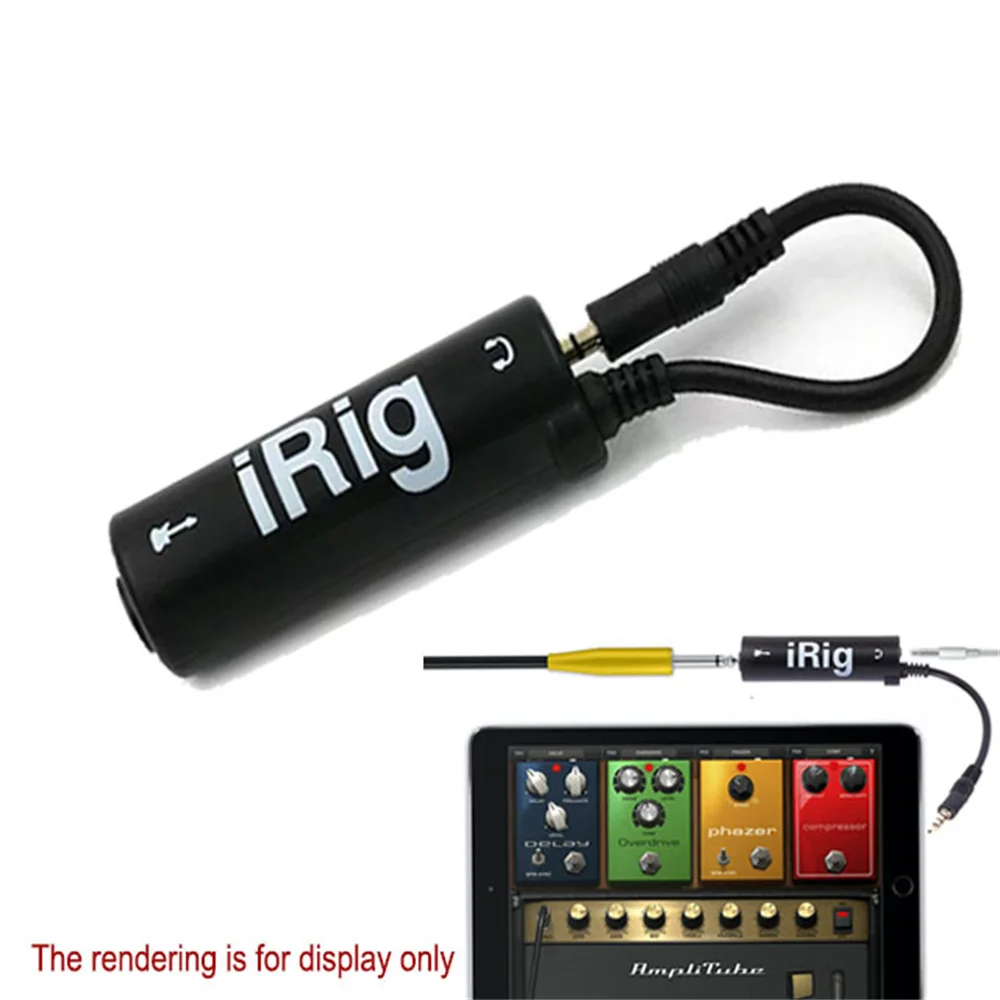
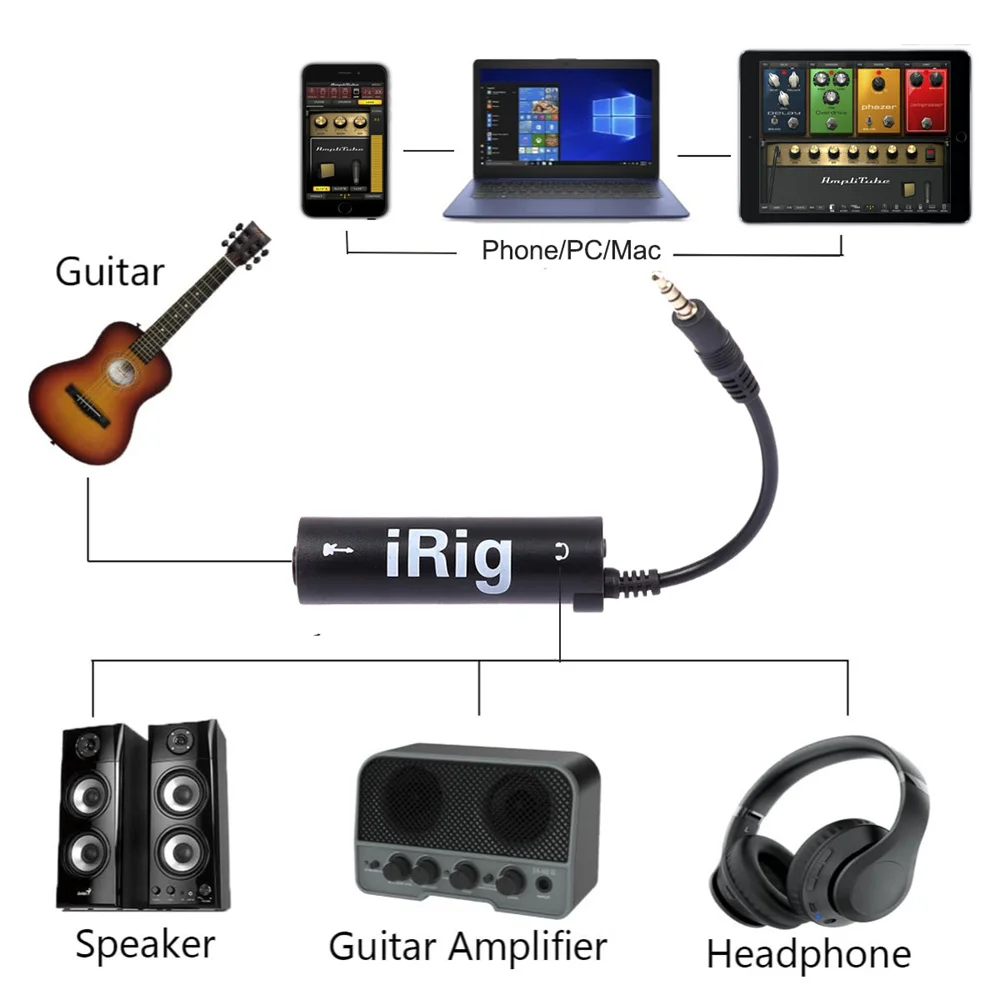
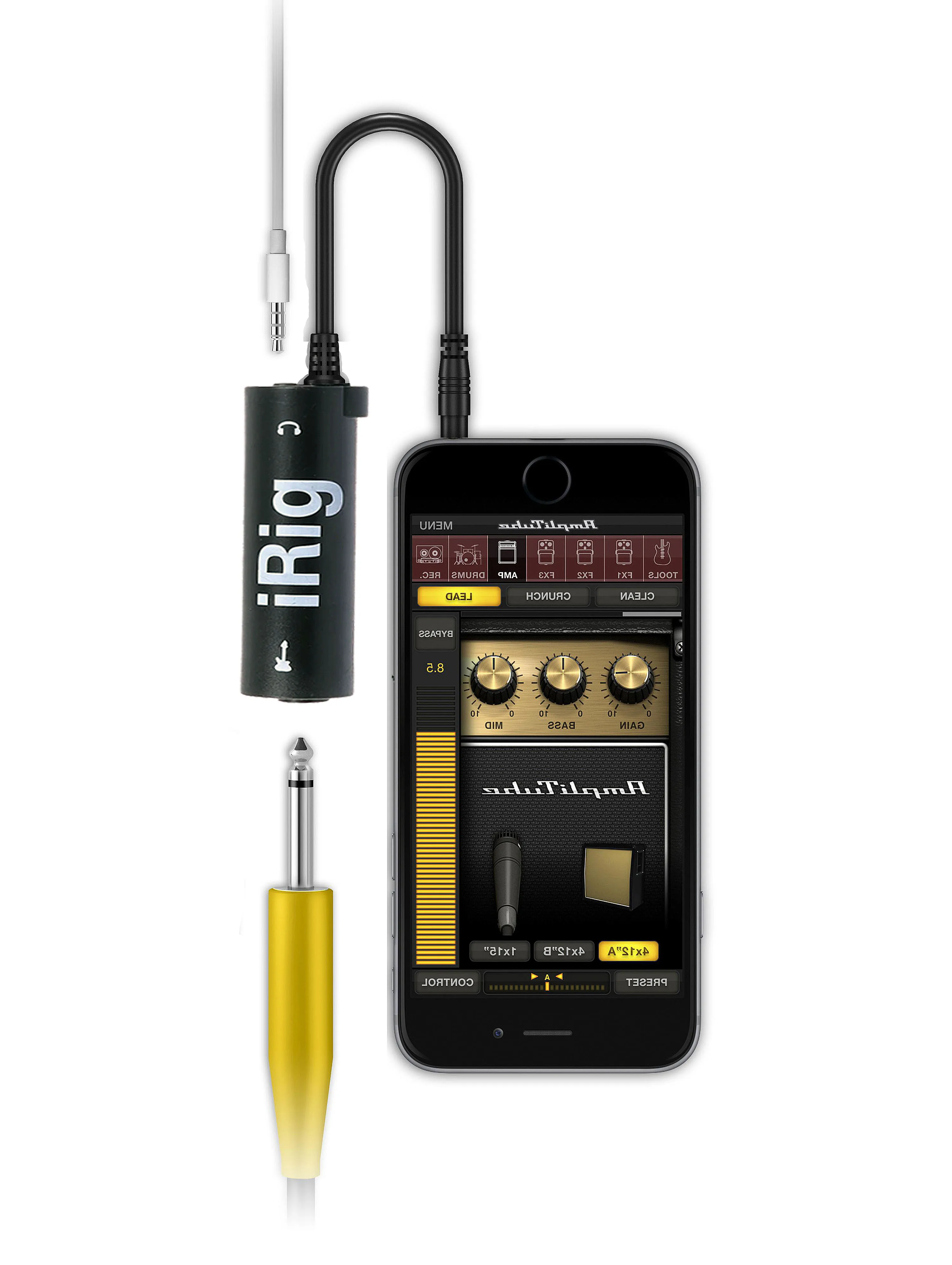
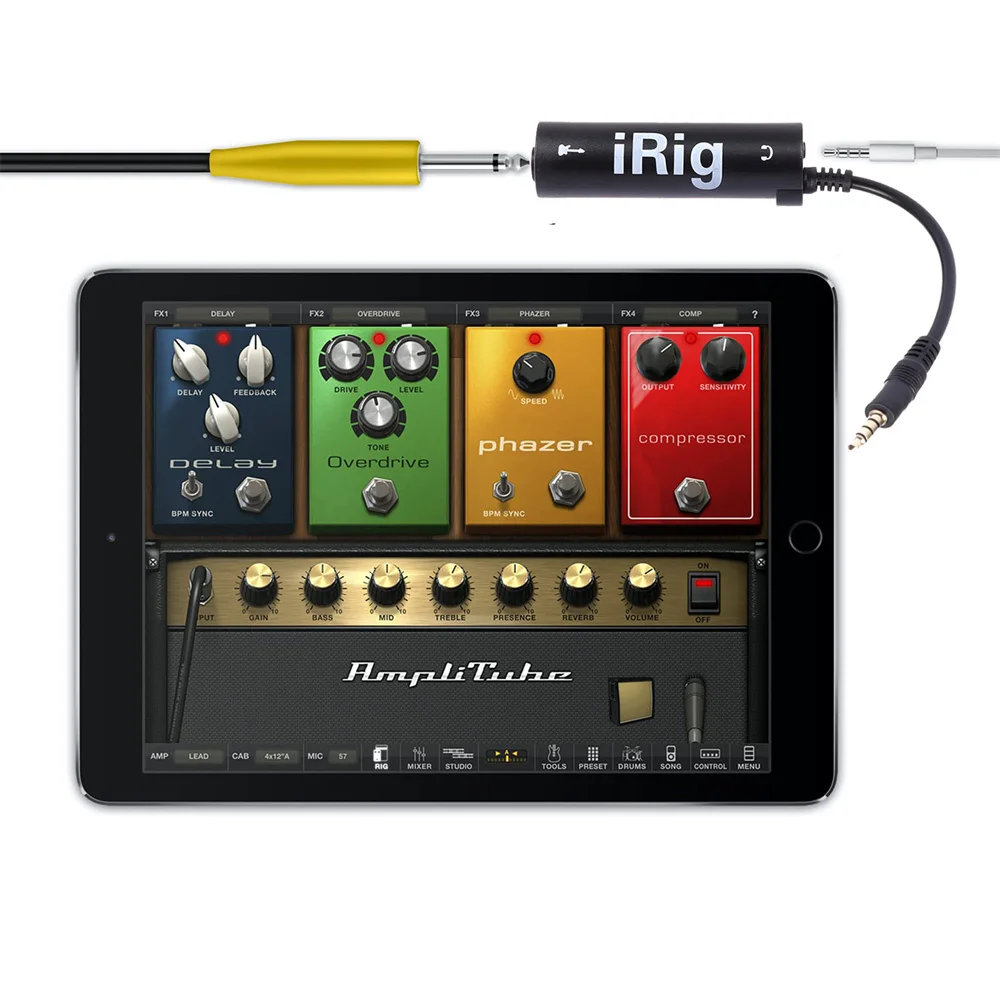
Plug and play: Insert into the phone/tablet headphone jack, no driver required, complete guitar/bass connection in 3 seconds.
Full software compatibility: supports all iPhone 4-14 models, iPad generations iPod Touch, Plug and play, no driver required.
Top software adaptation:
▶ AmpliTube: Simulate 300+high-end guitar speakers/effect chains.
▶ GarageBand: One click recording of multi track songs, AI drummer automatically composing music.
▶ iShred Live: Live performance real-time loop, essential for showcasing skills.
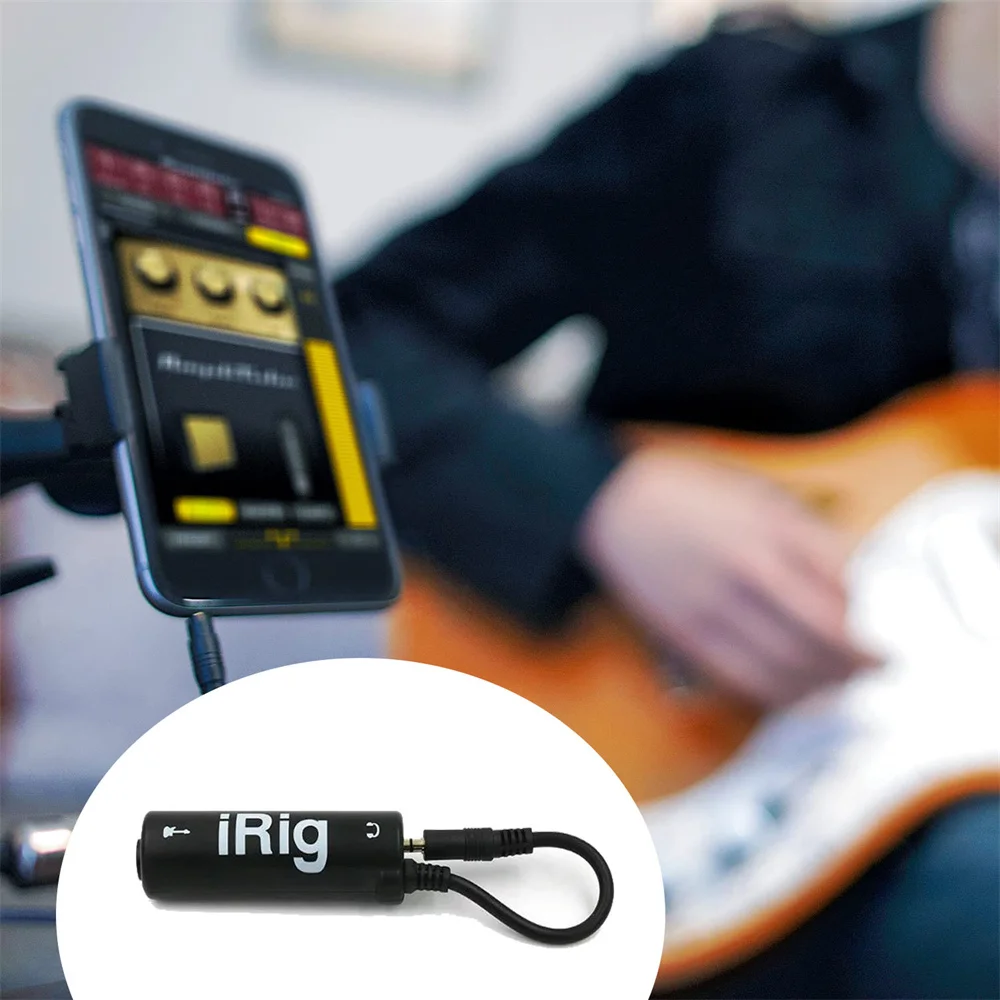
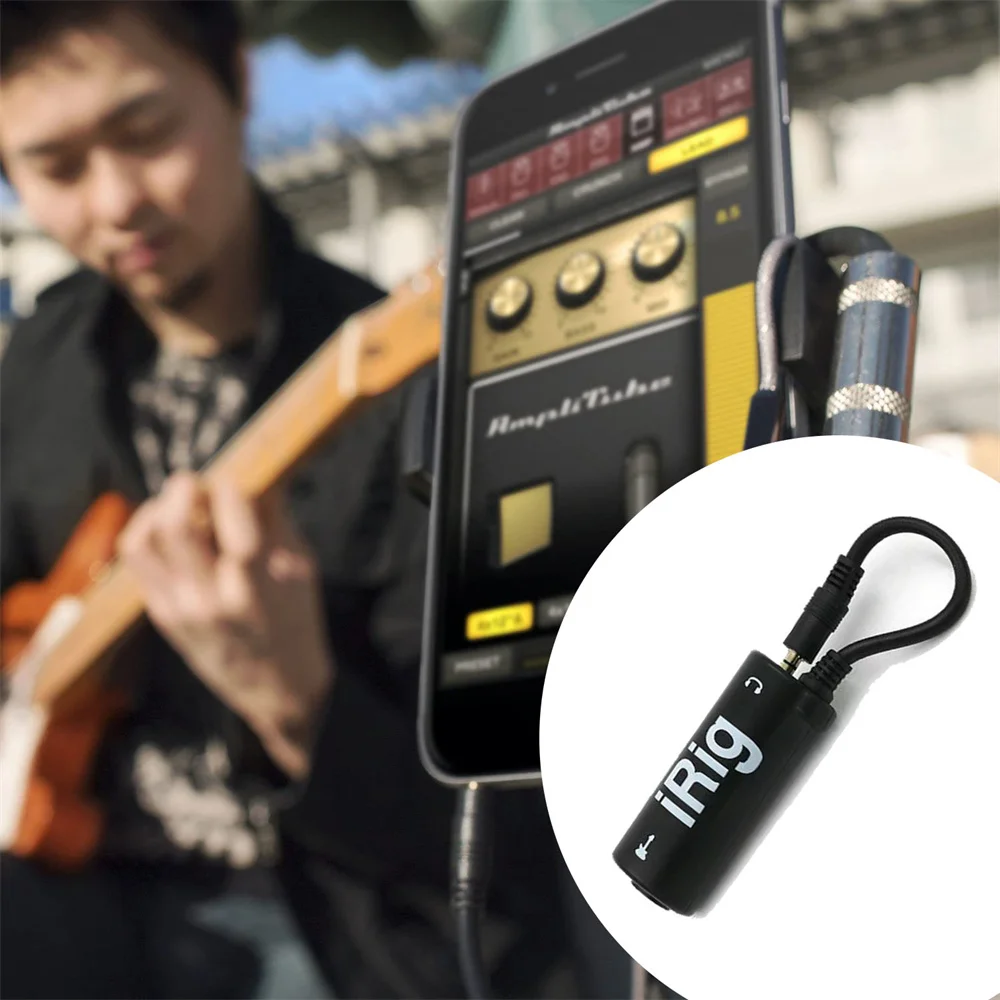
Versatile interface for musical instruments: direct connection to electric guitar, bass, keyboard, and even microphone for voiceover recording.
✅ Durable and portable design
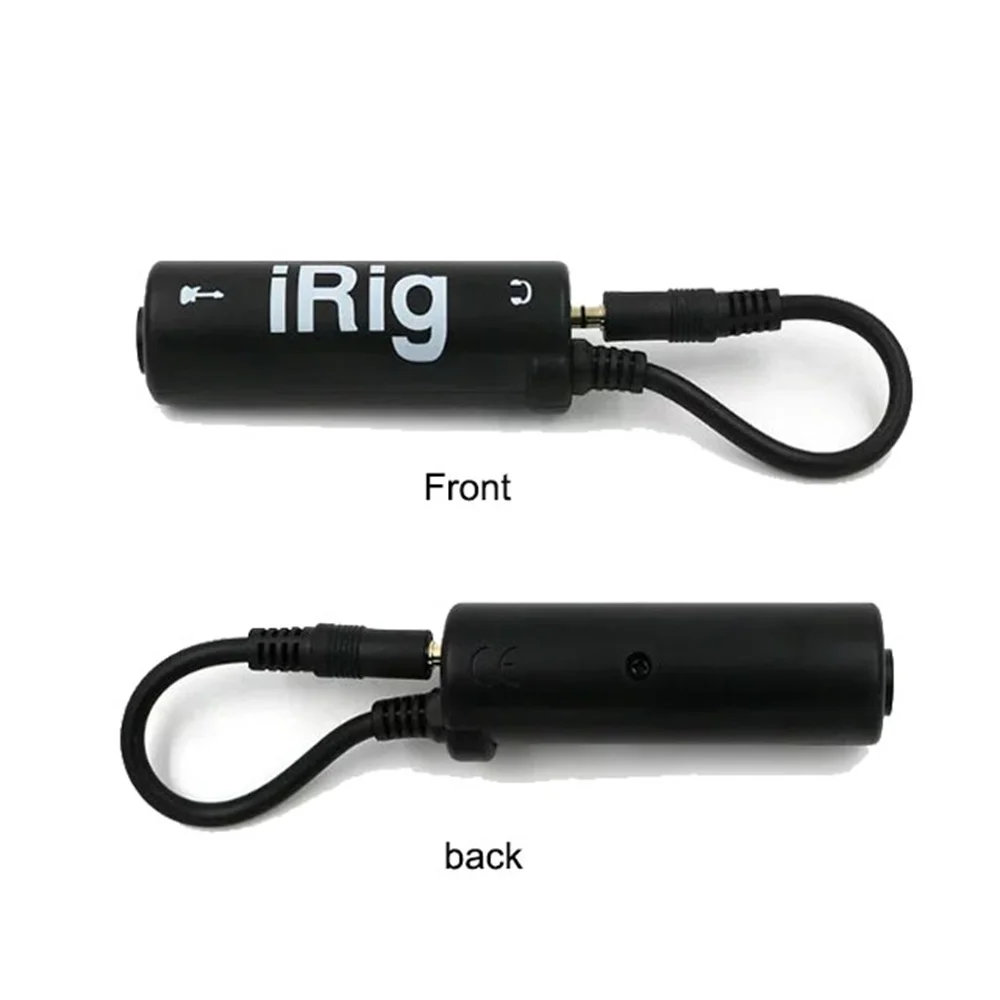
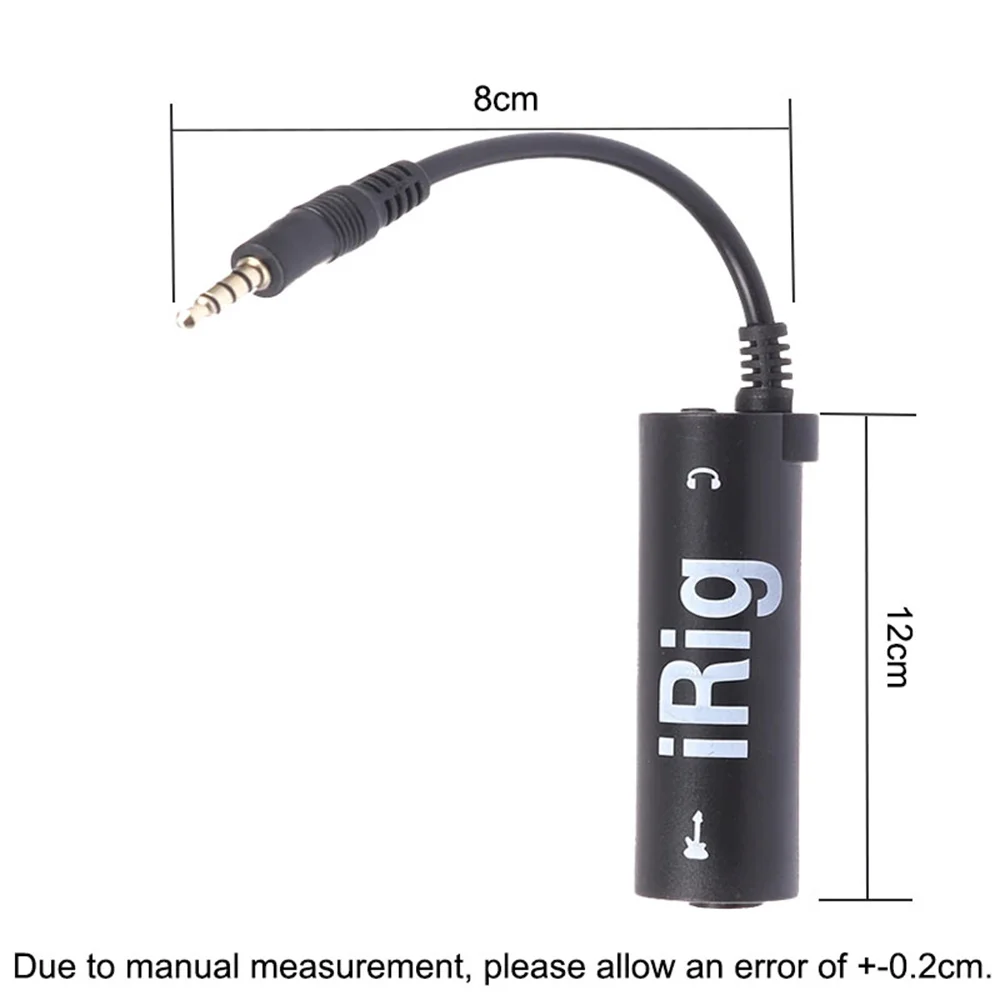
Palm size: A portable design measuring 12 centimeters in length and 8 centimeters in width, weighing only 27g (lighter than AirPods), and can be easily tucked into the corners of the case.
PVC wear-resistant material: flexible and bending resistant, unbreakable when stepped on, with a scratch resistant design on the outer shell for wear resistance.
✅ Full scene coverage
Late night piano practice: Connect headphones and play the piano quietly, without disturbing family and neighbors.
Outdoor explosion scene: connect portable speakers, instantly transform park grass into a live stage.
Inspiration shorthand: phone recording improvisation Riff, creating non-stop videos.
✅ Compatibility King
Supporting instruments: linear output devices such as electric guitar, bass, and electronic keyboard.
Full software compatibility: supports all iPhone 4-14 models, iPad generations iPod Touch, Android device (requires 3.5mm interface or adapter), plug and play, no driver required.
Specification:
Material: High elasticity PVC
Color: Matte Black
Size: 12cm × 8cm
Weight: 27g
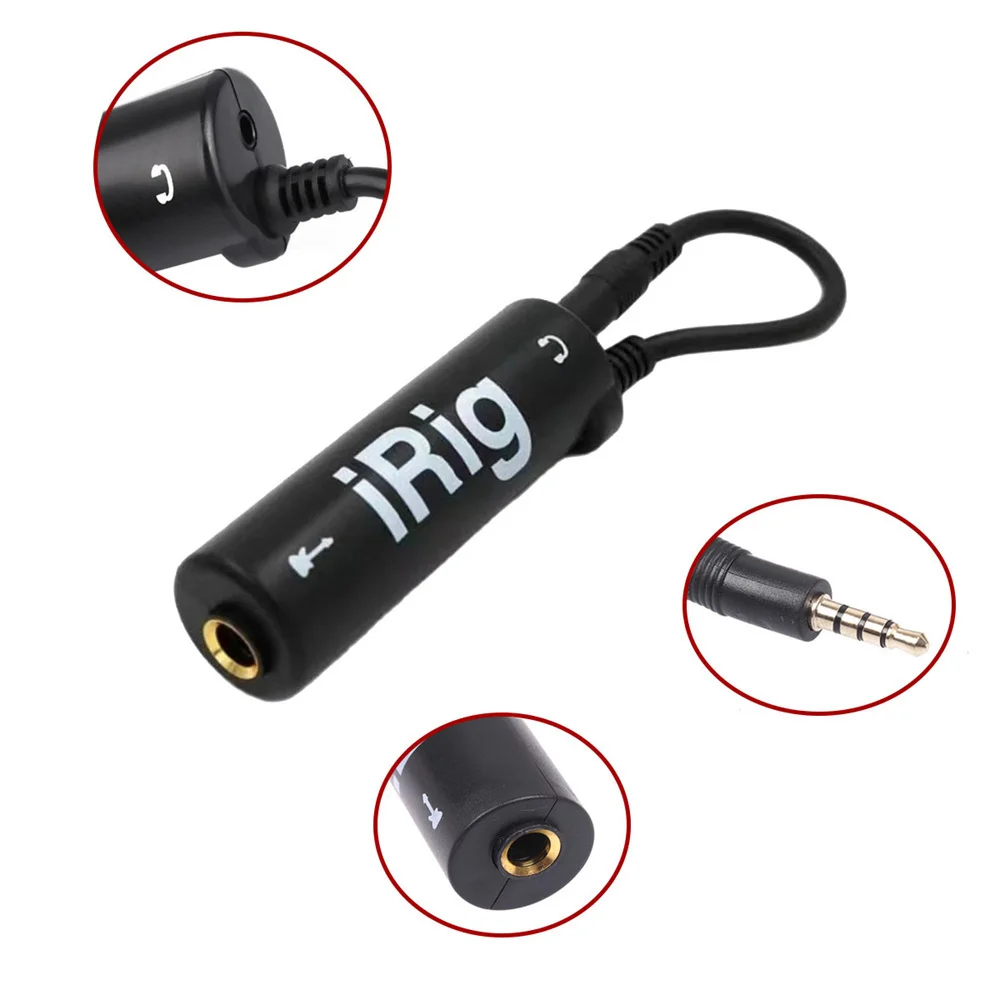
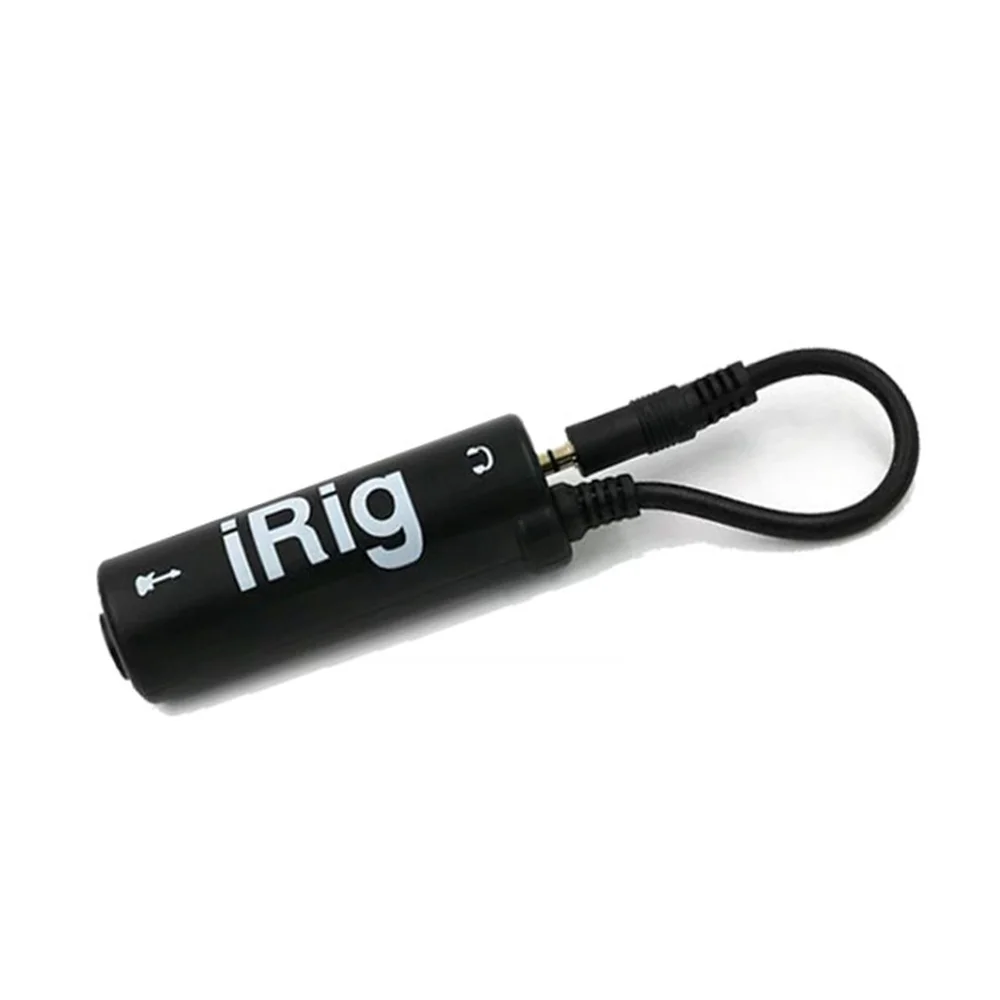
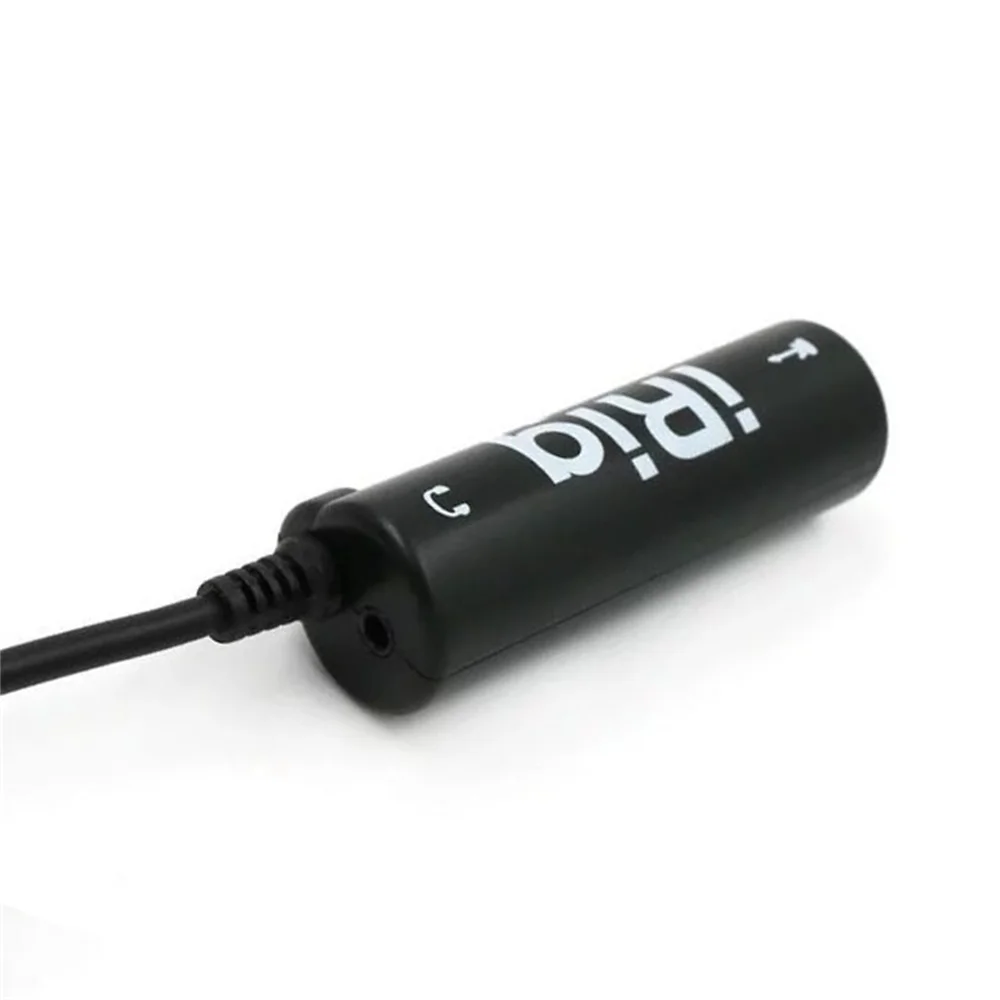
Input interface: 6.35mm instrument input
Output interface: 3.5mm headphone/speaker output
Packaging content:
1x IRIN converter
1x User Guide
Notes:
Due to manual measurement, please allow for an error of+-0.2cm.
Android devices need to ensure support for OTG functionality.
Avoid strong bending of interface wires to prevent internal breakage.
Please note that iRig must be used in conjunction with relevant software and cannot be used when connected to a regular computer/phone alone.
Noise Debugging Guide
This product has undergone rigorous design and manufacturing testing, and normal noise levels are within an controllable range. If you experience excessive noise during use, it is likely due to incorrect settings. We encourage buyers to patiently debug using the following methods:
Noise can be influenced by various factors such as:
The guitar and pickup type used
Shielding condition of cables
Electrical environment
Debugging Methods:
🔹 For High-Gain Tones:
If using high-gain amp or distortion settings, please:
Activate the Noise Gate in the FX1 module
Adjust threshold and release parameters
This should significantly reduce unwanted noise
🔹 For Clean Tones:
If experiencing noise with clean tones:
Check all cable connections for proper shielding
Verify your pickup condition and height adjustment
Ensure proper grounding in your playing environment
Try different power sources if possible
🔹 Additional Tips:
Keep the unit away from power transformers and other electronic devices
Use quality shielded cables for all connections
Test in different locations to rule out environmental electrical interference
With proper setup and debugging, you should achieve optimal performance from your unit.