

Please Note:
This item located in Czech Republic and only shipped to European countries,
If you need to return the item for some reasons, please contact us via eBay message firstly to get the RMA#,and return address instead of sending iit back directly without permission,thank you!
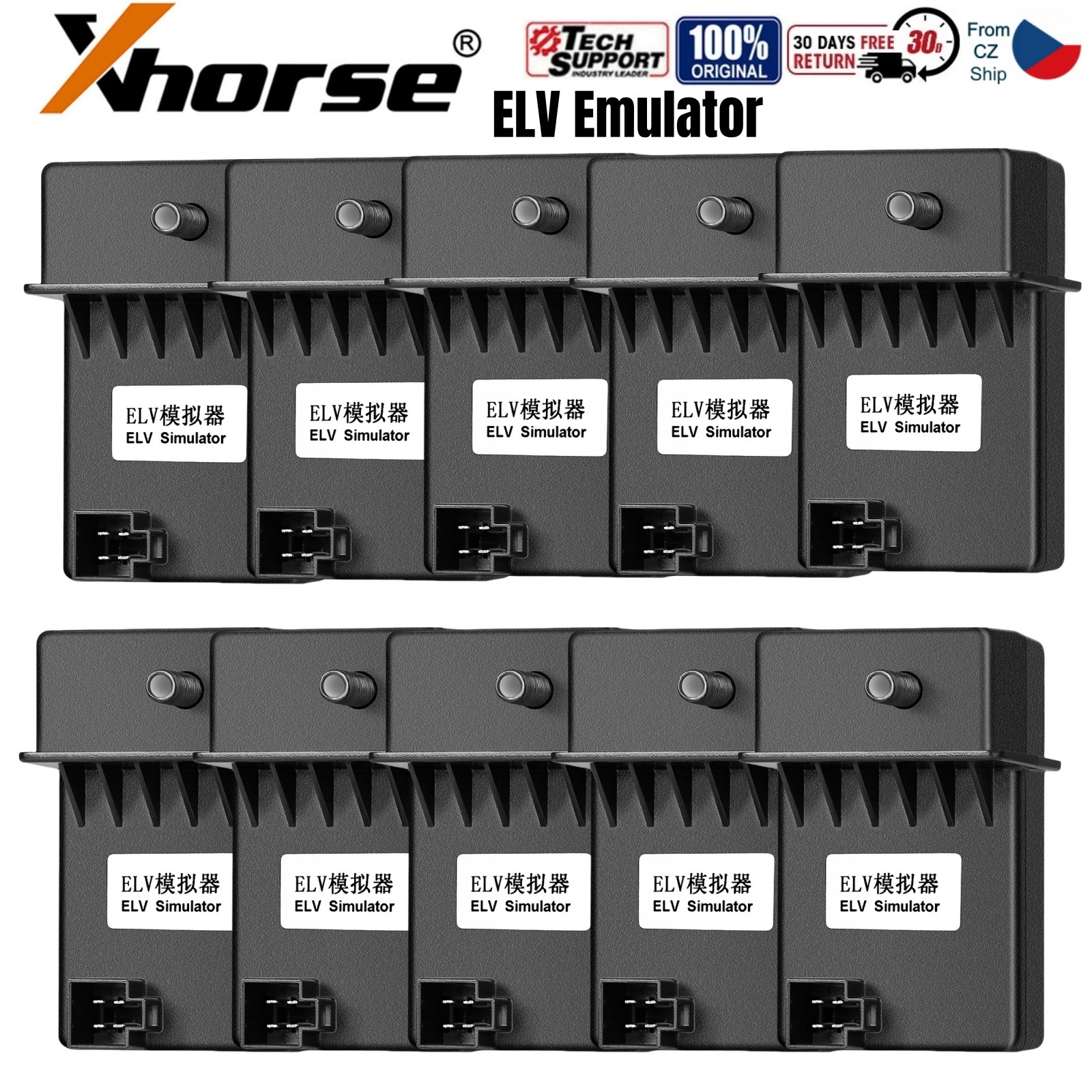
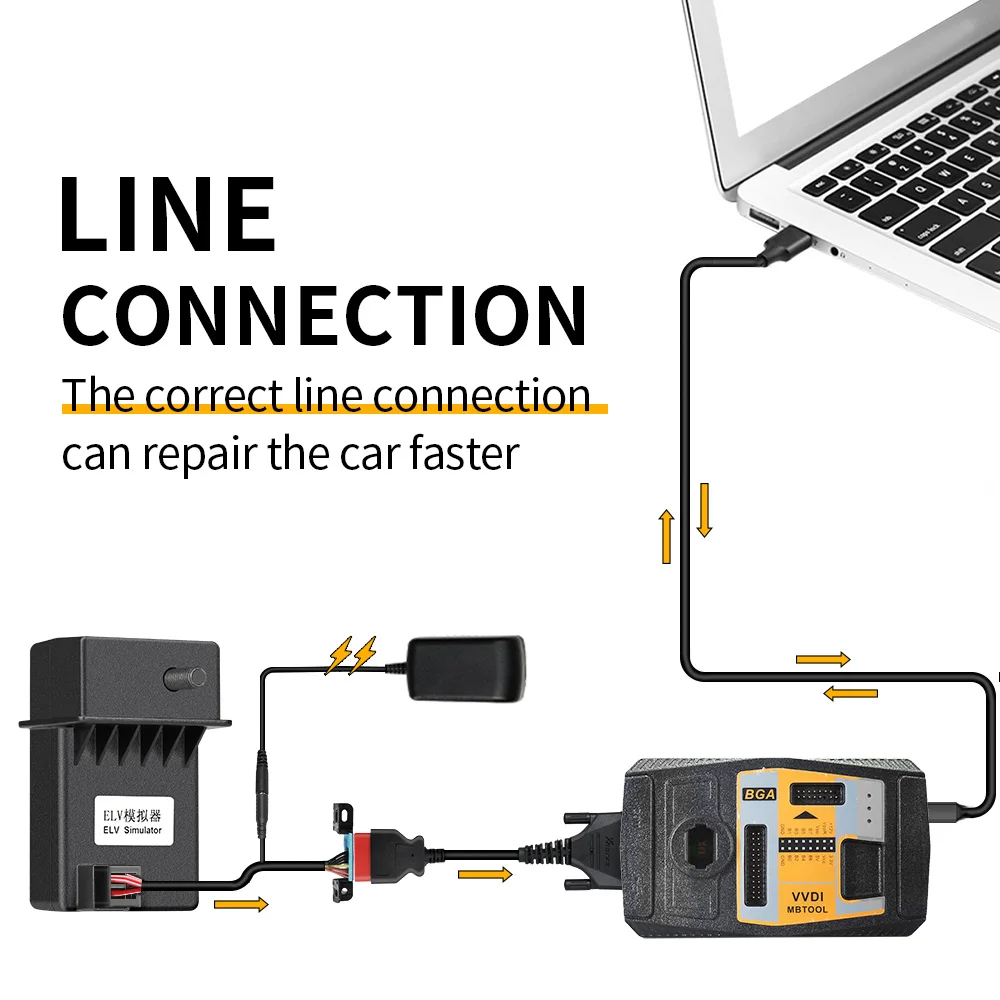
XHORSE ELV Emulator Fit For Benz W204 W207 W212 Work Together with VVDI MB Tool PN: XDMB11EN Please note: This Emulator does not support to use with Autel tablets! Highlights: How to install ELV Emulator by VVDI MB Tool VVDI MB Tool and ELV Emulator Connection: How to tell if the ESL is damaged or NEC is lo-cked? Open VVDI MB Tool software, Click “Check ESL damage” and you will get any of following display: ESL is working: means the motor is damaged and you need a new full set of ESL motor. ESL is damaged: need to replace new ESL. Step1. Note: if you not erase ESL at first, but only personalize ESL, the ESL won’t be synchronized. Step3. Step4. you are advised to use for W212 EIS for replacement and the ESL needs to be removed. 1pc x Xhorse ELV Emulator
1. Can Emulate Primary Sound.
2. Work with VVDI MB BGA Tool, VVDI Key Tool Plus and many different types of Mercedes progarmming tools, not just the VVDI.
3. Great Compatibility, Support All Benz Vehicles with w204 w207 w212 Directional Lock.
4. Can Perfectly Substitutes for the Original ELV/ ESL, will not impact the appearance more table and safety.
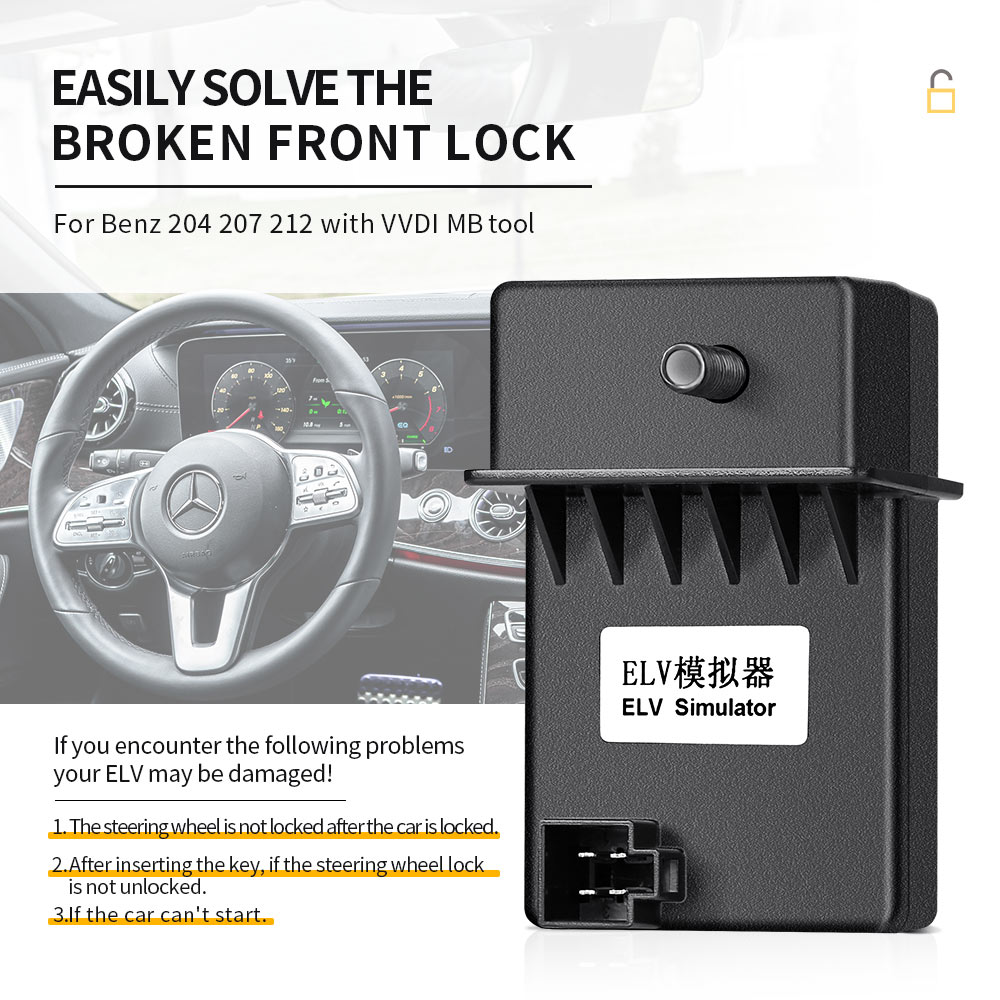
The ESL emulator is used for w204 w207 and w212 vehicles when the OEM steering lock fails.
You drill it and take it out, then replace it with this part directly and program it with the immobilizer data of the vehicle.
It's an excellent choice for customers when this happens, and it often does.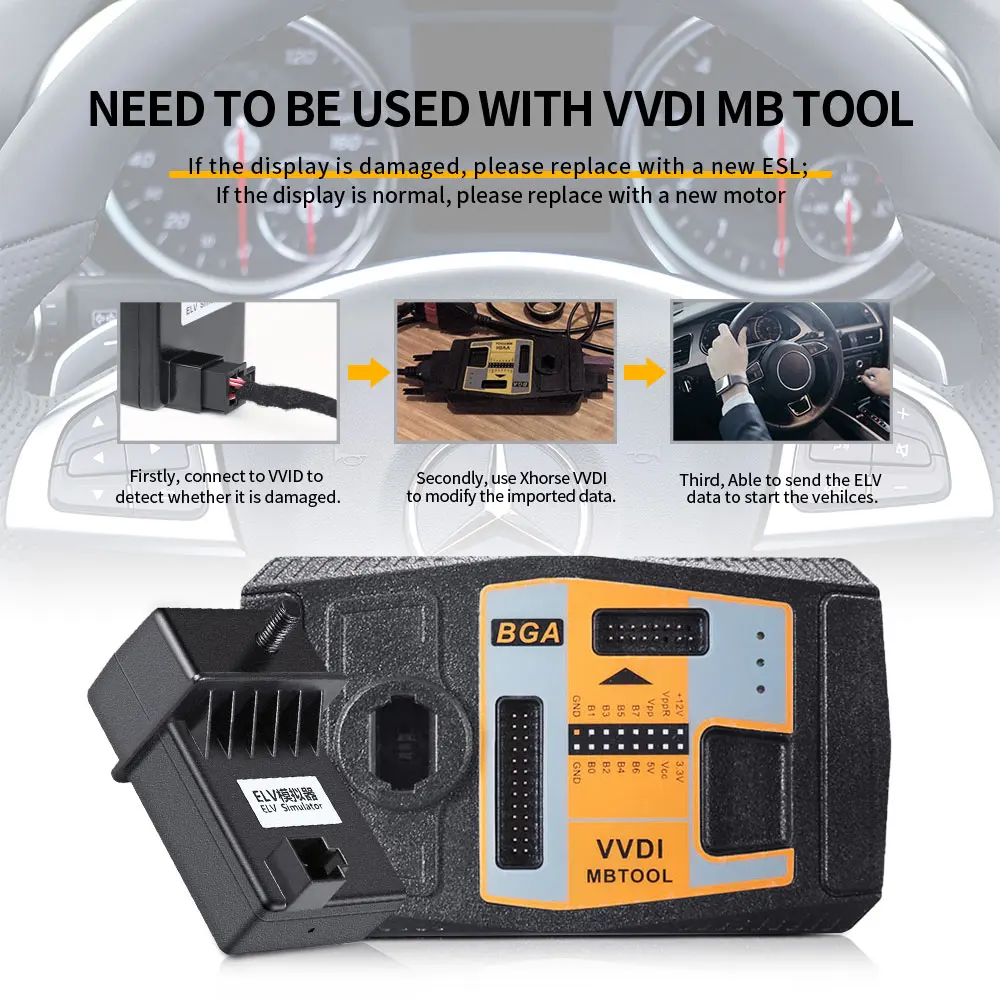


How to replace ESL with VVDI MB BGA Tool?
Erase EIS, then re-write EIS and personalize ESL, finally ESL is synchronized.
To erase EIS, both Key password and Erase password are required.
1) For the key password, you can get it by adding keys.
After input the two passwords, click "Save EIS data" then "Erase EIS"
Now the EIS is full new

Step2.
Load EIS data
Tick "IR" to write EIS data and "OBD" to write VIN.

Click “Personalize W204 ESL”

Now, the options "Initialized", "TP Cleared" and "Personalized" are ticked, except “Activated”
Insert the original car key then EIS and ESL is in “Activated” status. 
Note:
It’s hard to buy for Mercedes 204/207 EIS and they are expensive. If you have 204/ 207 all key lost,
Package Including:


 100% Genuine
 High Quality
 Fast Shipping