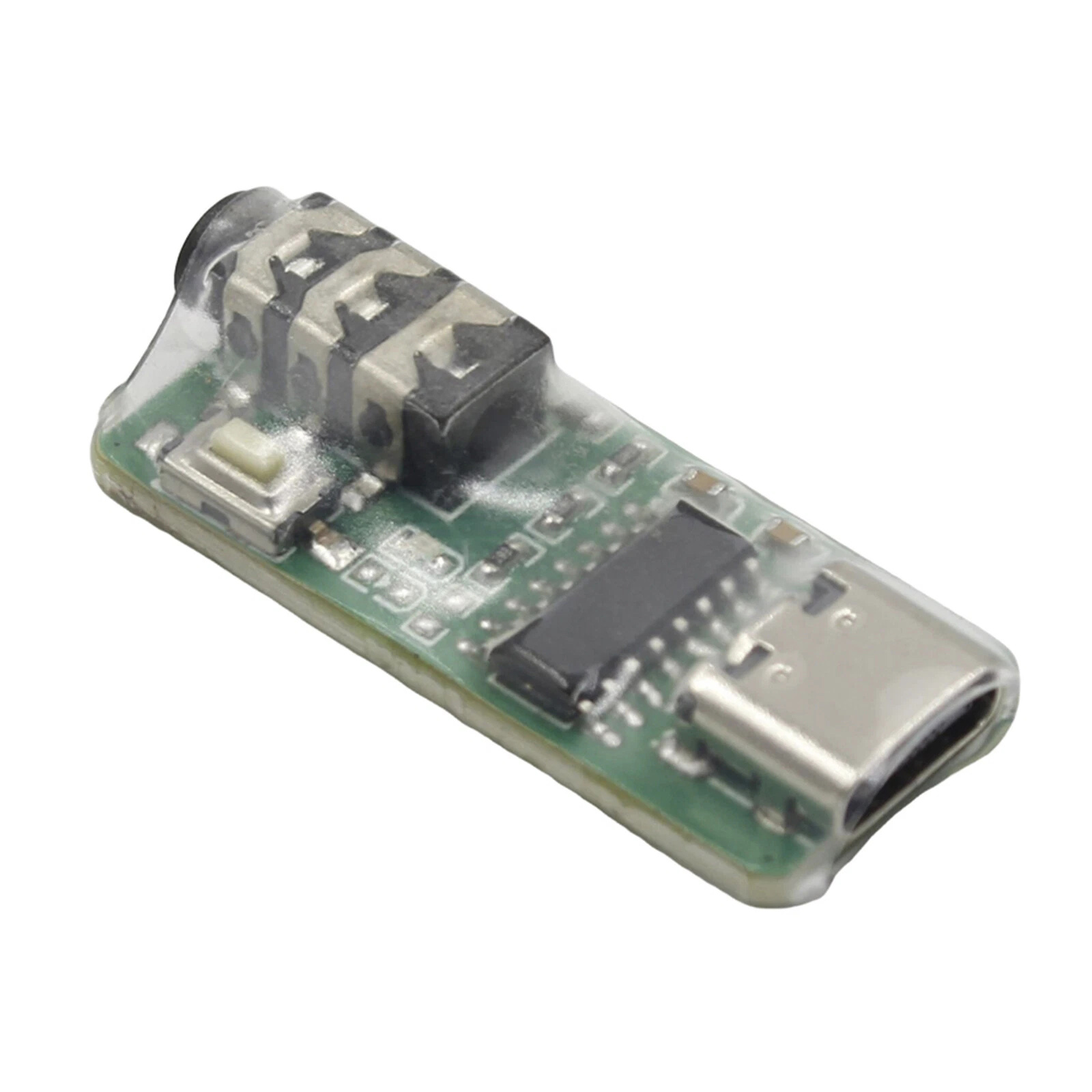
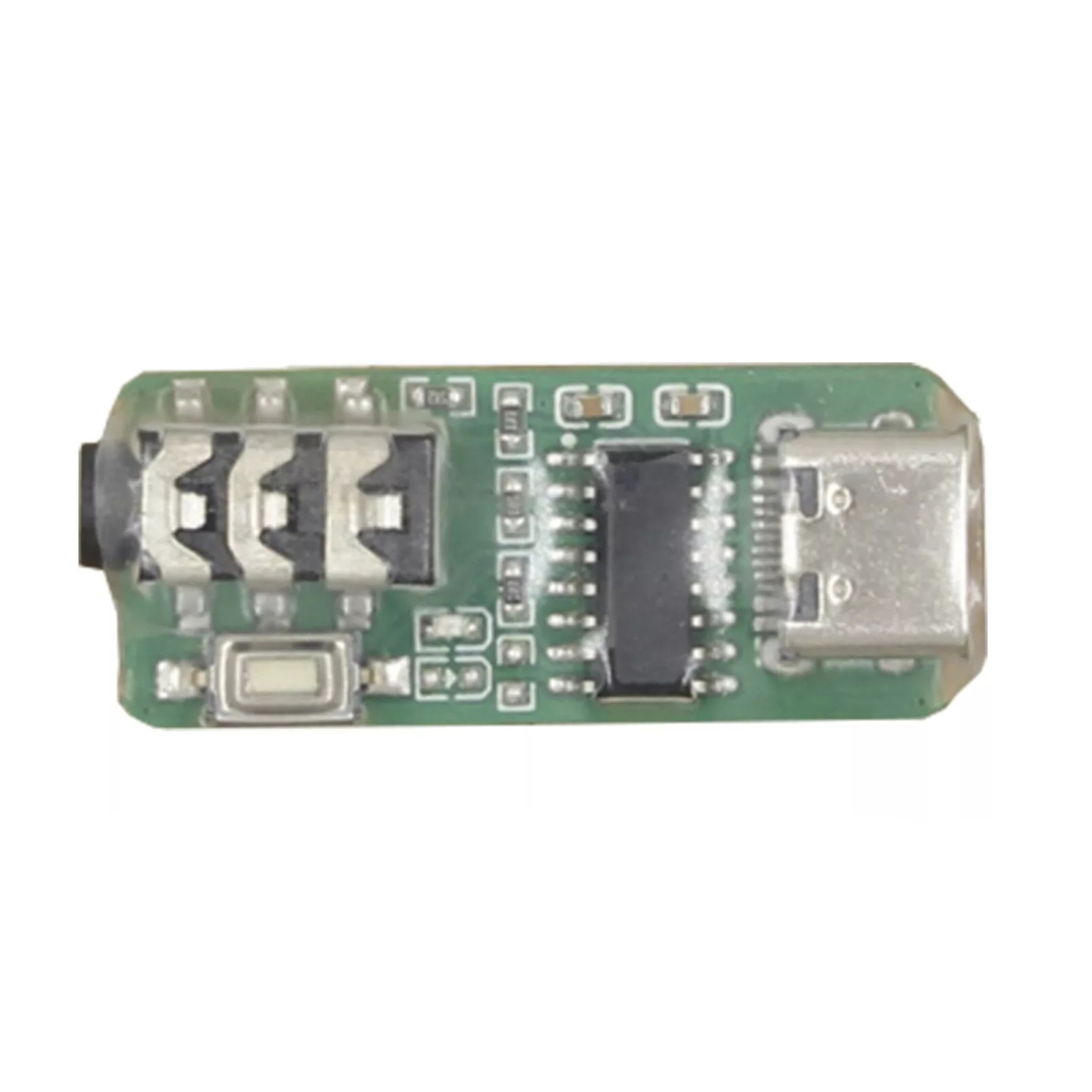
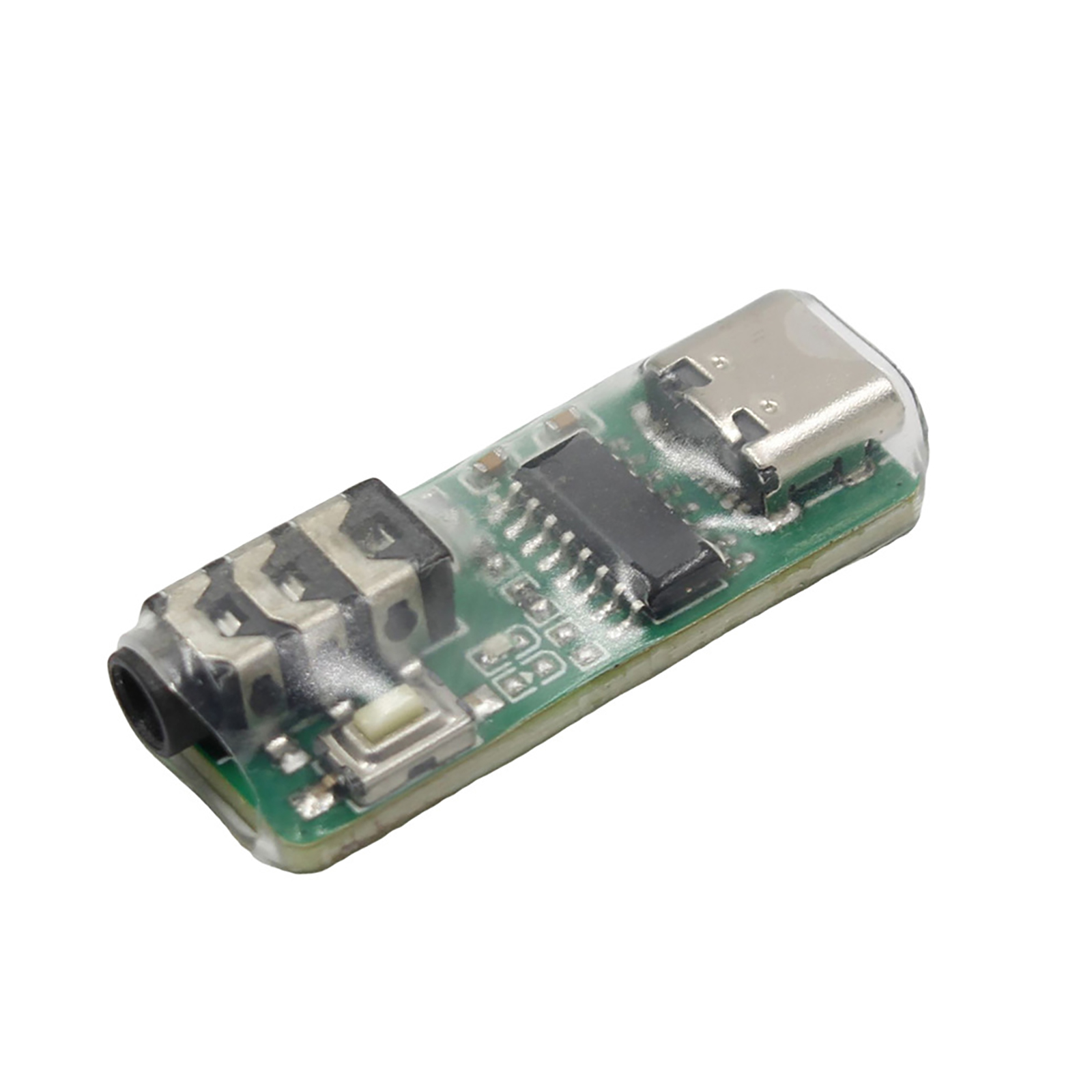
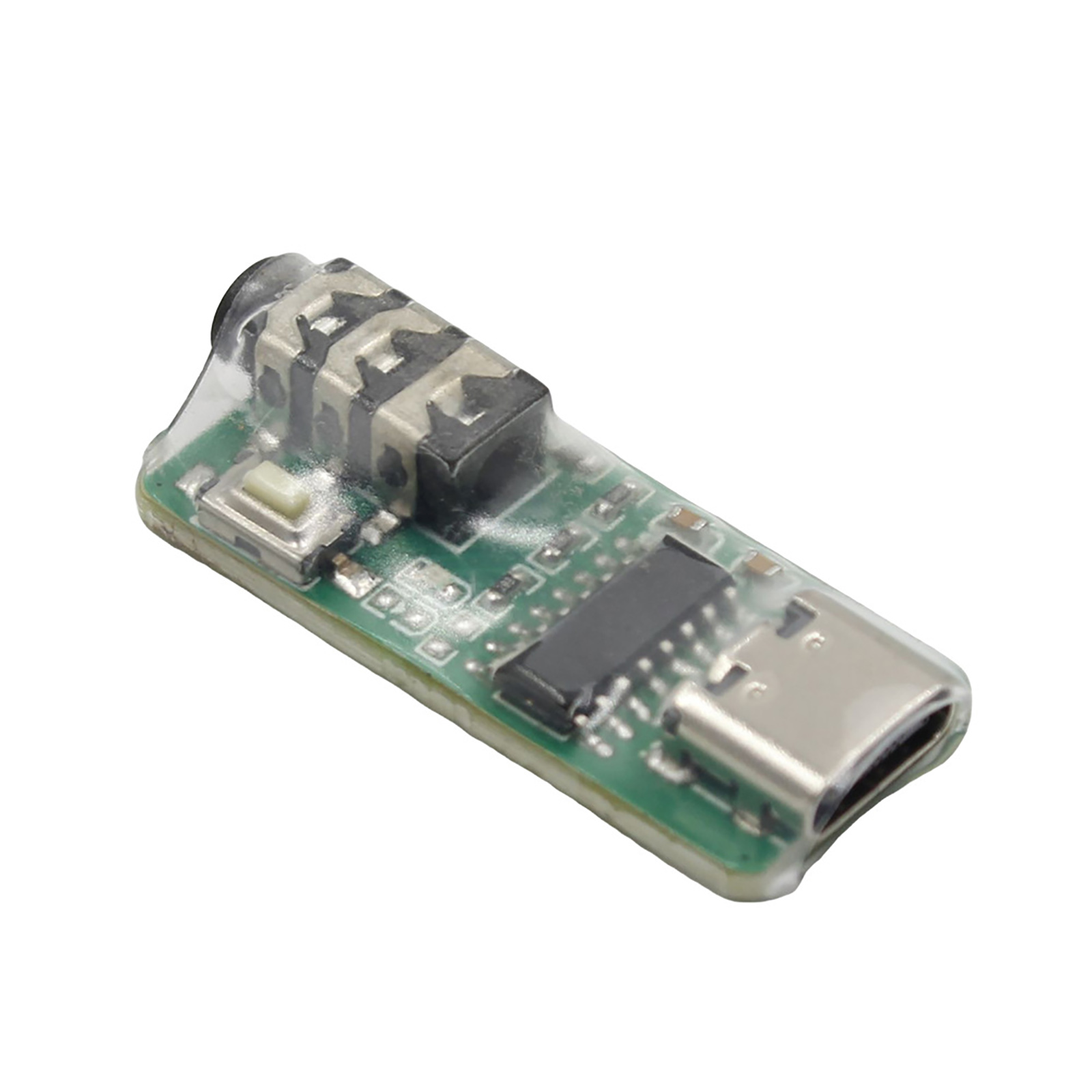
Features:
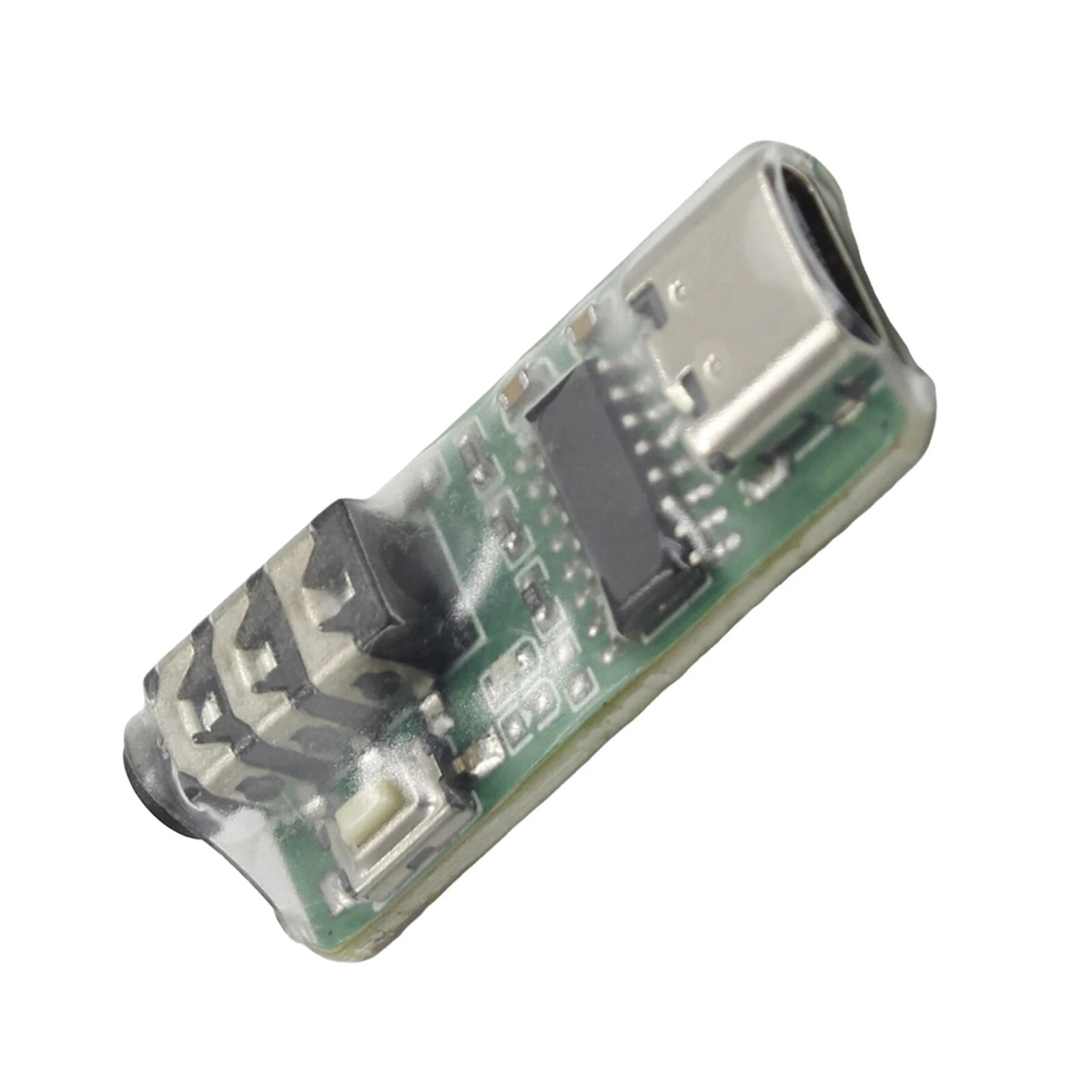
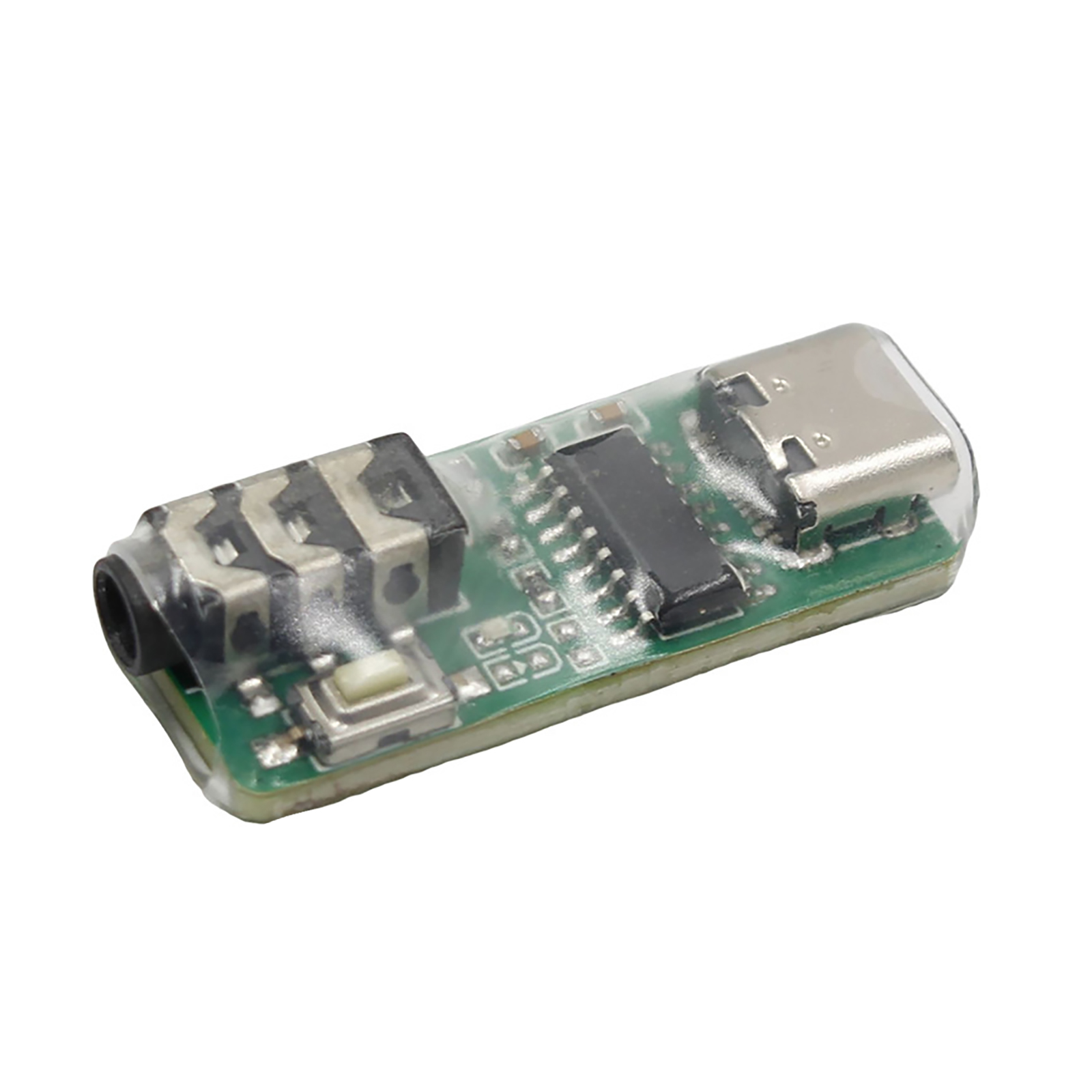
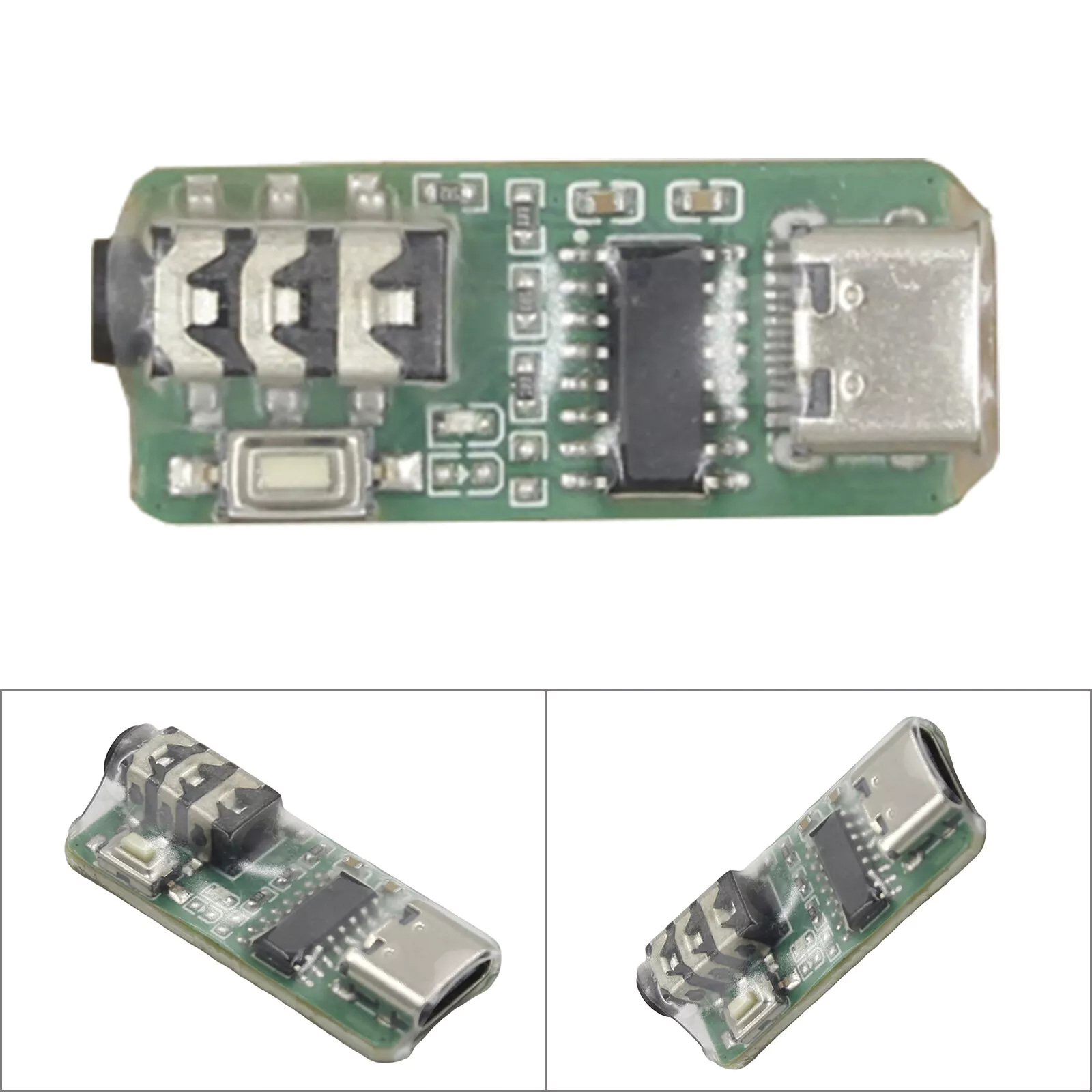
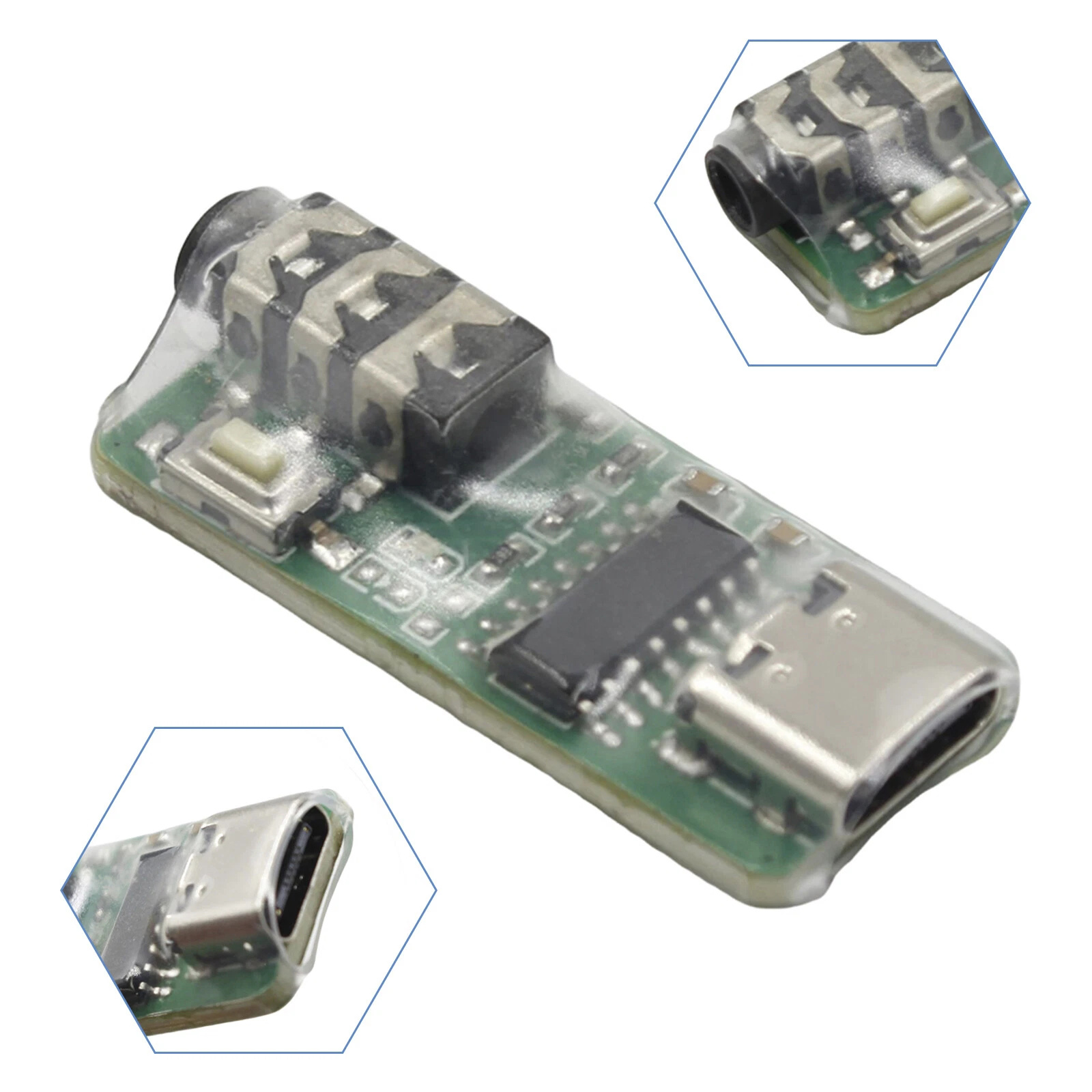
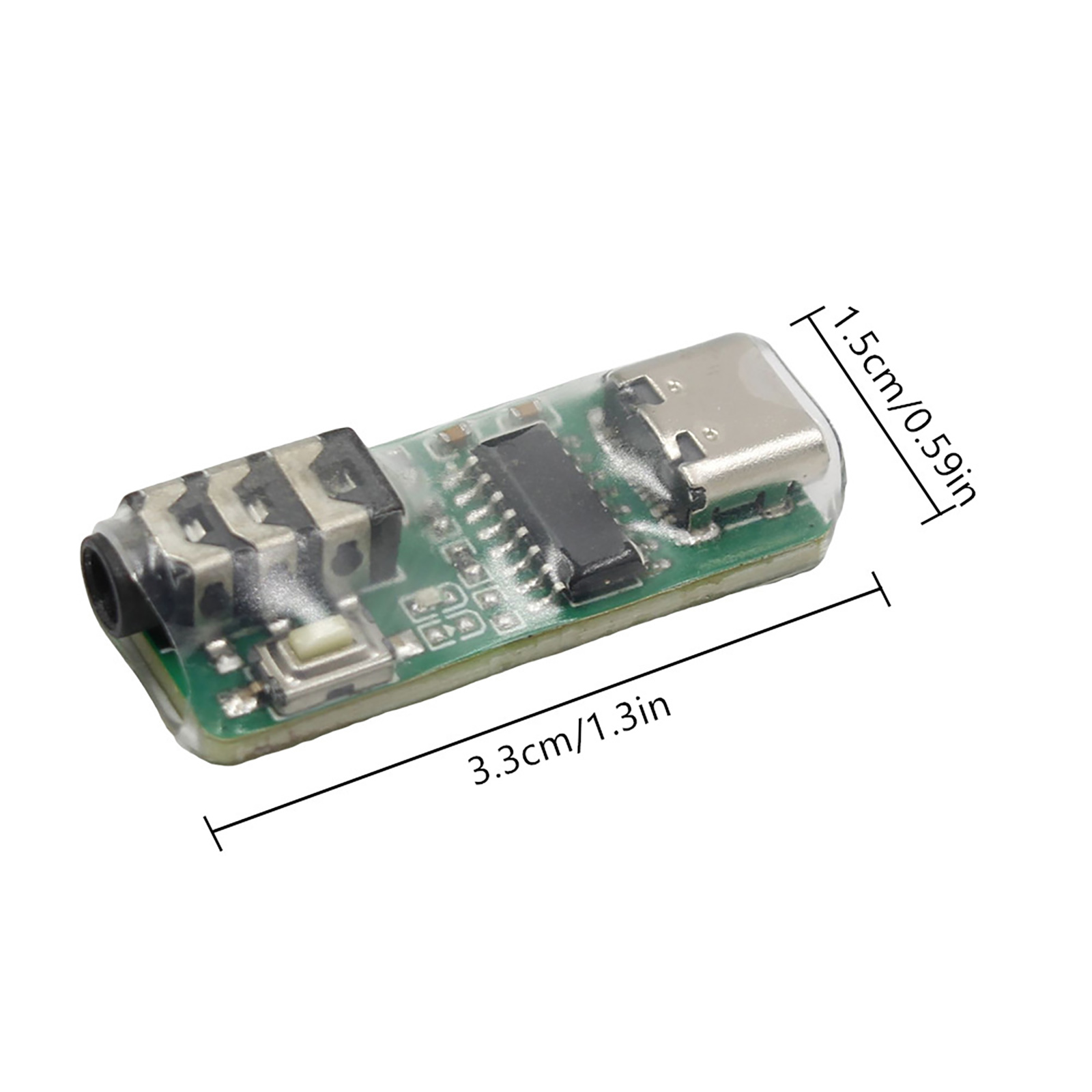
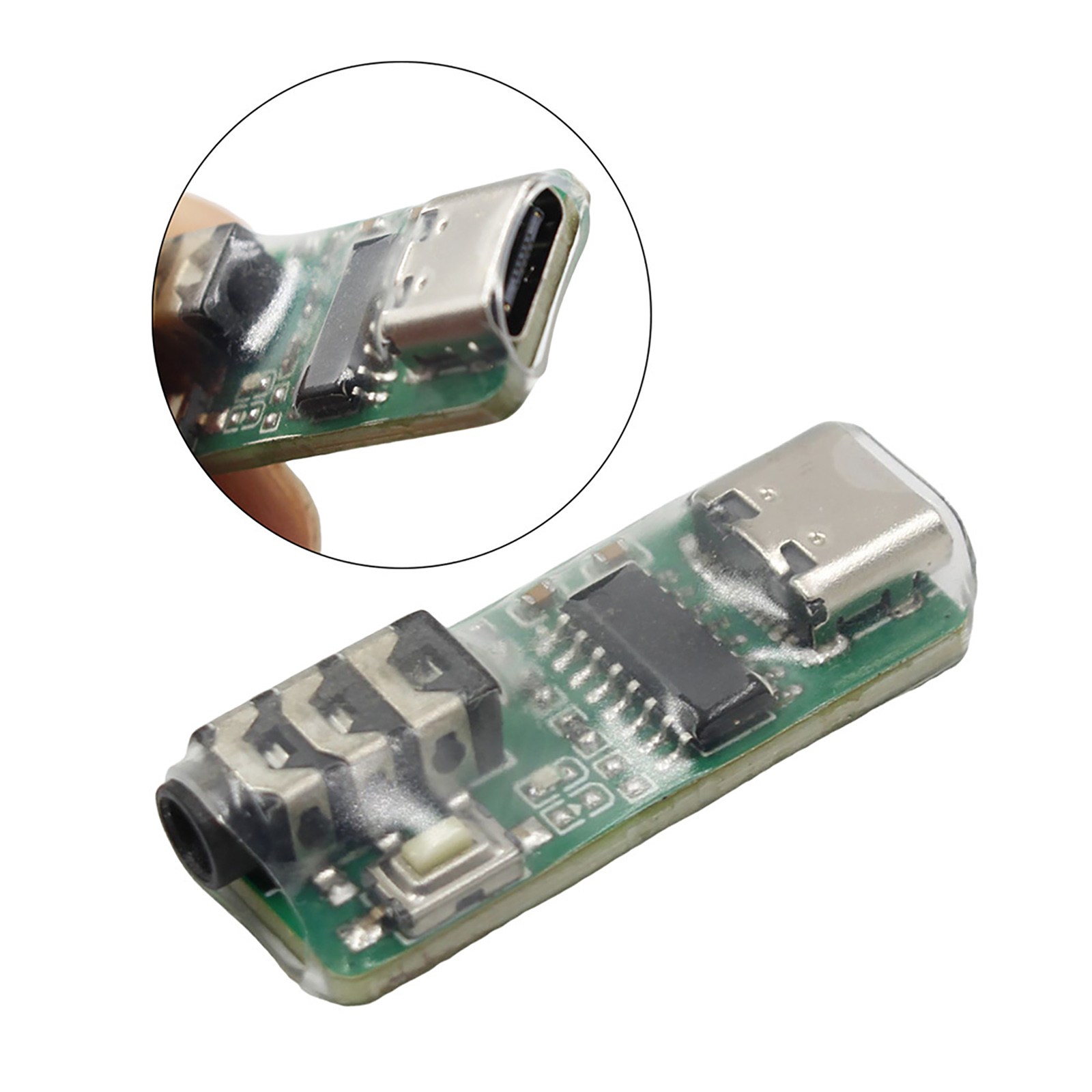
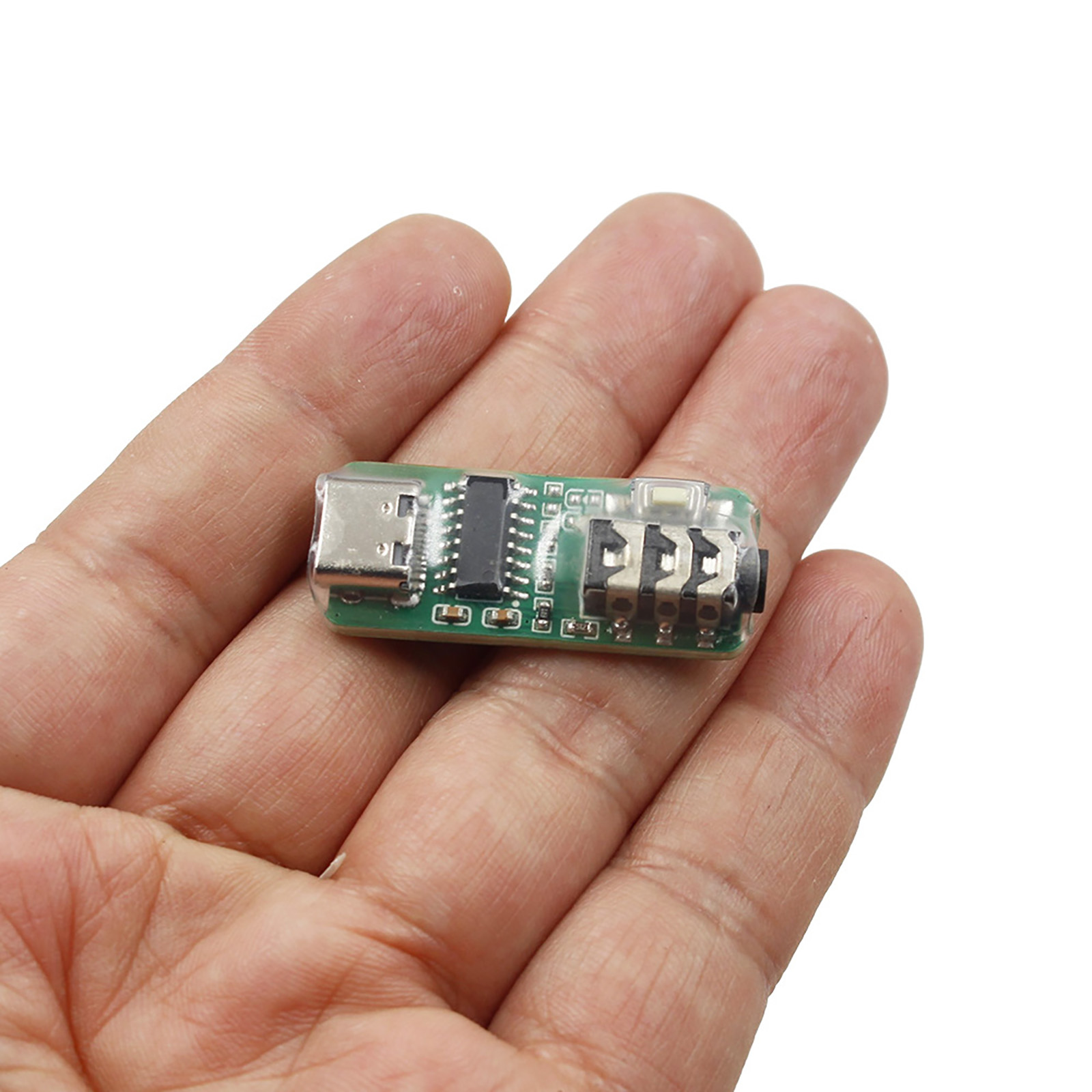
1. Type c interface: You can connect the computer through a mobile phone power cable, or you can connect the mobile phone through a dual Type c interface data cable. This trainer has built-in OTG circuit, so there is no need for OUG conversion.
2. Electric key interface: You can directly connect the hand key and the automatic key. To connect the hand key, you need to connect the hand key first and then connect the mobile phone or computer. This device will intelligently identify the hand key or automatic key.
3. Button: Used to switch between mode one and mode two. Press and hold this button to connect the computer or mobile phone to switch between the two modes. In mode one, this button can move the mouse mark. This function is especially important on mobile phones. Press and hold this button to move the mouse icon downward. Continue to press and hold this button until the mouse icon moves upward from the bottom of the phone screen.
4. Indicator light: Indicates the working status of two states. The indicator light is always on in mode 1, which is suitable for training software or APP operated by mouse, such as for Lakey, for Cwplayer, for MorseTrainer, etc.; the indicator light flashes in mode 2, which is suitable for some special training software or APP, such as for Vband website, for MorseMania, for MorseIt, etc.
Package Include:
1x CW Trainer(Type-C Interface)
1. Type c interface: You can connect the computer through a mobile phone power cable, or you can connect the mobile phone through a dual Type c interface data cable. This trainer has built-in OTG circuit, so there is no need for OUG conversion.
2. Electric key interface: You can directly connect the hand key and the automatic key. To connect the hand key, you need to connect the hand key first and then connect the mobile phone or computer. This device will intelligently identify the hand key or automatic key.
3. Button: Used to switch between mode one and mode two. Press and hold this button to connect the computer or mobile phone to switch between the two modes. In mode one, this button can move the mouse mark. This function is especially important on mobile phones. Press and hold this button to move the mouse icon downward. Continue to press and hold this button until the mouse icon moves upward from the bottom of the phone screen.
4. Indicator light: Indicates the working status of two states. The indicator light is always on in mode 1, which is suitable for training software or APP operated by mouse, such as for Lakey, for Cwplayer, for MorseTrainer, etc.; the indicator light flashes in mode 2, which is suitable for some special training software or APP, such as for Vband website, for MorseMania, for MorseIt, etc.
Package Include:
1x CW Trainer(Type-C Interface)