Tips:
1.Why does the car radio show "No signal" "keep black" " Show Nine-Palace Grid Image" ...when we are driving in reverse? (Camera Not included )
"Rear camera resolution needs to be adjusted
In
the radio factory setting - factory password 8888- video source
setting, select AHD, please feel free to contact us if you have any
issues about it."
2.Why does the car radio not turn on?
2.1 Please check the voltage of the car radio: 12V
2.2
When you test this car radio, you can combine the red and yellow wires
and connect them to the positive side of the power supply.Black wire to
negative power supply.
2.3
Replace the same type of insurance to test the car radio. Note: Please
need to use our power cable to connect our car radio,"
3. Why does the camera show ""!"" and ""Video can not be watched while driving"" when I watch videos via USB?
Please turn off the ""Video warning"" function in the settings, then everything is fine."
4.Why can't I search for FM?
4.1 No radio antenna is connected;
4.2 Please check if the radio antenna is plugged in. Please plug in several antennas several times to achieve good contact;
4.3 The signal at your location is not good. Please go to a better place to test again.
4.4 The radio antenna on the car is broken/no effect; please replace the radio antenna and test again."
5. Steering Wheel Control:
5.1 Please make sure the steering wheel control cables was connected successfully.
5.2 Enter "" settings - factory setup-8888-party control learning"
Before studying, press the ''reset '' to clear the memory first.
Long press the steering wheel function icon on the radio, at the same time press the relevant button on the car steering wheel.
After successfully studying, induction comes. You can test the function of the button and study again if it fails."
6.Why can't the car radio be connected via Bluetooth?
6.1
Open the phone settings, open Bluetooth in the Bluetooth function,
search for Bluetooth devices, find the Bluetooth model of the player to
pair; if you need a pairing code, enter 0000; if not, try 1234 or
123456.
6.2 Please try to test this function with another mobile phone.
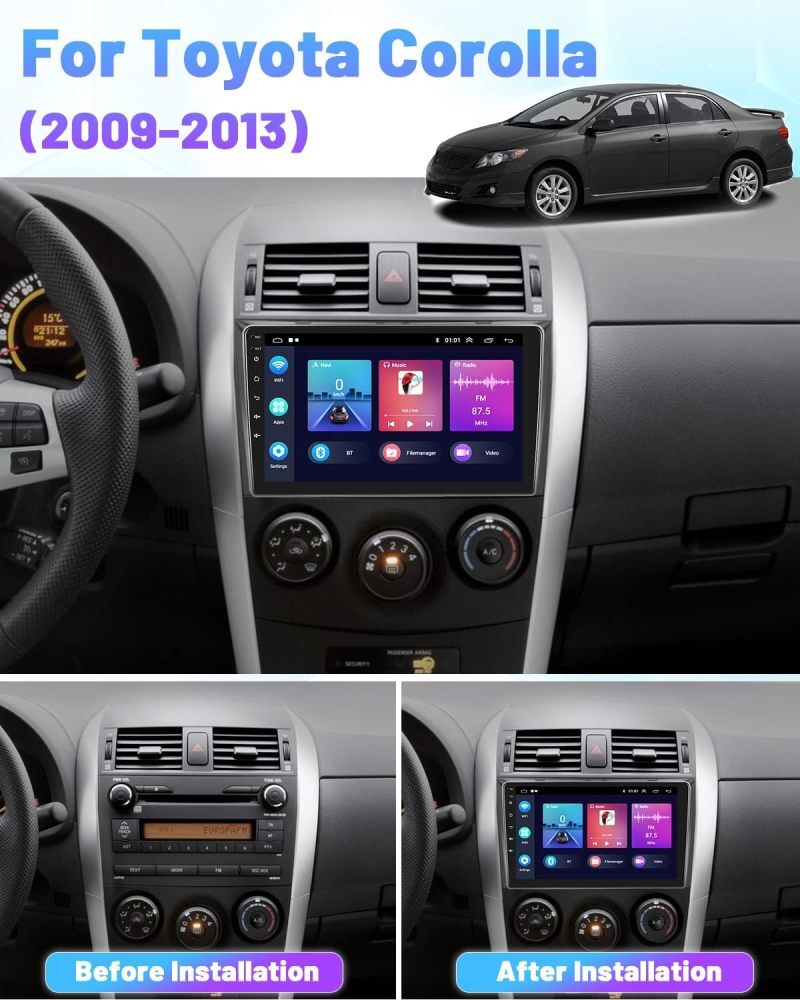
7. How to confirm compatibility ?
7.1 Please check the notices pictures when purchase on our listing.
7.2 Please check the console center images of your original car
7.3 Please check the back pictures of your original complete car radio
7.4 car production year and the car models
For example:
Model: Ford
Type: Mondeo
Year: 2004
7.5 Please send us the above information if you can not confirm.
(Note: Please make sure the pictures were clear and complete