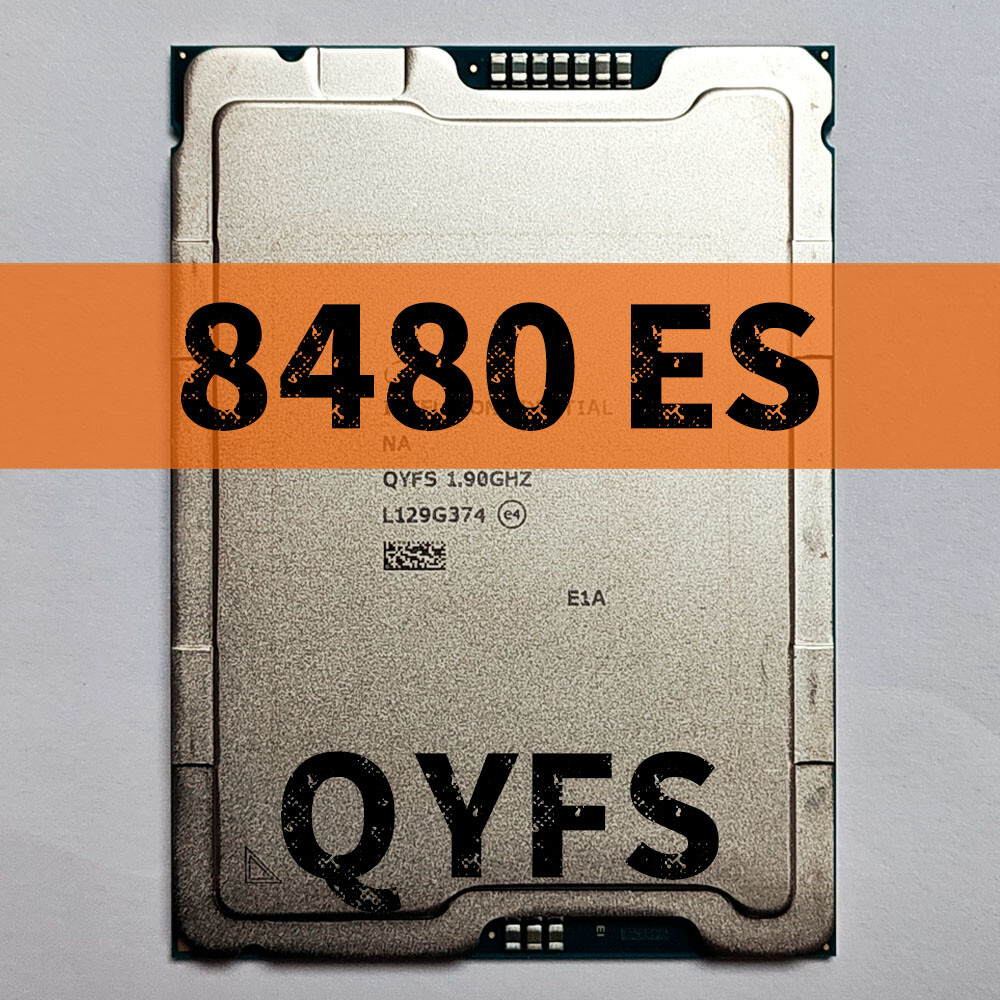
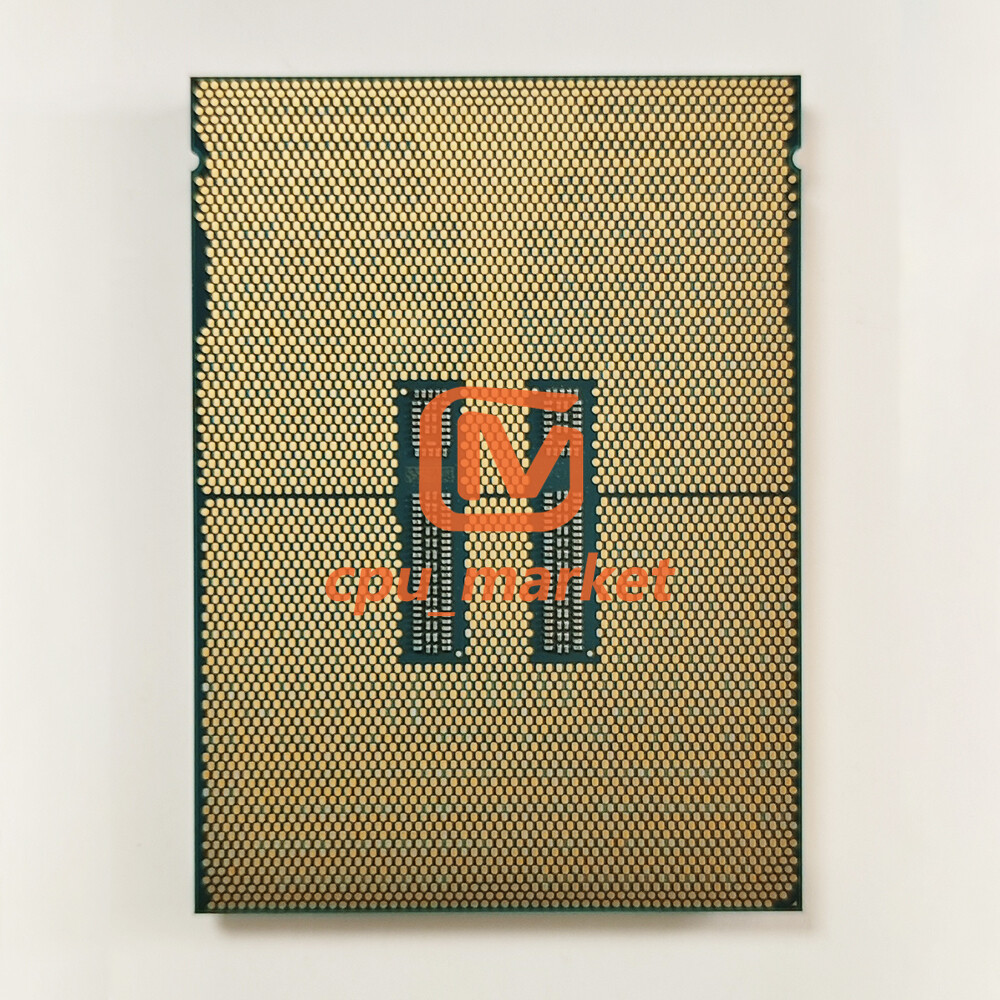
Intel Xeon Platinum 8480+ ES QYFS 1.9GHz 56 Cores 112 Threads 350W LGA4677 CPU

Product Description

Single core frequency 3.7G; Full load full core 2.8G, step 3.


*This item is ES (Engineering Sample), not the official version, and its performance is different from the official version.


*Only ASUS W790 and Gigabyte C741 support (e.g. Gigabyte MS73-HB1)


Before purchasing, please check if your device is compatible with our products. If you have any questions, please let us know your device model and we will check if it is compatible. Thank you!


Error:
CPU_CATERR sensor of type processor logged a IERR

Intel Server D50TNP or Intel Server M50CYP based server system is constantly crashing and System Event Log (SEL) shows error message: IERR - CPU boot FIVR fault
This fatal error is reported by the processor but generally caused by devices outside of the processor core (e.g., memory, PCIe).
Resolution
Analyze the System Event Log events to troubleshoot and isolate if the error is related to memory or PCIe add-in adapters.
It is also recommended to update the system FW.


Question: Hello! I bought a QYFS and a Gigabyte MS03-CE0 motherboard. I am stuck with "EE" code during the chipset initialization phase for more than 20 minutes. I have 1 stick of known good 4800 MT DDR5 ECC RDIMM and no peripherals. CPU is torqued to 8 in-lb (0.9 NM). Could someone share F13 BIOS with me?
Answer: BIOS too new. only up to R12 support SPR-SP D0
PM you with BIOS link
Solution:
1) Download and unzip the BIOS zip file to your working machine.
2) Connect BMC LAN to a switch. Connect your working machine to the same switch.
3) When you turn on your MS03-CE0 machine you'll see a BMC IP address. Open up a browser on your working machine with that IP address. Go past the scary certificate warning. Log in with username admin. Password is the BMC password that hopefully was on the black socket cover that came with your motherboard.
4) Goto Maintenance > Firmware Update. Select BIOS. Find and upload RBU > image.rbu file. Proceed with flashing.
5) Turn off your MS03-CE0. Reset CMOS by removing coin cell on your motherboard and moving the jumper to "Clear CMOS" . After a minute, reinsert the coin cell and move the jumper back.
6) Turn on, enjoy your working system .

1) Standard SpeedPAK Shipping

Normal 8-12 Business days deliver to United States and most countries.

If you choose Expedited Shipping,package will be shipped by FedExDHL or UPS.(2-7 days delivery.)

2) If you have problem of customs clearance(Invoice,declare value and etc.),please feel free to contact us,we will reply asap.

3) We will only ship the item to your ebay address, please make sure it's 100% right. (Tel number is requried.)

If need revise address,pls cancel order then place order with right address.

We will provide you good products at the reasonable price !!!

You can ask us quoted price for any products you want !!!

Welcome Wholesale !!!

After-sale follow up service

1) If for some reasons you're not satisfied with our service or product quality, please contact us without hesitate after you received the package.

2) Although we tested every items and they were packed professionally, few items(less than 0.1%) might be damaged during the transit. You are welcome to contact us if has any problem of the items.

3) Repair some products might be damaged cause by improper use, we are always happy to offer helpful repair service.

4) Warranty will not be valid if the defect was caused by customers abuse, negligence, or mishandling.

1)Our working time is from 9 am to 12 pm Monday to Sunday.(GMT+8 )

2)Please send us email via "My Message" on eBay. All messages will be replyed within 12 hours,if without response to you within 24 hours, please kindly remind us or check the spam in your mail box.


Welcome  to contact us anytime ! ! !