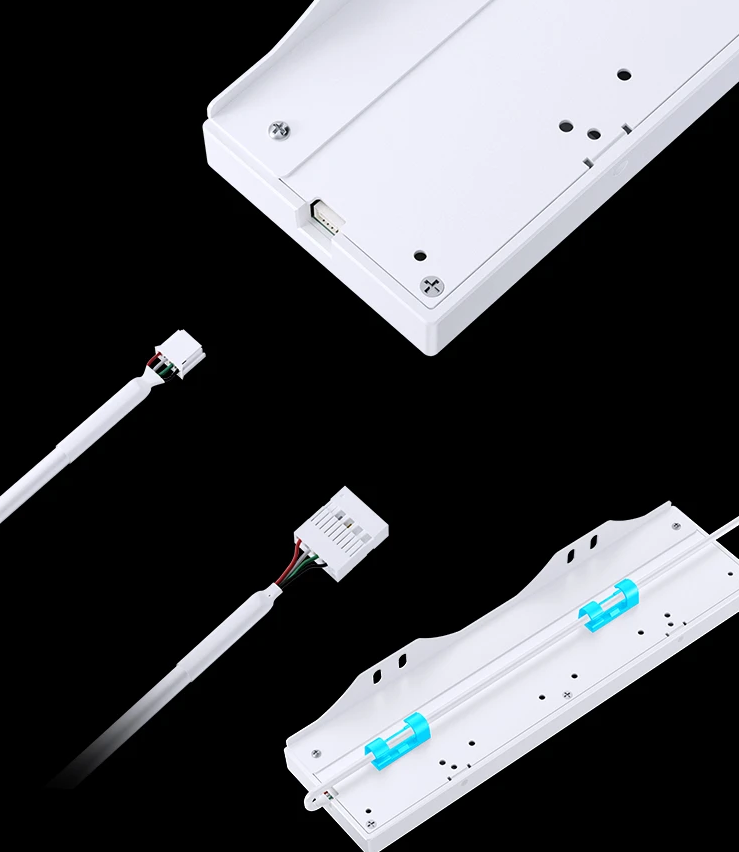
Case Installation:
TK-1 Case Native Hole Position Installation Diagram:

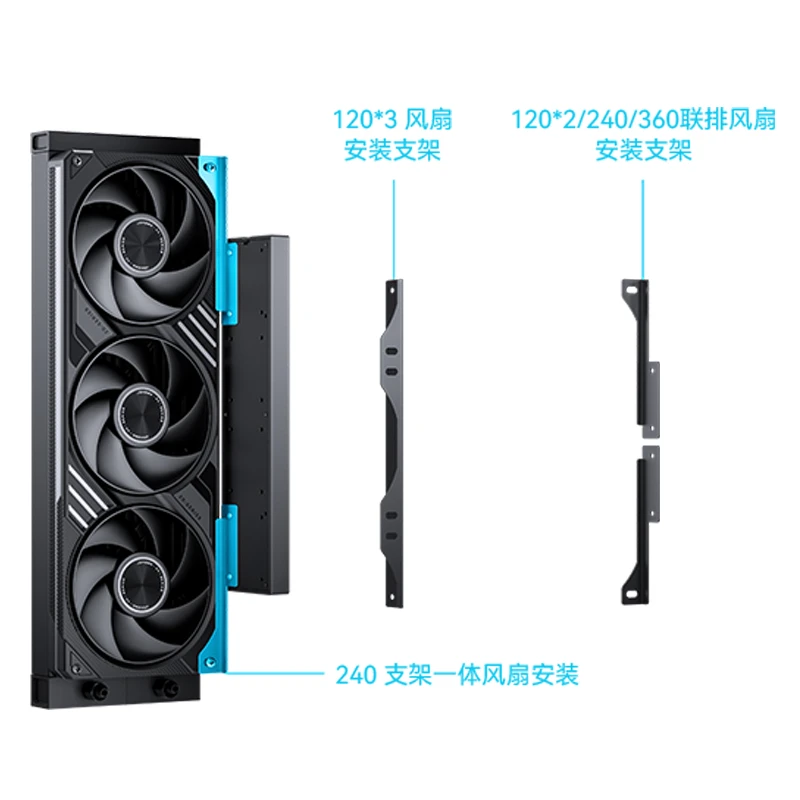
Water Cooling / Fan Mount Installation:
Mounted by hanging from the mounting holes of individual fans or fans on the radiator.
Does not block the side lighting effects of the fans.
Compatible fan specifications:
1203 / 1202 / 240 fan array / 360 fan array positions
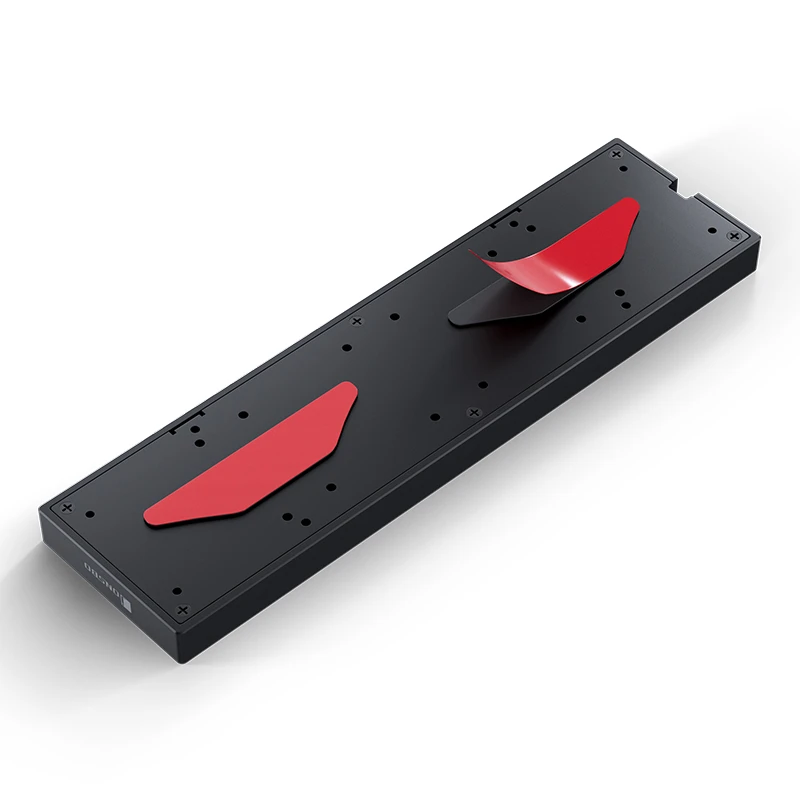
3M Adhesive Installation:
Peel off the 3M adhesive film and stick it to a flat, suitable position.
For magnetic fixation, additional purchase of flexible magnet double-sided tape is required.
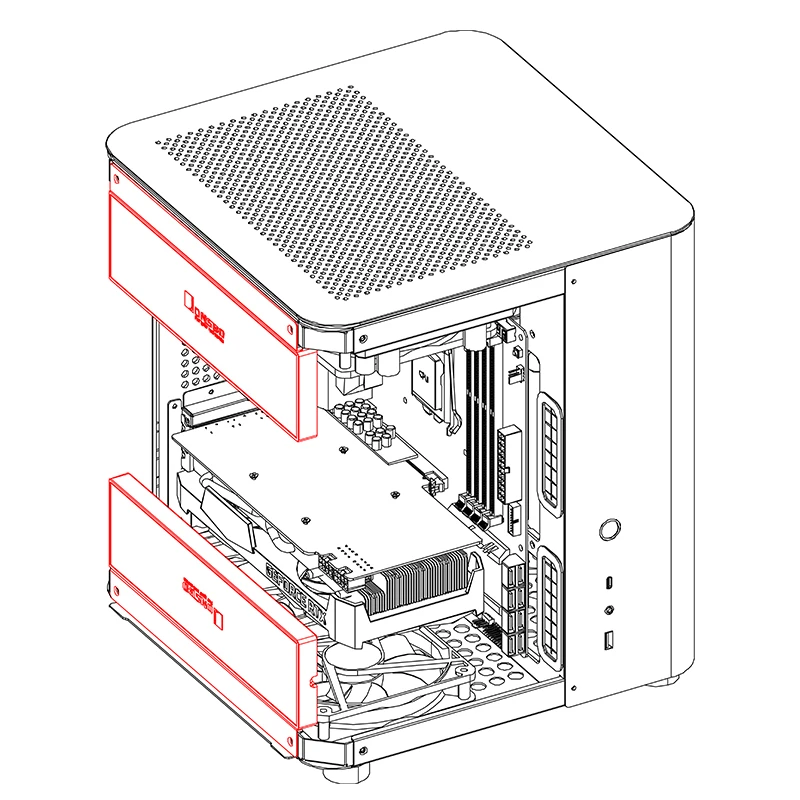
Reference Installation Positions:
Additional secondary screen accents can be added to the top, bottom, side, and other positions of the case via the mounting holes of individual fans or fans on the radiator.
|
Product Model: DS339 |
|
Product Size: 90mm(W)*35mm(D)*11mm(H) |
|
Screen size: 3.39 inch |
|
Material: ABS plastic |
|
Screen resolution: 360*960 |
|
Supported system: Windows, requires win10 and above operating systems |
On 06-Mar-2026 at 08:09:58 GMT, seller added the following information: