RisingCam USB3.0 5mp 8mp 12mp CMOS sensor C mount digital microscope camera for biological and Stereo Microscope
Model No. YW500U3 / YW800U3 / YW1200U3
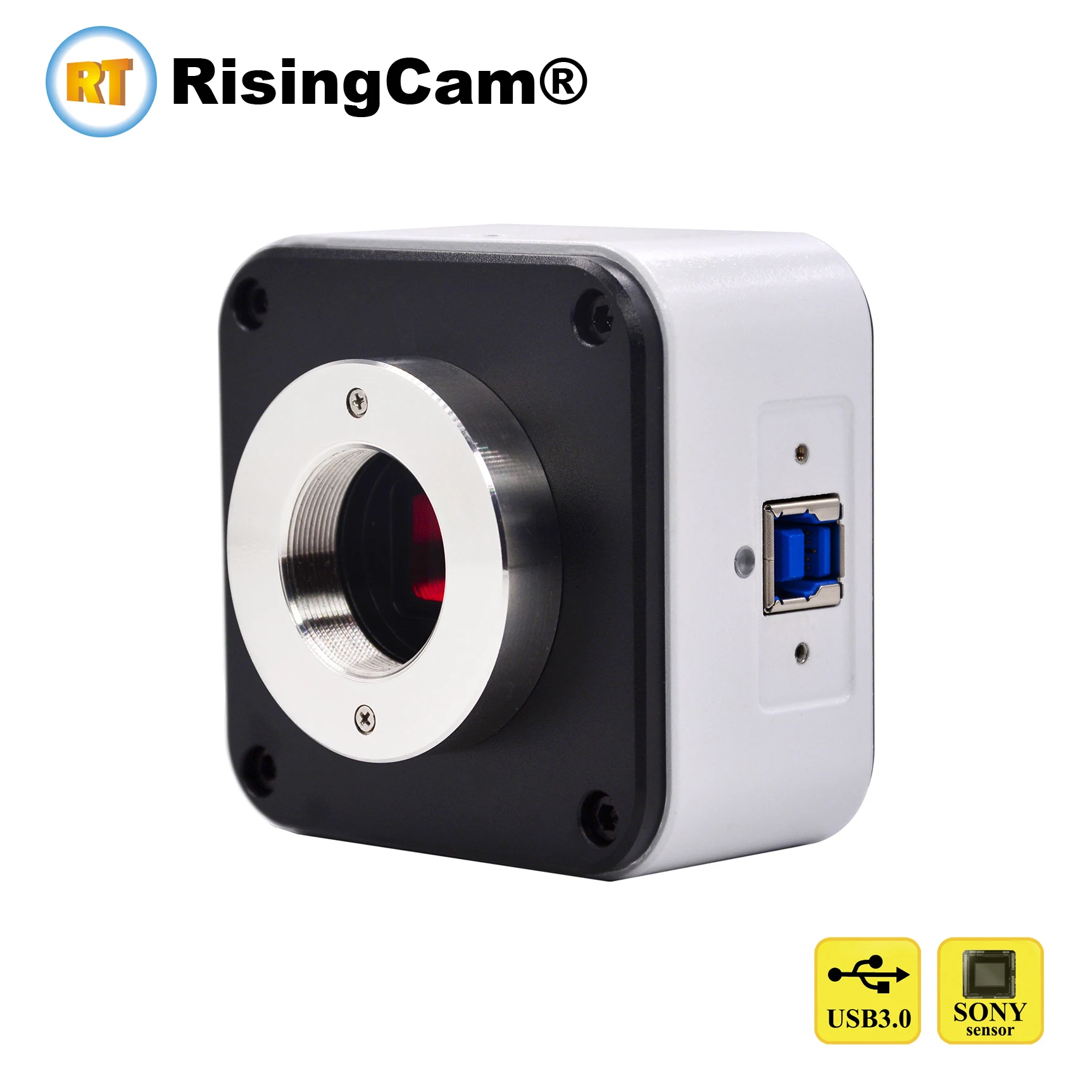
Install SONY Color CMOS Sensor imx335, imx678, imx676
Resolution: 5mp, 8mp, 12mp for choice
USB3.0 highspeed output
Standard C mount
Sony High sensitivity CMOS sensor
The USB3.0 output of the camera can connect to Windows computer
S-EYE2.0 software , Camera support UVC
Note: This camera only can work with Windows Computer
|
Camera Model |
YW500U3 |
YW800U3 |
YW1200U3 |
|
Sensor Model |
SONY imx335 |
SONY imx678 |
SONY imx676 |
|
Sensor Type |
CMOS / Color |
CMOS / Color |
CMOS / Color |
|
Sensor Size |
1/2.8 inch |
1/1.8 inch |
1/1.7 inch |
|
Pixel Size |
2.0x2.0 um |
2.0x2.0 um |
2.0x2.0 um |
|
Resolution |
2592x1944(5.0mp) |
3840x2160(8.3mp) |
3520x3520(12mp) |
|
Max Frame Rate under Full resolution |
30fps |
30fps |
20fps |
|
|
|
|
|
|
Shutter |
Rolling Shutter |
Rolling Shutter |
Rolling Shutter |
|
Output |
USB3.0 |
USB3.0 |
USB3.0 |
|
Mount |
Standard C mount |
Standard C mount |
Standard C mount |
|
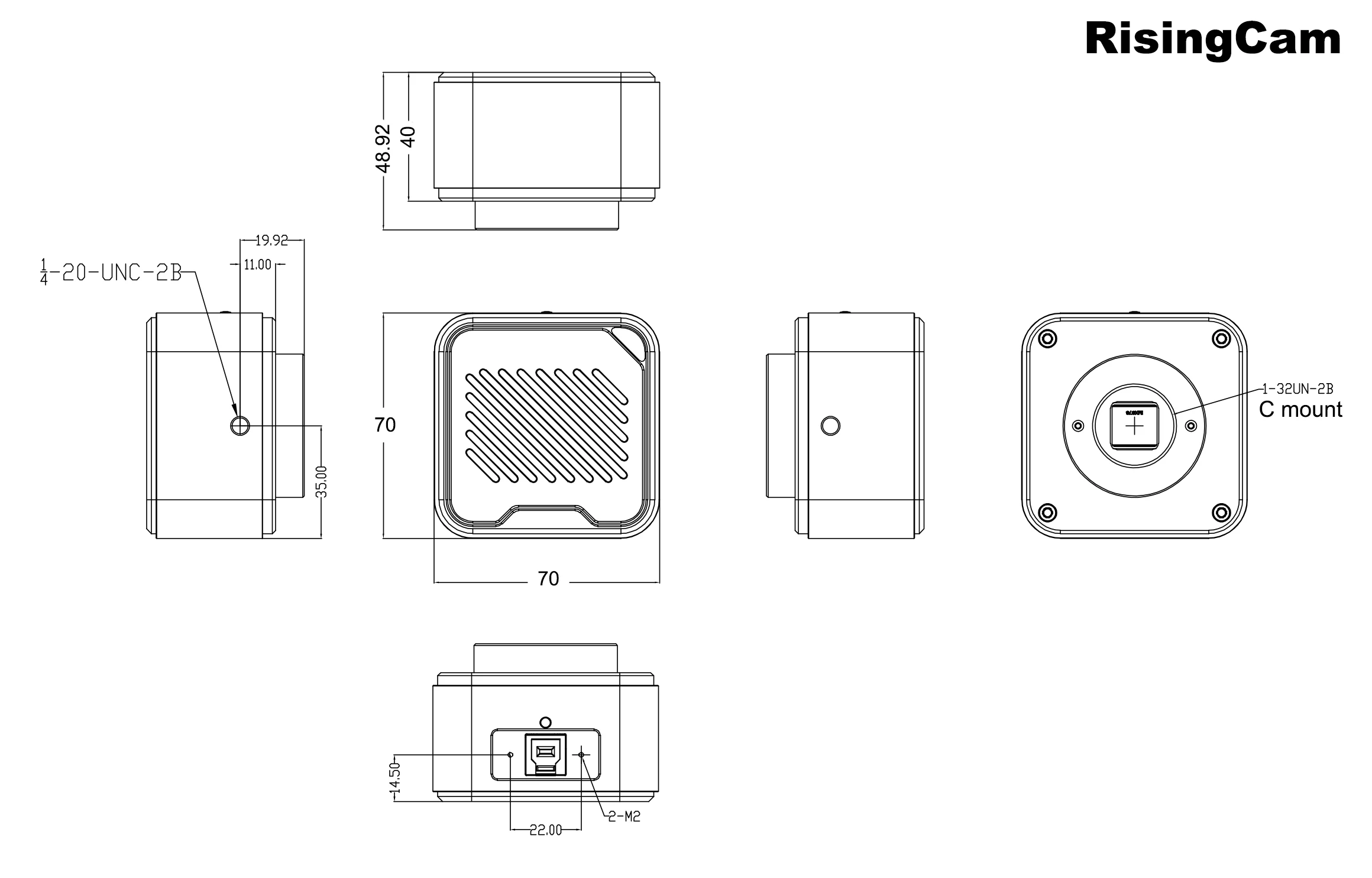
Camera size |
70x70x48.9mm |
70x70x48.9mm |
70x70x48.9mm |
|
Net Weight |
330g |
330g |
330g |
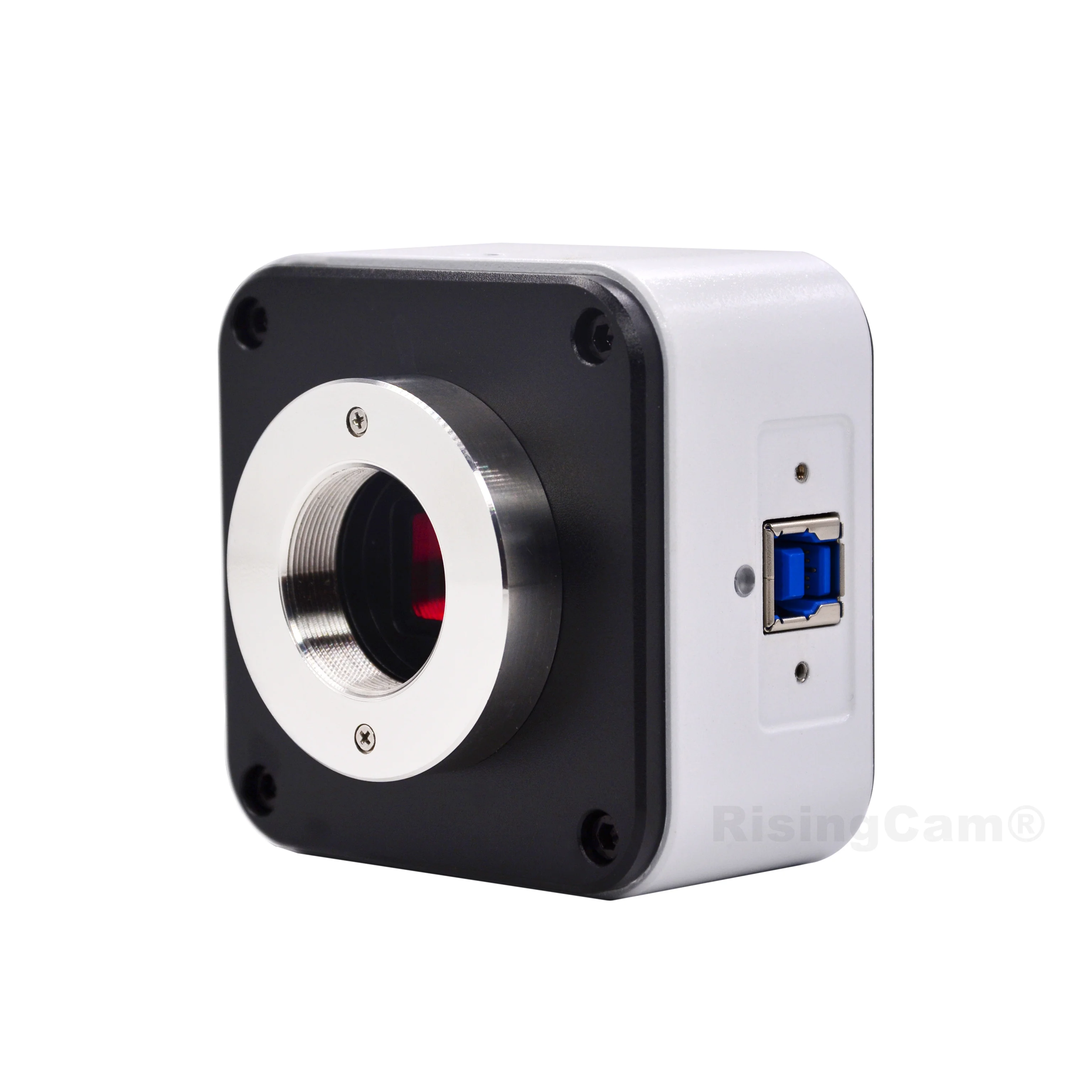
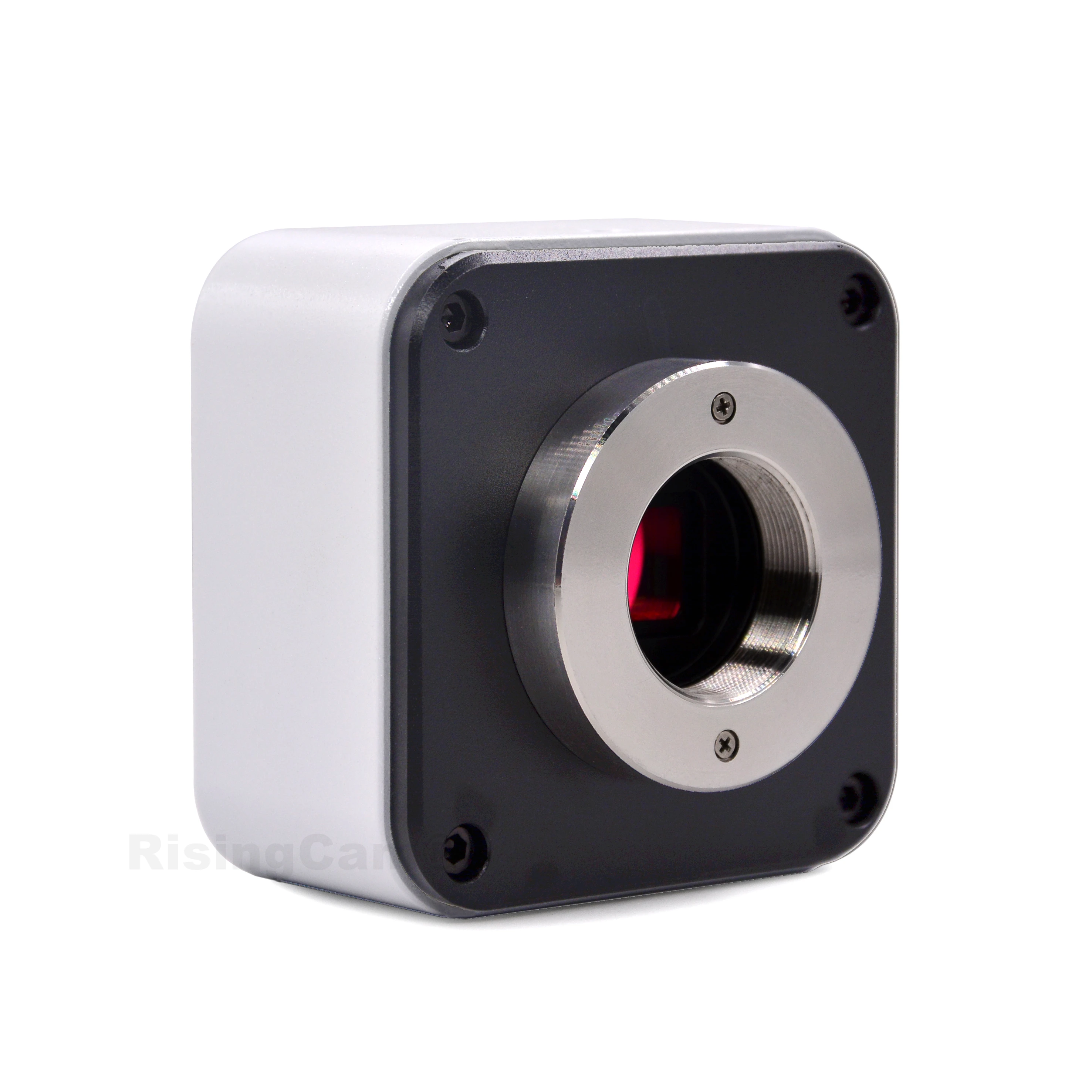
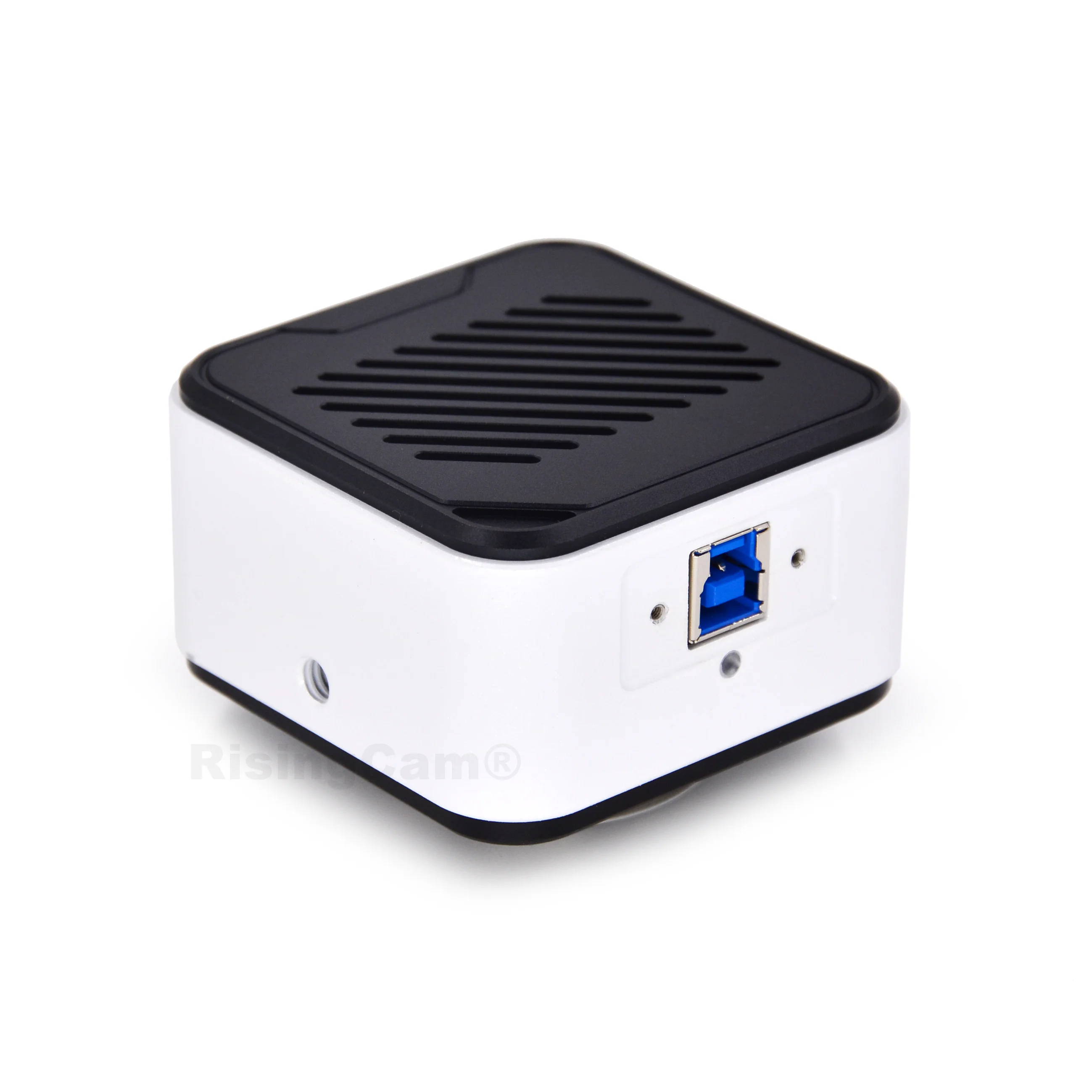
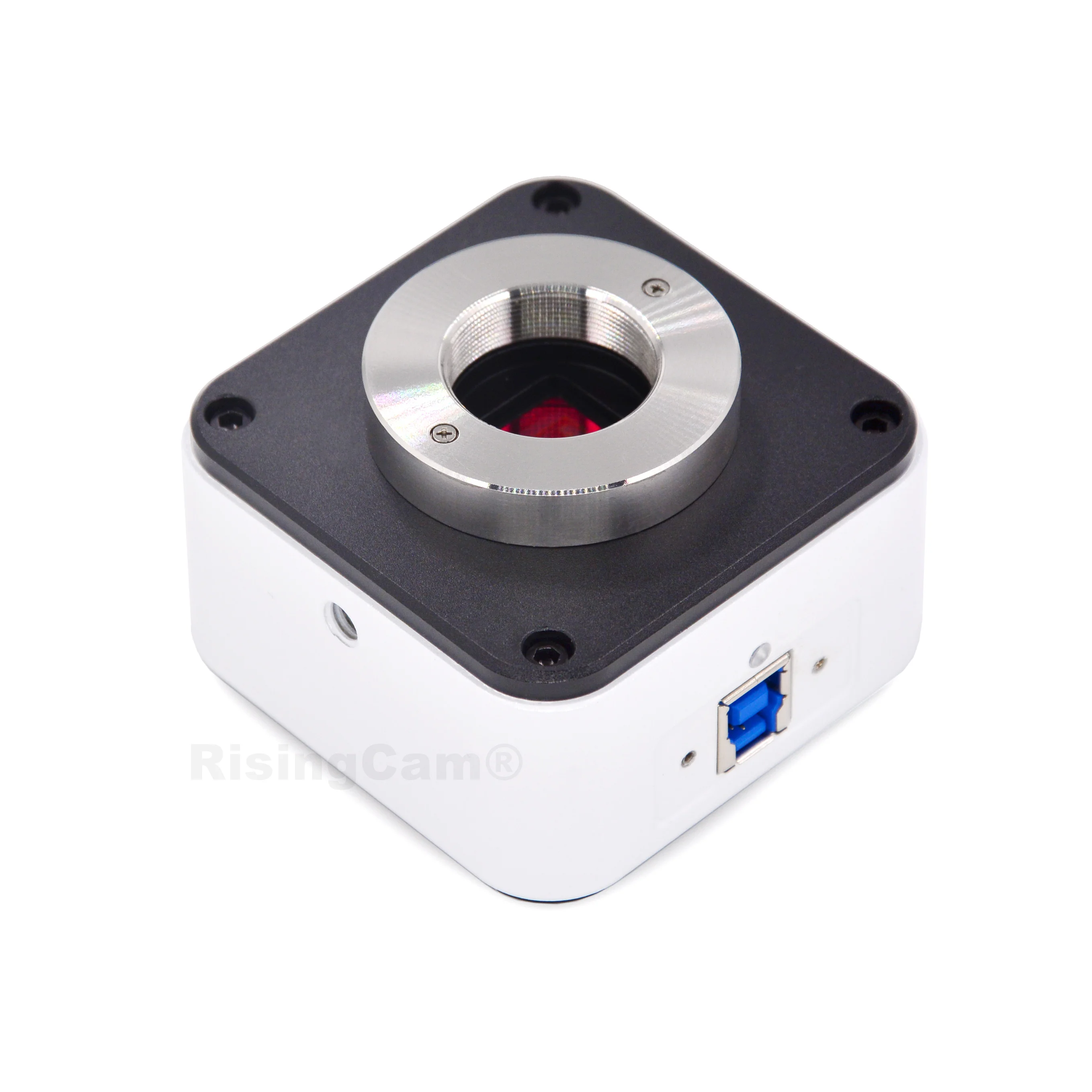
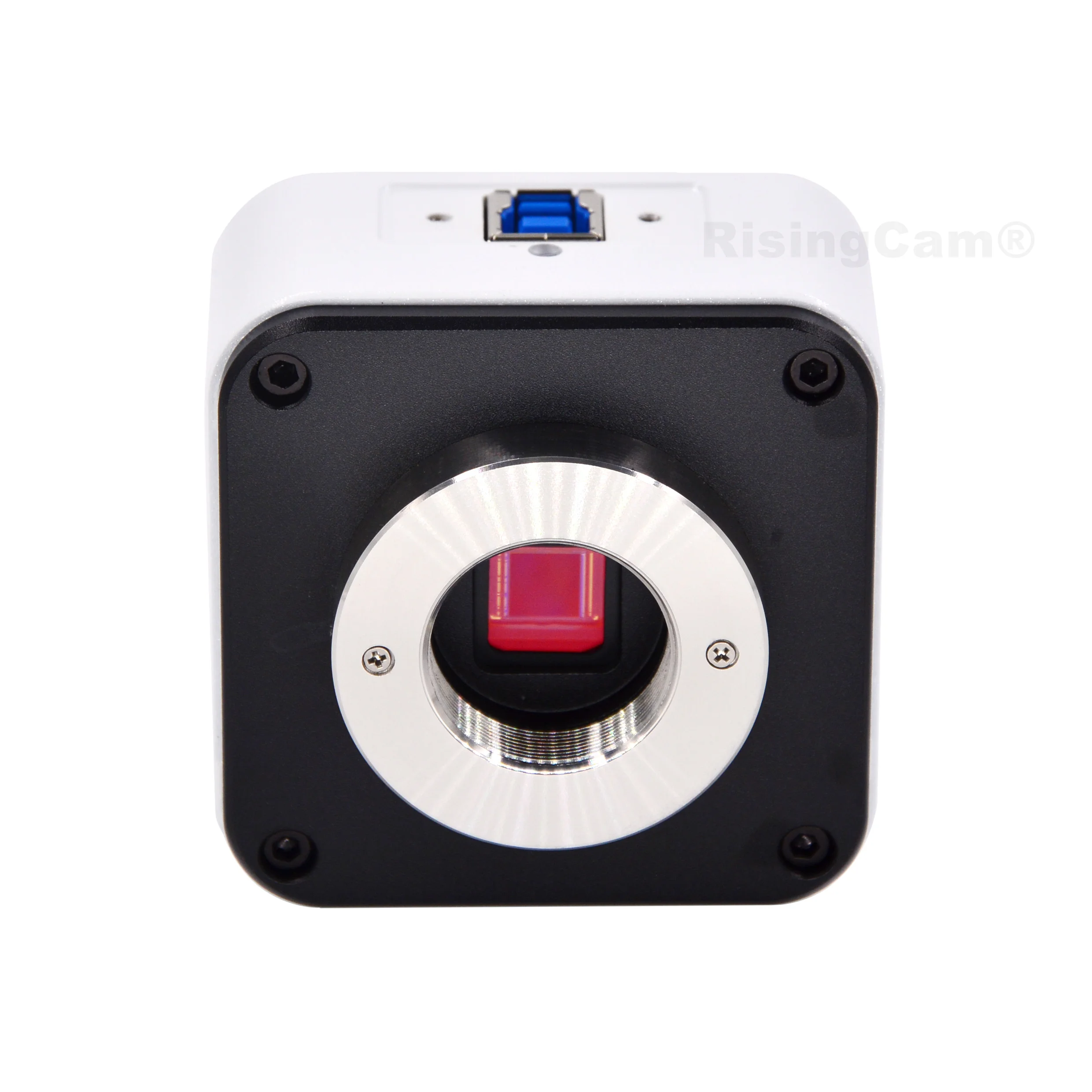
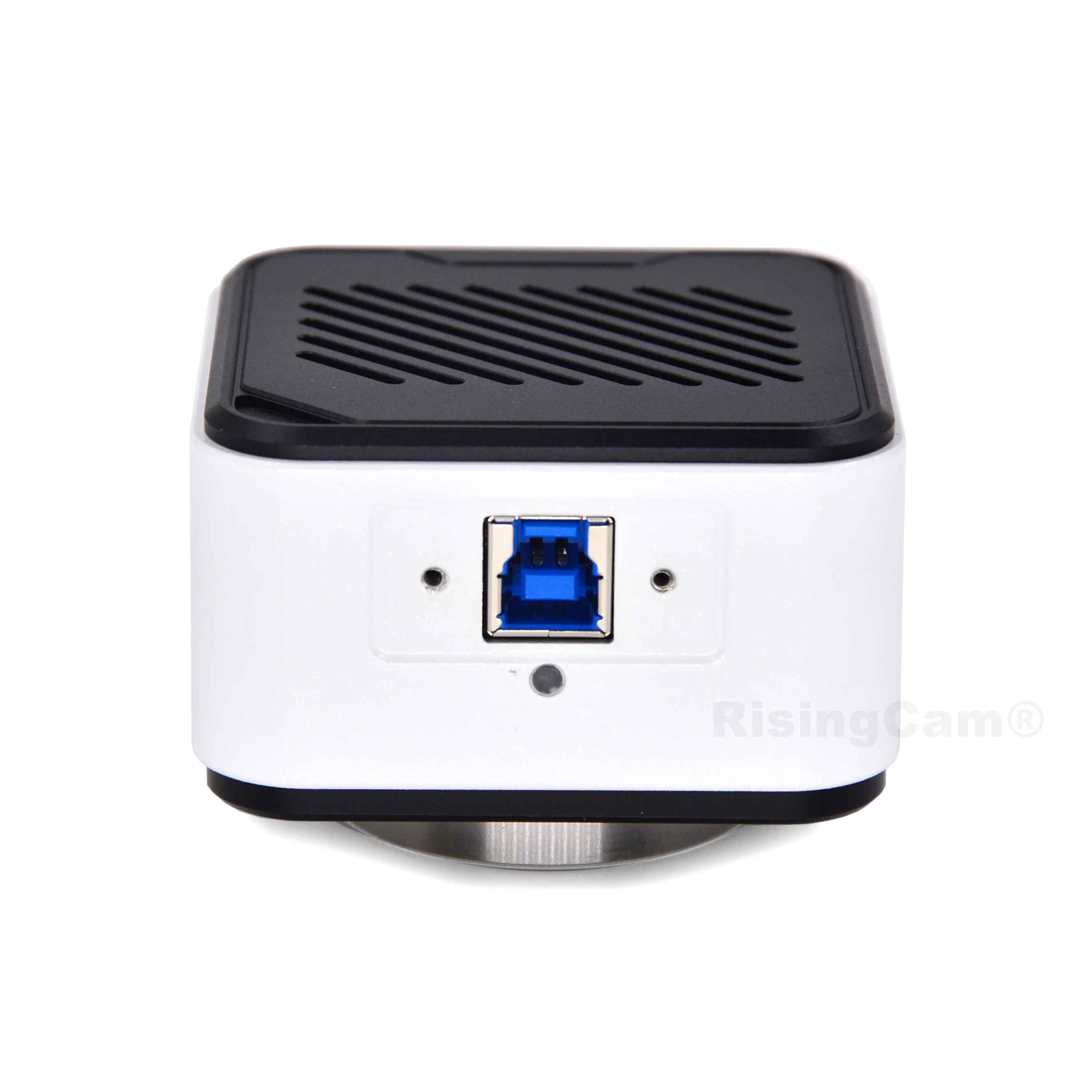
SONY Color CMOS Sensor imx335, imx678, imx676
Sensor size: 1/2.8", 1/1.8", 1/1.7"
Resolution: 5mp, 8mp, 12mp for choice
USB3.0 highspeed output
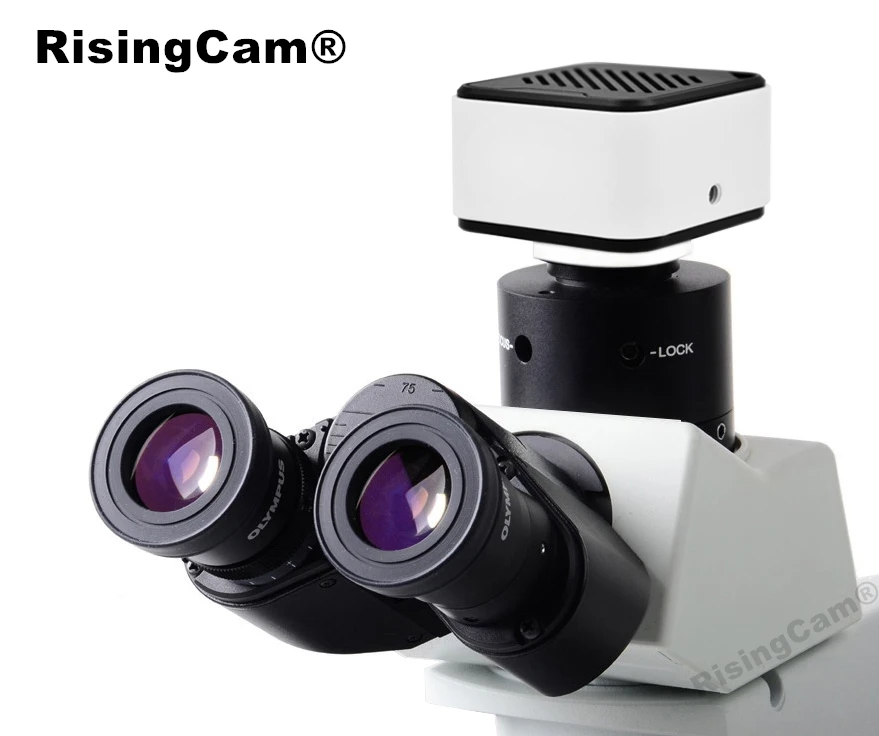
Camera with standard C mount
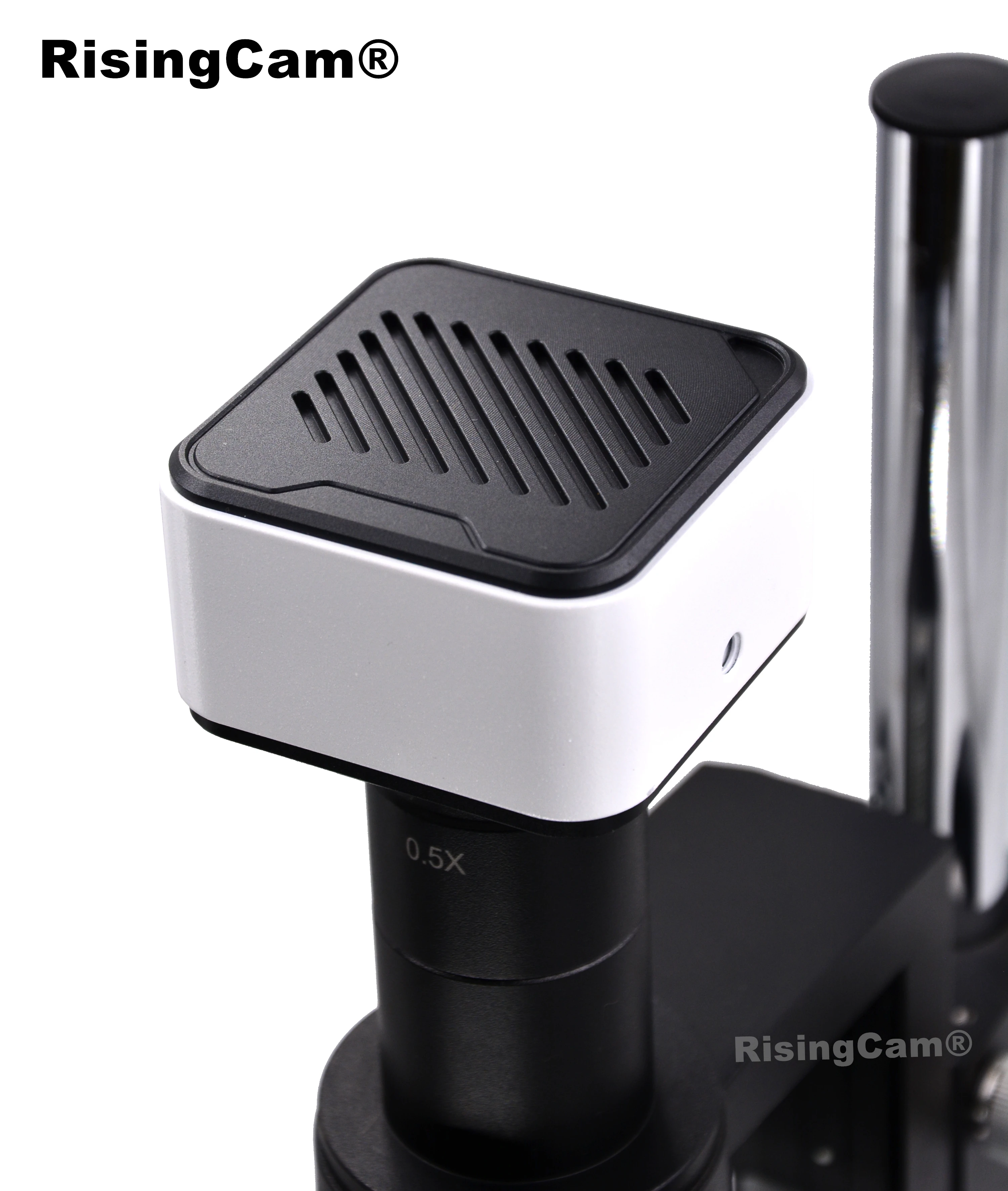
Camera work with Stereo Microscope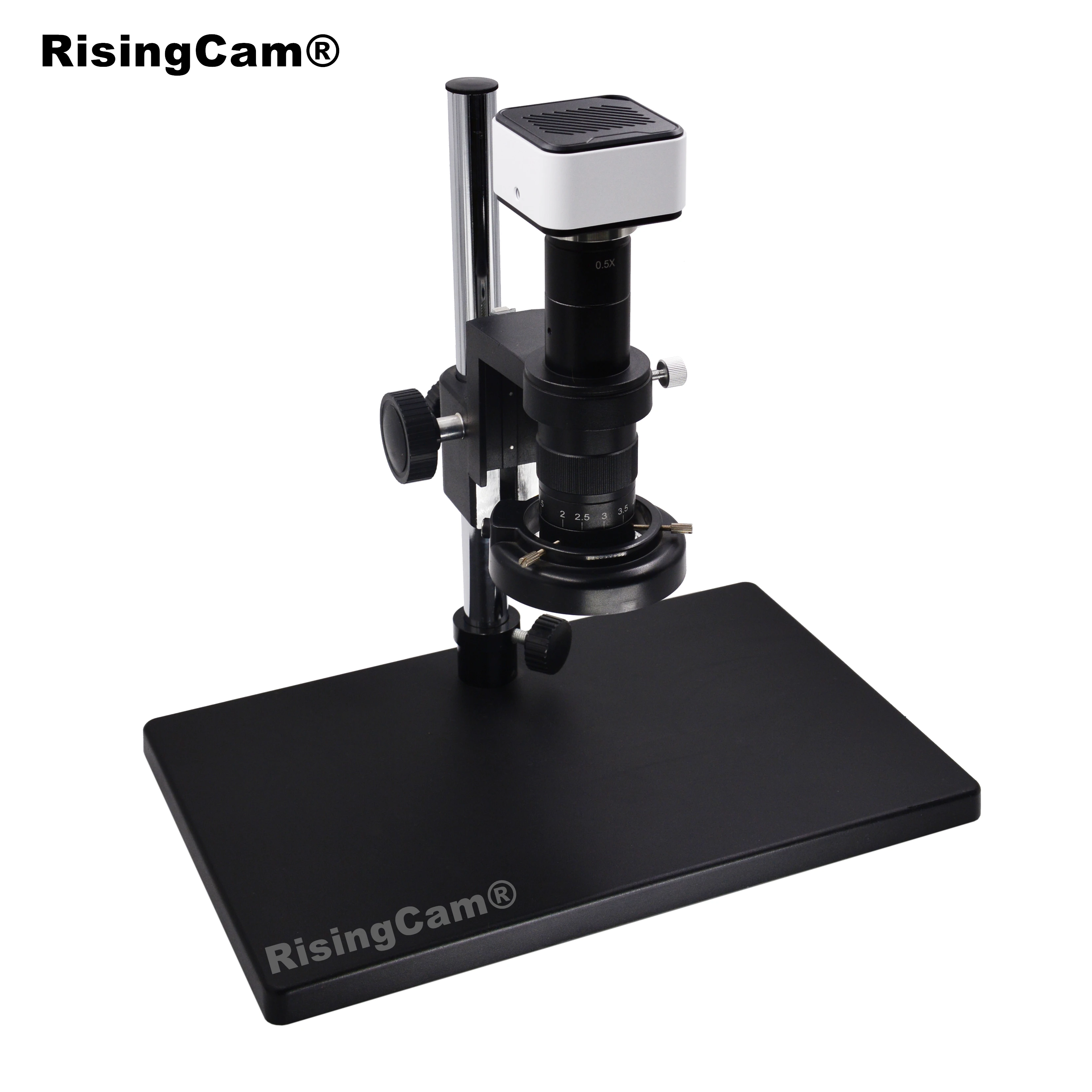
Camera work with Biological Microscope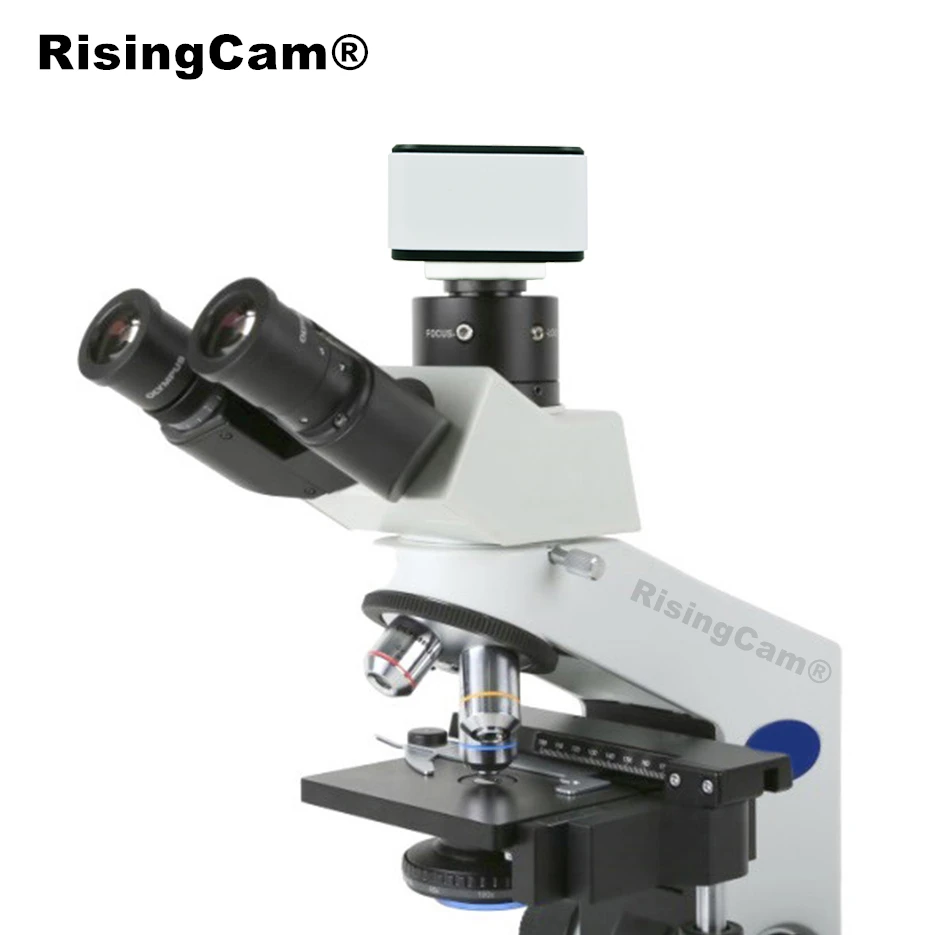
This Camera has USB3.0 output, it only can work with windows computer
RisingCam provide S-EYE2.0 software for buyers, S-EYE2.0 only support Windows system computer
buyers could download S-EYE2.0 software from this link
https://risingcam.aliexpress.com/store/1918400/pages/official-brand-story.html?spm=a2g0o.store_pc_home.pcShopHead_5977172.3
Camera work with Windows Computer connect steps
-
Install S-EYE2.0 software into Windows Computer
-
Connect Camera to Computer via USB cable
-
Start S-EYE2.0 Software, select Camera model number, then user can see image from camera
NOTE:
1. if user use Laptop, please Make sure Windows system does not disable the camera,and,
please select laptop battery option to High performance (The Power Saver maybe limit USB working)
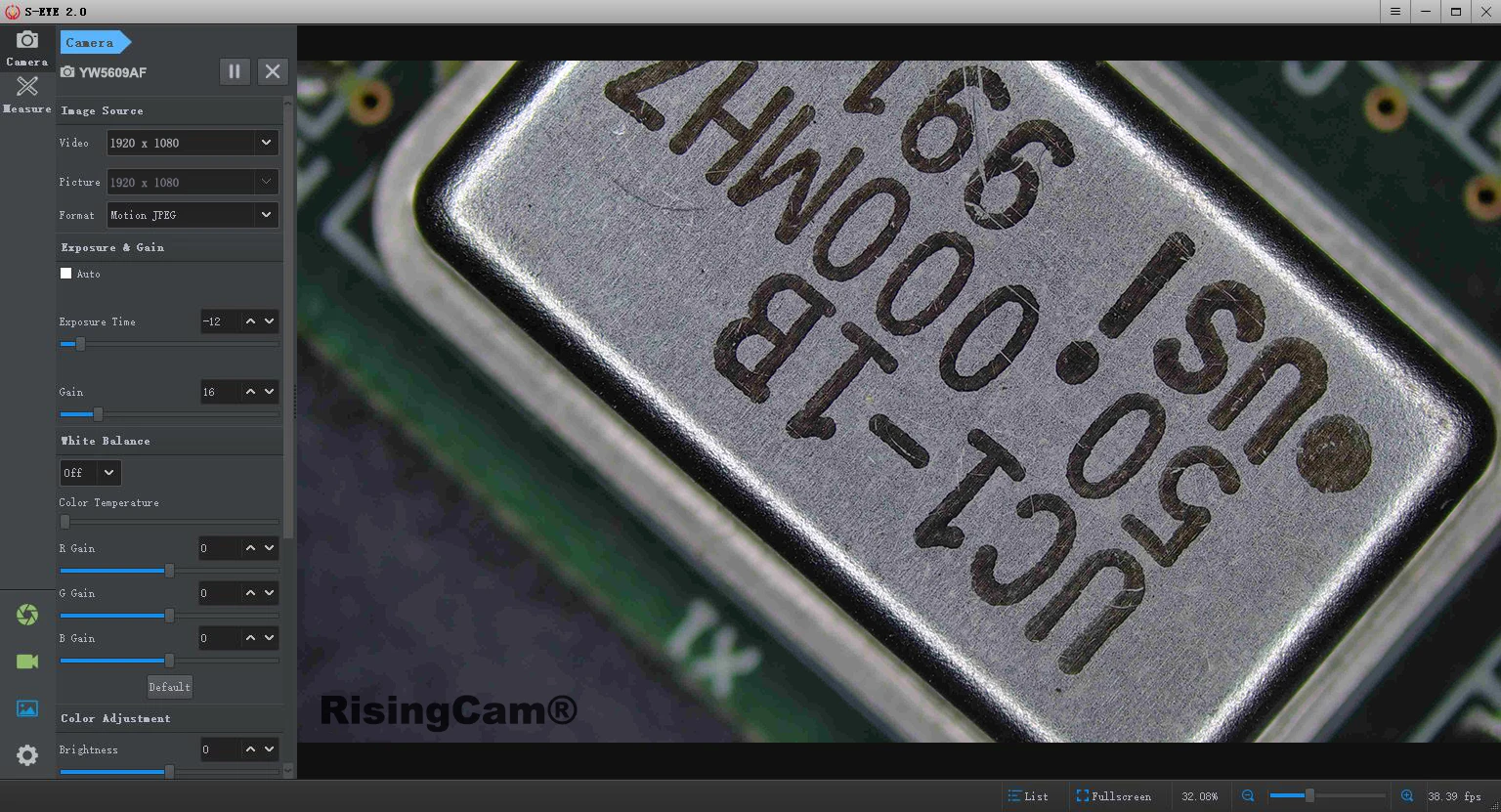
Camera USB output can work with other software which support UVC,
below picture is Camera work in OBS software under Windows Computer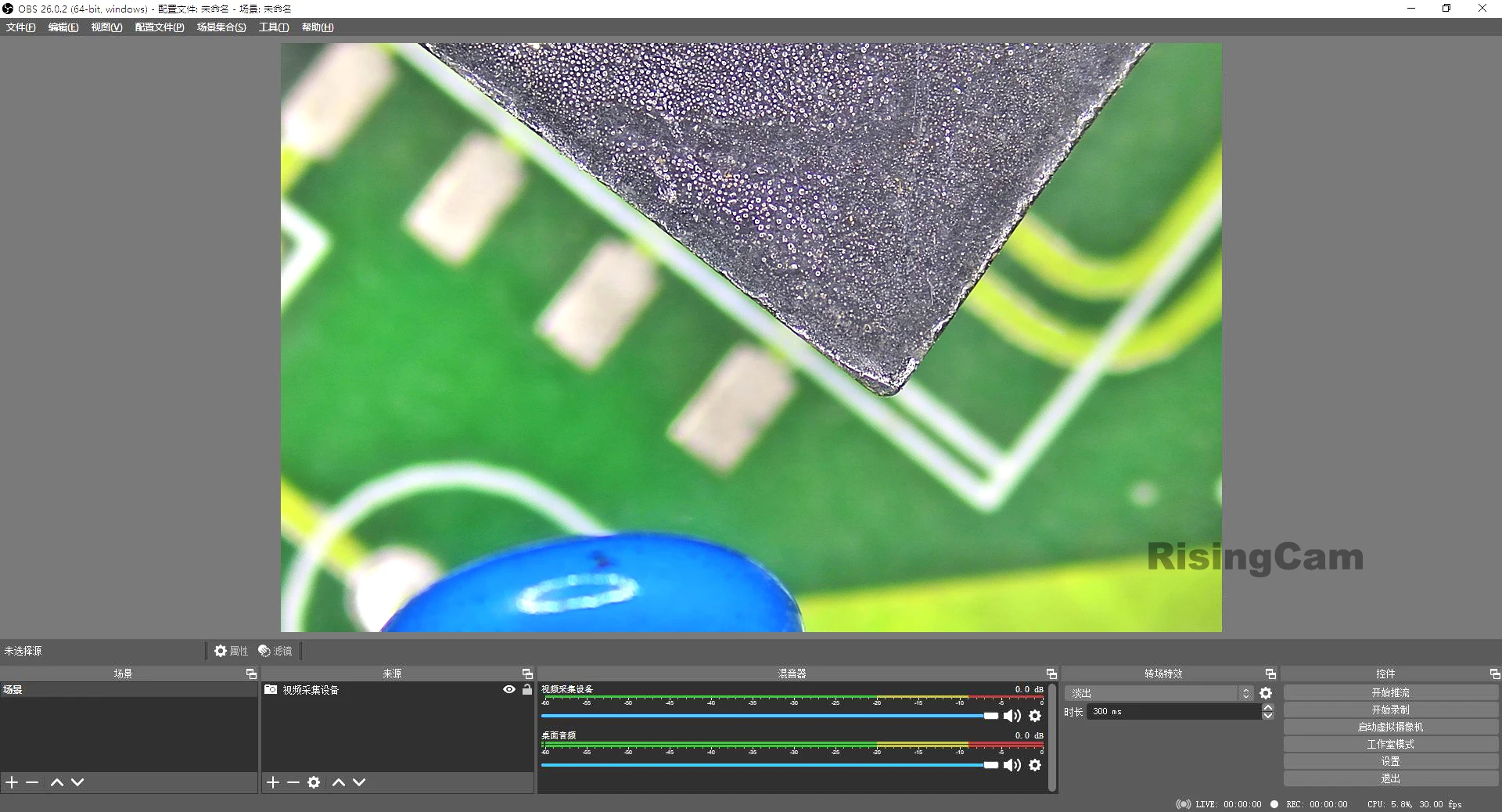


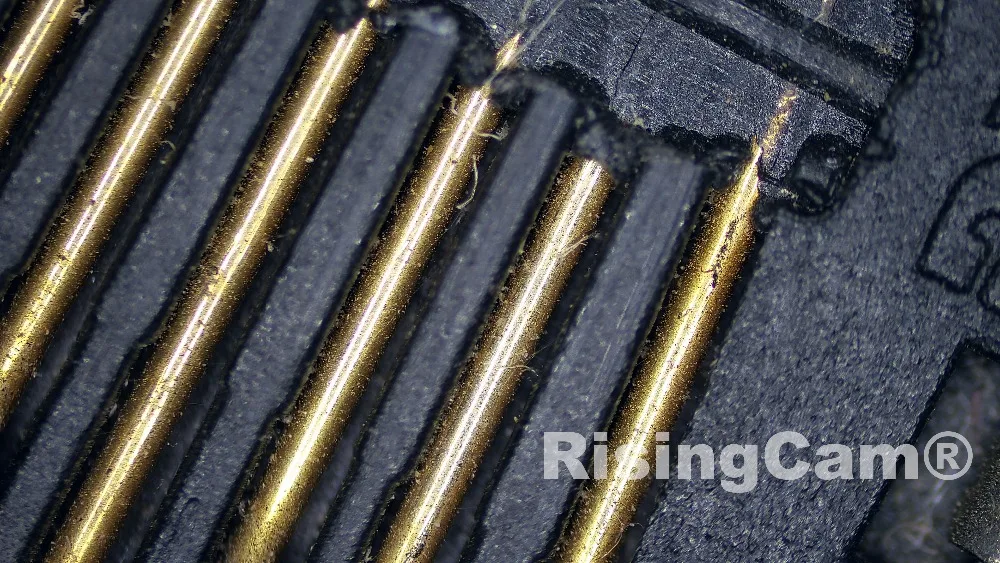
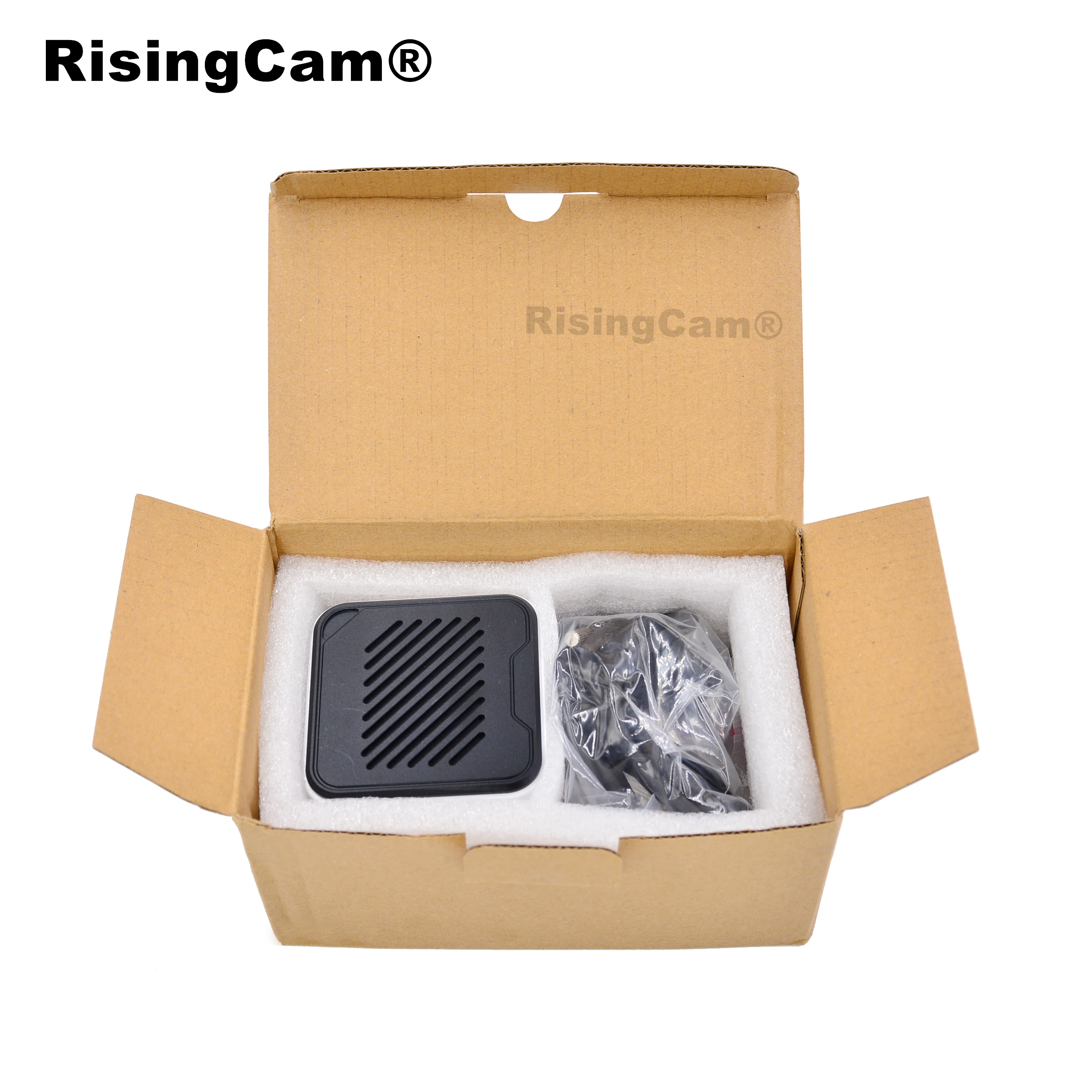
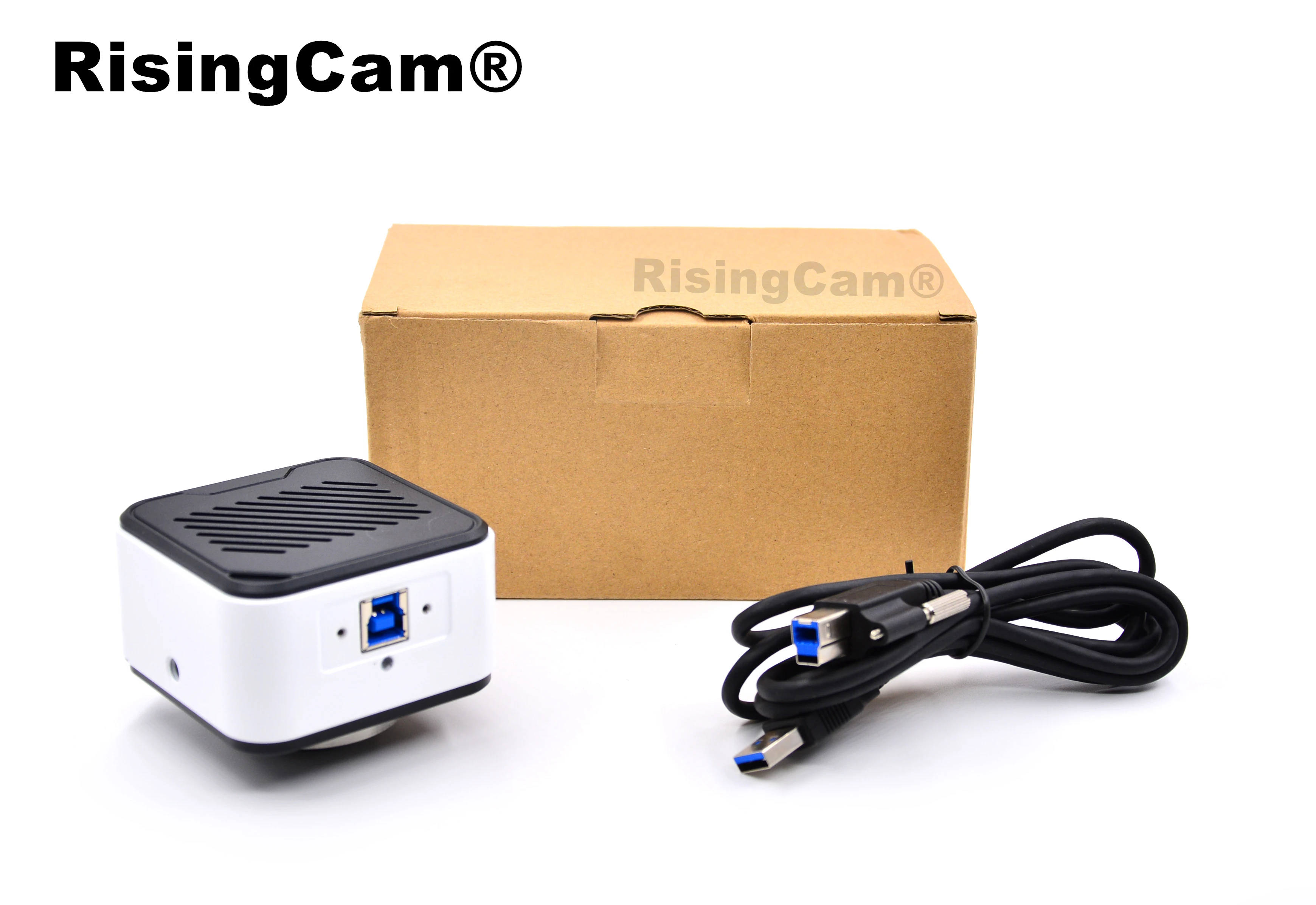
The standard packing include
1. USB3.0 camera (please select Model when you place order)
2. USB3.0 Cable
S-EYE2.0 software download link:
https://risingcam.aliexpress.com/store/1918400/pages/official-brand-story.html?spm=a2g0o.store_pc_home.pcShopHead_5977172.3