the car before 2008 year is not fit for our hud,if your car is before 2008 year (included 2008), donot buy it . Some Car is cannot use on OBD Model , if you donot sure whether our product is fit for your car or not , please contact to us to check it , thanks
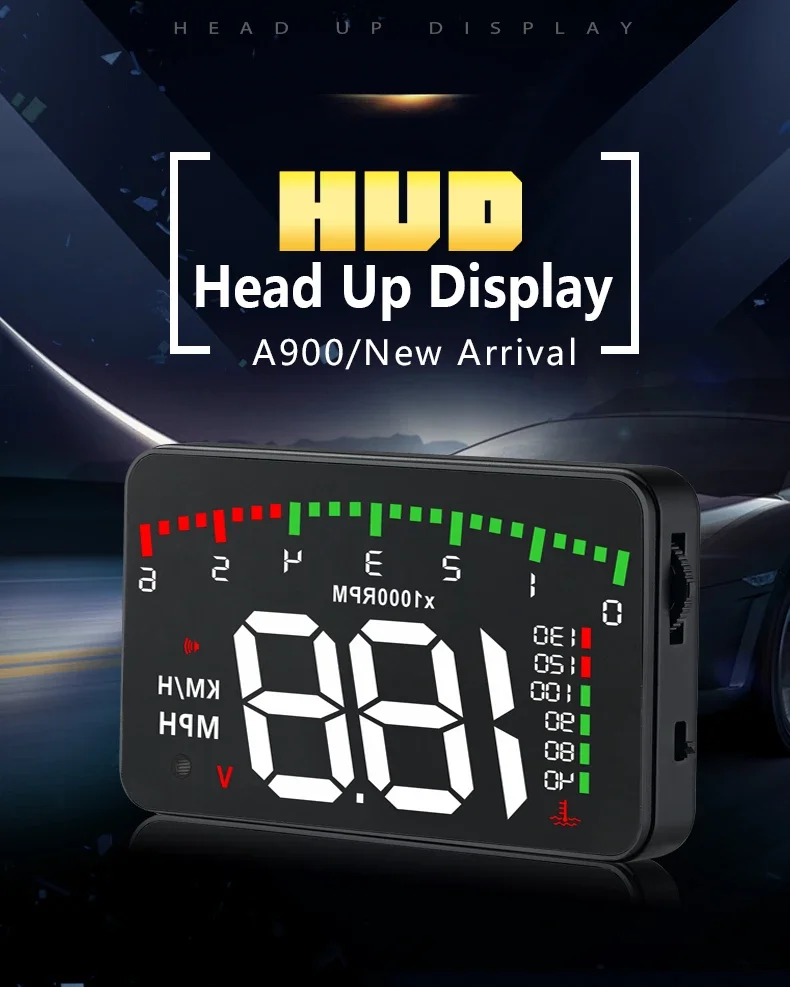
A900 HUD
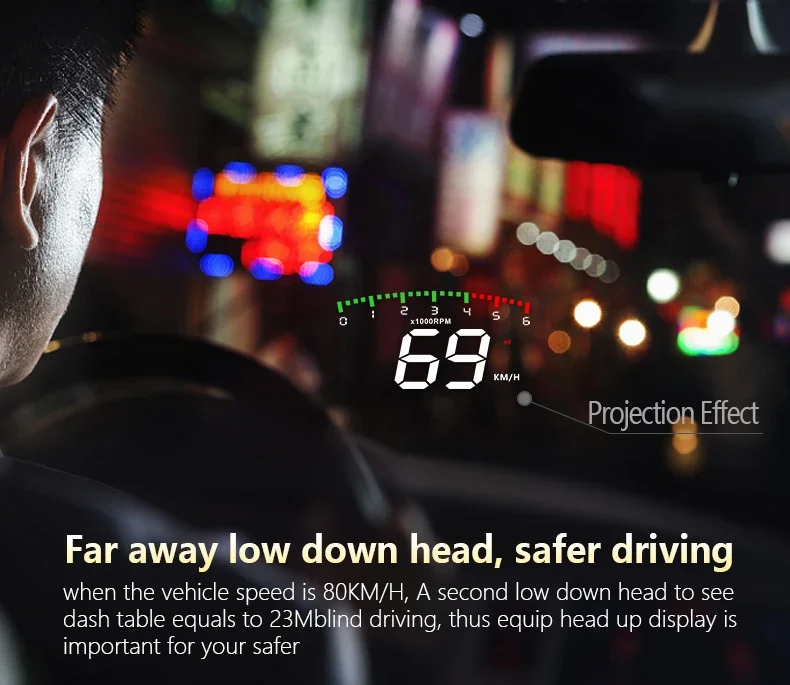
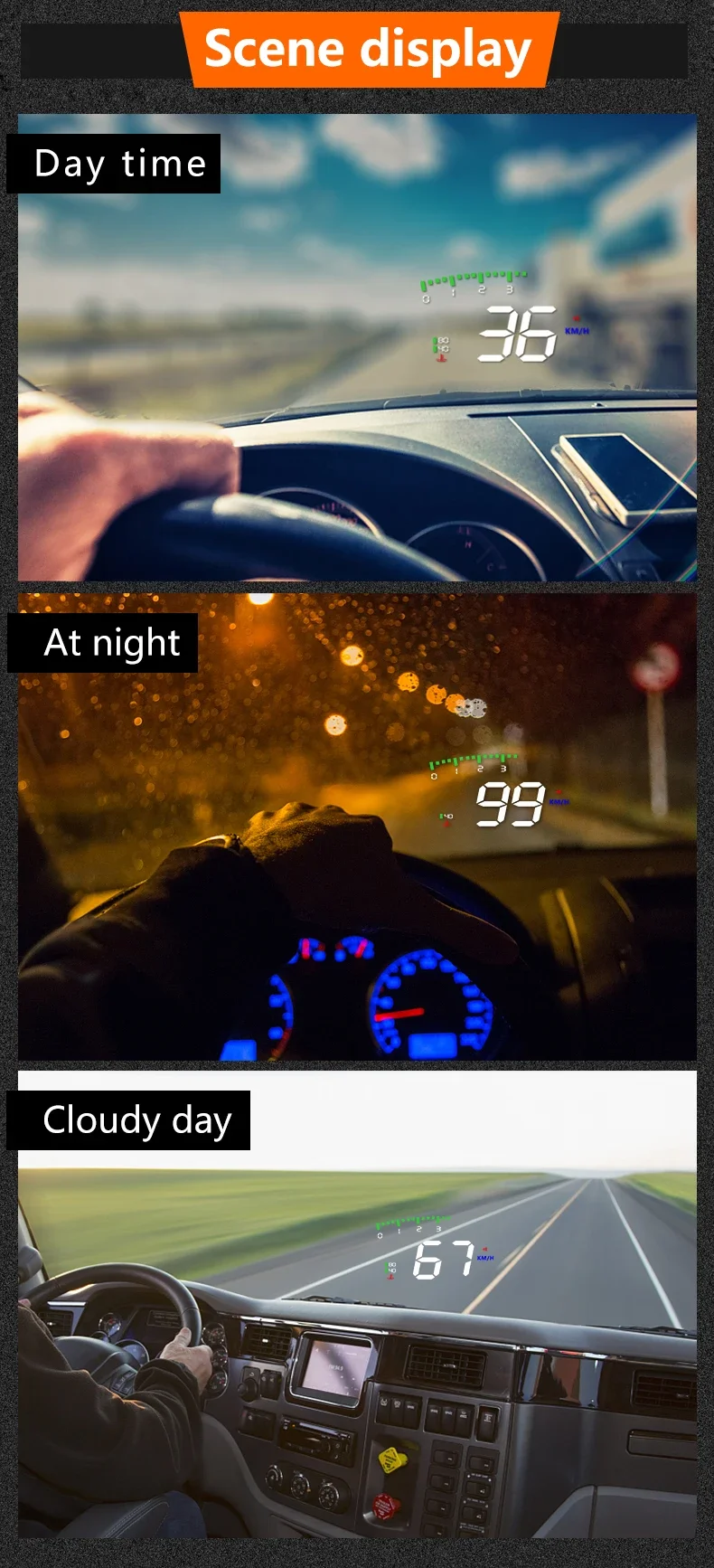
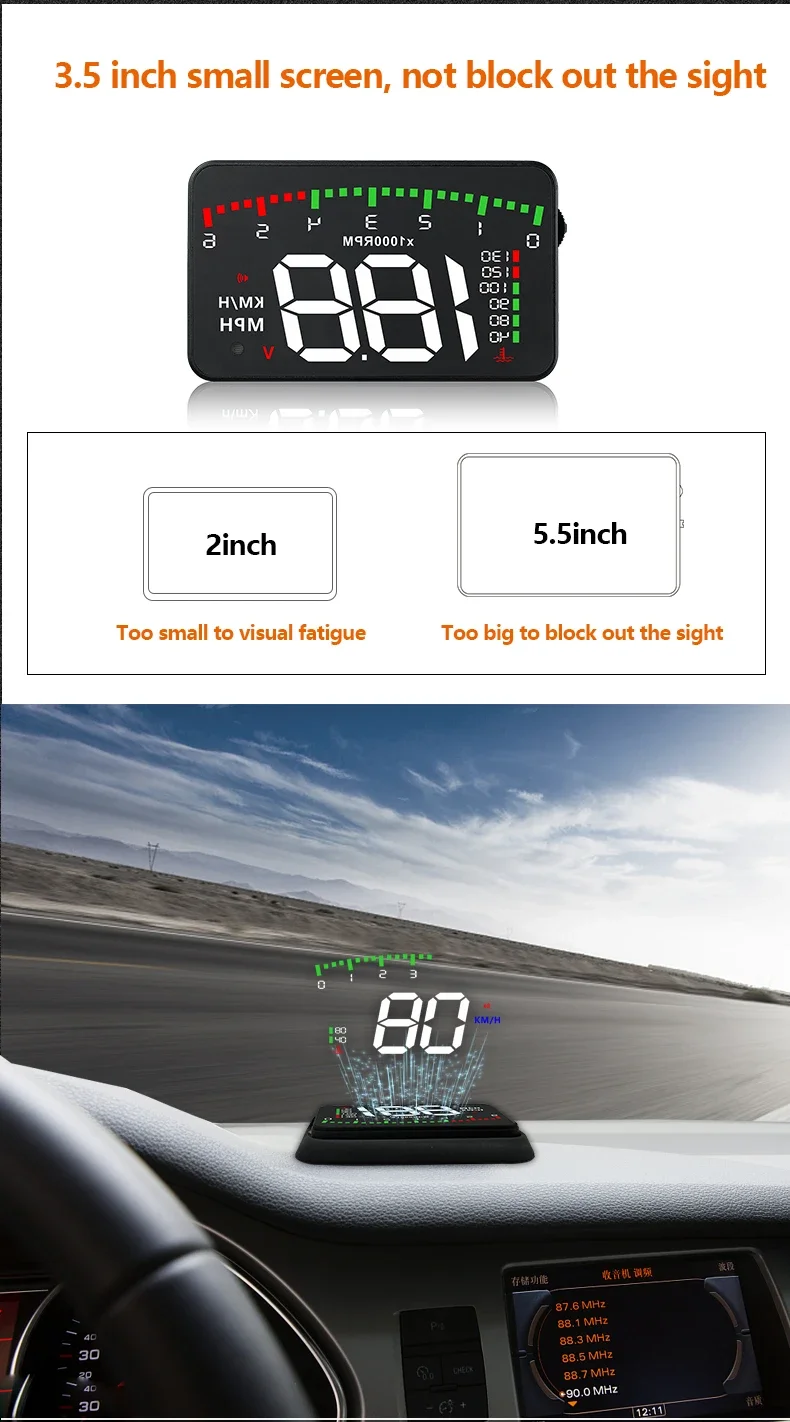
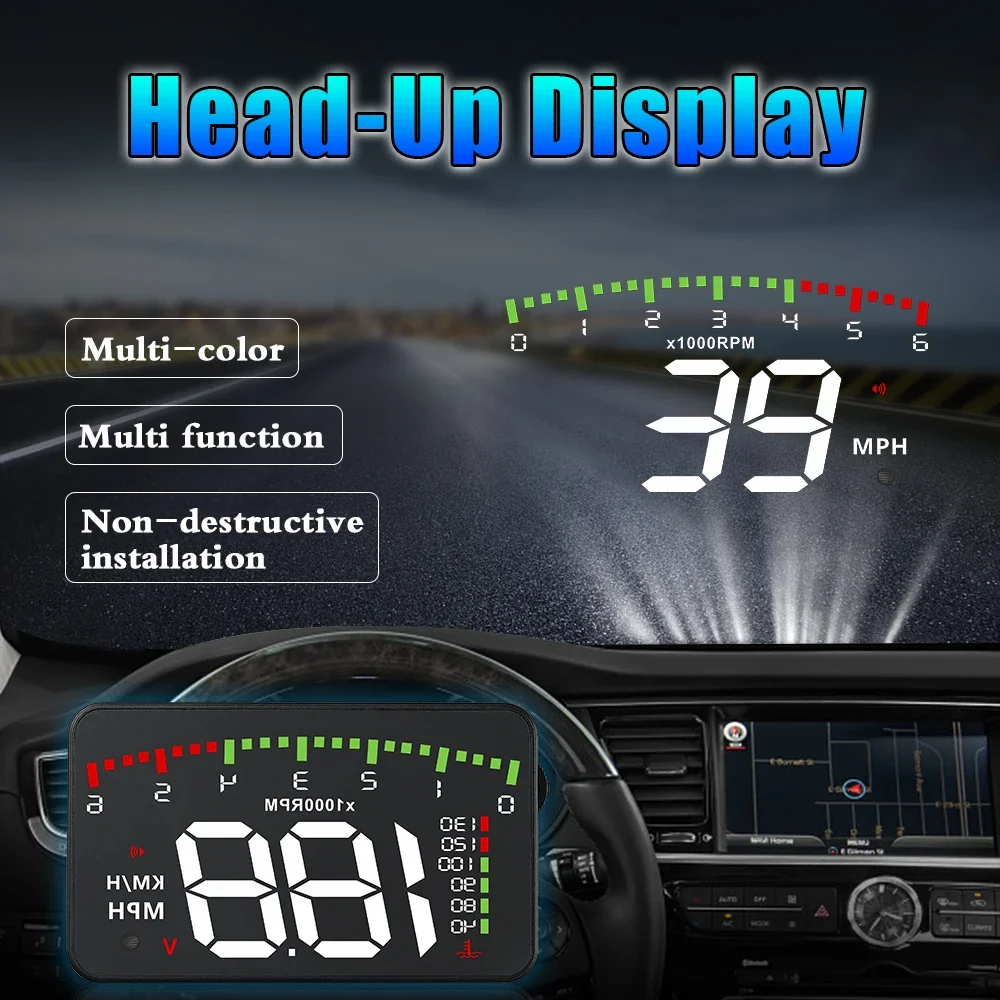
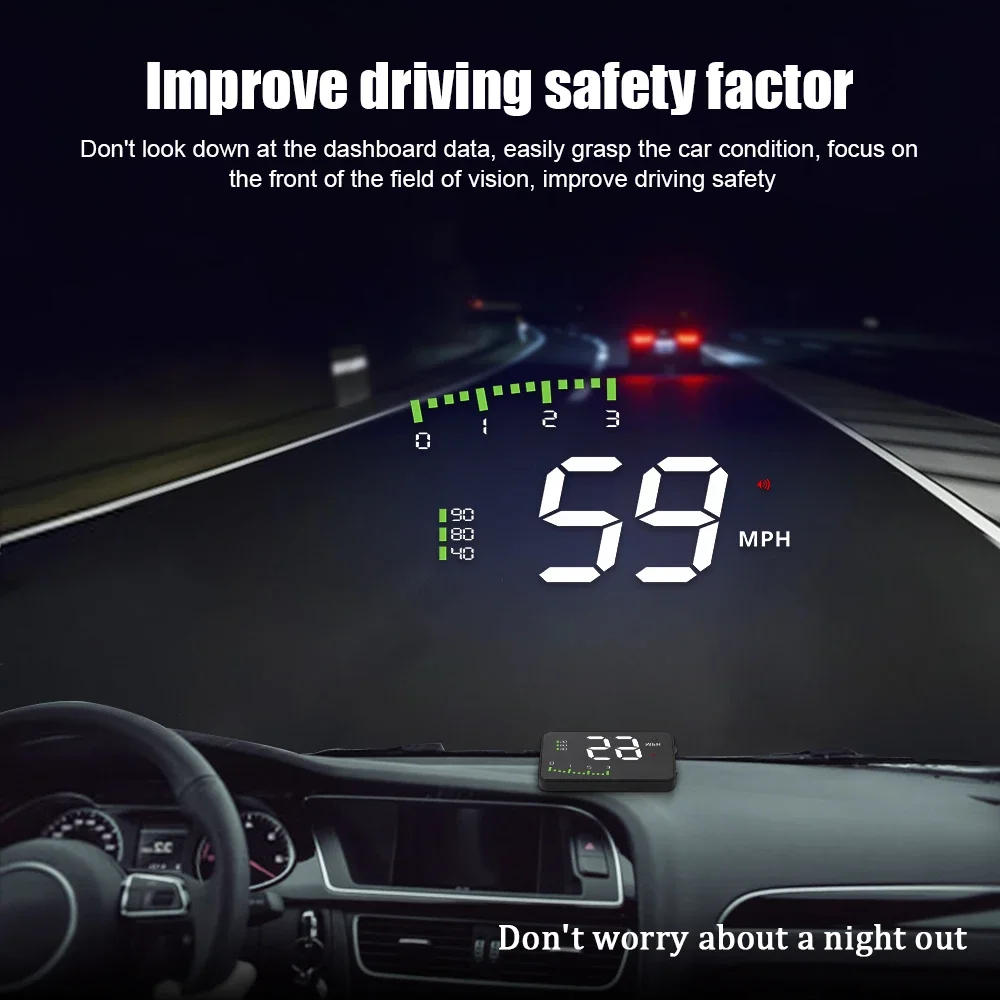
Compact Heads Up Display. Displays driving data on the front windscreen including Speed, RPM, Voltage, Distance etc on. Allowing drivers to concentrate more on the road ahead
HUD Main Functions & Features:
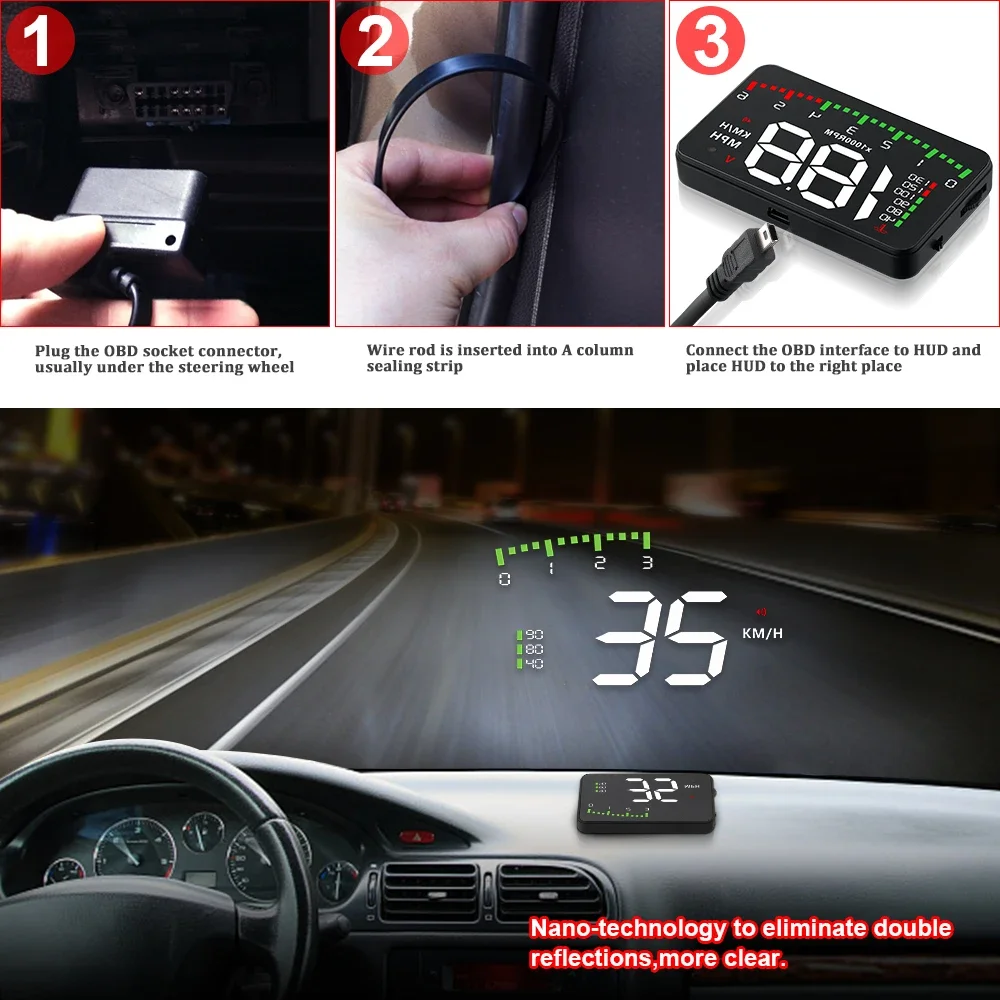
1.Plug and Play connectivity with any OBDII or EUOBD capable vehicle;
2. Screen 3.5-inch HD display
3.Multi-color design makes the screen clearer and easier to read
4.Nano-technology to eliminate double reflections, more clarity
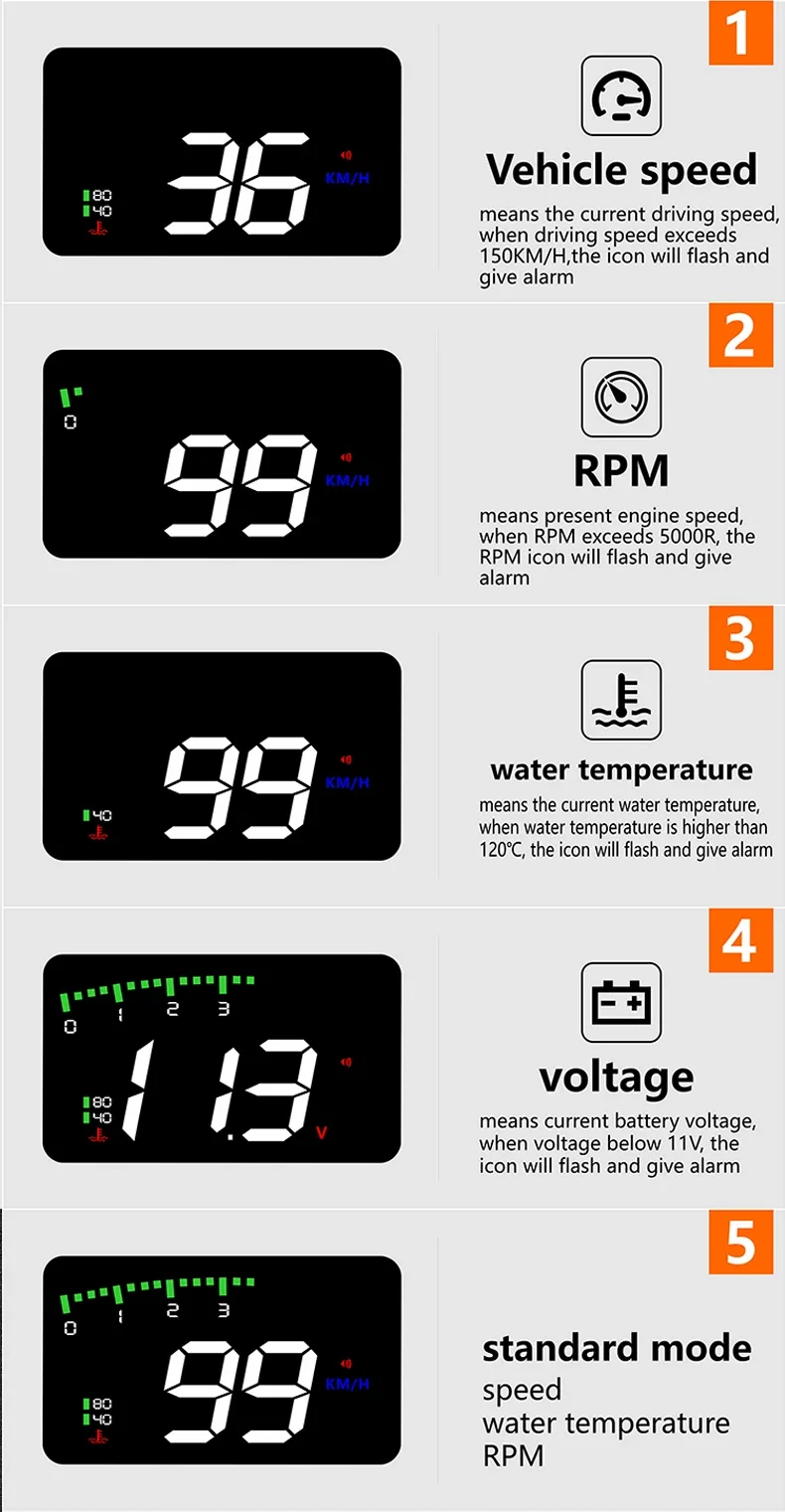
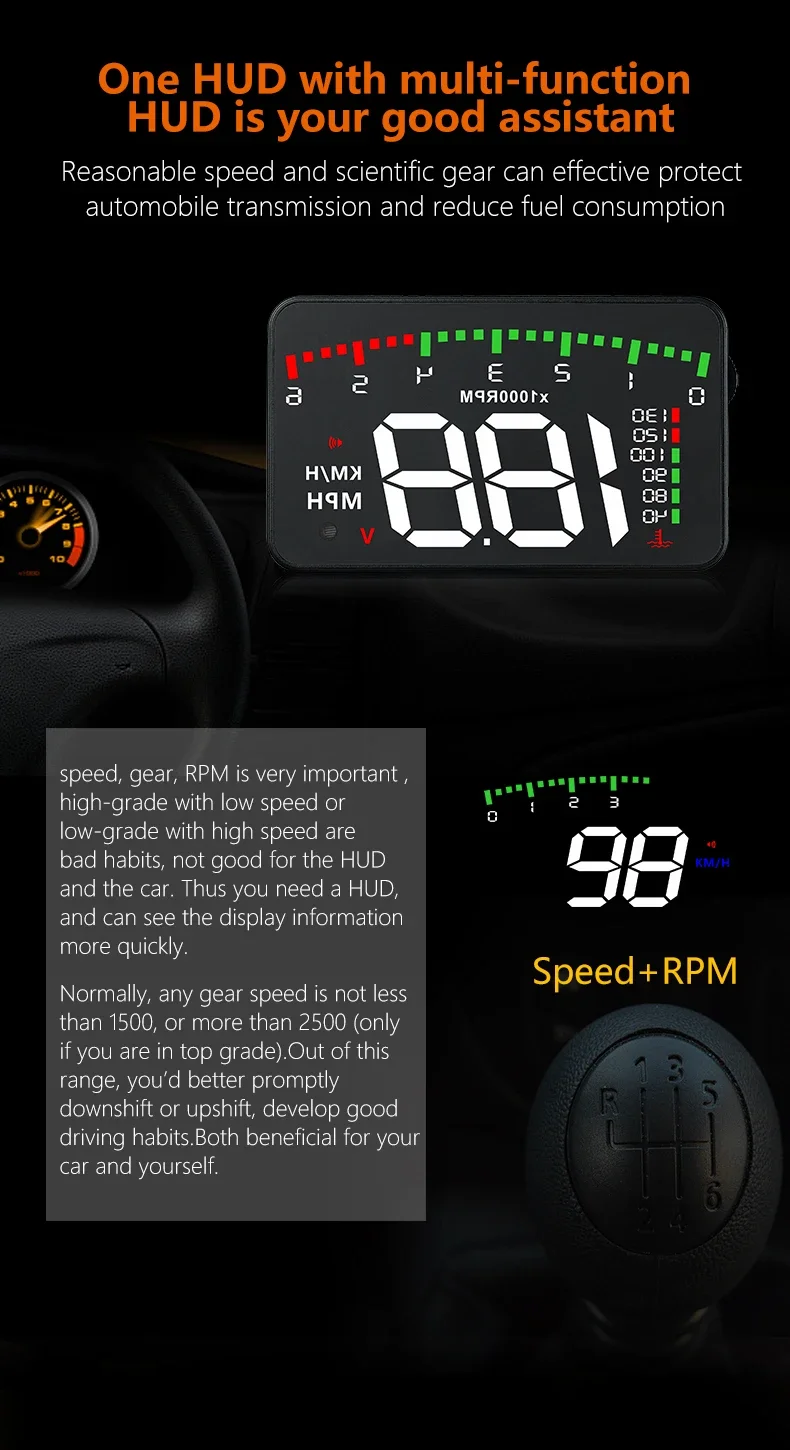
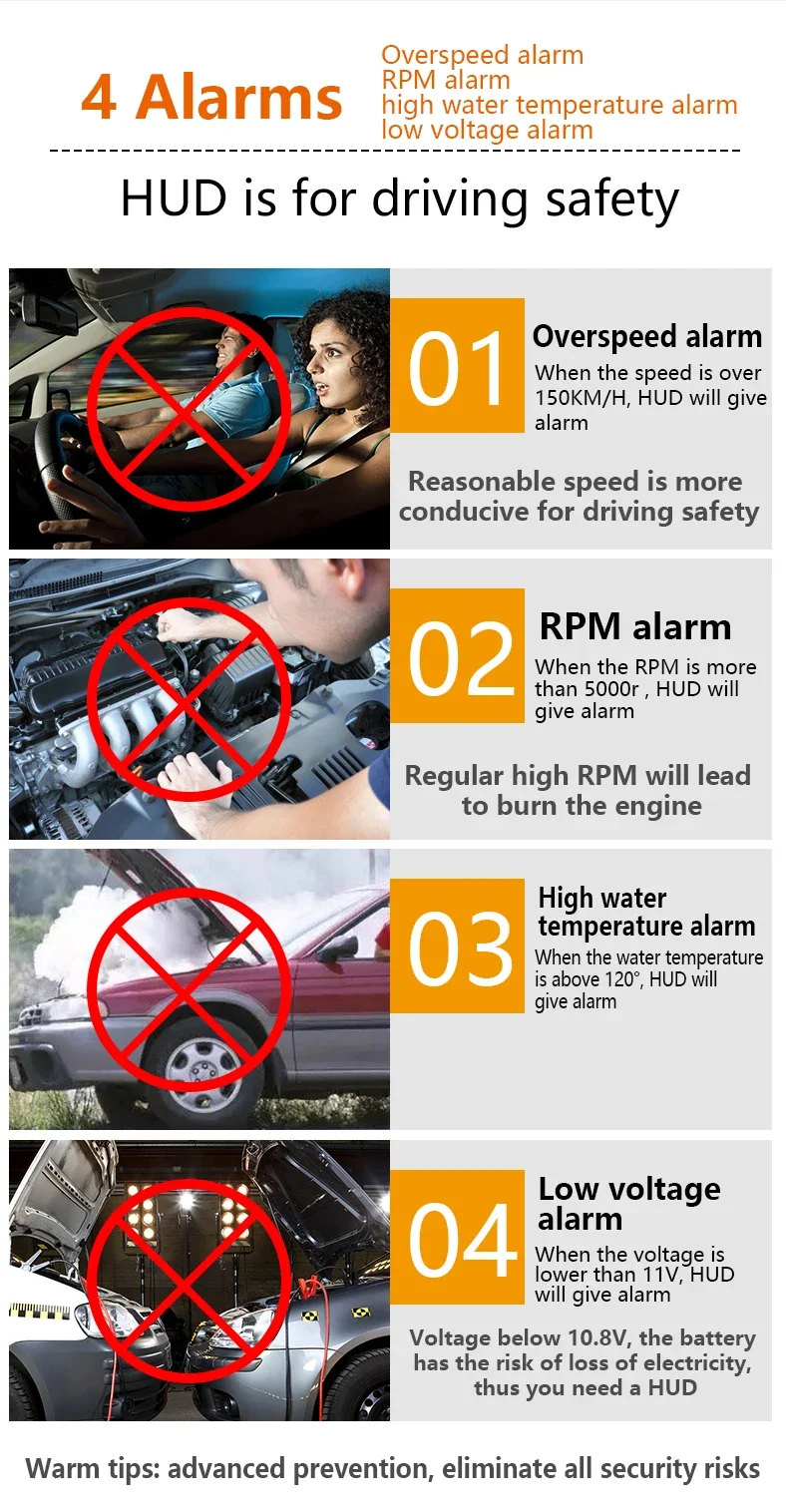
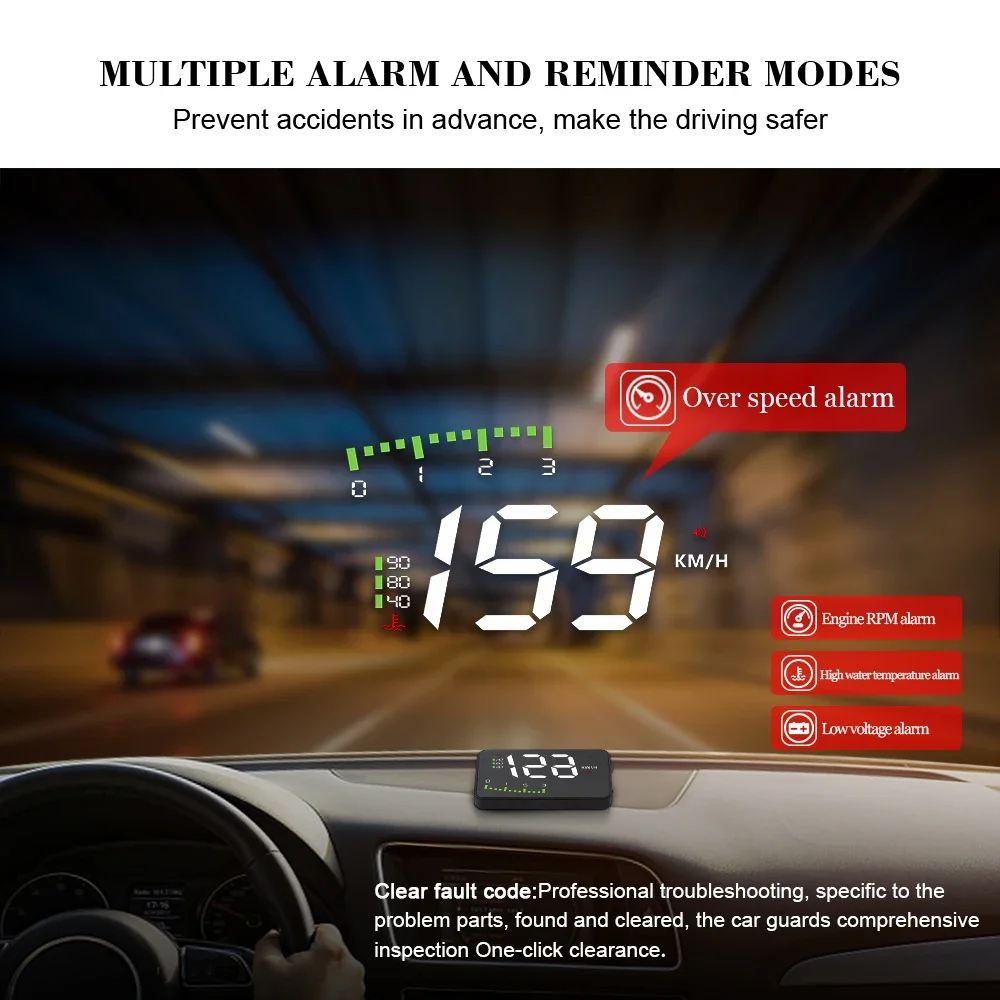
5.Rich Contents: speed, RPM, water temperature, voltage, single driving distance, low voltage alarm, high water temperature alarm, over speed alarm, freely switch between kilometers & miles.
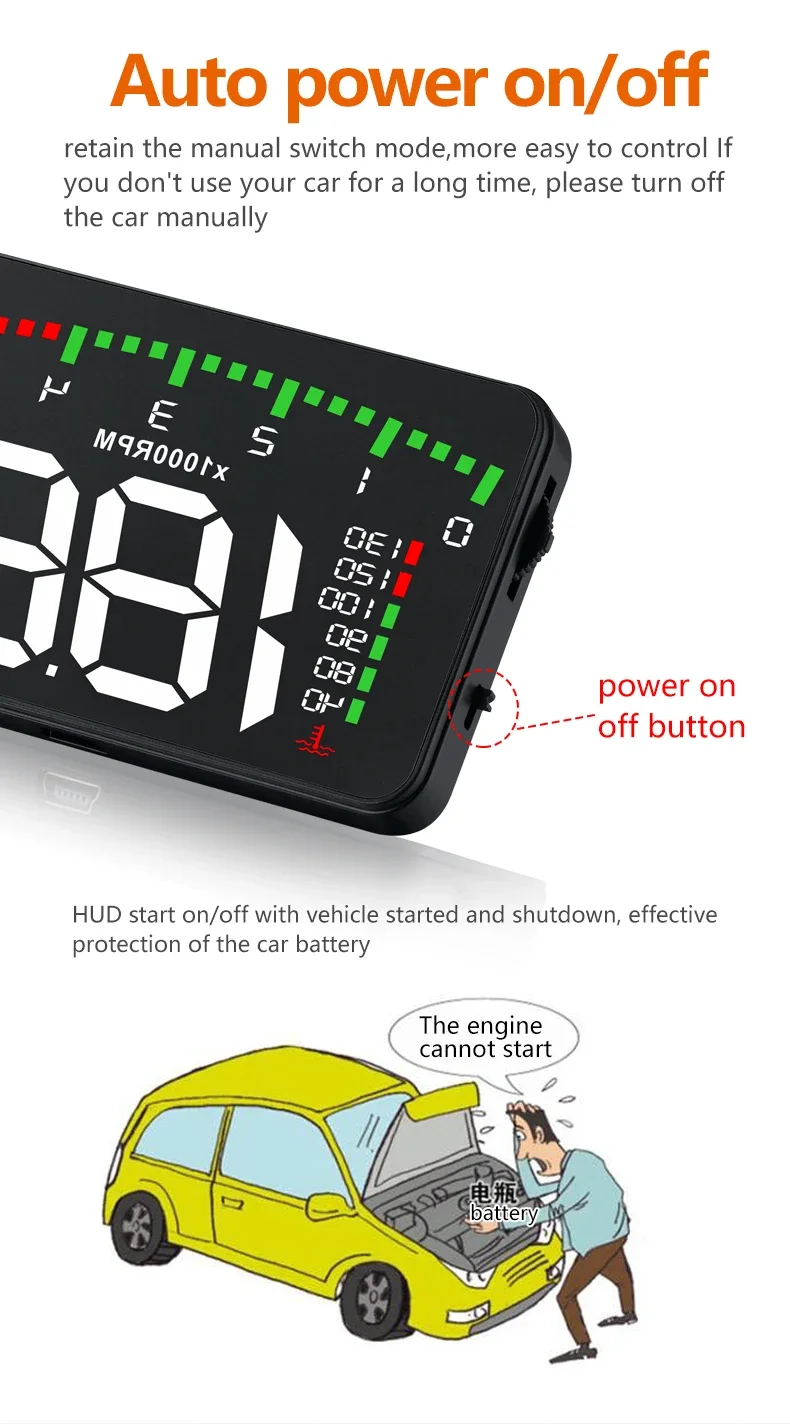
6. Auto power on/off: HUD power up and power down with vehicle, effective protection of the car battery with manual switch mode
7. 5-level brightness adjustment, automatic and manual brightness adjustment mode
HUD Display functions
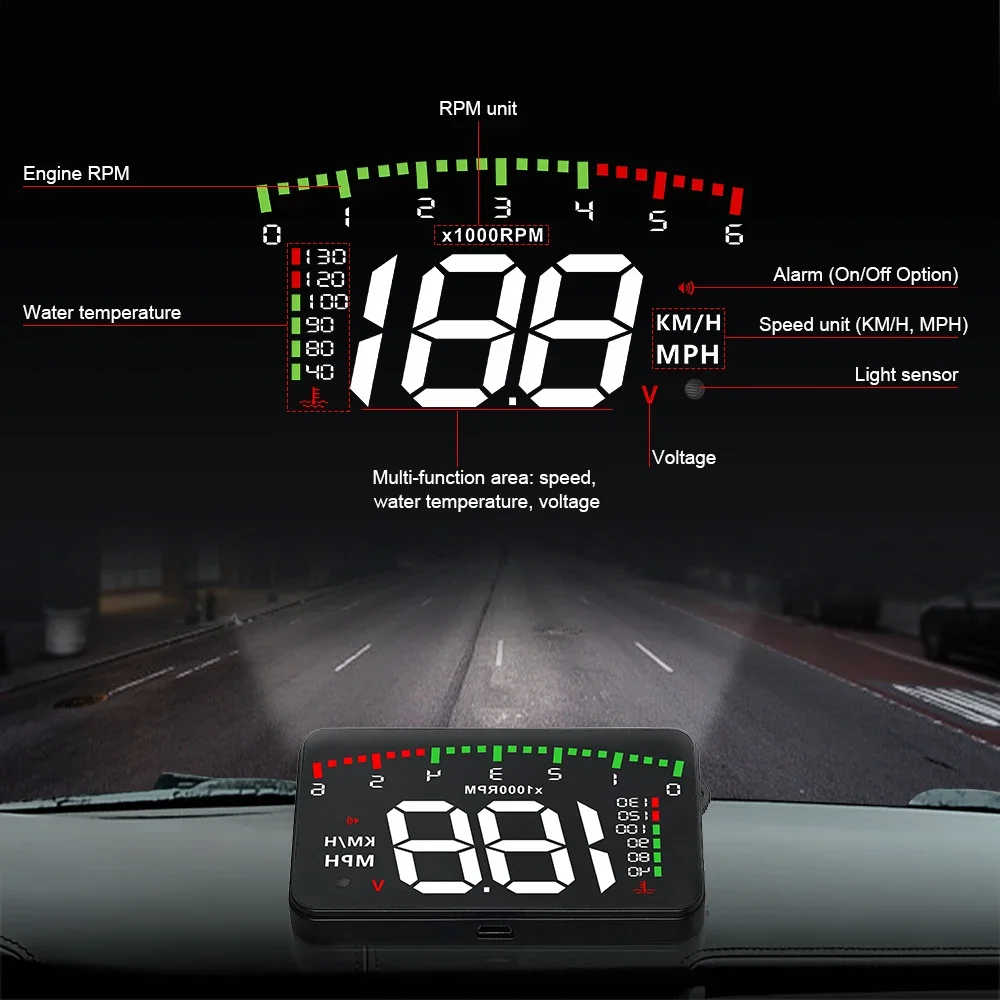
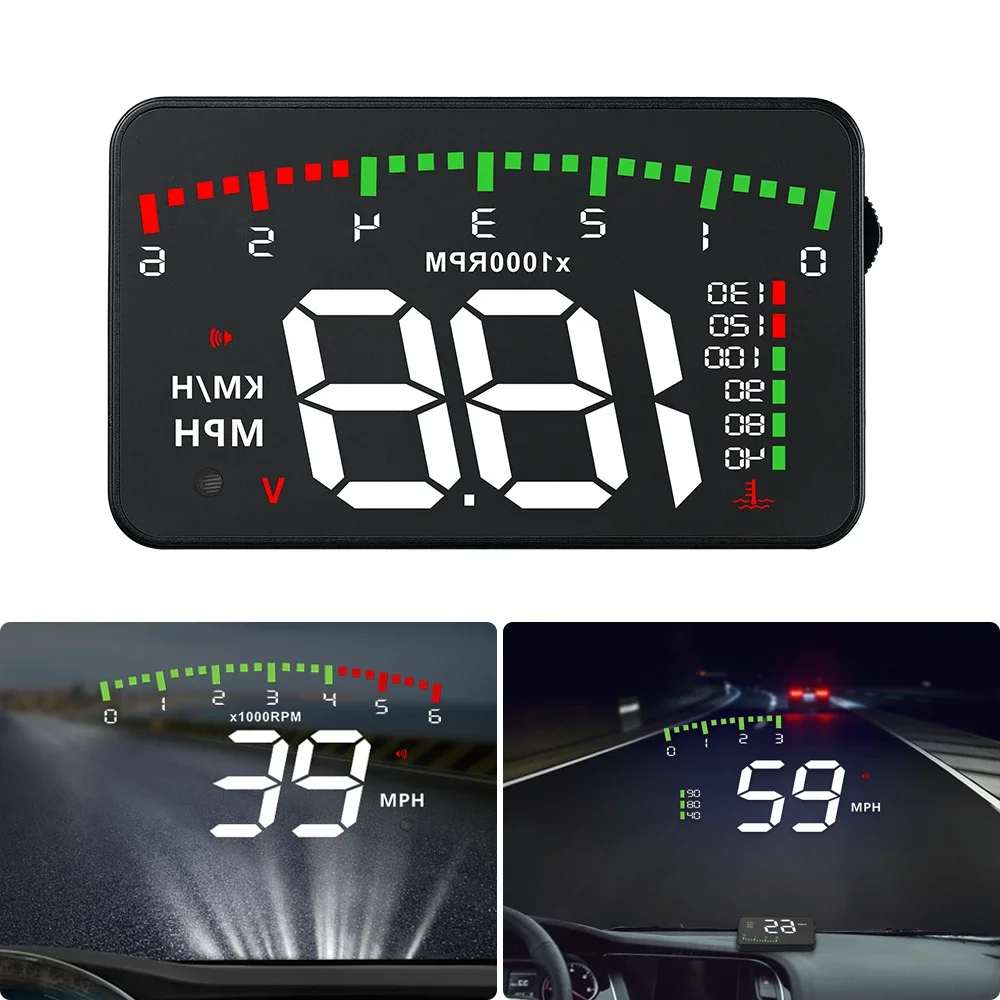
1.Engine RPM
2.Water temperature icon
3.RPM unit
4.Alarm (On/Off Option)
5.Speed unit at KM/H
6.Speed unit at MPH
7.Voltage icon
8.Multi-function area: speed, water temperature, voltage
9.Light sensor (Automatically adjust the brightness according to the environment)
HUD keys function
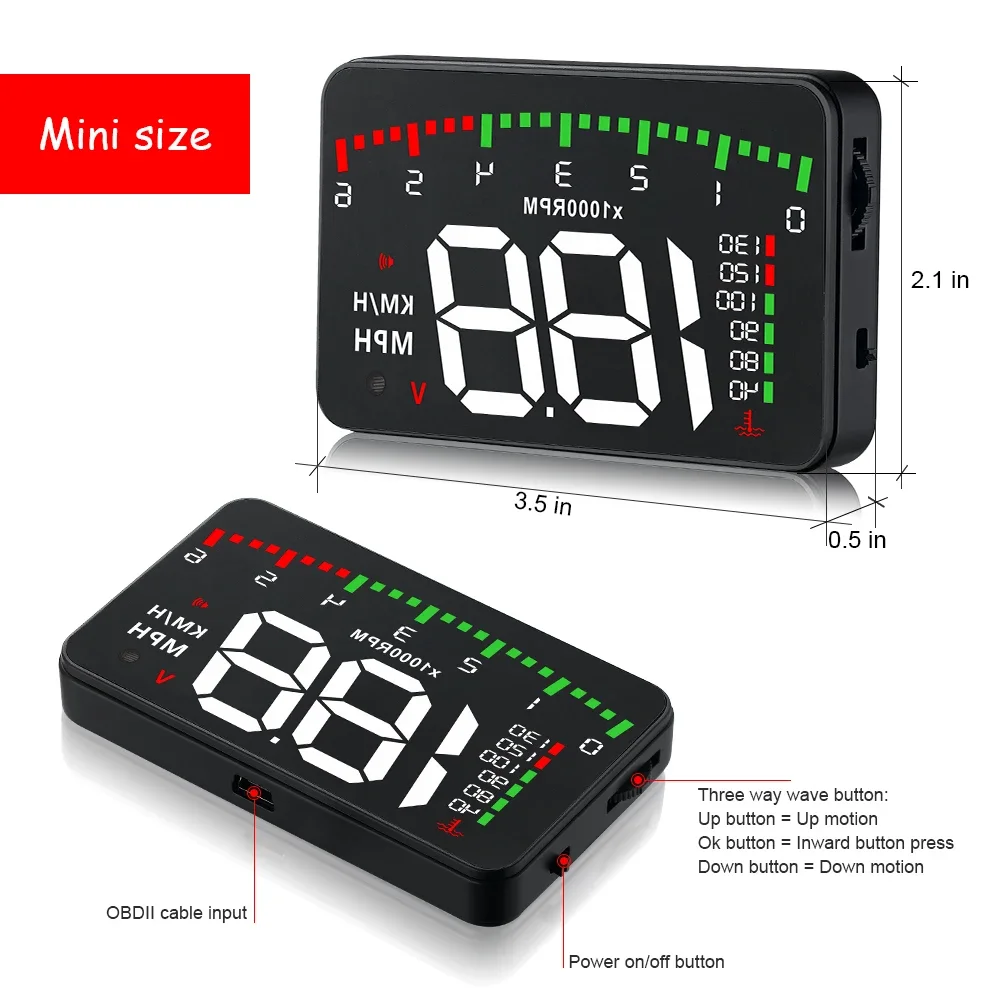
1. OBDII cable input
2. Power button
3. Setting button: Three ways of setting button:
a. Up button = up motion
b. Ok button = inward button presses
c. Down button = down motion
Short Press
Can switch to water temperature, voltage, and speed
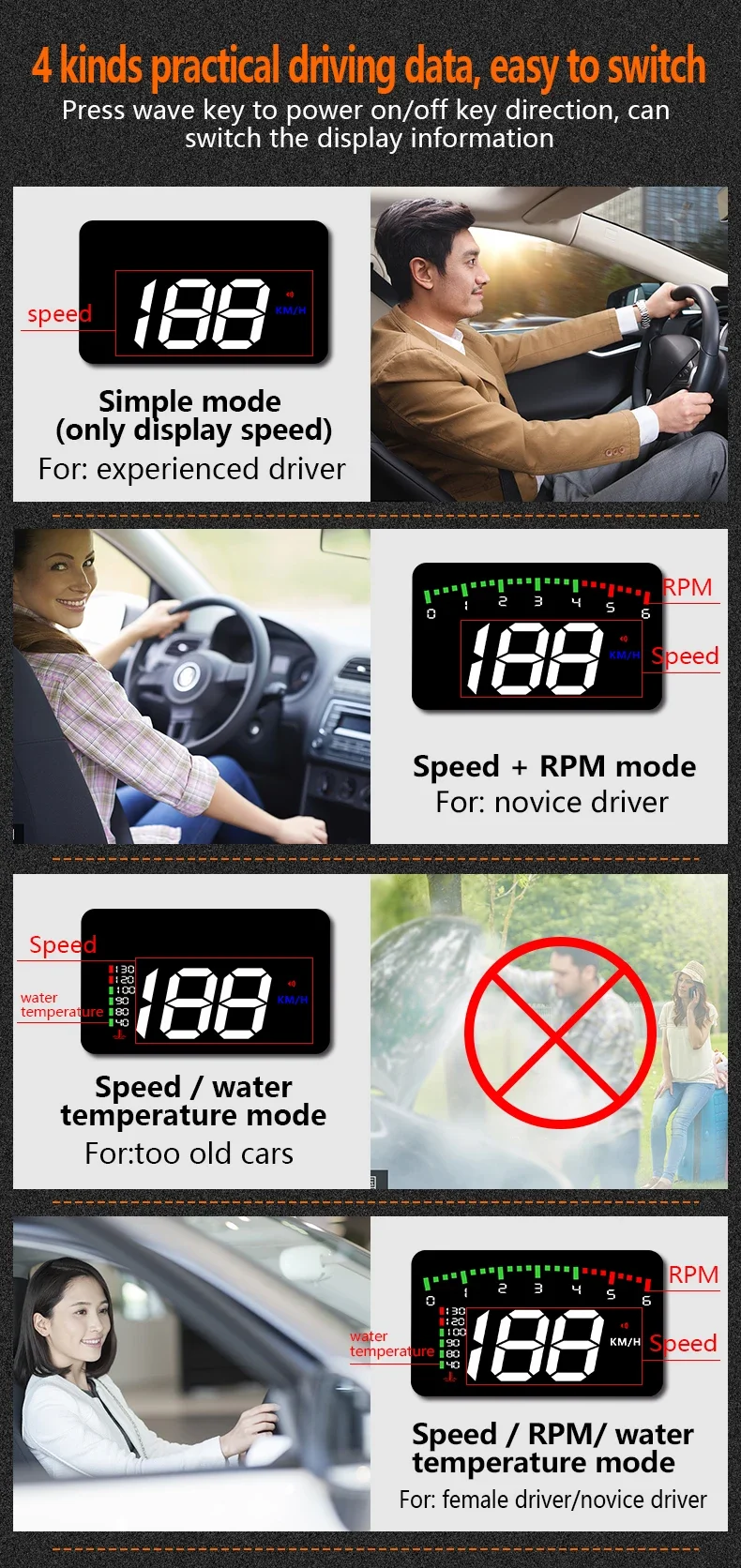
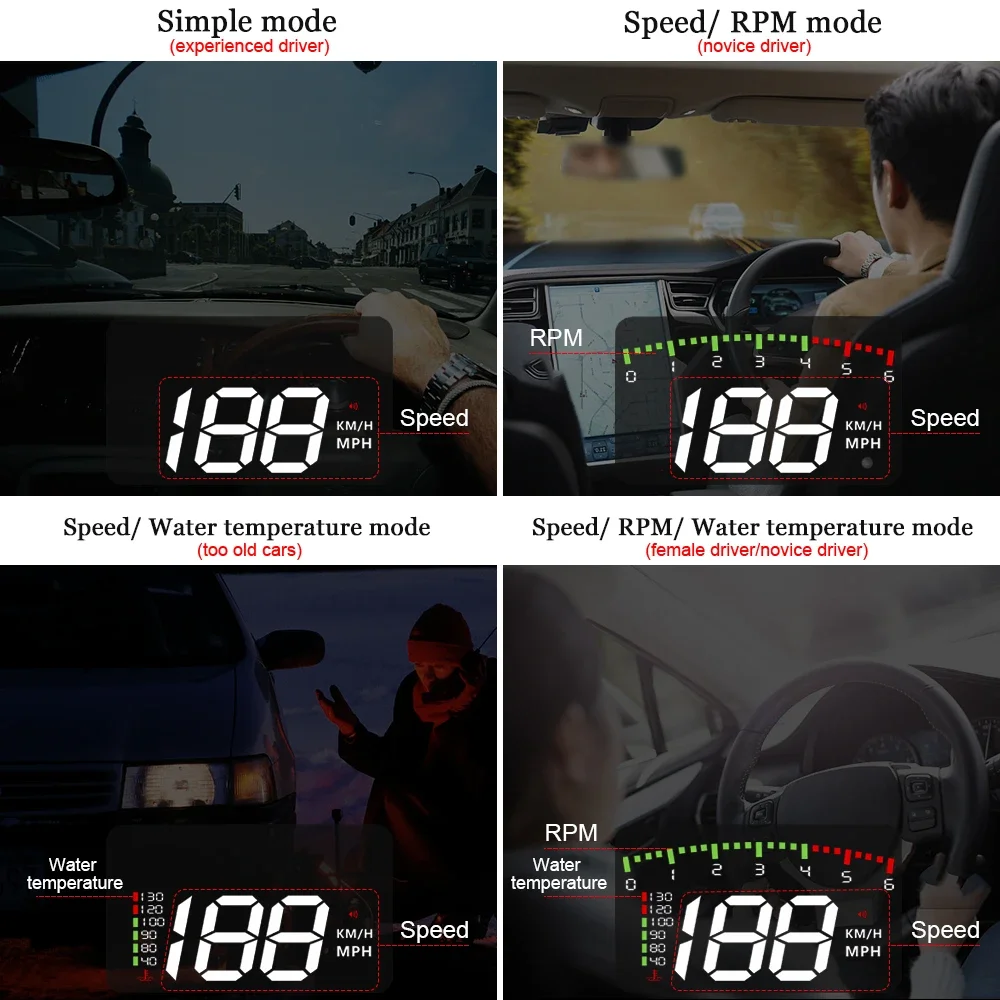
short pull up to switch display mode
mode 1: Speed + RPM
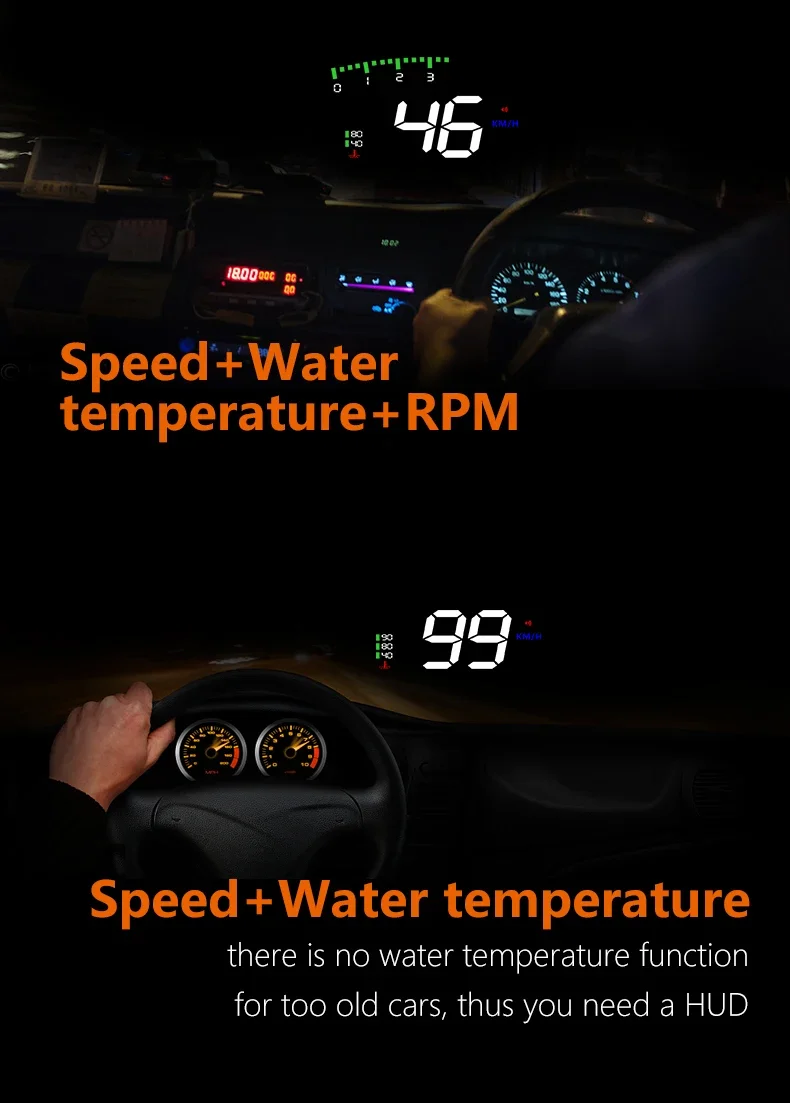
mode 2: Speed + Water Temperature
mode 3: speed
mode 4: Speed+ RPM + Water Temperature
using:
Pull down the setting button for 5s:
Turn off the alarm sound, do it again to turn on the alarm sound.
Reset setting:
When the HUD turns off, long press-in the setting button and at the same time turn on the HUD, all the lights will be on, and then release the button, the reset finished.
Clear the fault code
When HUD is power on, long pull up the setting button, then all LED lights are bright, means to clear fault codes, do it again switch to normal display mode
Single driving distance display
When the car turns off, HUD will display the single driving distance and then after 10s HUD will turns off as well.
Enter into setting menu
Vehicle speedometer value has been adjusted high by car factory to make driving safe. Since HUD receiving data from ECU, thus HUD display is the accurate value. ECU calculated data will be a little different with car dashboard data. If you find HUD display value is not same as your dashboard, you can enter the menu setting to adjust HUD value, then HUD display information
There are 3 directions for setting button: up, vertical, down.
vertical long press in for 5s to enter the menu setting, vertical short press to increase the menu option, up and down the wave button to increase or decrease the parameter value. After adjustment, vertical long press 5 seconds to save and exit.
Use and installation for reflection film:
Using the unit without the reflective film may result in a double image observed by the user depending on the windshield. If you see a double layer it is due to the windshields dual layer construction and you should install the film by following the instructions below.
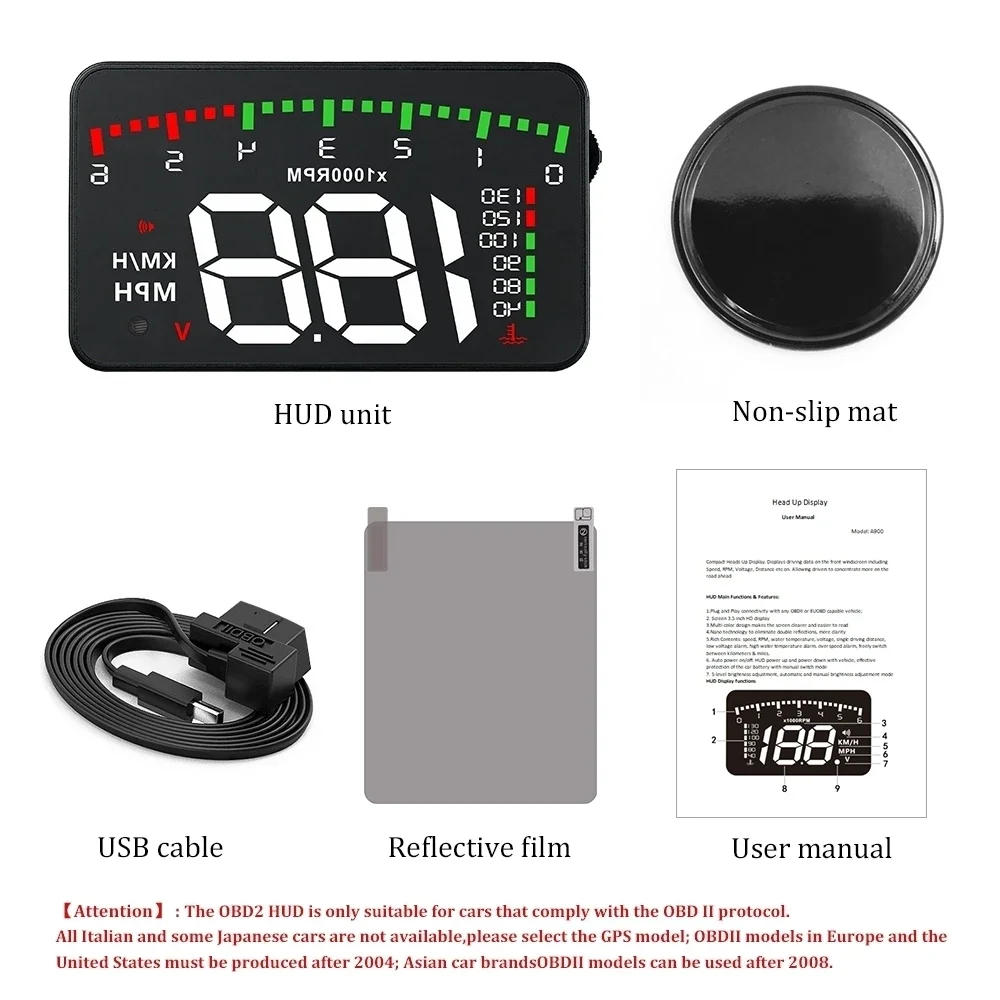
1. Place the supplied non-slip mat in the desired position on the dashboard with the HUD on top.
2. Observing where the HUD reflects place the reflective film in position.
A. Ensure the surface is clean and dry before installing the film;
B. Remove the back-protective side marked (1) and attach the film to the clean windscreen;
C. Once you're satisfied with the location use a credit card or similar to remove any bubbles or air pockets that remain;
D. Remove the front side marked (2), if you need to adjust the HUD's reflection, reposition using the nonslip mat.
Technical Parameters:
Environment temperature: -40c- + 80c atmospheric pressure 86-106KPa
Relative Humidity: 10% -95% environmental noise <= 60dB (A)
Alarm sound level: 》= 30dB (A)
Working voltage: 9V ~ 16Vdc (12Vdc / 400mA)
HUD size: 9*5.4*1.2(cm)
HUD Weight: 40 g
Troubleshooting
1.The screen without any display, and no power
Start the car engine; check if the OBD cable line is connected; please re connect the OBD cables again to ensure connectivity; check if HUD power switch turns on. If no display still, please change another car to test, analyze whether the car OBD diagnostic interface is good, if it is not good, please repair it and try again.
2.When HUD power on, HUD only shows the car voltage and be automatic power off after 30 seconds driving.
HUD just available for cars with OBD2 agreement and EU-OBD agreement(European region: after 03 years, Other region: after 07 years)
HUD Products don not support JOBD and OBDI and recommended test with another car.
3.Inaccurate Speed
a. First check the speed unit is correct or not, the speed unit including KM/H and MPH, set it at the correct one (refer to menu 4)
b. When HUD is power on, vertical press the setting button for 5 seconds to enter into the menu 0, the parameter shows 107, up or down the setting button to increase or decrease the value according to the difference until it shows correct one. After adjustment, vertical press in 5 seconds to save it.
4. Not clearly seeing when HUD directly under the sunlight, and with double reflection.
First check whether the HUD host surface protective film is torn, and please stick the reflection film on the windscreen.
Second vertical press in the setting button for 5 seconds to enter into menu setting, and find menu 1, adjust the parameter to 5, vertical press in 5 seconds to save.
5.Setting for RPM alarm
When HUD is working, vertically press in the setting button for 5 seconds to enter into the menu, short press in the button for 2 times to find menu 2, the screen shows 50, which means HUD will give the alarm once the RPM over than 5000rpm ,up or down the button to change the value as you want, vertical press in the button for 5 seconds to save the data.
6.Setting for the over speed alarm
When HUD is working, vertically press in the setting button for 5 seconds to enter into the menu, short press in the button for 3 times to find menu 3, the screen shows 150, which means the HUD will give the alarm once the speed over 150, up or down the button to change the value as you want, vertical press in the button for 5 seconds to save the data.
7.Switch the speed unit
When HUD is working, vertically press in the setting button for 5 seconds to enter into the menu, short press in the button for 4 times to find menu 4, the screen show value 1 and KM icon, means the speed unit at KM. Press up the button and change the value at 2, you will see the MPH icon will be bright. Then vertical press in the button for 5 seconds to save the data.
8.HUD cannot power off, HUD can power off but re-start, or the car is with ASS (Automatic start/stop system)
When HUD is power on, vertically press in the setting button for 5 seconds to enter into the menu setting, then find menu 5, the voltage icon will be bright and the value shows 0, up the button to change the value to any of one between 13.2V and 13.8V, after changing, vertical press in the button for 5 seconds to save the data.
9. Wrong operation leads to crash or inaccurate data
Do a reset setting (Reboot)
Package: 1PCS HUD