

SAFE & SECURE SHOPPING

100% SATISFACTION GUARANTEED

FAST SHIPPING
XGODY 4K Android Projector Smart WiFi Mini Bluetooth Office Home Theater HDMI
  |
 |
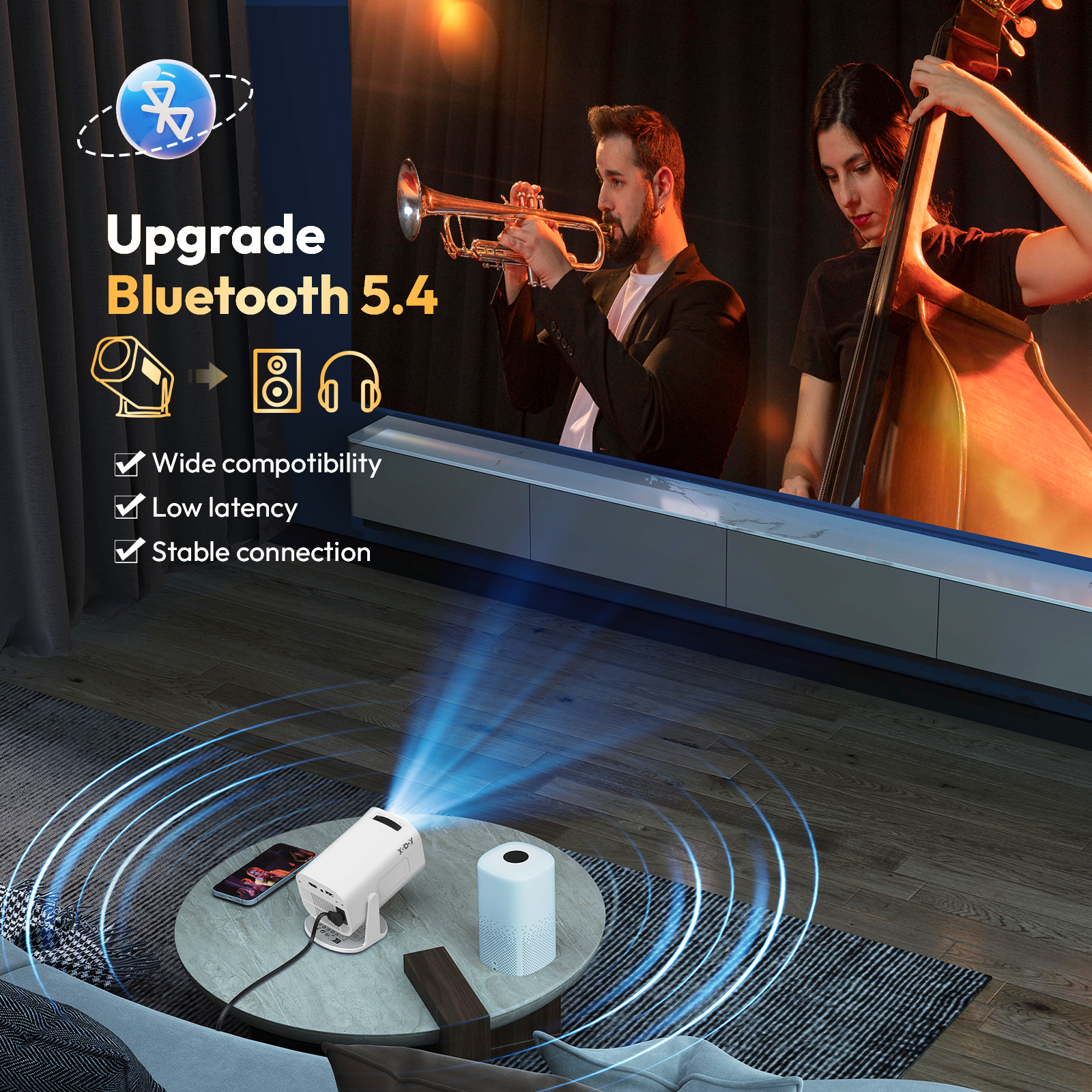
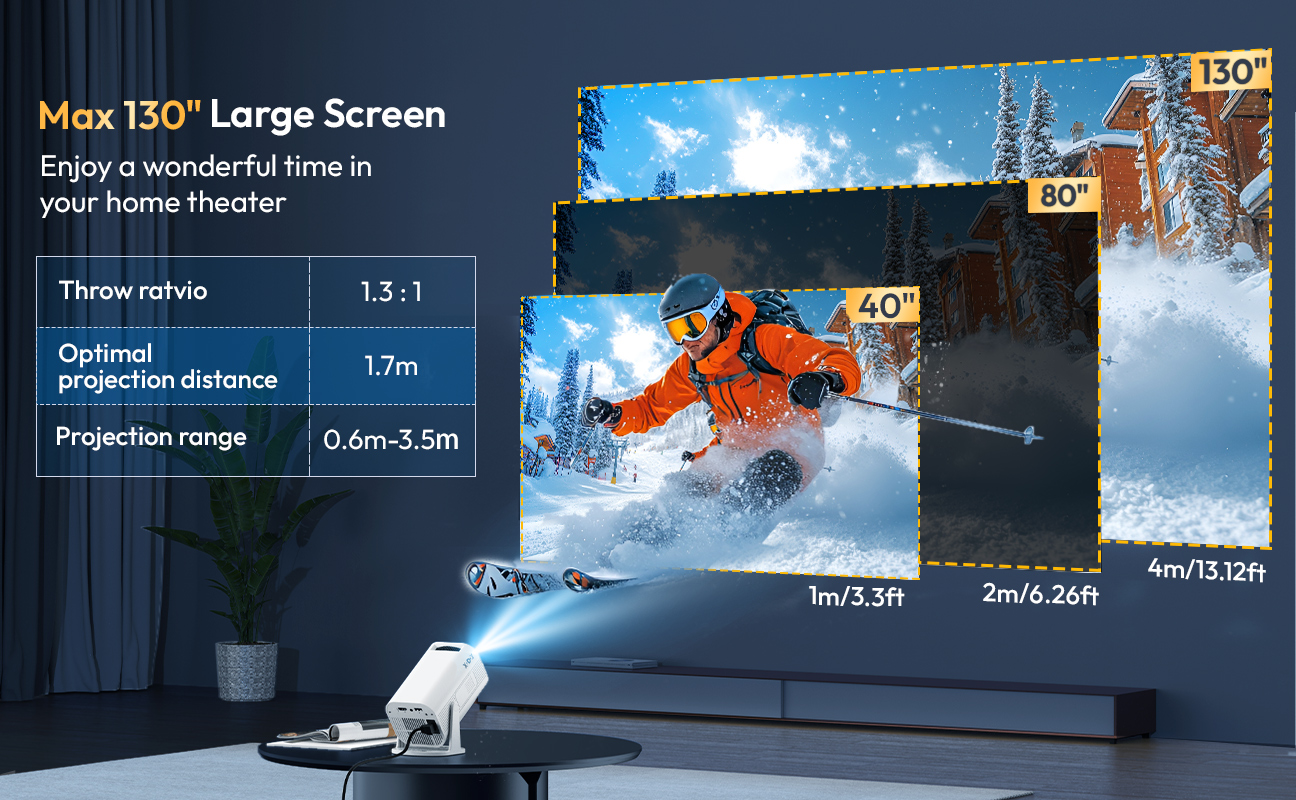
| Specifications: Supported resolutions: 4K, 1920 x 1080, 1280 x 720 Native resolution: 1280 x 720 Brightness: 12,000 lumens Contrast ratio: 8,000:1 Projection size: 40-130 inches Lamp life: 50,000 hours Connections: HDMI, USB Wireless connection: Wi-Fi 6, Bluetooth 5.4 Aspect ratio: 16:9, 4:3 Package : 1 x Projector 1 x Remote Control 1 x Power Cable 1 x HDMI Cable 1 x User Manual |
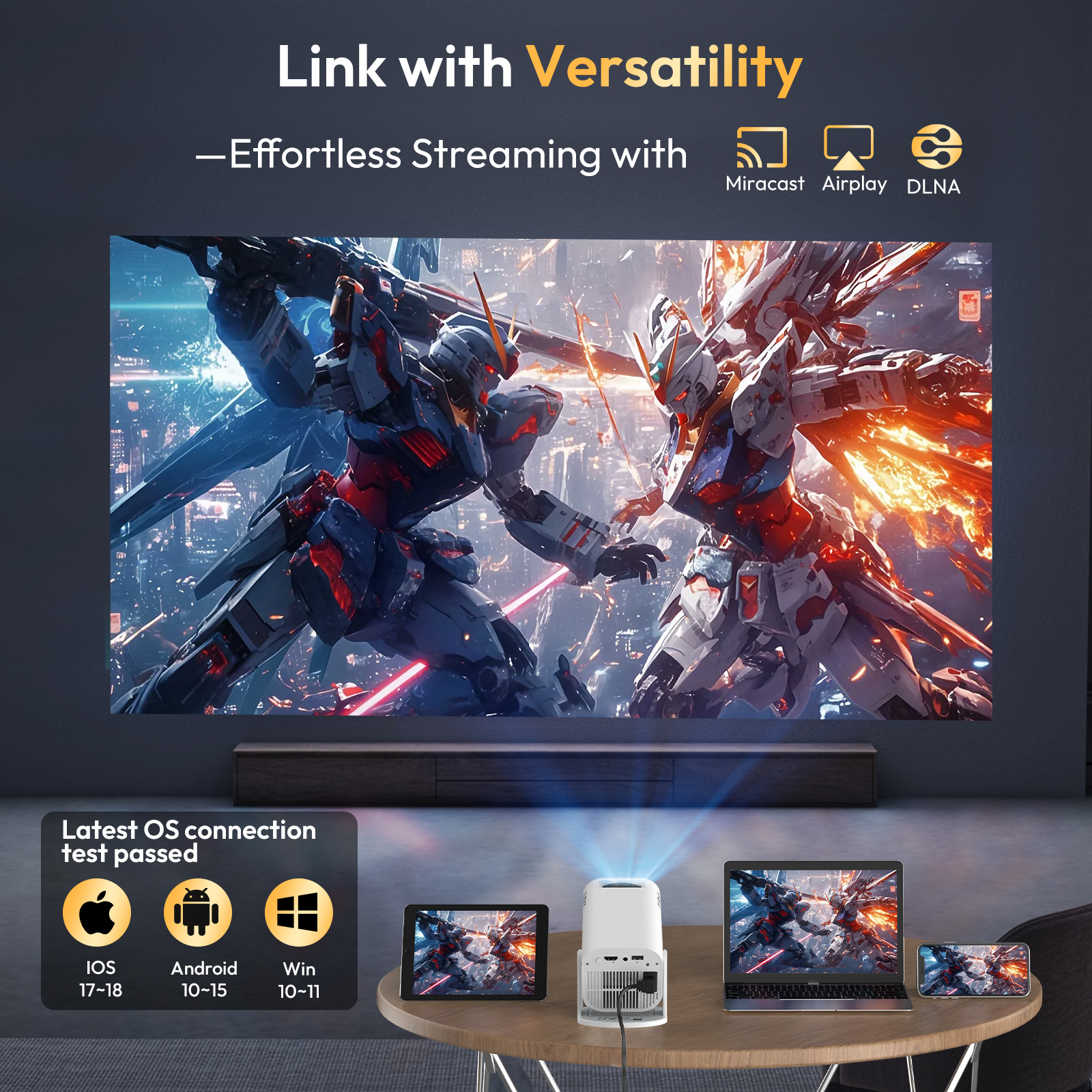
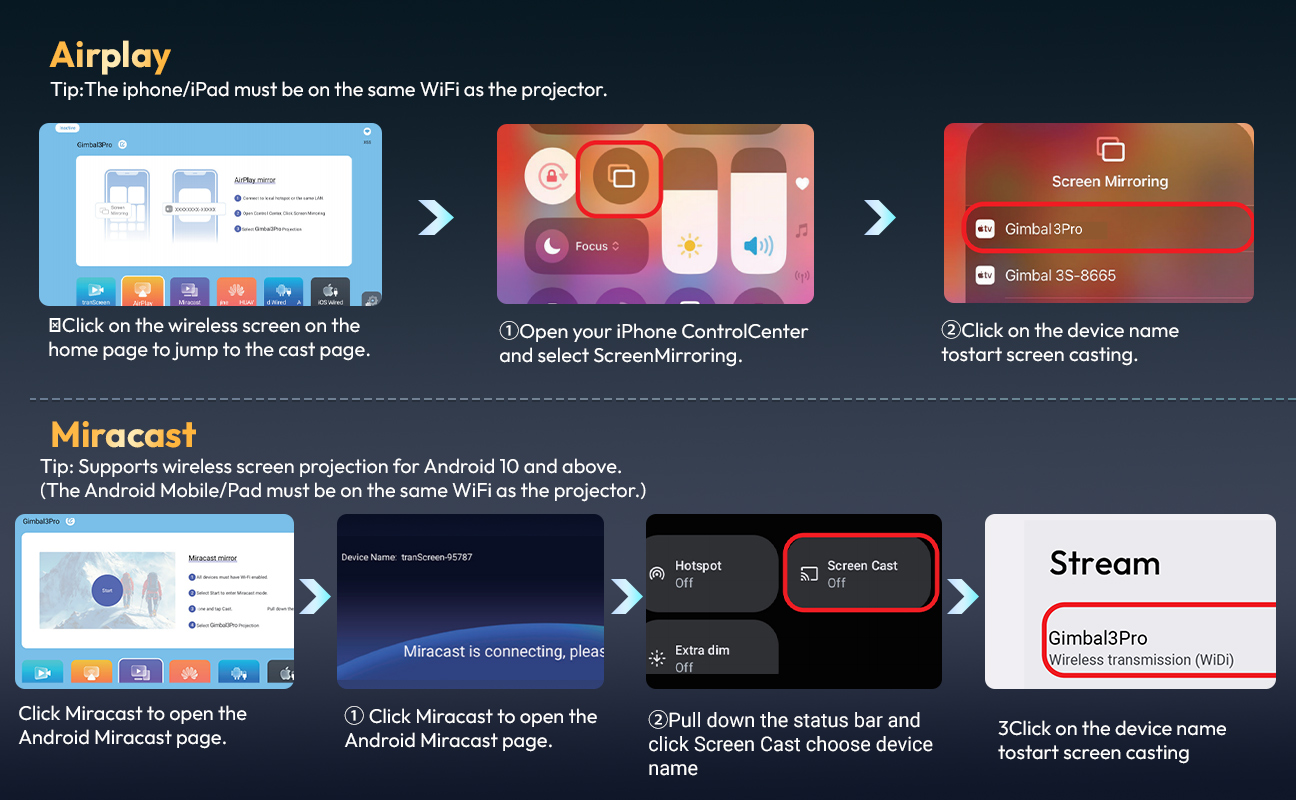
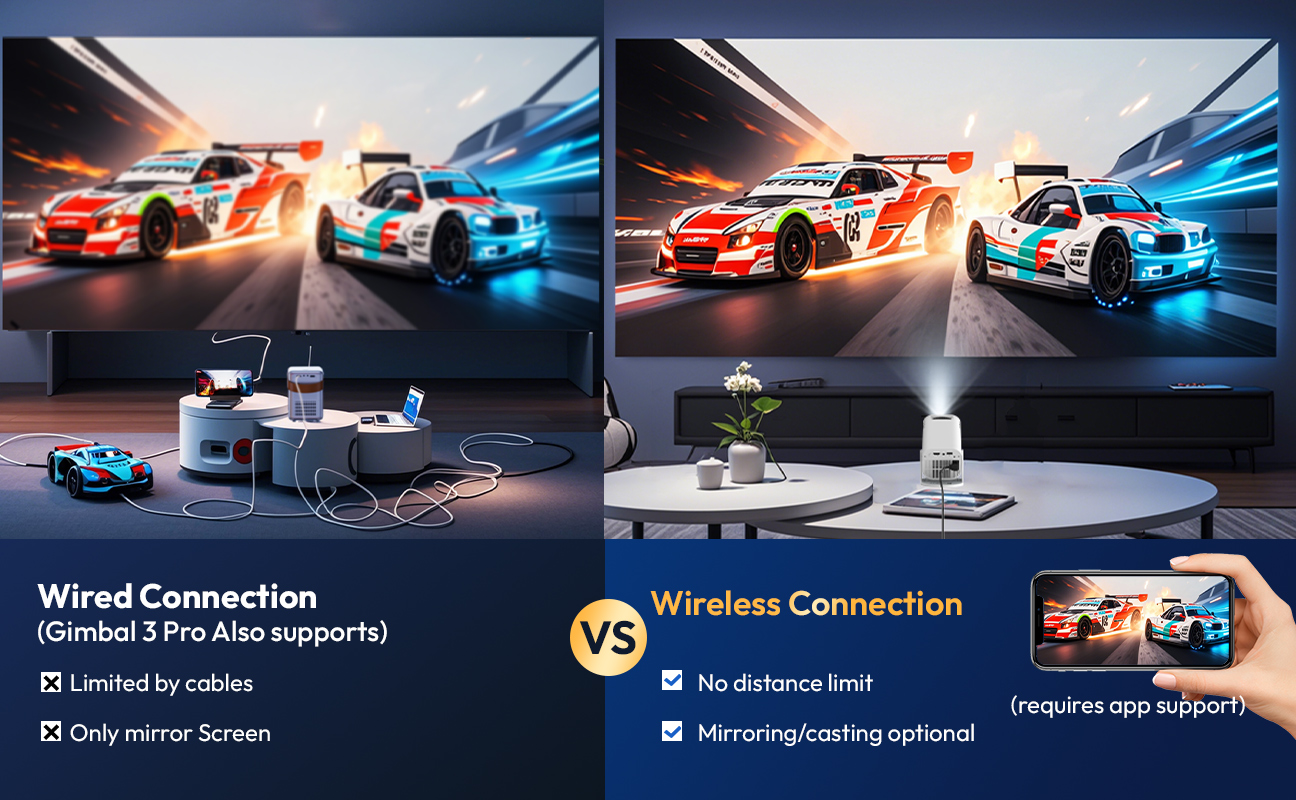
| How to Connect? |
 |
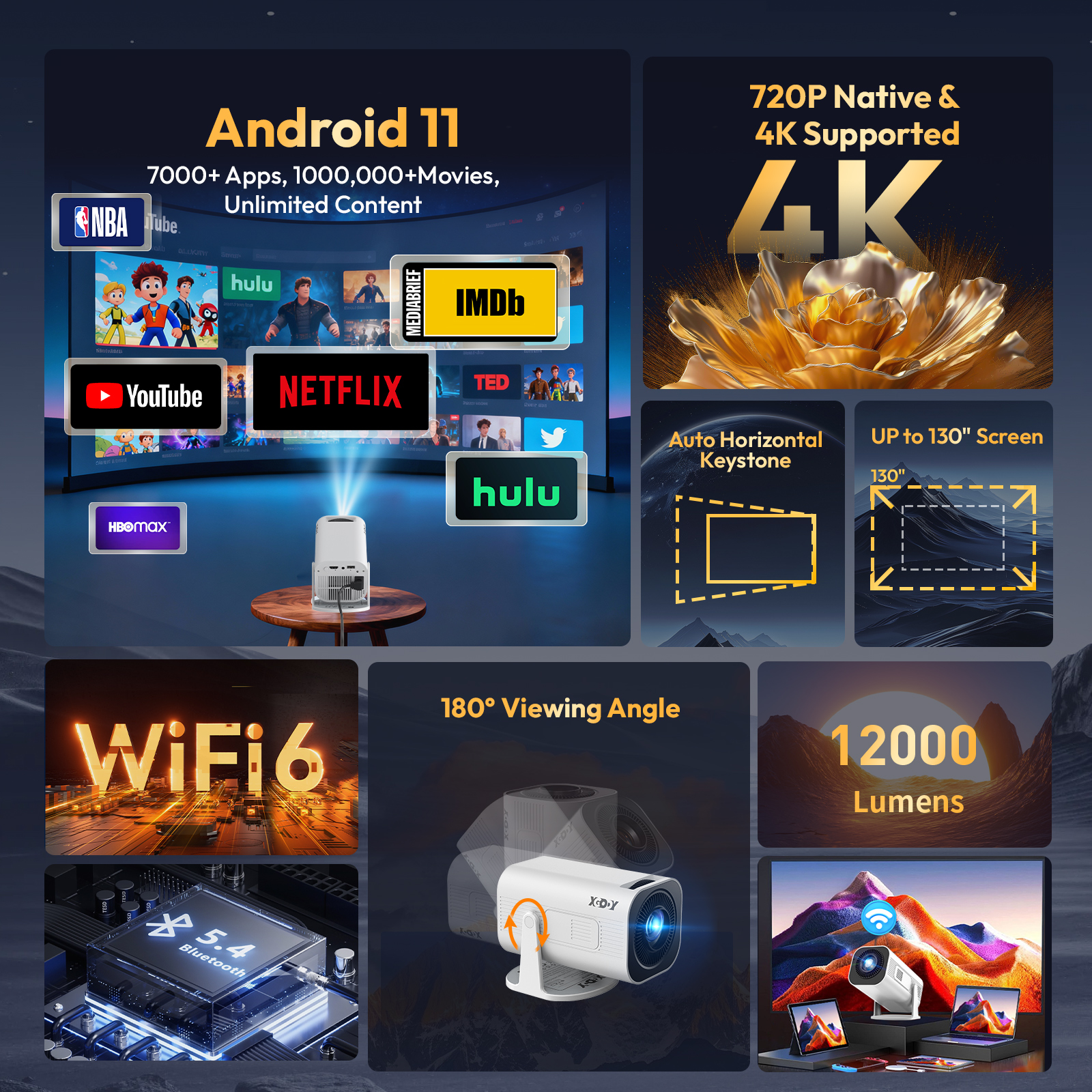
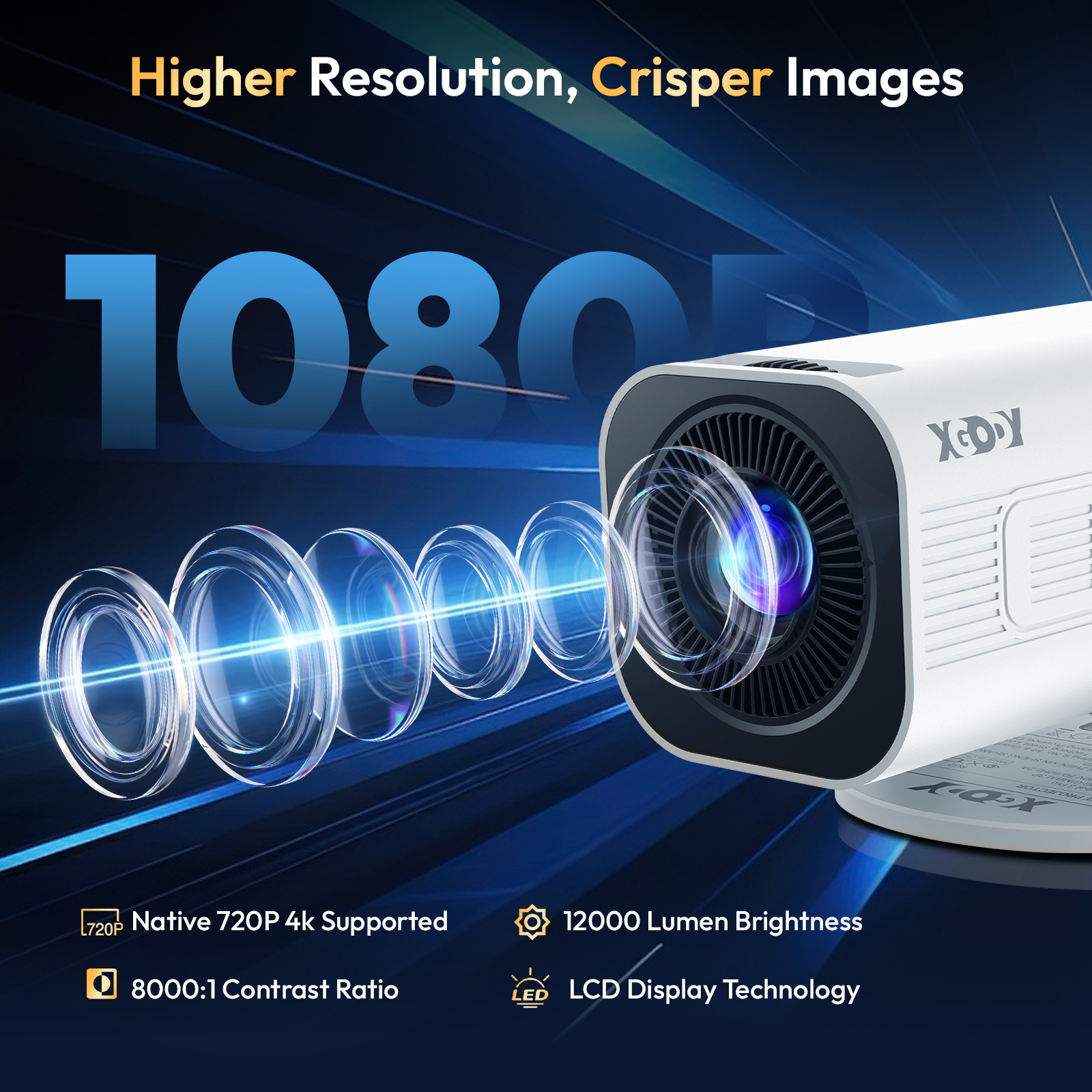
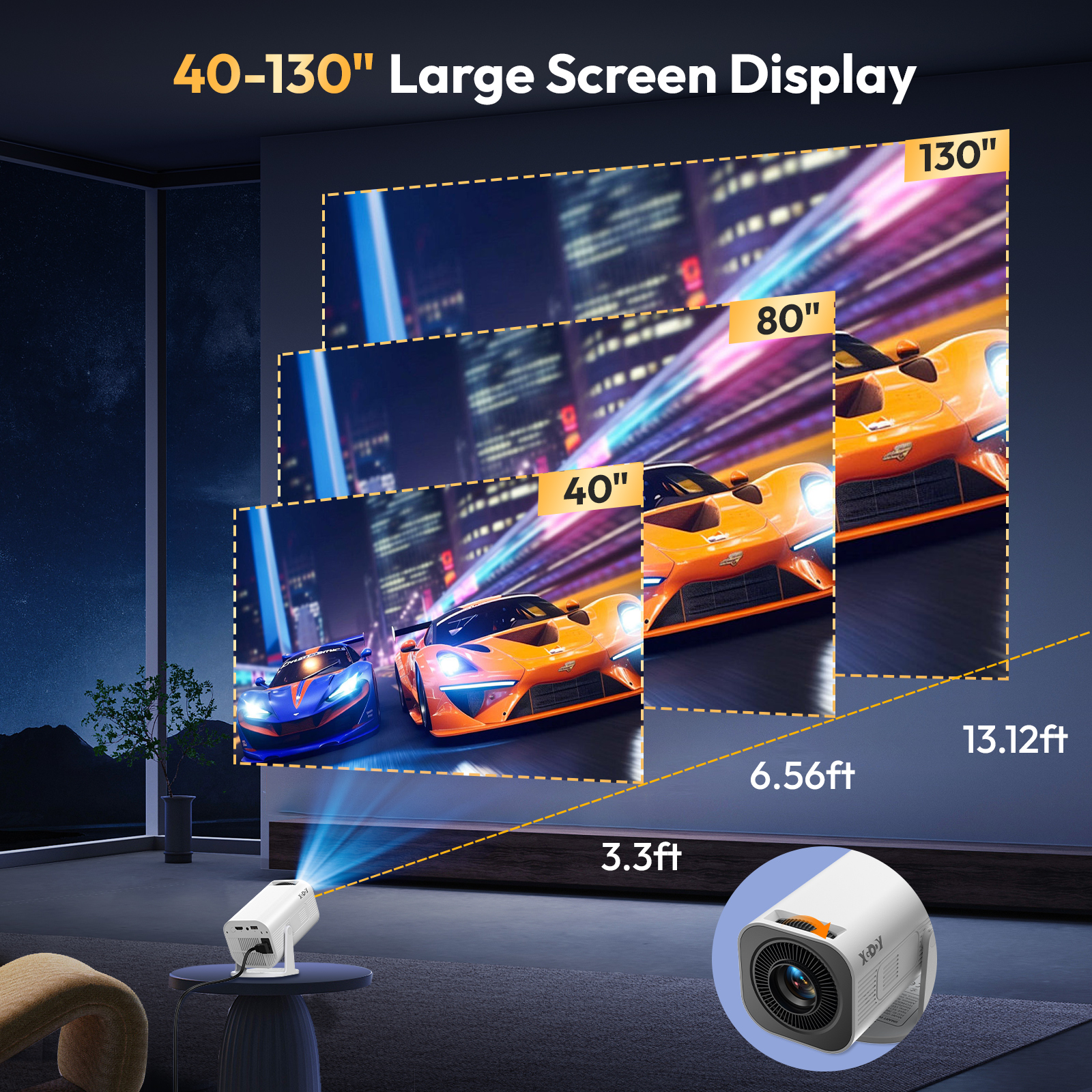
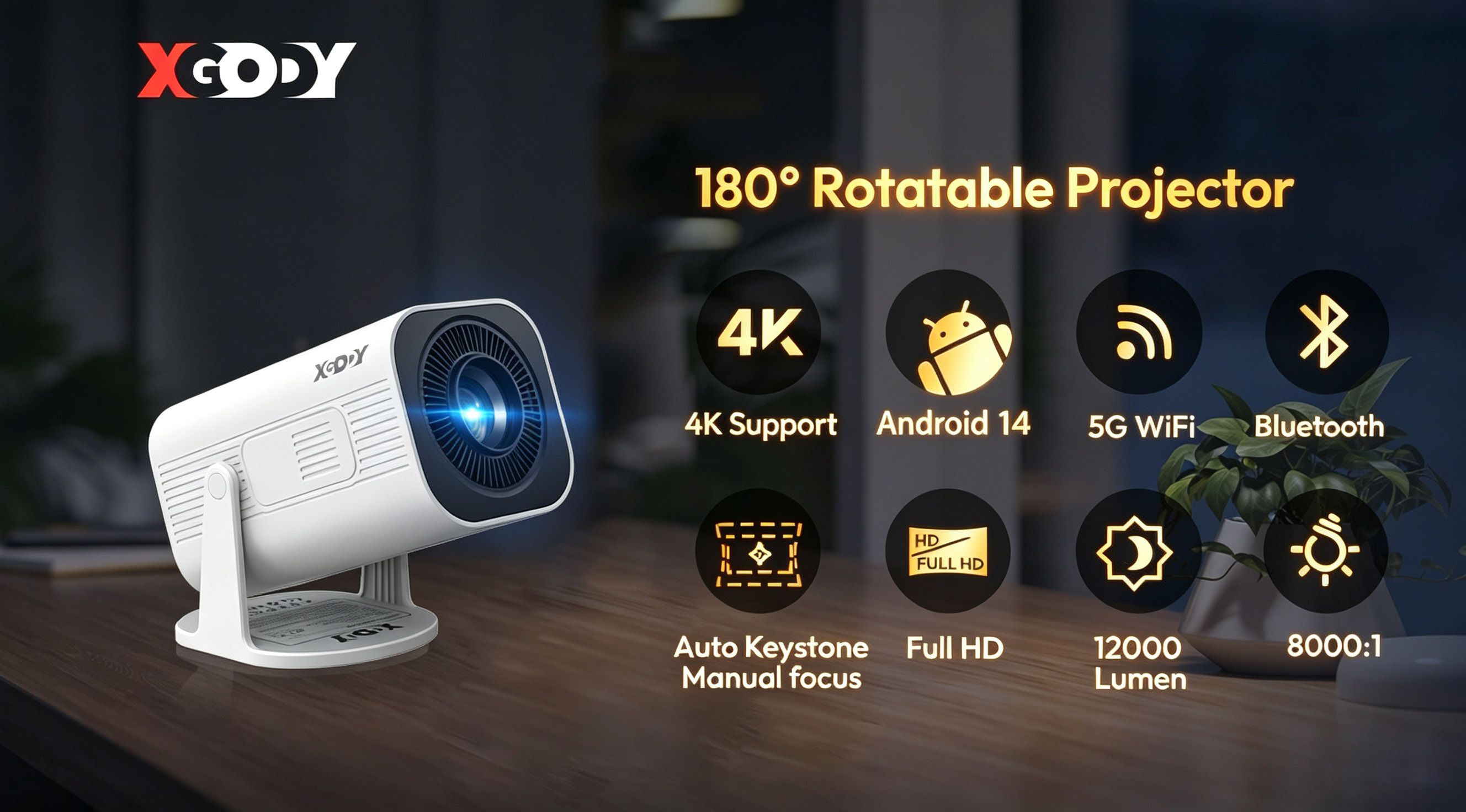
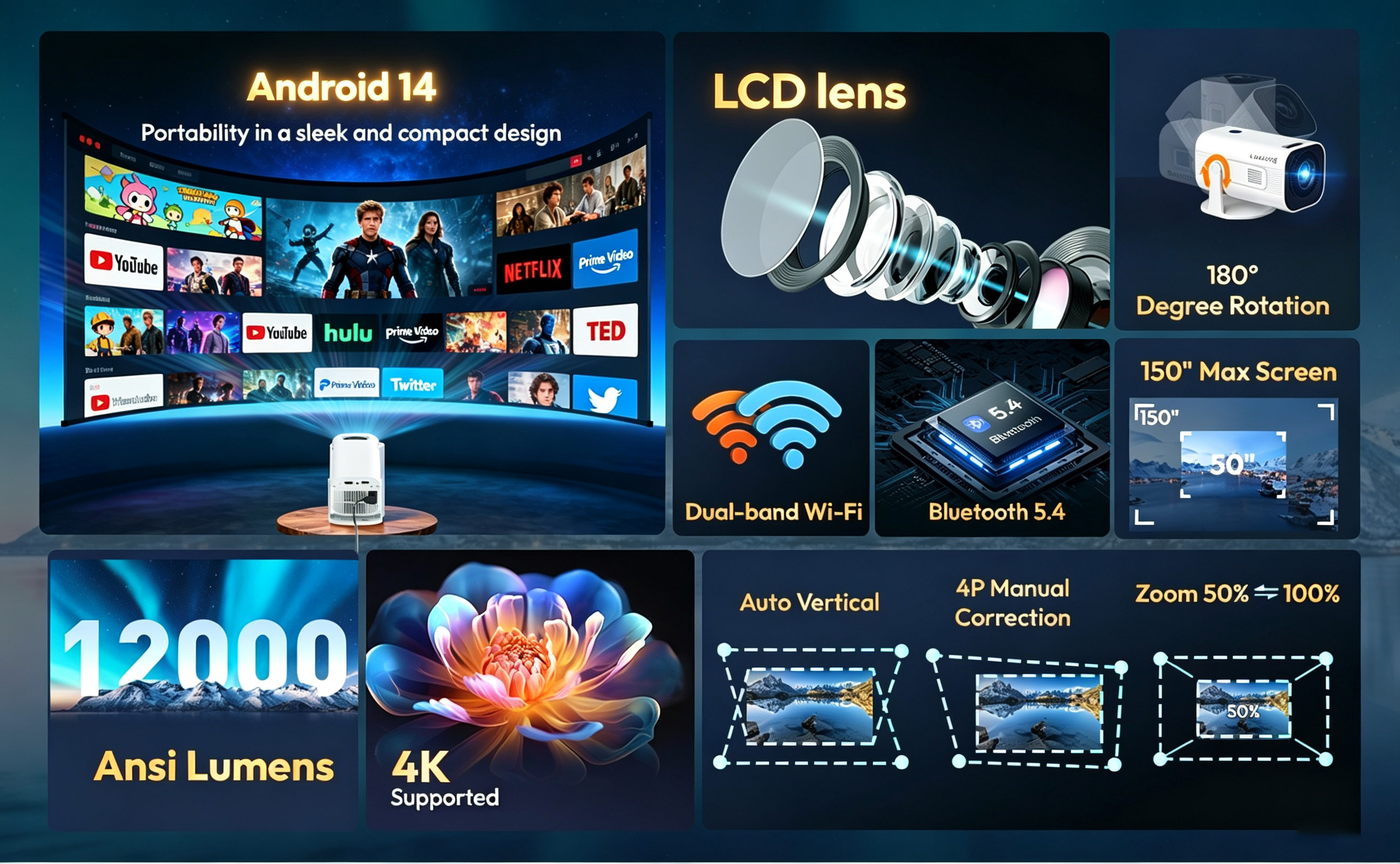
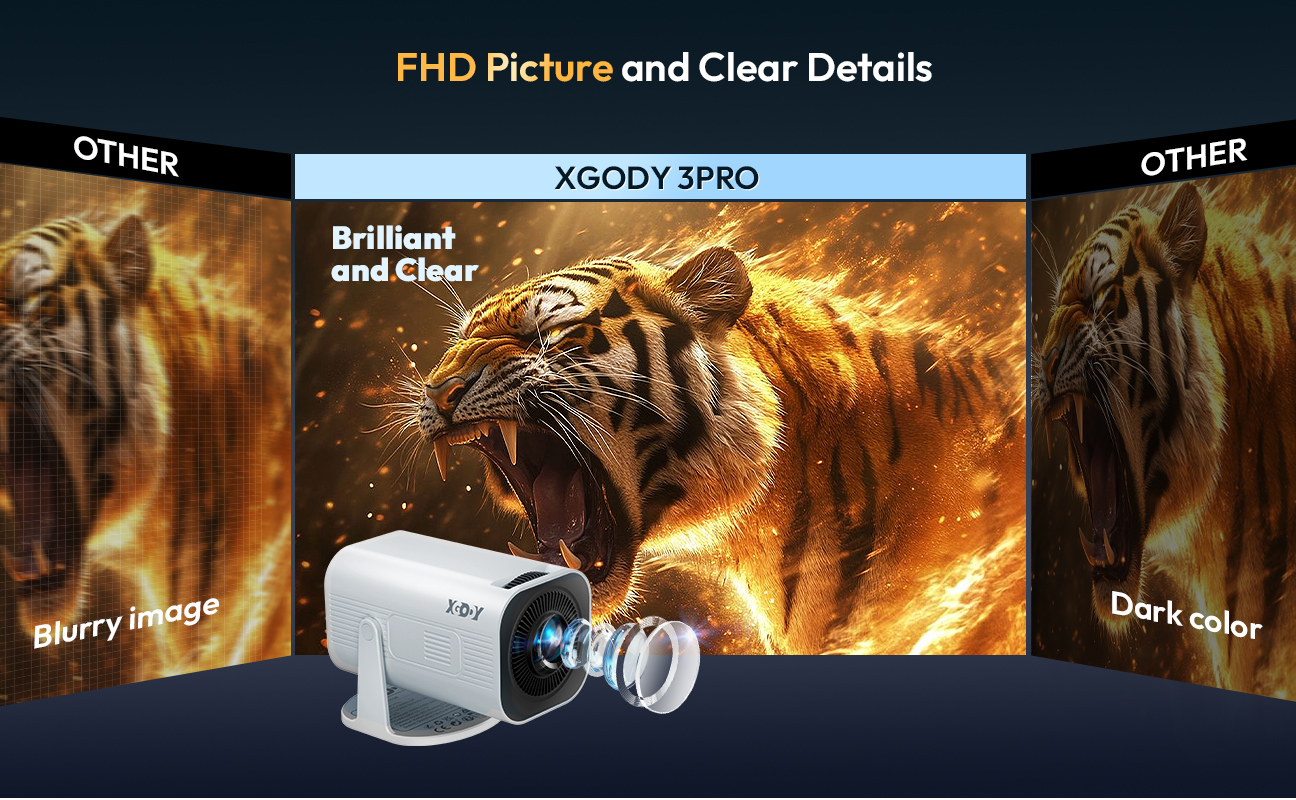
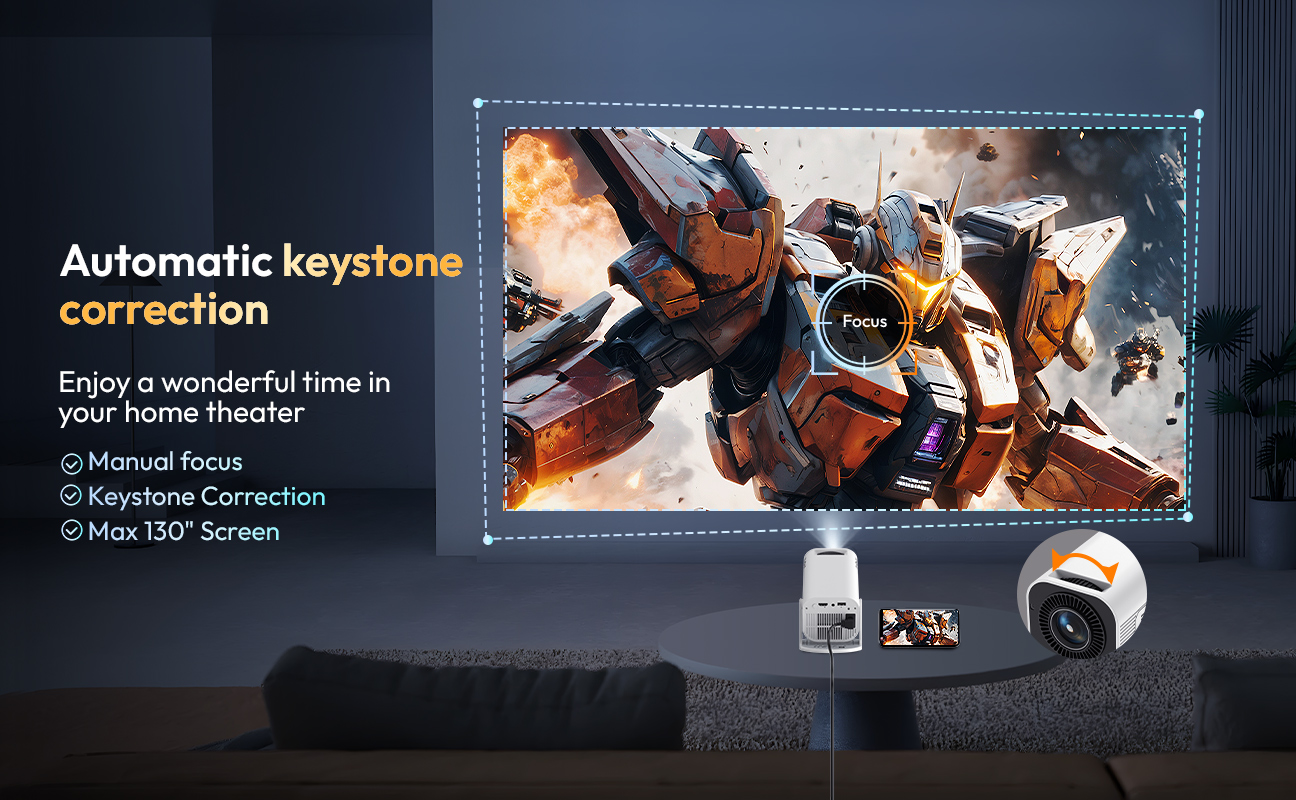
HD PROJECTION WITH 4K COMPATIBILITY Experience breathtaking visuals with this compact projector featuring native 720P resolution, full 4K video support, 12,000 lumens of brightness, and a 40–130 inch projection size. Whether you're watching movies, sports, or gaming, it transforms any room into your personal home theater. |
 |
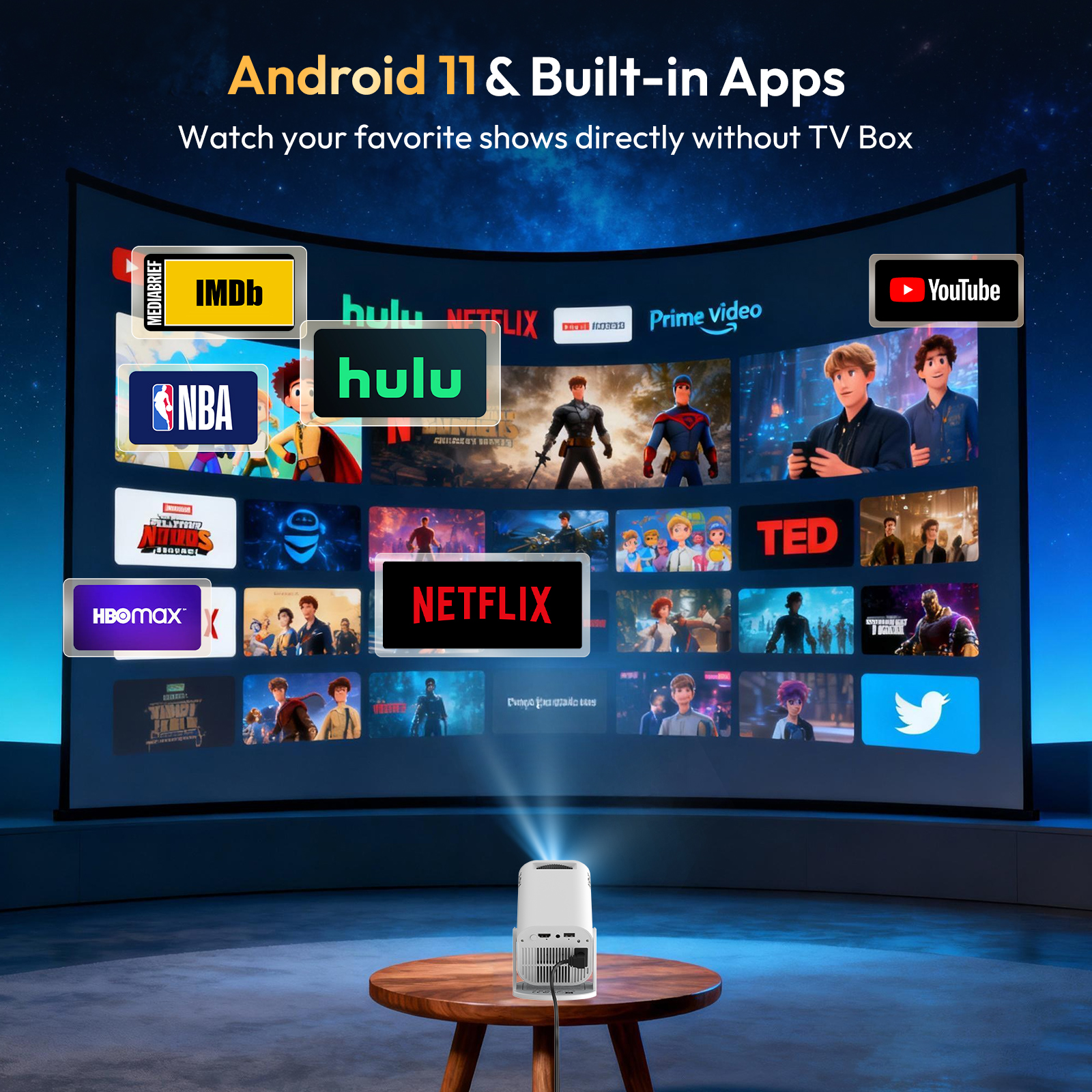
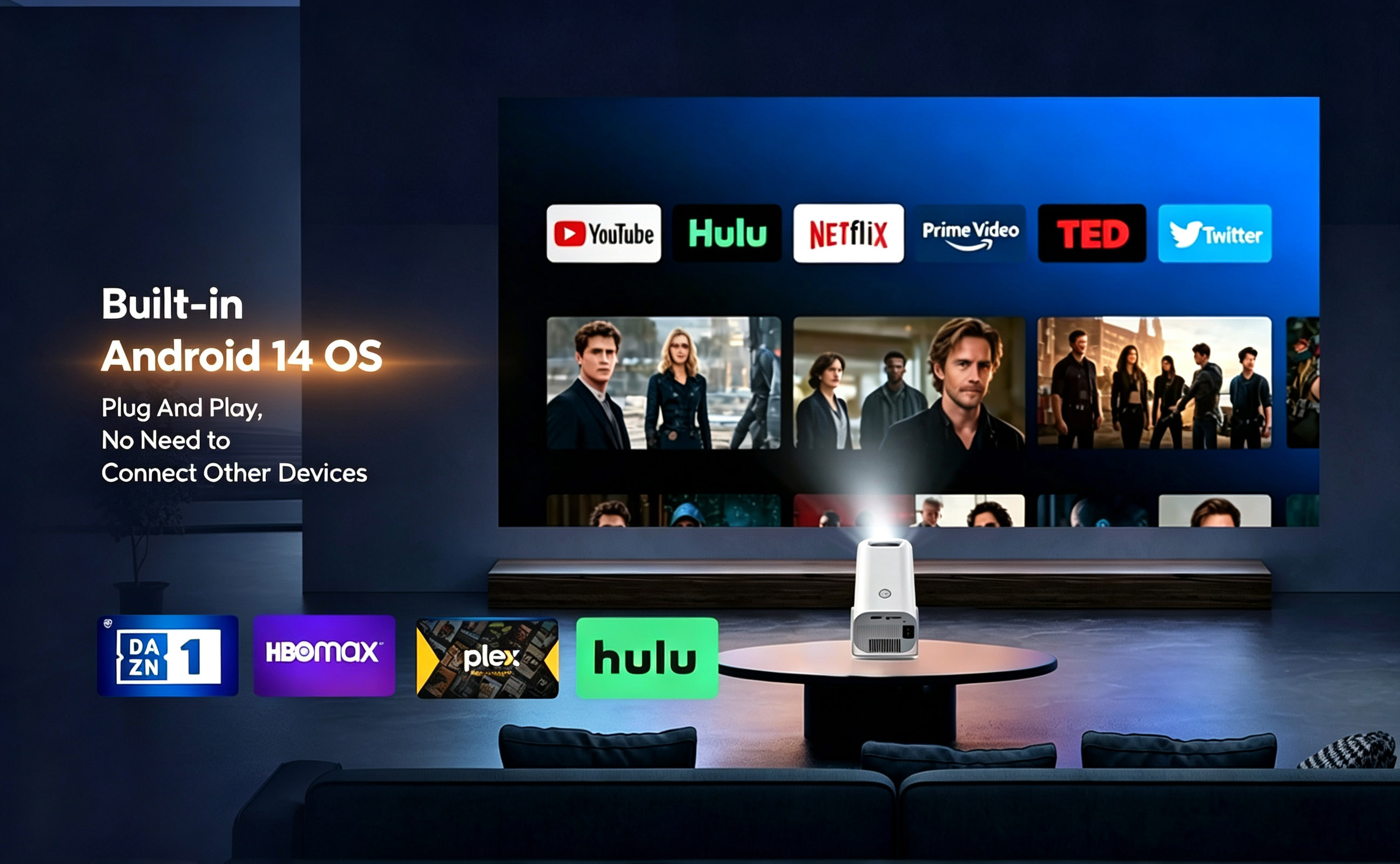
ANDROID 14.0 SMART OS Enjoy endless entertainment with the built-in Android 14.0 OS. Stream your favorite shows and movies directly from pre-installed apps like Netflix, YouTube, and more. No extra devices, no hassle – instant access to a world of content. |
 |
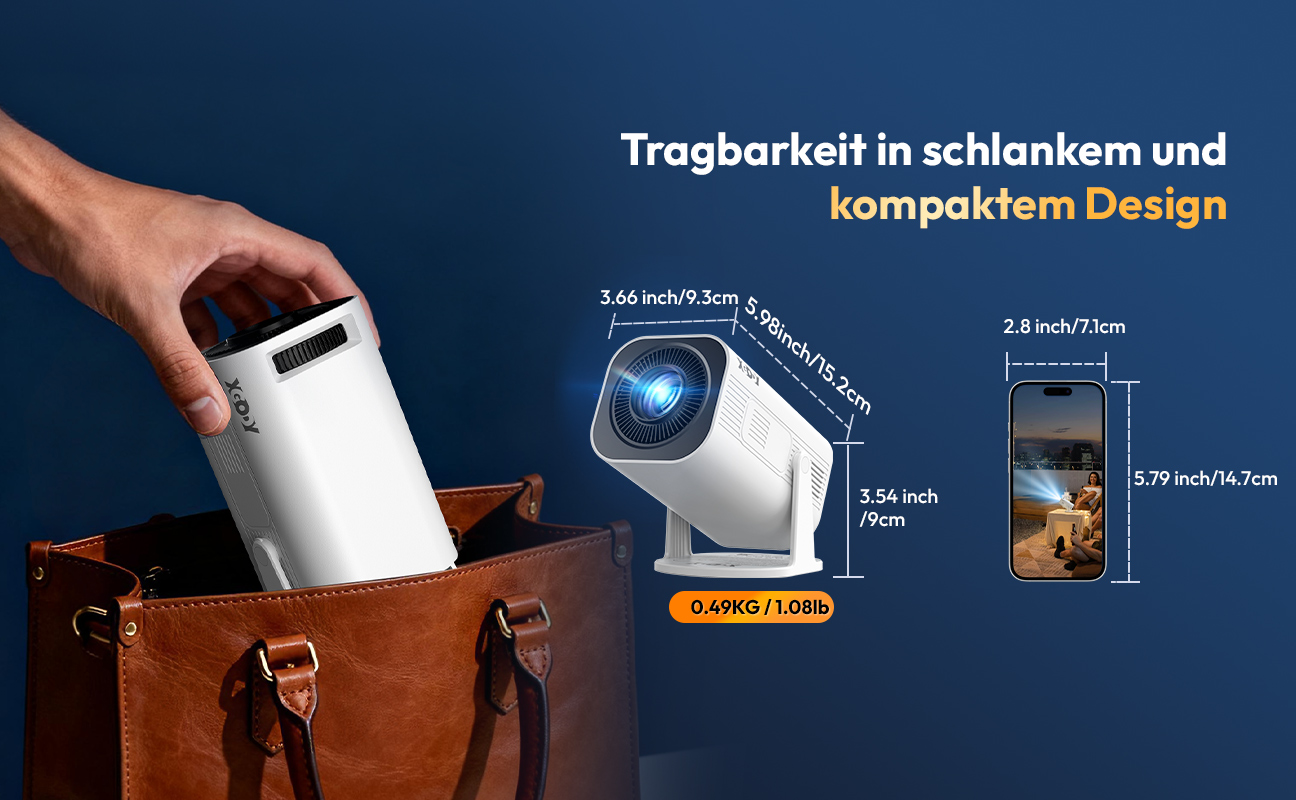
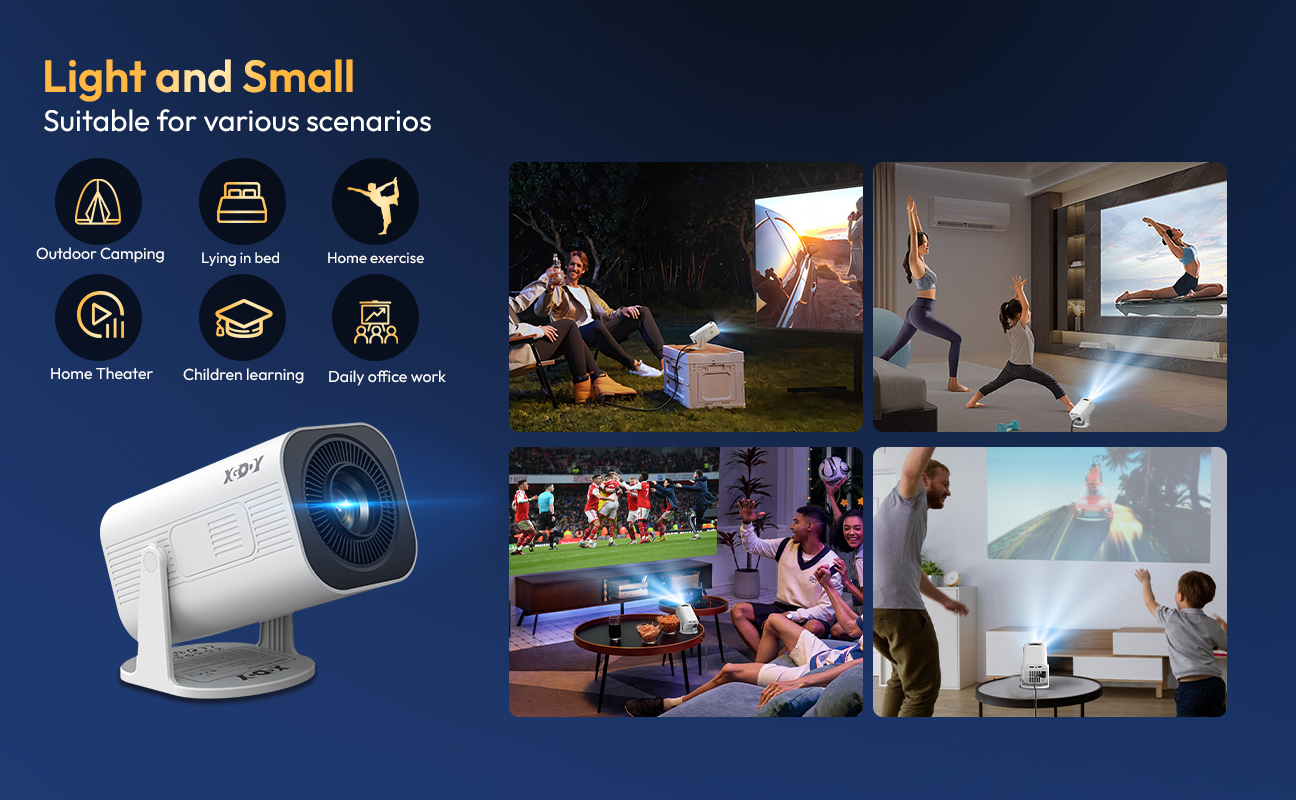
SMALL, PORTABLE AND DURABLE Weighing just 490g with a 30W LED lamp rated for up to 50,000 hours, this projector is built to last and travel with you. Perfect for movie nights at home, camping trips, outdoor screenings, and gaming sessions – big entertainment in a lightweight package. |
 |
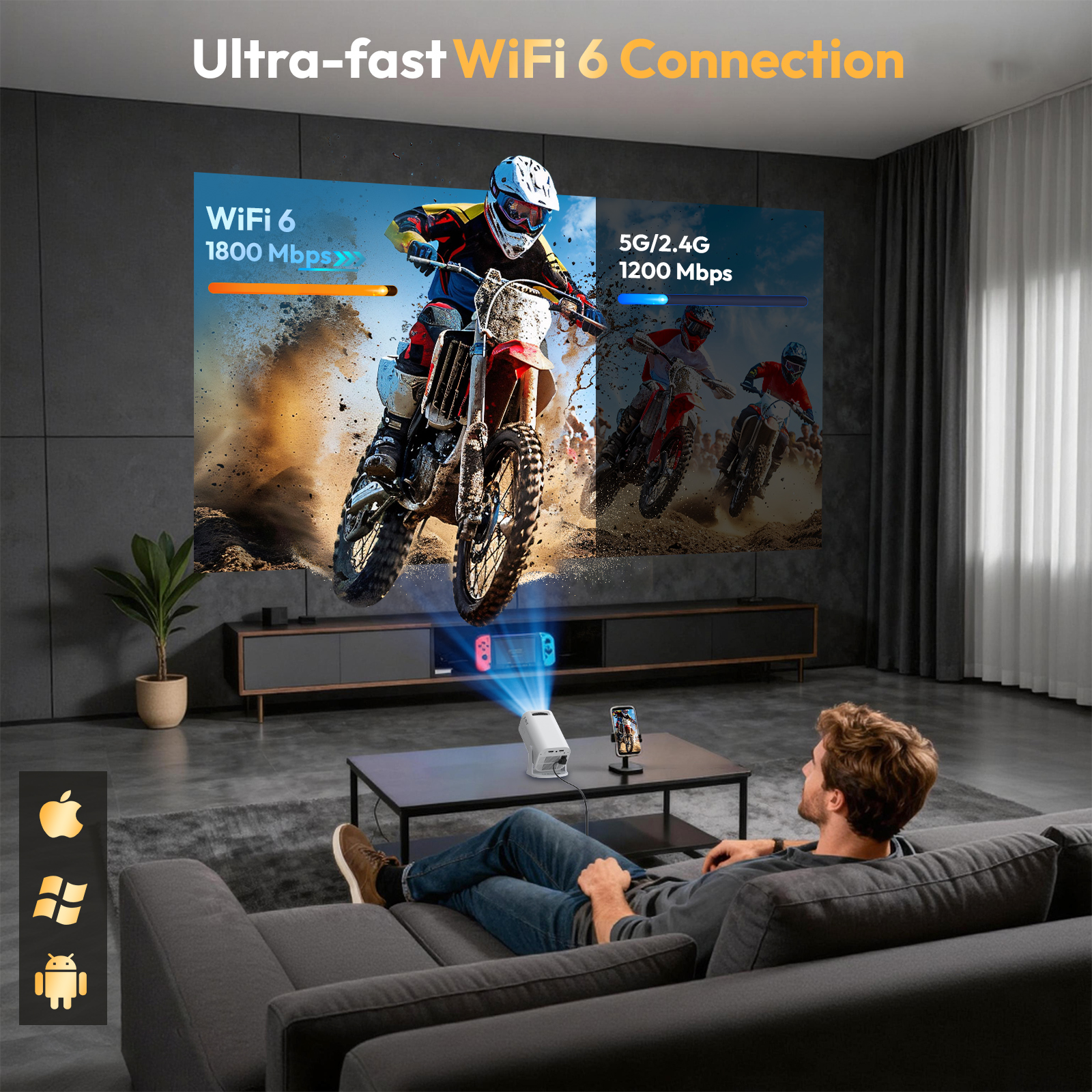
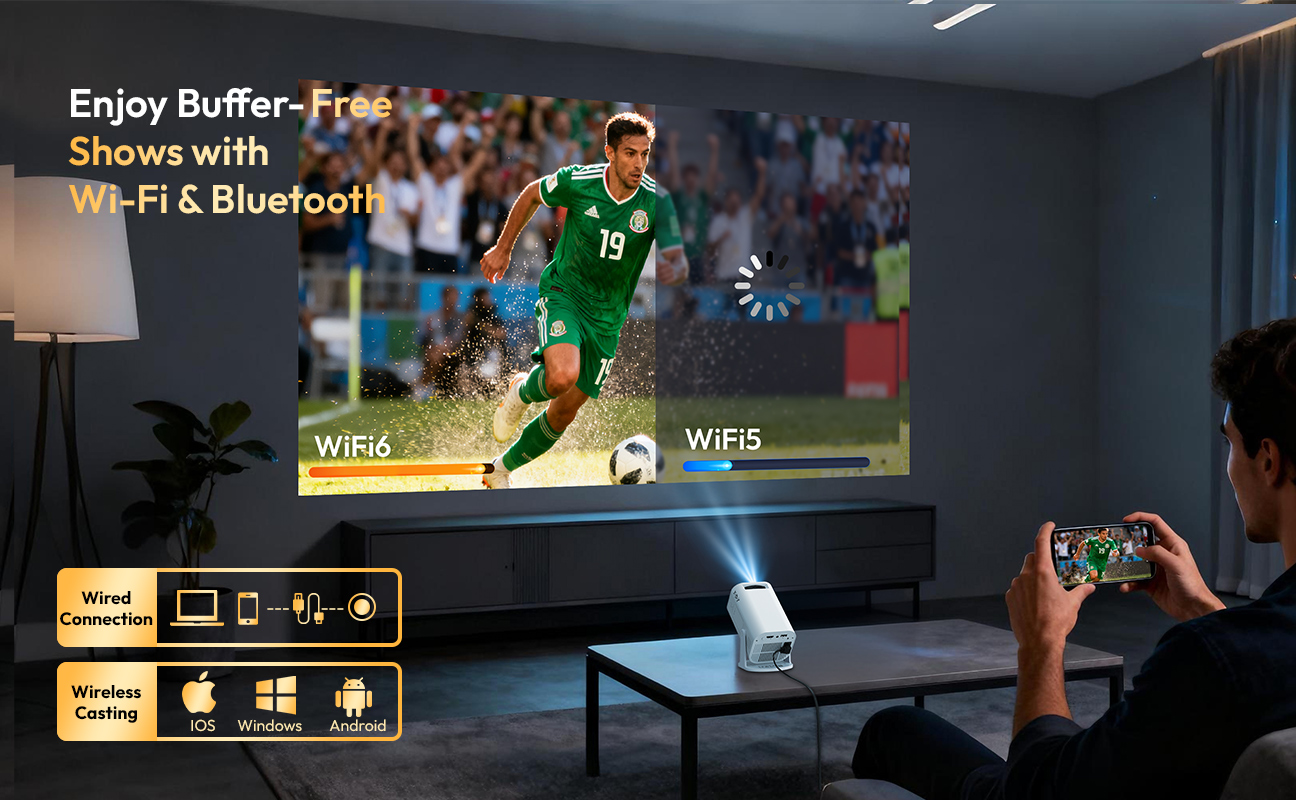
FAST DUAL-BAND WiFi6 TECHNOLOGY Equipped with the latest dual-band WiFi6 (2.4G and 5GHz), enjoy faster, more stable streaming than with single-band WiFi5. Buffer-free gaming, lag-free video calls, and smooth 4K streaming – all with a reliable wireless connection. |
 |
 |
 |
 |
 |
 |
On 15-Jul-2026 at 22:31:06 BST, seller added the following information: