M08F Office Document Student Homework Portable Inkless HD USB Bluetooth A4 Thermal Printer for Windows MAC OS Android IOS
Letter size: 216mm*279mm
A4 size: 210mm*297mm
Print resolution: 360DPI
PRINTING EFFECTIVE WIDTH: 216MM
PRINTING SPEED 13-15MM/S
CONSUMABLE WIDTH: 210MM
Operating system: Android/Ios
Connection mode: Bluetooth 4.2/ TYPE-C
Print head life: 50KM
Power supply mode: lithium battery
BATTERY CAPACITY: 1200MAH
DEVICE WEIGHT (BARE METAL) 915G
Single unit with packing weight: 964G
EQUIPMENT SIZE (BARE METAL): 310*68*41MM
Single package size: 355*110*82MM
Mobile: PHOMEMO (Overseas)
PC: LABEL LIFE
How to Print Via Bluetooth with Phone & Tablet
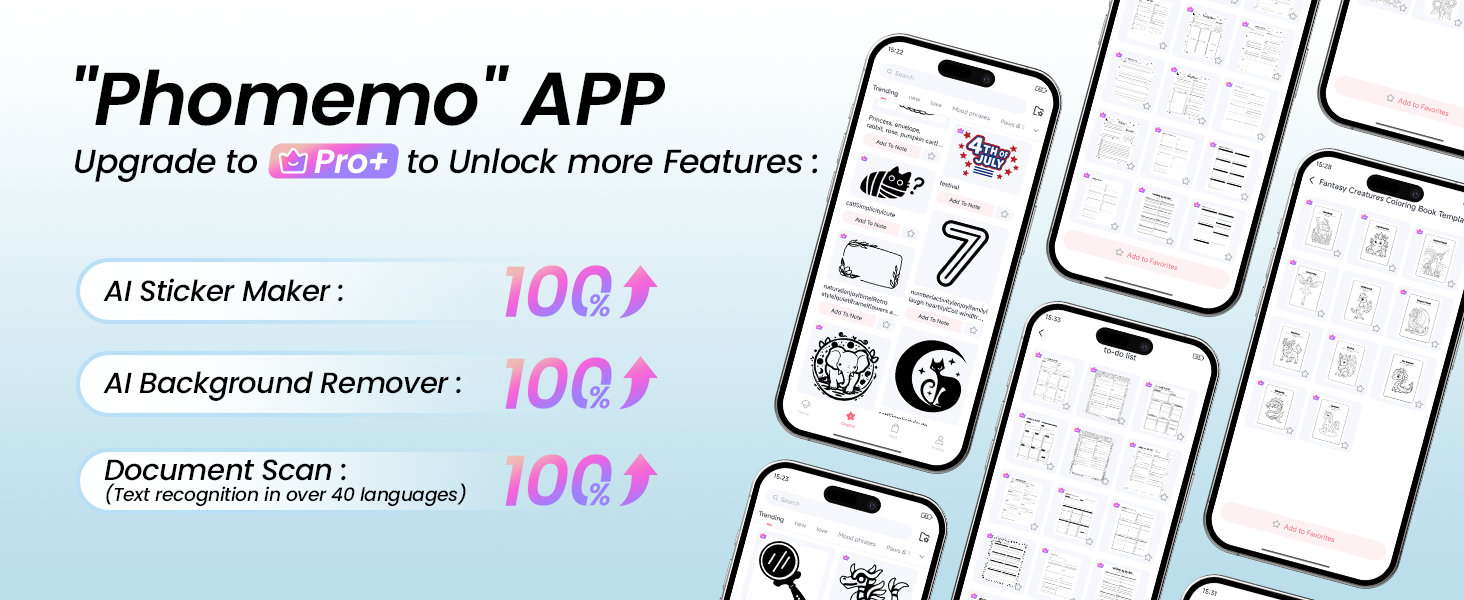
1.Download the APP "Phomemo" from App store or Google play
2.Turn on the portable printer and APP, Click the "printer" icon on the APP's uper right to search the Bluetooth printer and connect.
3.Then start your Phomemo M08F portable printer printing travel
Attention: M08F Portable printer Bluetooth can't support pair with Phone or tablet directly now, must be pair on the App"Phomemo".
How to Print on mac OS Laptop
Download the driver from Phomemo official website (Please check your laptop or computer's operation system before download the printer driver to maker sure the driver is correct)
After install the driver well, turn on the M08F portable printer and using the data cable come with the printer to connect Phomemo M08F thermal printer and your laptop, and start your M08F printer printing travel.
Attention: Phomemo M832 portable printer compatible with macOS 10.14 and above operation syetem
How to Print on Windows PC
Download the driver from Phomemo official website (Please check your laptop or computer's operation system before download the printer driver to maker sure the driver is correct)
After install the driver well, turn on the M08F portable printer and using the data cable come with the printer to connect Phomemo M08F thermal printer and your laptop, and start your M08F printer printing travel.
Attention: Phomemo M08F portable printer compatible with Windows7 and above operation syetem


On Dec 8, 2025 at 00:10:04 PST, seller added the following information: