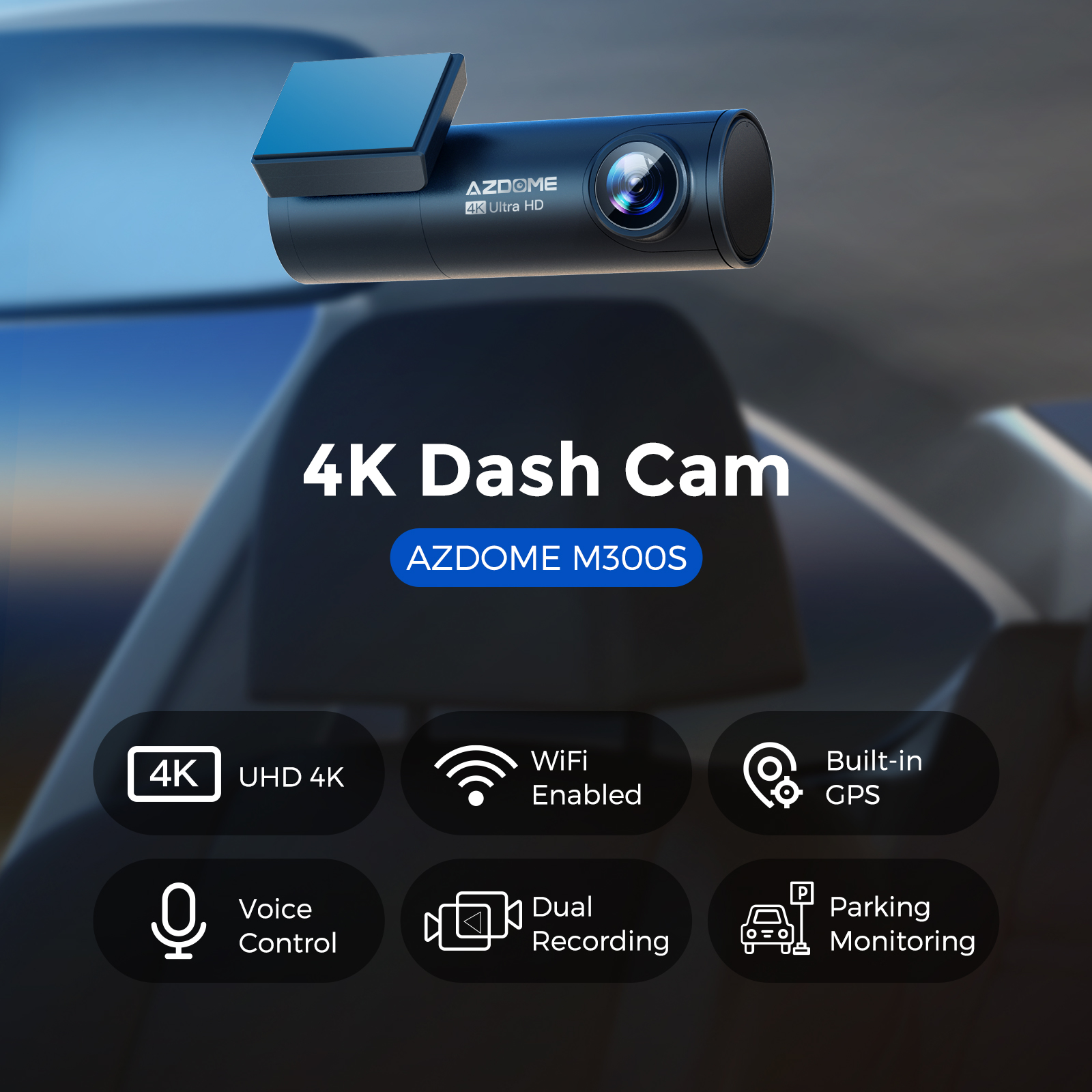
AZDOME 4K Dual Dash Cam WiFi 6 GPS, WDR Super Night Vision Camera for Car, G-Sensor, 24H Parking Mode, 170° Wide Angle Dashcam, Loop Recording,Free 64GB SD Card, Voice Control M300S
If you are unable to make a purchase, you can buy the M300S via this link, which is designated for remote areas:https://www.ebay.com.au/itm/128126196557
Information about the product
【4K Dual Dash Cam Front and Rear】
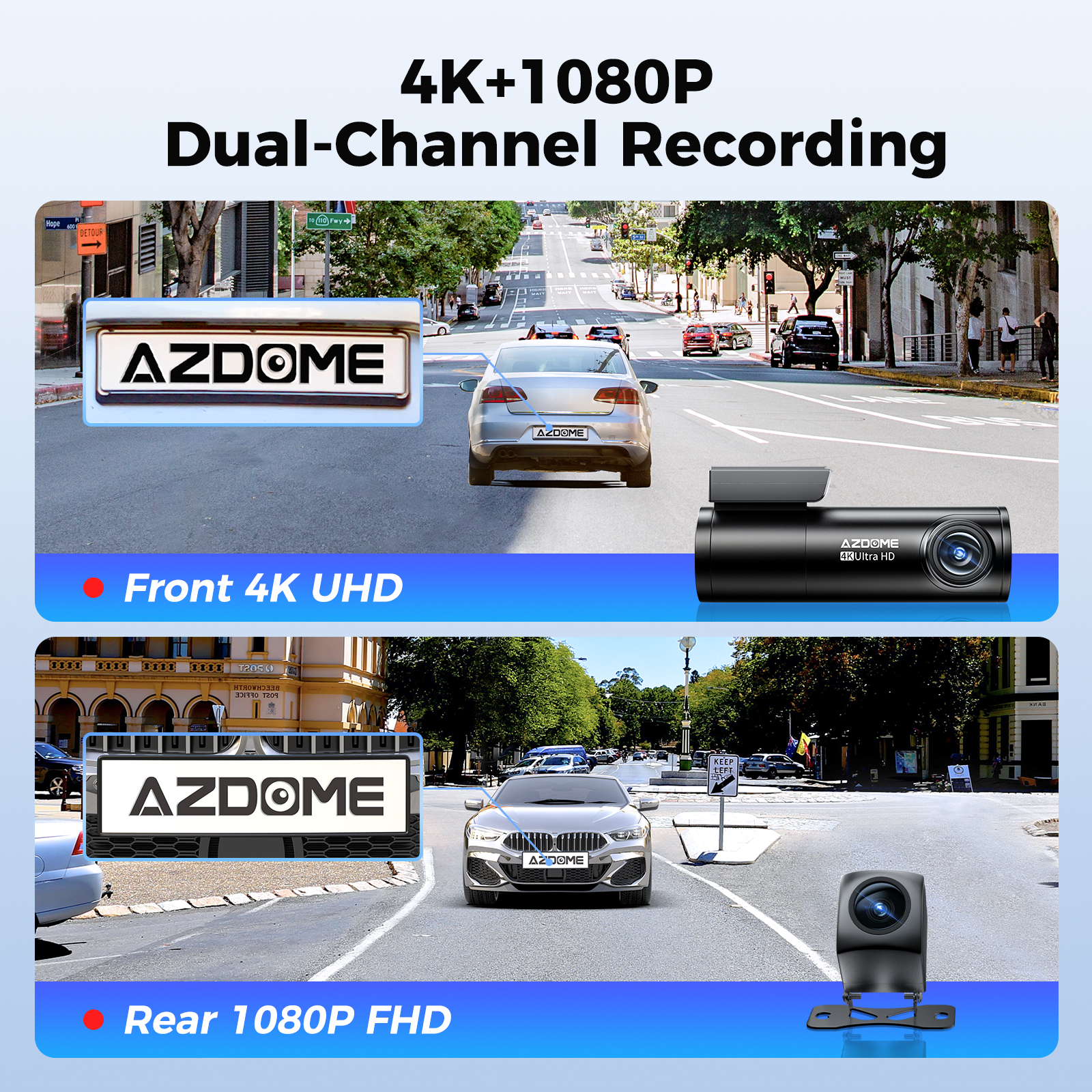
AZDOME M300S Dash Cam is equipped with 4K(2160P) UHD front camera and 1080P rear backup camera. Provide you much clearer footage capturing license plates from a distance. Works well for cars, suv, jeep, truck.
 |  |
【WiFi 6 and GPS】
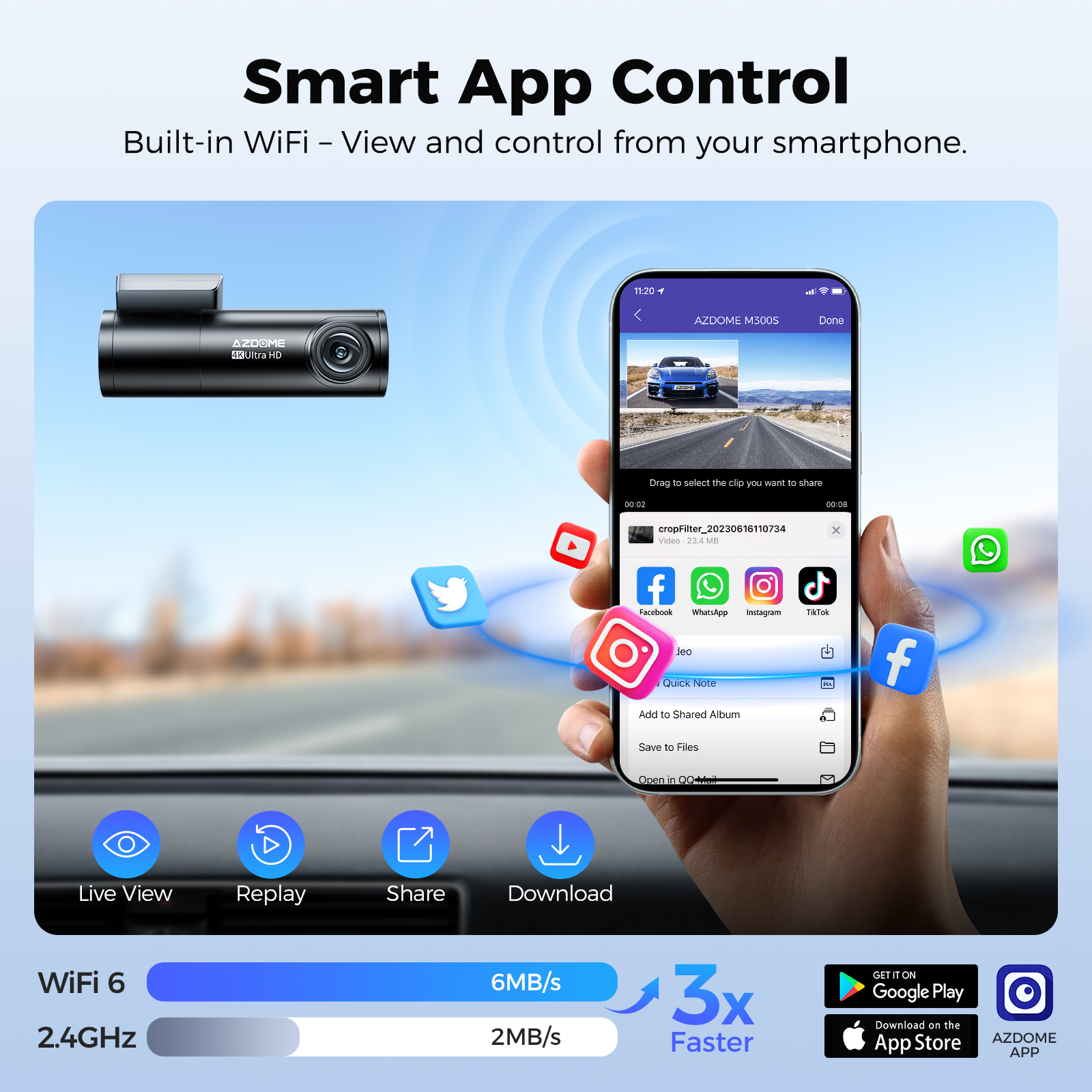
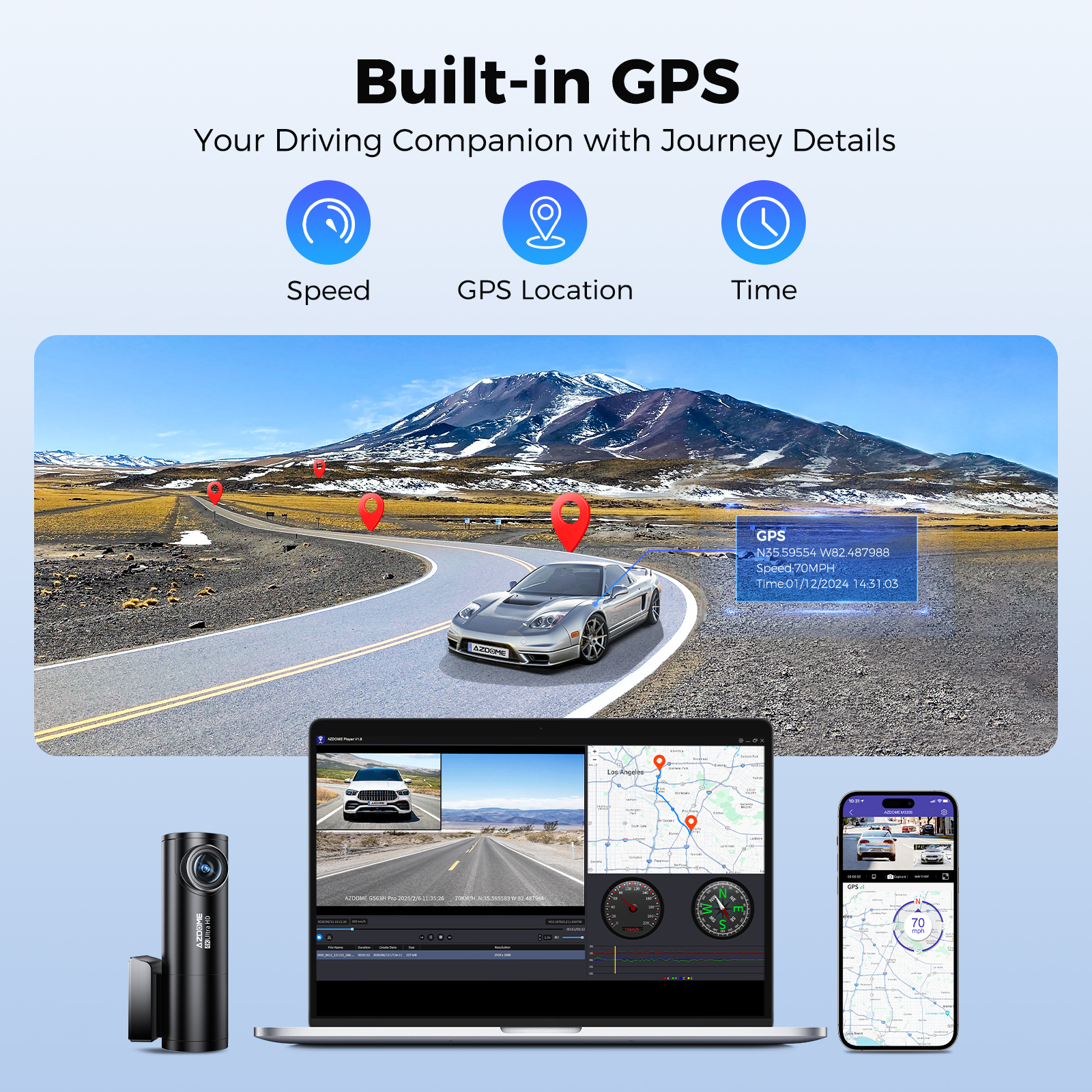
Supports WiFi 6 high-speed transmission, with speeds up to 3 times faster than traditional WiFi, downloading a 1-minute HD video in just a few seconds. Compared to ordinary WiFi, the connection is more stable and has lower latency, allowing you to quickly view or download recordings on your phone after parking, without long waiting times. GPS details can only be viewed via a computer. You can view your driving route, real-time speed and other information via a computer player.
 |  |
【24h Parking Monitoring】
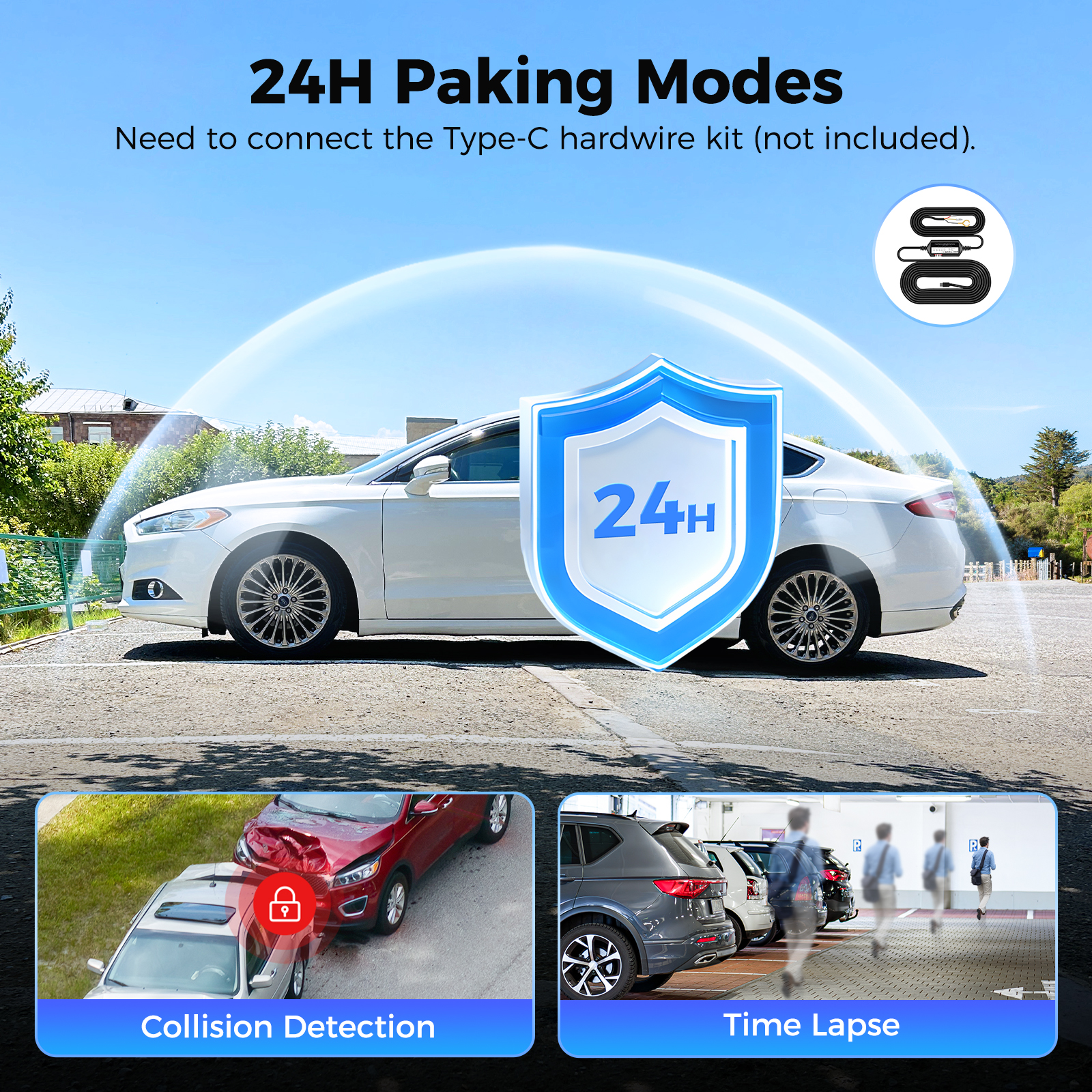
AZDOME M300S Dual dash cam offers 2 parking modes:
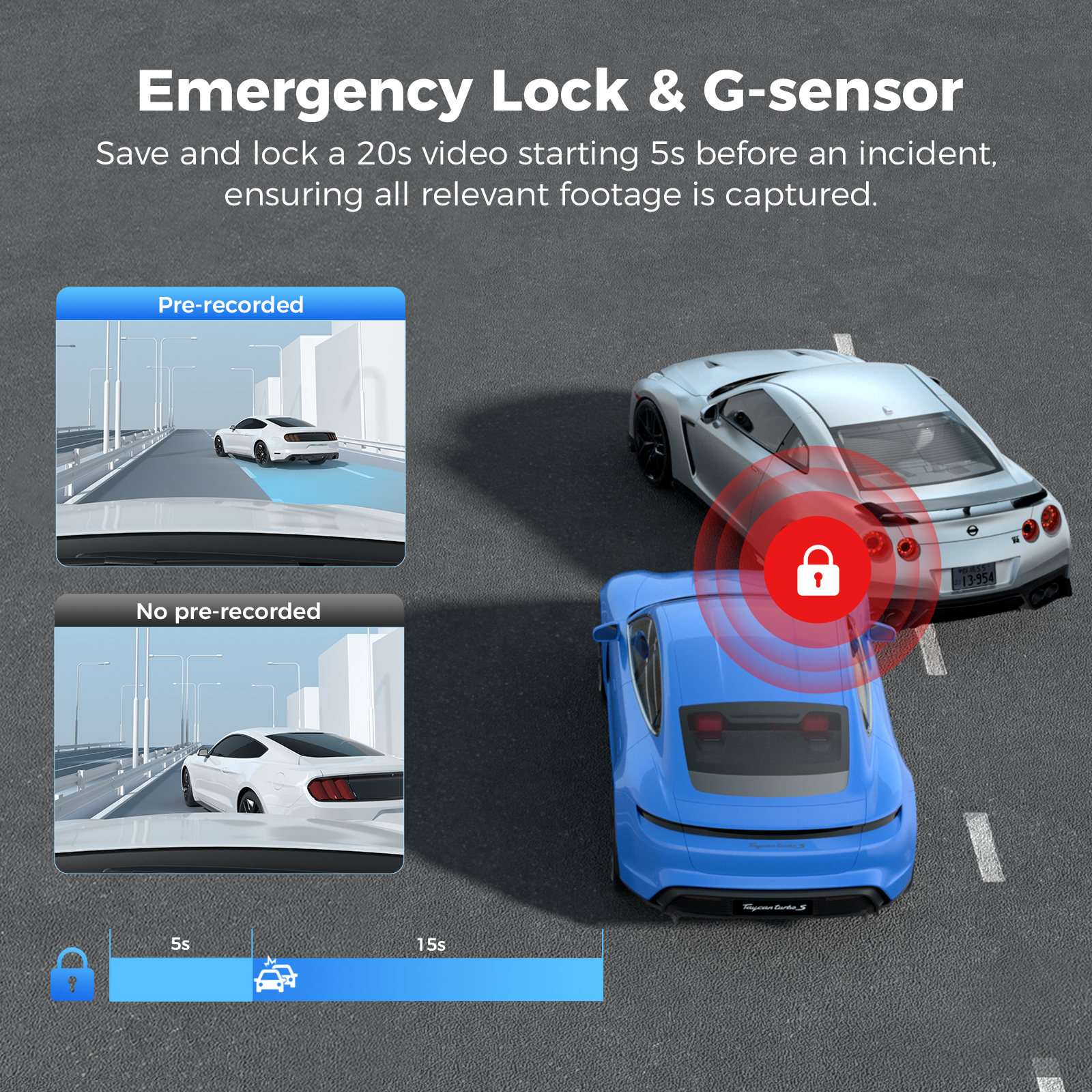
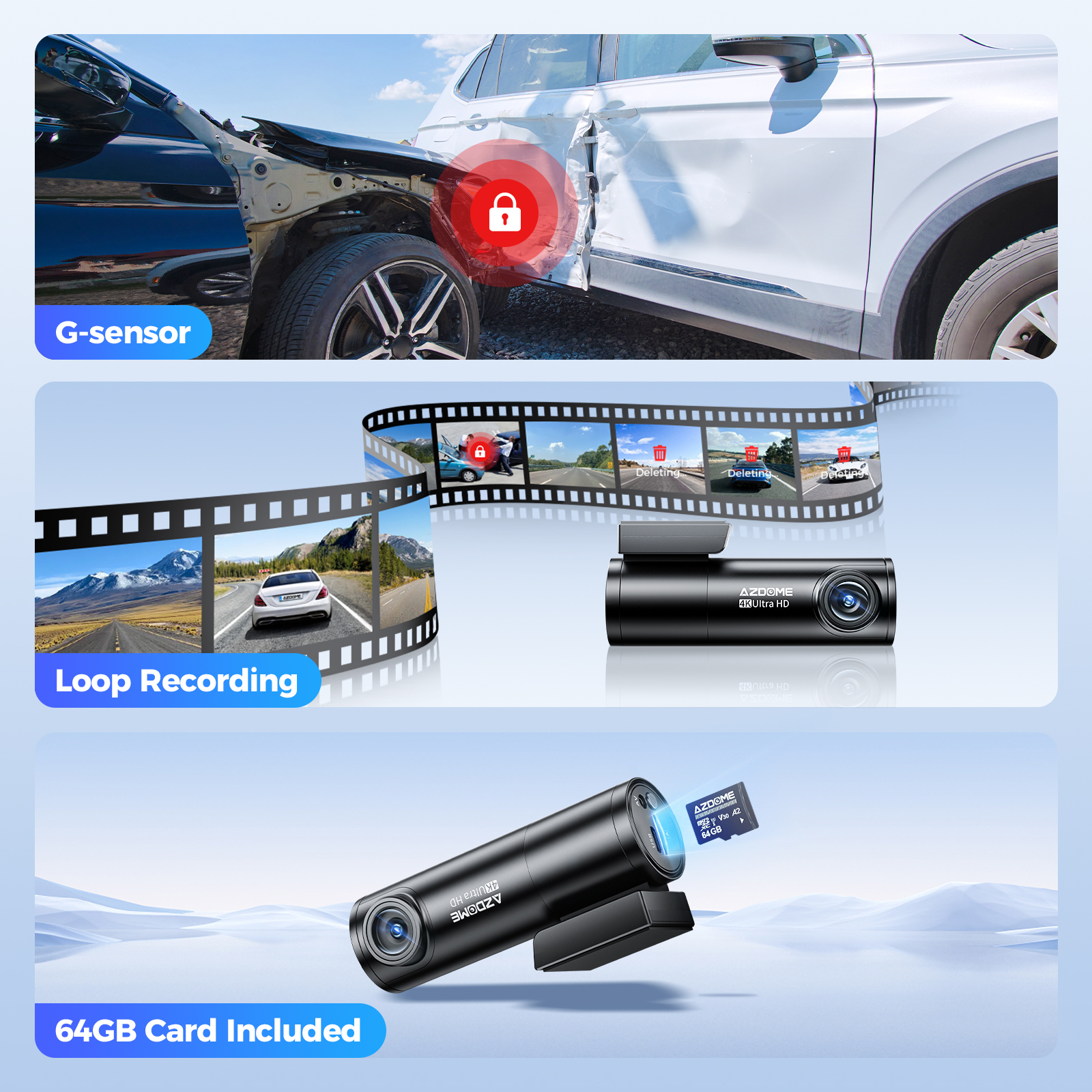
1、Collision Detection Parking Mode:If the dashboard camera's G-Sensor detects a collision or a hard hit to the vehicle, and the impact force reaches the set G-Sensor level, the camera turns on > then starts recording continuous video, and saves and locks the video in the EMR folder > then the camera turns off.
2、Time-Lapse Parking Mode:If someone hits your car, and the impact force reaches the set G-Sensor level, the camera starts locking the current loop of the time-lapse video clip, and saves and locks the video in the EMR folder > then returns to the time-lapse 1fps recording mode.
(To avoid fire, our product does not install a large capacity battery, so if you want it to work for you when the car is parked, you need to install a hard wiring kit. If you purchased an upgraded new version of the M300S, you can purchase the hardwire kit JYX05 at the link below:https://www.ebay.com.au/itm/126595835165 or https://www.ebay.com.au/itm/126267744583 ). If you don't know which one to buy, you can contact our customer service.
 |  |
【Super Night Vision】
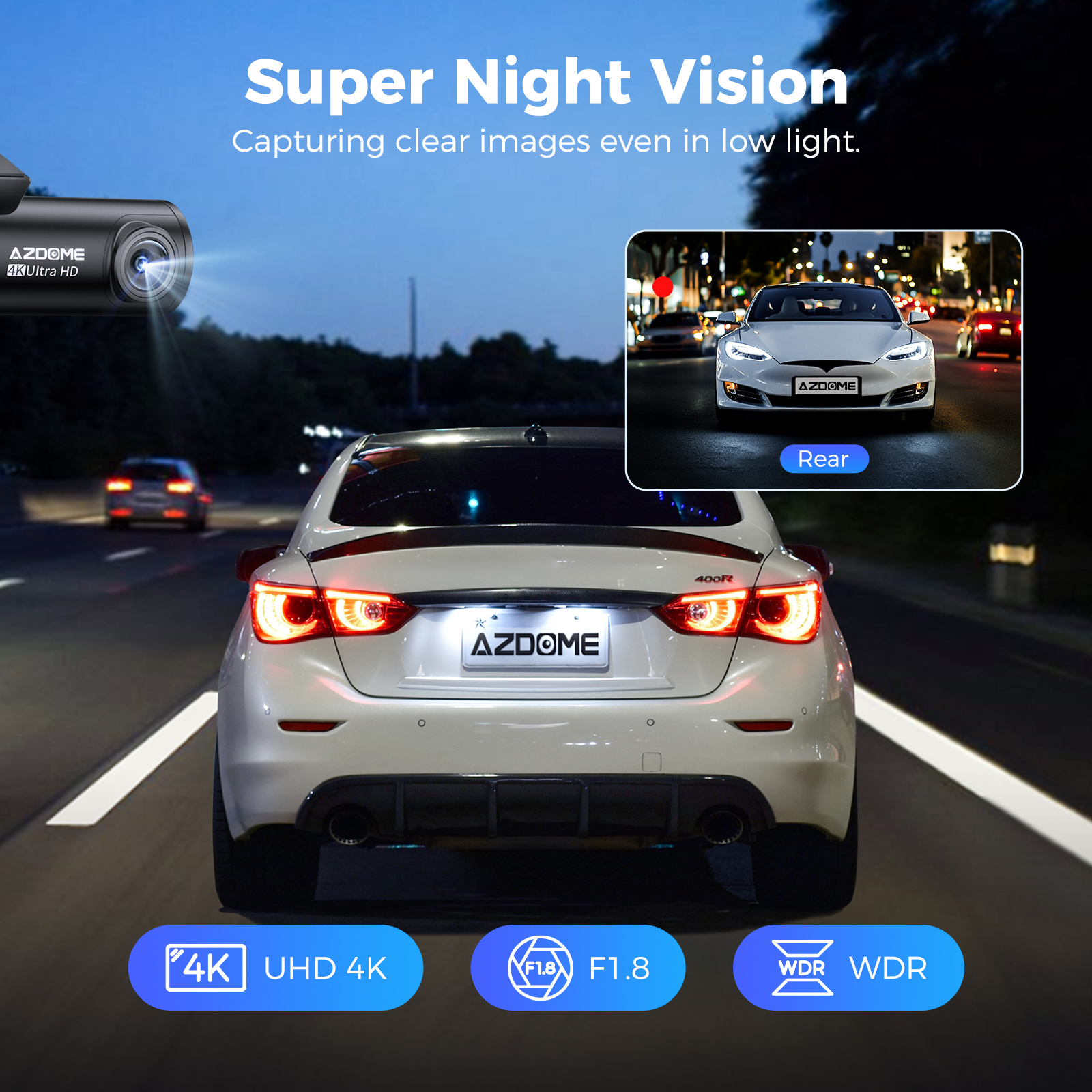
Wide Dynamic Range (WDR) technology compensates for light/dark spots and balances exposure, which ensures no overexposure during the day and brings greater clarity at night for best performance under varying light conditions. The combination of F1.8 large aperture and 6-glass lens, professional WDR technology ensures the clear footage and images you need to record, so that car license plates can be easily captured at night
【Loop Recording—Off/1min/ 3mins(Default)/ 5mins】
Allow the dashcam to continuously record. Please notice: the dashcam will keep deleting the oldest files automatically when memory card gets full so that it can keep recording overand over. Here select the length of video file for the loop recording.
 |  |
【Hands-Free VOICE Control】
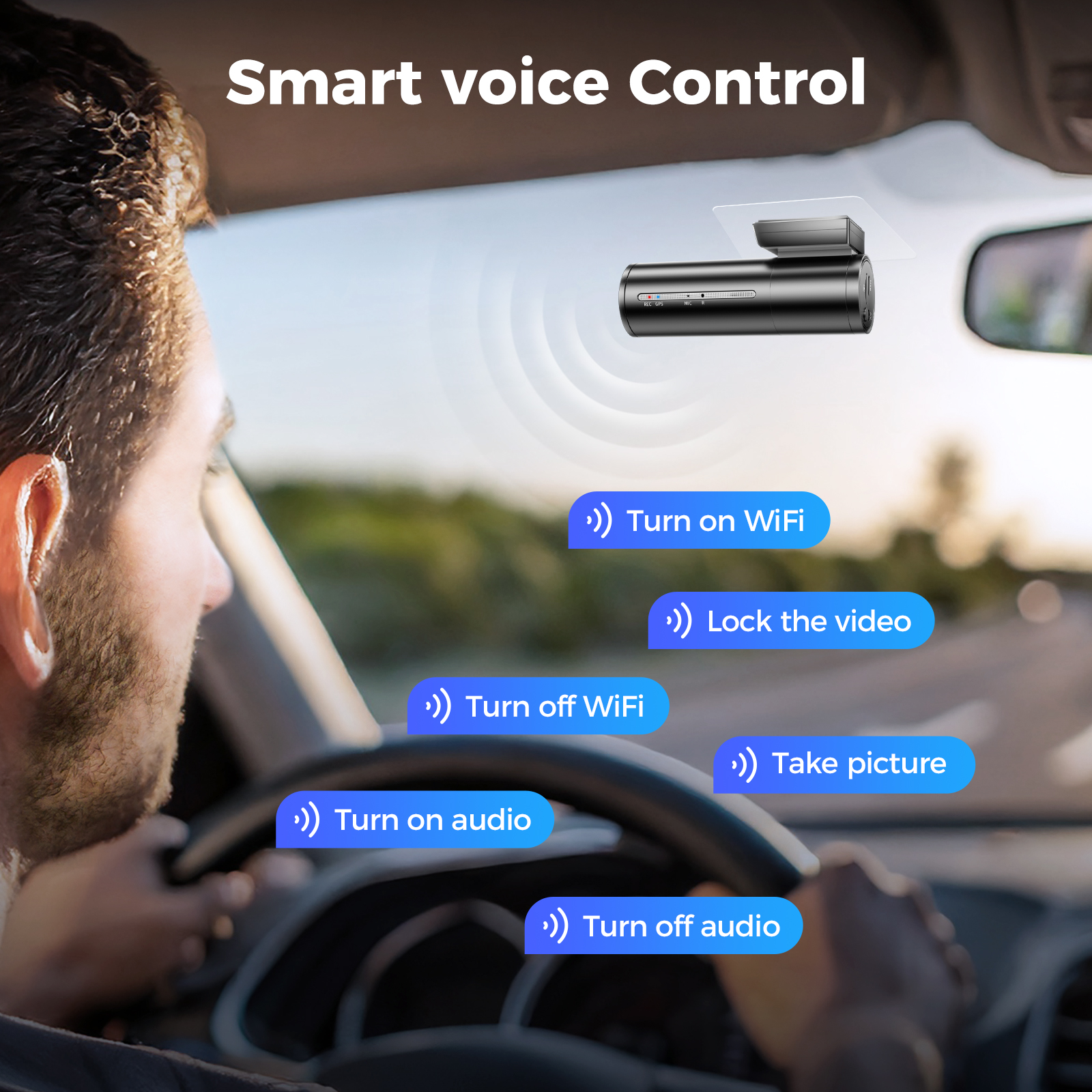
M300S smart car dash camera comes with 6 voice commands, you can completely release your hands and travel without worry. Simply give voice commands to finish your photo/video taking tasks and more, all hands-free. Note: say a command, but ONLY support English. "Turn on/off WiFi, Take picture, Open/Turn off recording, Lock the video"
【Free 64GB SD Card】
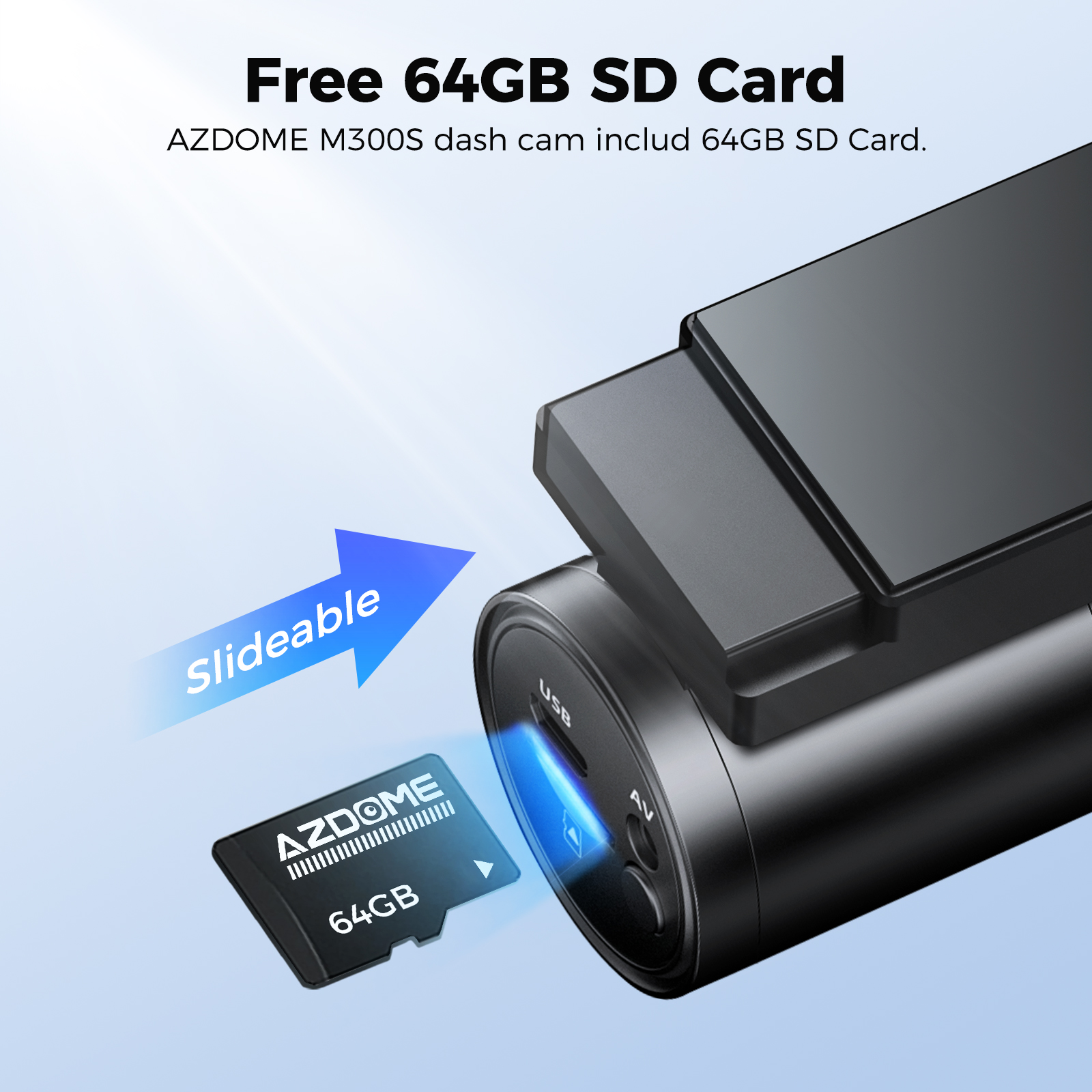
AZDOME 64GB card has already been inserted into the dash cam.Users do not have to purchase SD card separately. Dash camera for car supports up to 256GB SD card. Please format 64GB SD card at first time using for your dash cam.
 |  |
Specifications:
| Model: | M300S | Video Format: | MP4/H.265&H.264 |
| Hersteller: | AZDOME | Recording Resolution: | 1-CH: 4K UHD 2880*2160P/30FPS 2-CH: 4K + 1080P/25FPS |
| Number of cameras: | 2 (Front + Rear) | WiFi GPS: | Built-in |
| Aperture: | F=1.8 | Max External Memory: | 256GB (Included 64GB SD Card) |
| G-Sensor: | Support | Mic: | Support |
| Color: | Black | Speaker: | Support |
| Language: | Englisch / 日本語/ Deutsch/ Francais / Español / Italiano / Pyccknn.etc | Battery: | Super Capacitor |
| Voice Control: | Support | Storage Temperature: | -30 °C to 85 °C |
| Photo Format: | JPG | Operation Temperature: | -20 °C to 70 °C |
Warm Tips
1. Be sure to format your SD card for the first time with your auto dash cam, and we recommend reformatting it monthly.
2. A 64GB SD card is included. Please DO NOT USE any “SanDisk Ultra” or "Generic Class 10 for HD Video" cards from third-party sellers. They are NOT suitable for a high-end 4K dash cam like this one.
3. It features a built-in supercapacitor (only 1mAh lithium metal battery is used for maintaining the time). Please always connect the dash cam to an external power source (USB hardware kit not included) while in use.
4. At AZDOME, our goal is to continue working hard to provide you with innovative hardware & software for the camera to give you that personalized experience. We offer updates for camera firmware, software, iOS & Android app improvements regularly for FREE.
5. A More Cost-effective Kit (M300S + Hardwiring Kit JYX05):https://www.ebay.com.au/itm/127042688679 .
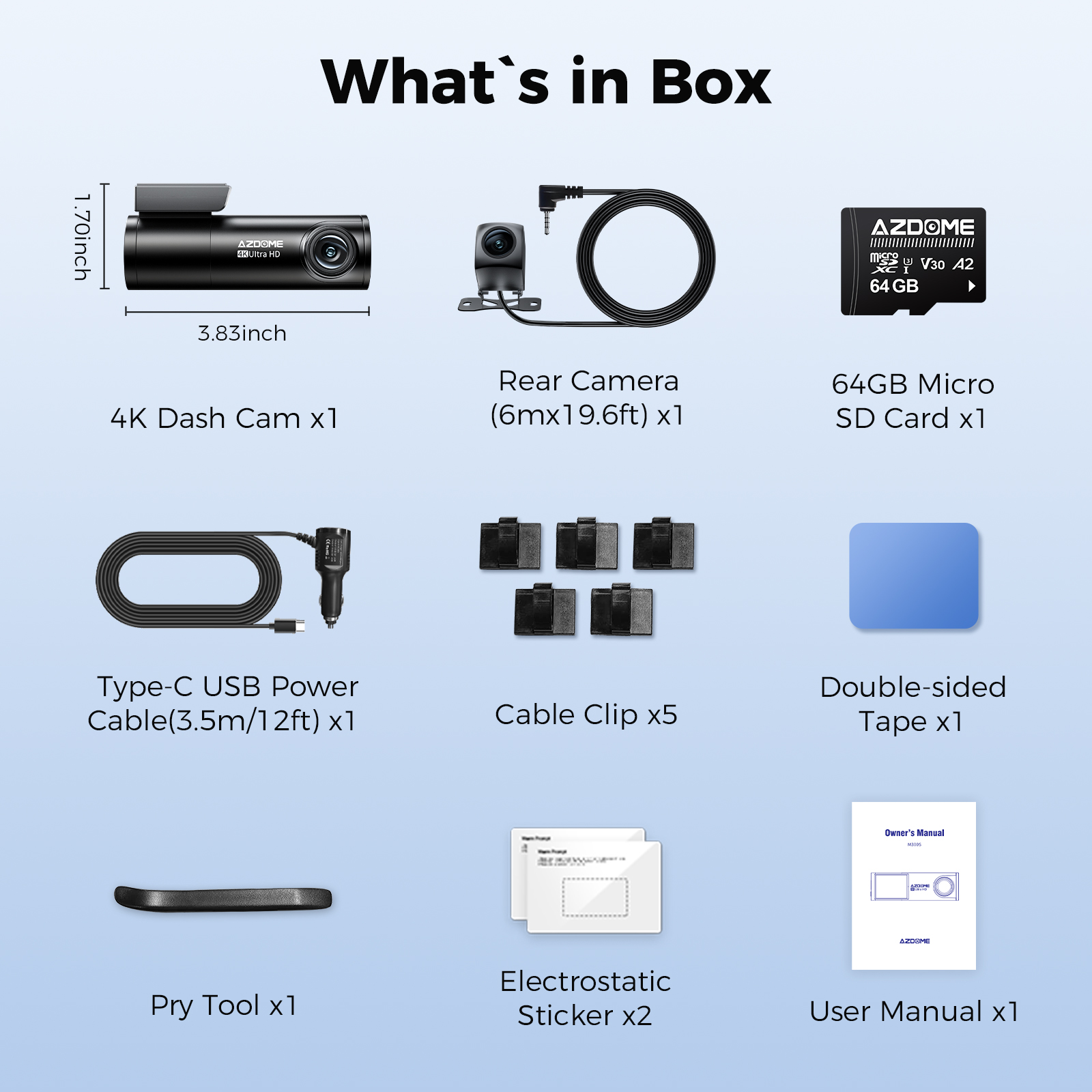
M300S Standard Packing List:
4K Dash Cam *1
Rear Camera *1
Car Charger (3.5m/12ft) *1
64GB Micro SD Card *1
Cable Clip *5
Double-sided Tape *1
Pry Tool *1
Electrostatic Sticker *2
User Manual *1
How to connect to WiFi?
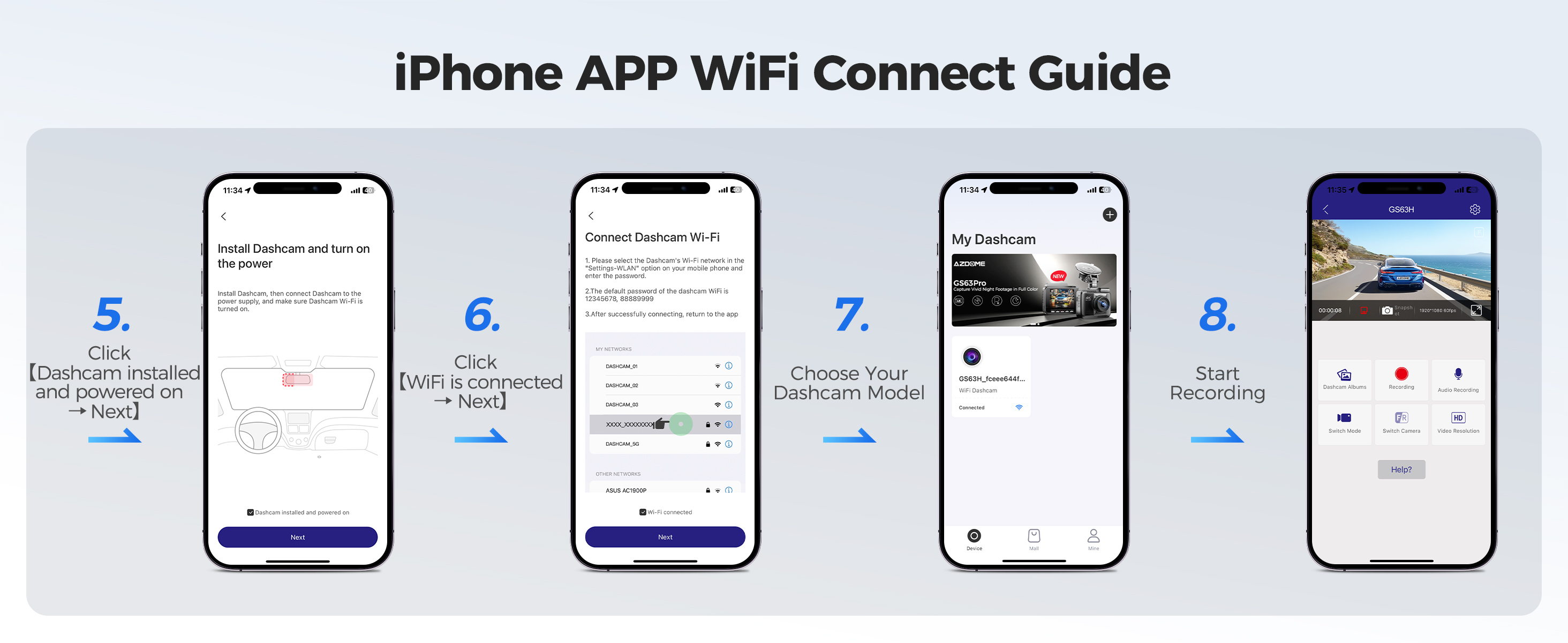
The content of the following two pictures and videos can help you to connect the WIFI of the car recorder, if there are more questions about this step, please contact customer service, thank you!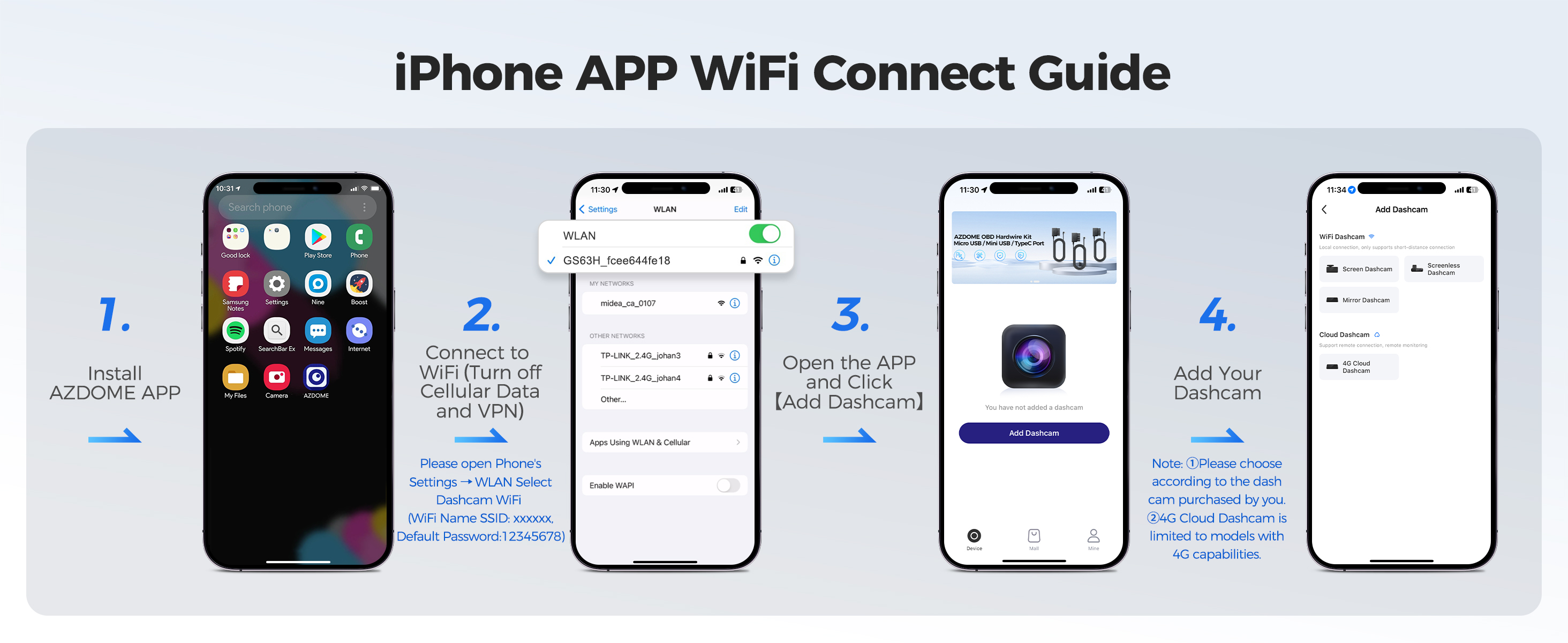
Easy to install
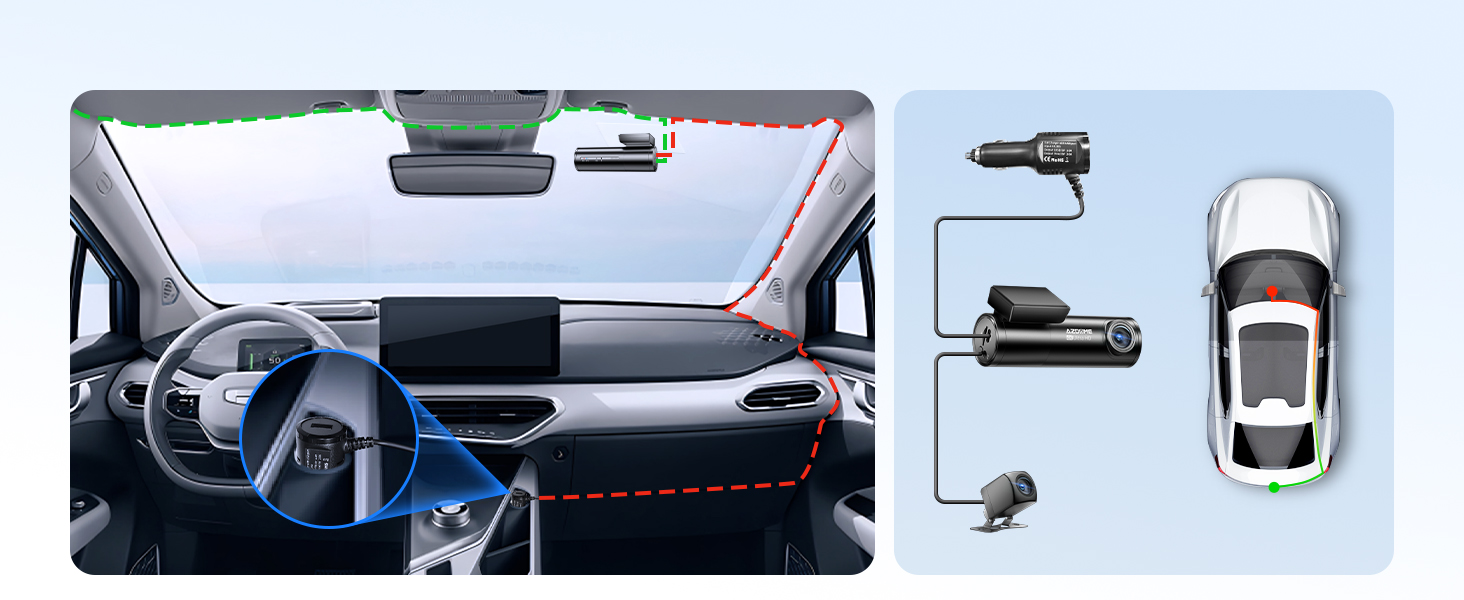
You can install it yourself according to the instructions in the manual without hiring a professional, which can save you installation costs.