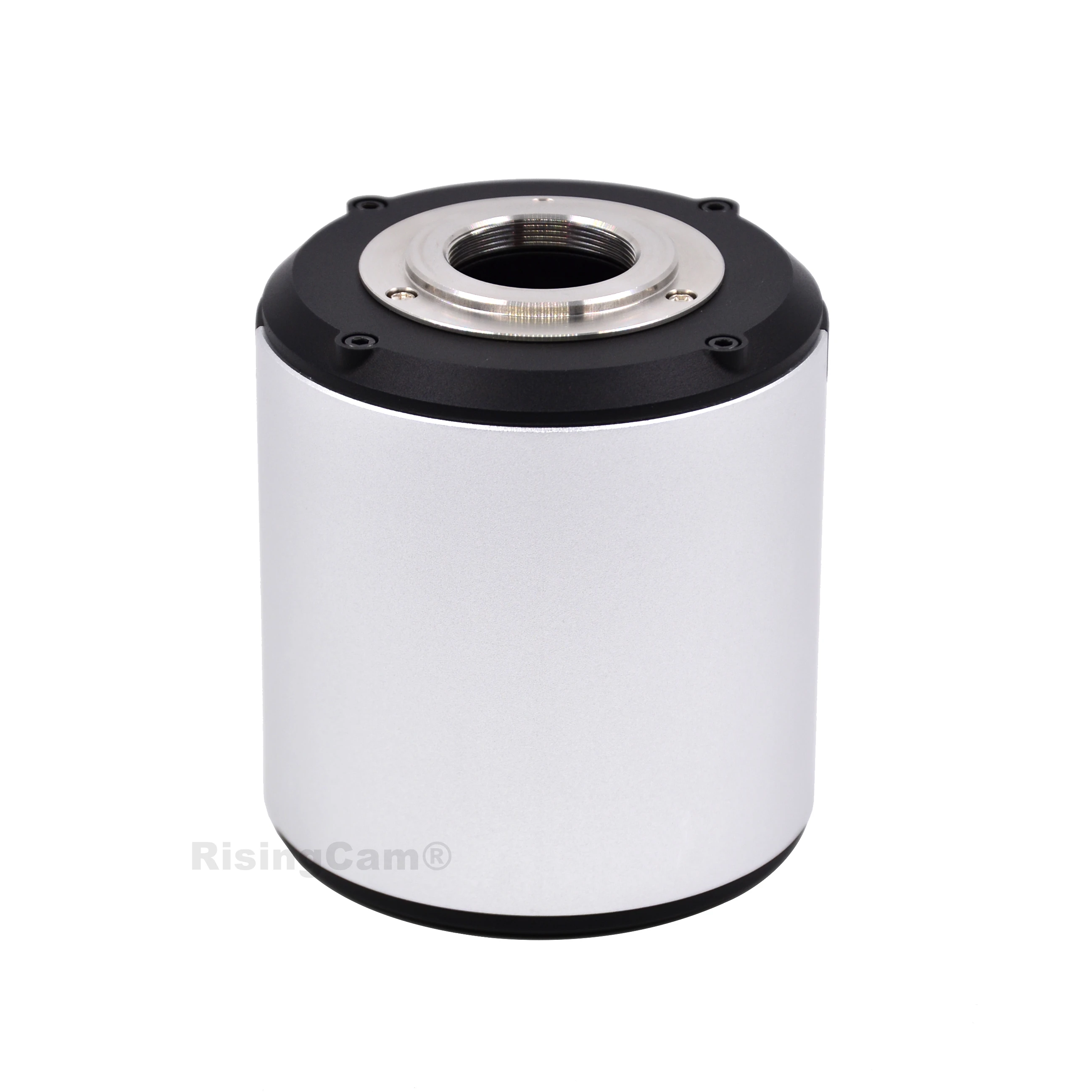
RisingCam Auto Focus 1080P HD 60fps HDMI compatible USB output industrial microscope camera autofocus with SONY imx307 sensor
Model No. YW5609AF
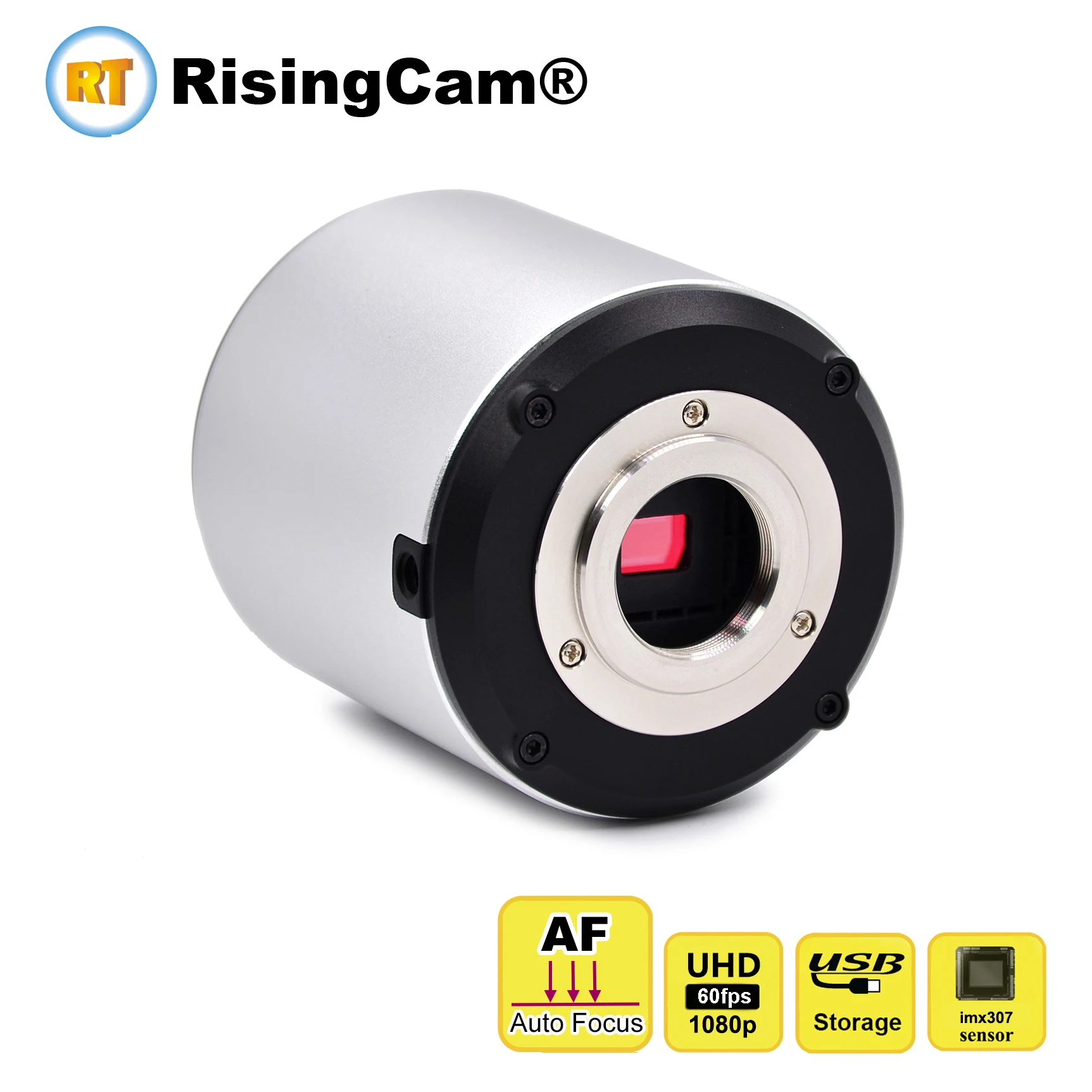

Install SONY imx307 Sensor, senzor size:1/2.8"
Resolution: 1080p HD
Preview frame rate: HDMI output 60fps, USB output 60fps
Recording video resolution: 30fps / 1080p
Capture photo resolution: 2.0mp (1920x1080)
Standard C mount
AutoFocus
Real time measurement
HDMI,USB,output
Full HDMI 1080P@60FPS
Sony High sensitivity CMOS sensor
The camera uses HDMI cable to connect to the
HD monitor. The dual USB ports of the camera can
be connected to a mouse and USB drive to achieve
the image capture or recording, no need to connect
to computer。
The USB output of the camera can connect to
computer, which can achieve HDMI and USB
sync output.
The camera can start within 5-second. With
user-friendly WINDOWS style UI interface, so that
it's easy to operate even it's first time to use it.
|
Camera model |
YW5109AF |
|
SENSOR |
IMX307 |
|
Sensor |
1/2.8” |
|
Pixel size |
2.9*2.9μm |
|
Output resolution |
1920*1080 |
|
Preview Frame rate |
HDMI @ 60FPS / USB @ 60FPS |
|
Recording Video |
1920*1080@30FPS |
|
Image storage |
USB flash Drive or computer hard disk |
|
Exposure time |
0-999MS |
|
Exposure |
Auto and manual, providing target brightness settings |
|
White balance |
Auto, manual and ROI mode |
|
Parameter setting |
Contrast, saturation, gamma, sharpness, noise reduction etc |
|
System software |
Youngwin OS |
|
PC software |
S-EYE2.0 |
|
Working temperature |
0-60℃ |
|
Storage temperature |
-20-85℃ |
|
Size |
85*76mm |
|
Weight |
0.5kg |
|
Power |
DC 12V |
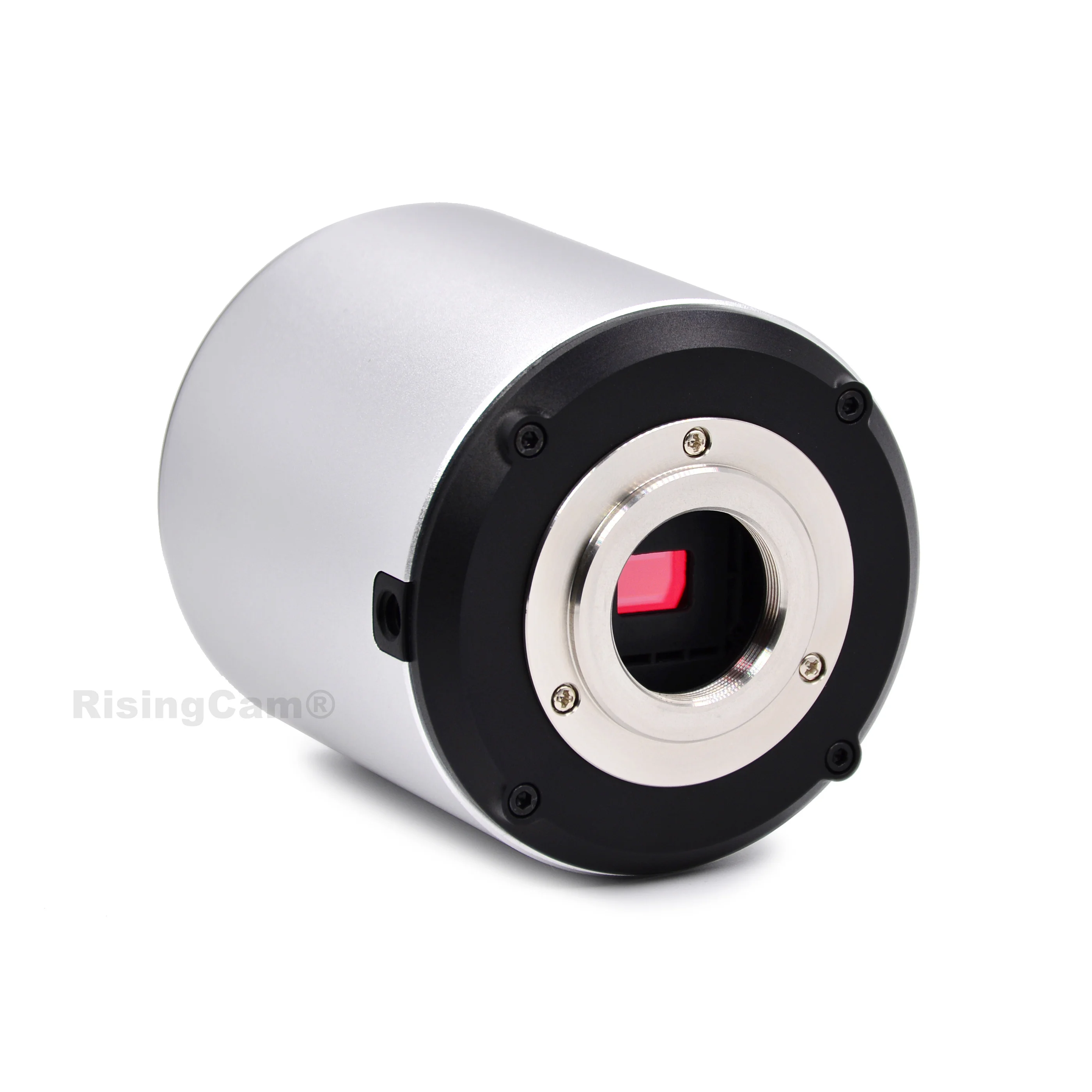
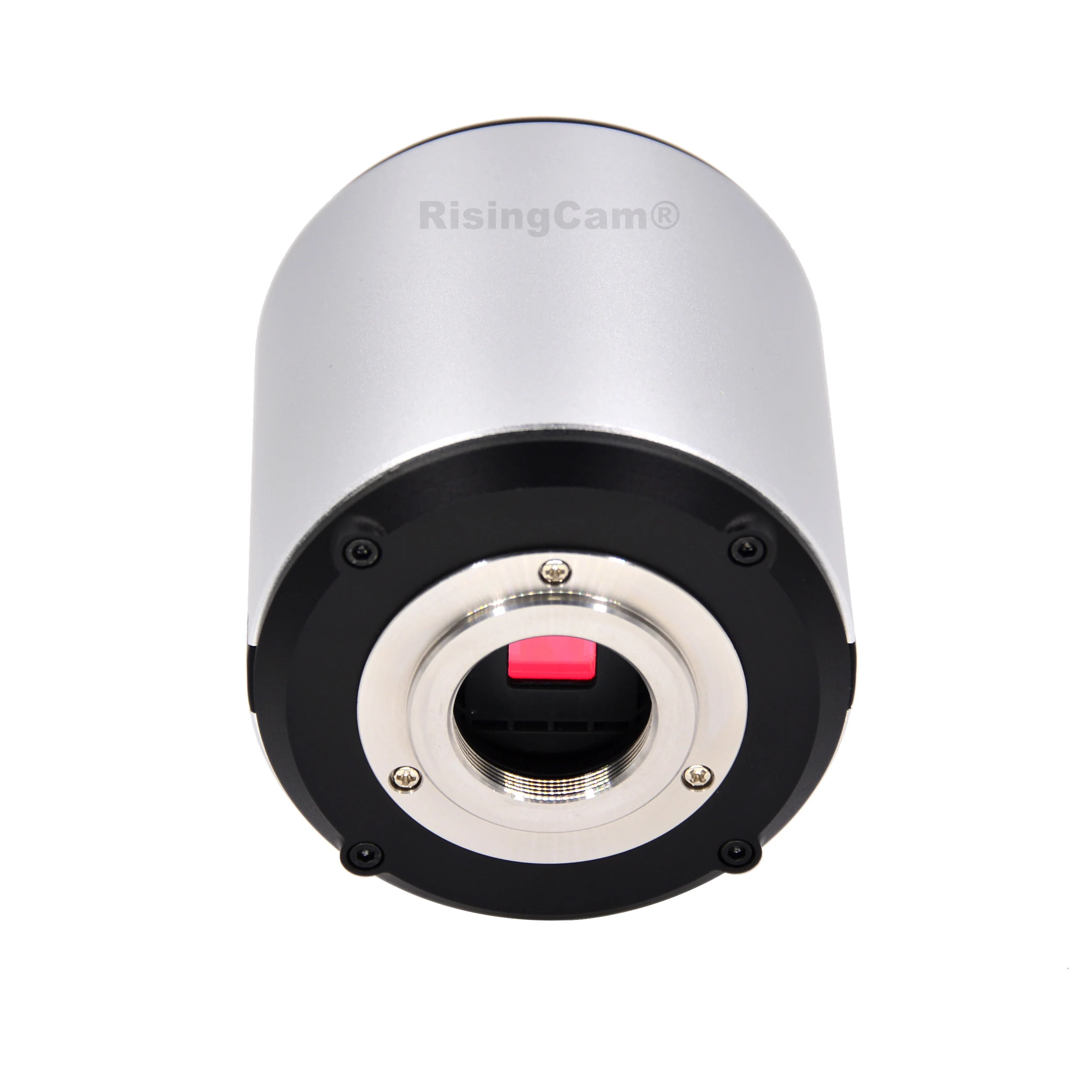
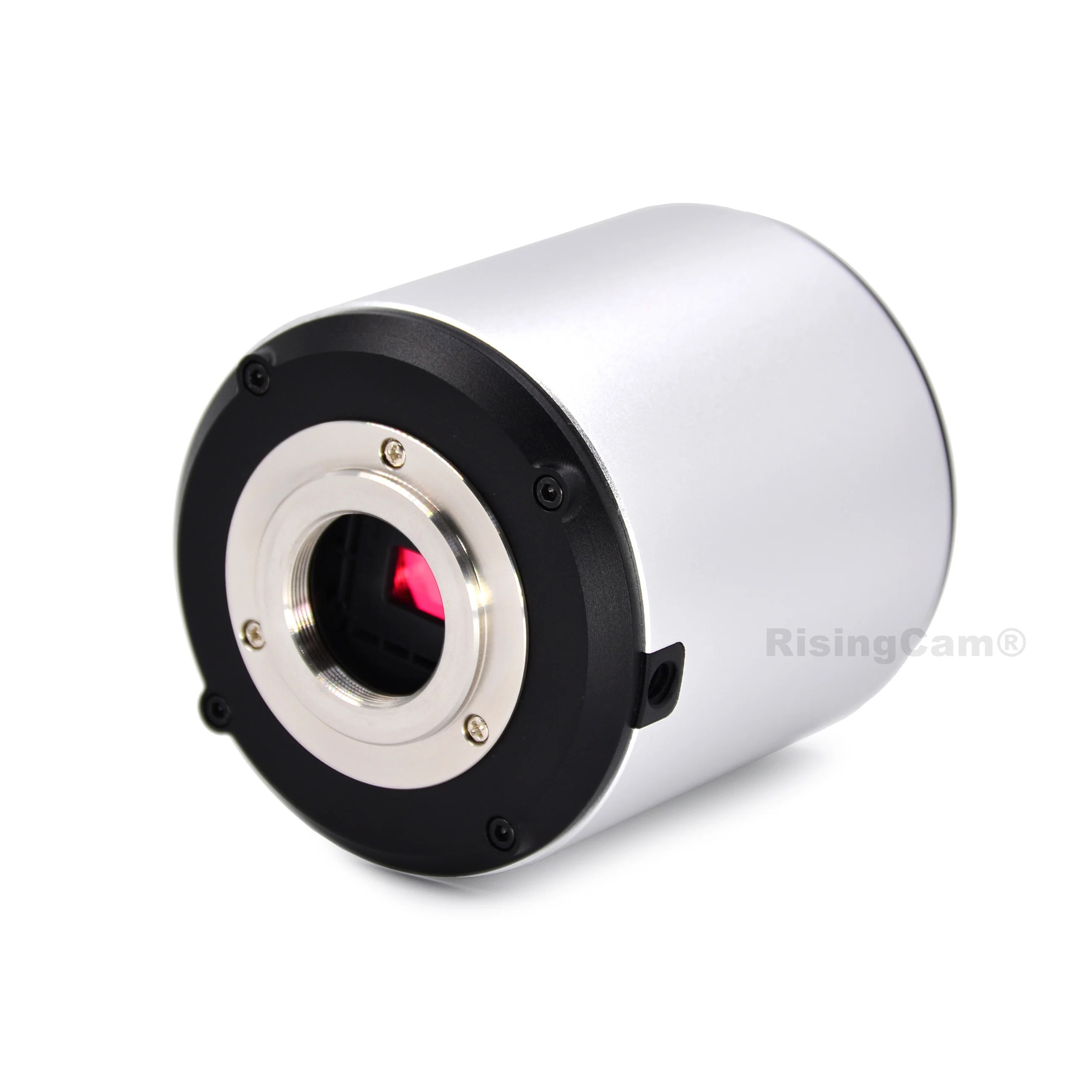

Install SONY imx307 Sensor, senzor size:1/2.8"
Resolution: 1080p HD
Max frame rate of Preview: 60fps
Recording video resolution: 30fps
Capture photo resolution: 2.0mp (1920x1080)
Camera with standard C mount

Easy Mouse Control, USB flash disk storage, Preview Max frame rate: 1080p / 60fps
Record video max frame rate 30fps
Camera support USB output, it can work with computer, Preview Max frame rate: 60fps
Record video max frame rate 30fps
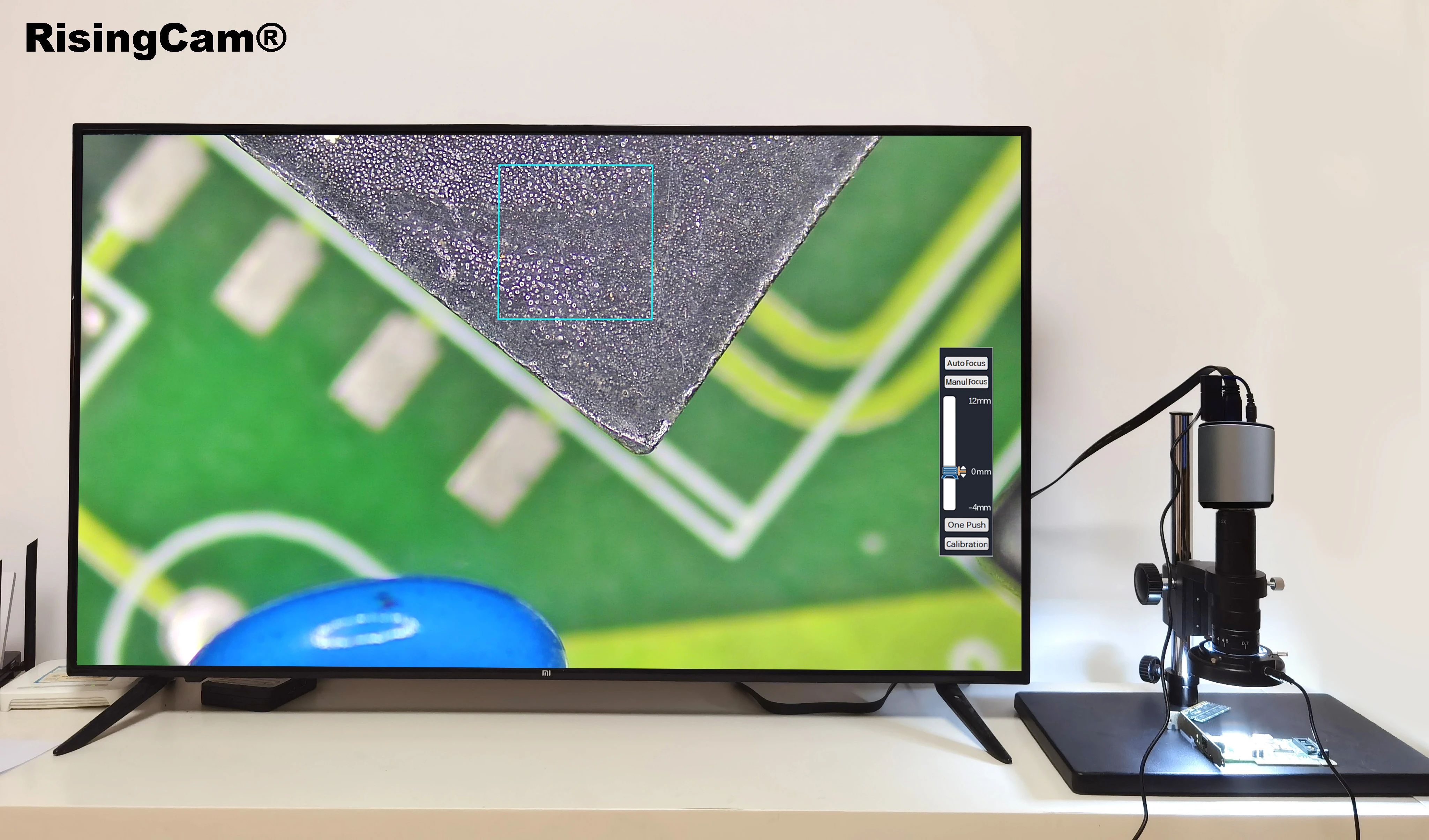
RT5609AF Camera can work under HDMI output to TV monitor
Mouse Control
USB drive Storage
Auto Focus
1.Connect camera to TV monitor with HDMI Cable
2.Insert Mouse, USB drive into USB port of camera
3.Power in, Press Turn On button (The yellow button on camera) , LED light blue, camera running, then Monitor display image
4.Move Mouse to active Camera control and setting menu
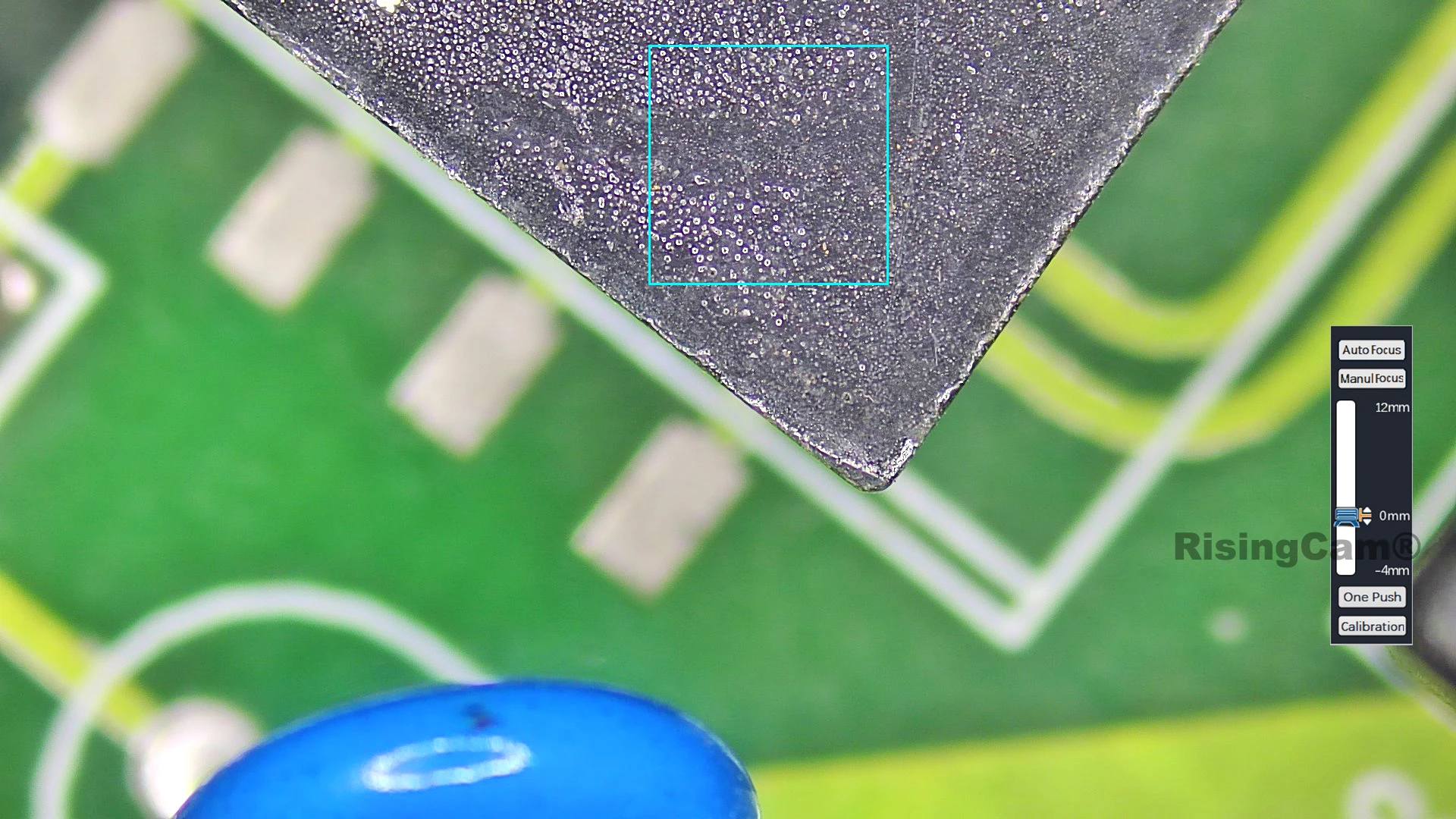
The follow picture is camera UI on monitor


Auto Focus
This Camera support Auto focus and Manual Focus
Camera bulit-in a motor to move sensor up and down to achive Auto Focus
Camera keep continous auto focus when move the sample or adjust microscope zoom knob
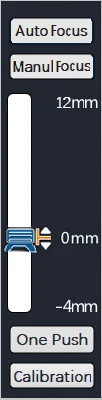
Drag the focus box to focus on different place in the same image
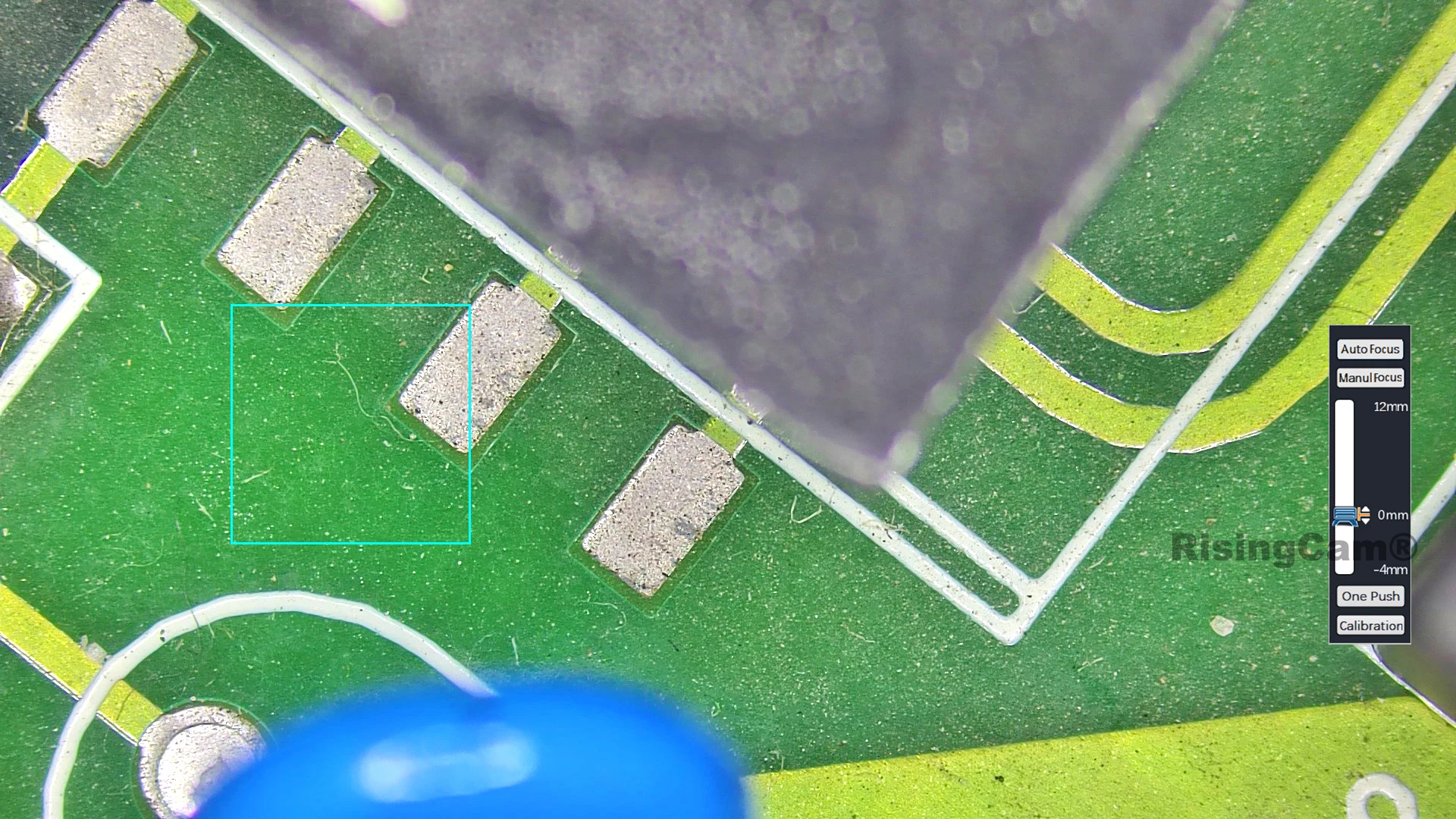
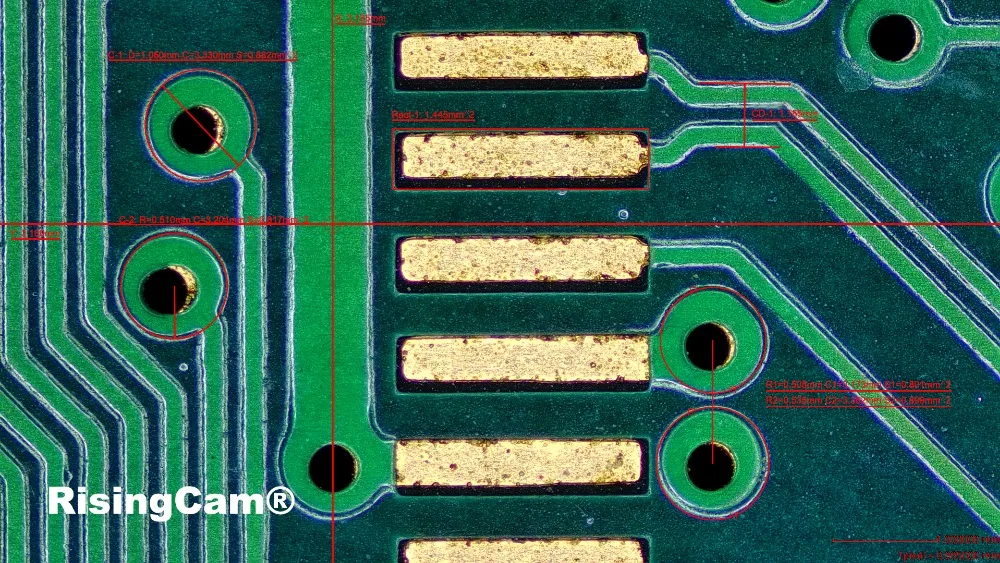
Camera setting menu and Live Measurement Menu
Camera setting menu include:
Auto exposure:Auto gain:White balance:Anti-flicker:Contrast: Brightness: Sharpness: Noise reduction: Red: Green: Blue: Color temperature: Time: Storage: Format
Language: Chinese and English

This Camera support Realtime measurement - Measure tools include:
Draw points: radius circle: two point circle: three point circle: measure two circle distance: concentric circle: line circle distance: polygon: cross line: rectangle: polyline: arc: curve: straight line: vertical line: parallel line: angle measurement : Text annotation: Mouse selected move: Selected delete: Delete all: Screenshot:
Calibration edit
Live Measuring
User click the measure tools button by mouse,
then Drag the mouse to complete the measurement
The Font, Line size and color can be adjustable

Click Screenshot can save Measure result on Picture.
This Camera support HDR (High Dynamic Range)
HDR (high dynamic range) is suitable for obtaining the best quality images under different reflective conditions


Other Feature Function
Zoom in - Max 10X
Image comparison
2 image compare - one is Realtime image, other one is picture captured by camera.
The picture on the left is a real-time picture, and the picture on the right is a picture taken by the camera. The mouse wheel can zoom in and out of the picture, and holding down the wheel can drag the picture to change the position.
4 image compare -After clicking the four-picture comparison button, the screen is divided into four parts. Double-clicking on a part can freeze the current image. Up to 4 images can be frozen for comparison. The mouse wheel can zoom in and out of the picture, and you can drag the picture to change the position

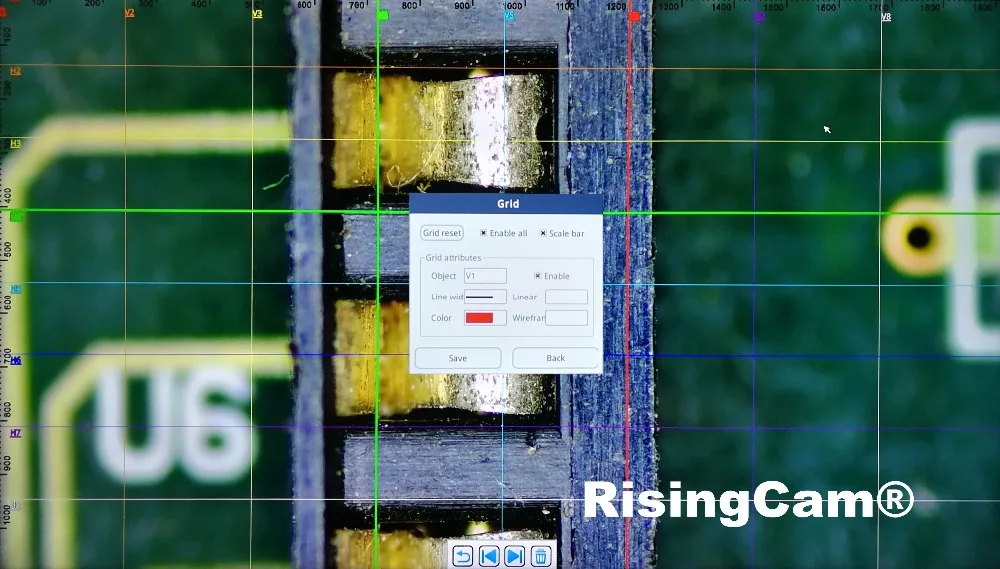
Gridlines -8 horizontal lines, 8 vertical lines, position, color, Line width adjustable


HDMI output
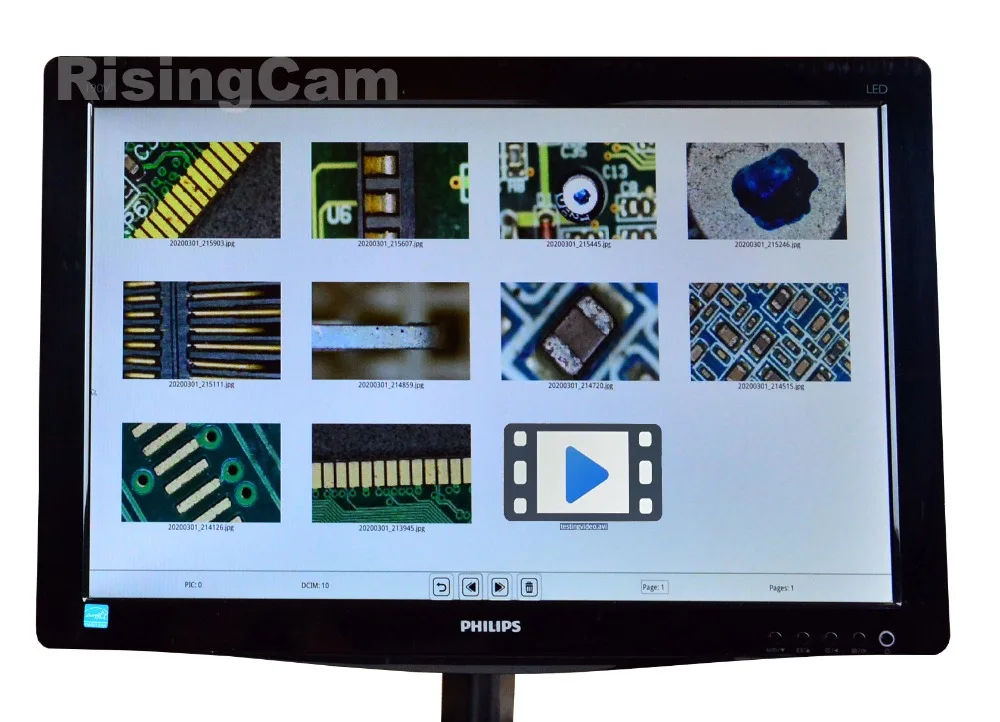
Preview Frame rate 60fps.
Video Recording 30fps
the video and pictures can be Replay on monitor
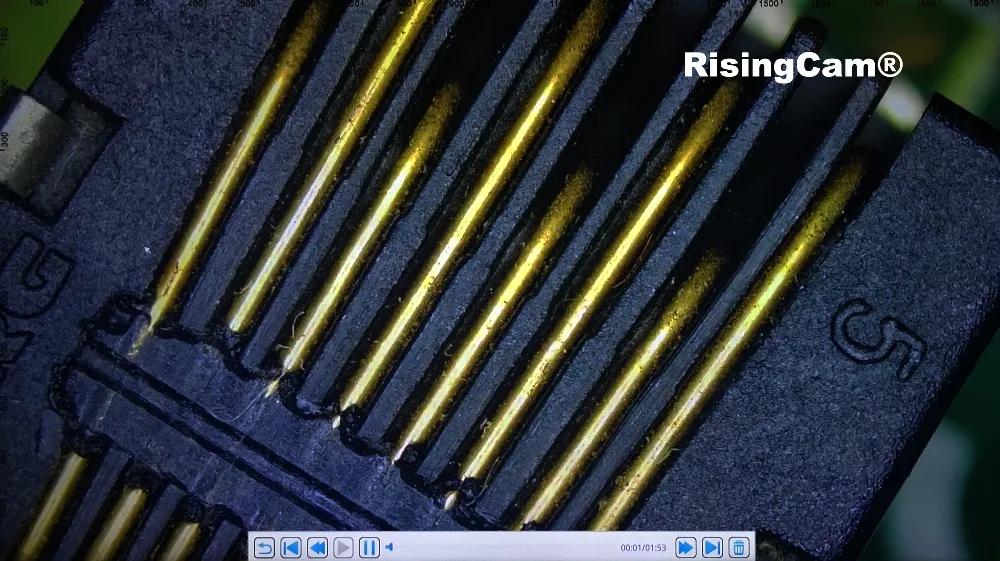
Camera working under USB output
RisingCam RT5609AF Camera has USB output, it can work with windows computer
USB output Preview max frame rate 1080p/60fps
RisingCam provide S-EYE2.0 software for buyers, S-EYE2.0 only support Windows system computer
buyers could contact seller for S-EYE2.0 software download link:
Camera work with Windows Computer connect steps
-
Install S-EYE2.0 software into Windows Computer
-
Connect Camera to Computer via USB cable
-
DC-12V Power in Camera, then camera will keep blue light
-
Start S-EYE2.0 Software, select Camera model number, then user can see image from camera
NOTE:
1. if user use Laptop, please Make sure Windows system does not disable the camera,and,
please select laptop battery option to High performance (The Power Saver maybe limit USB working)
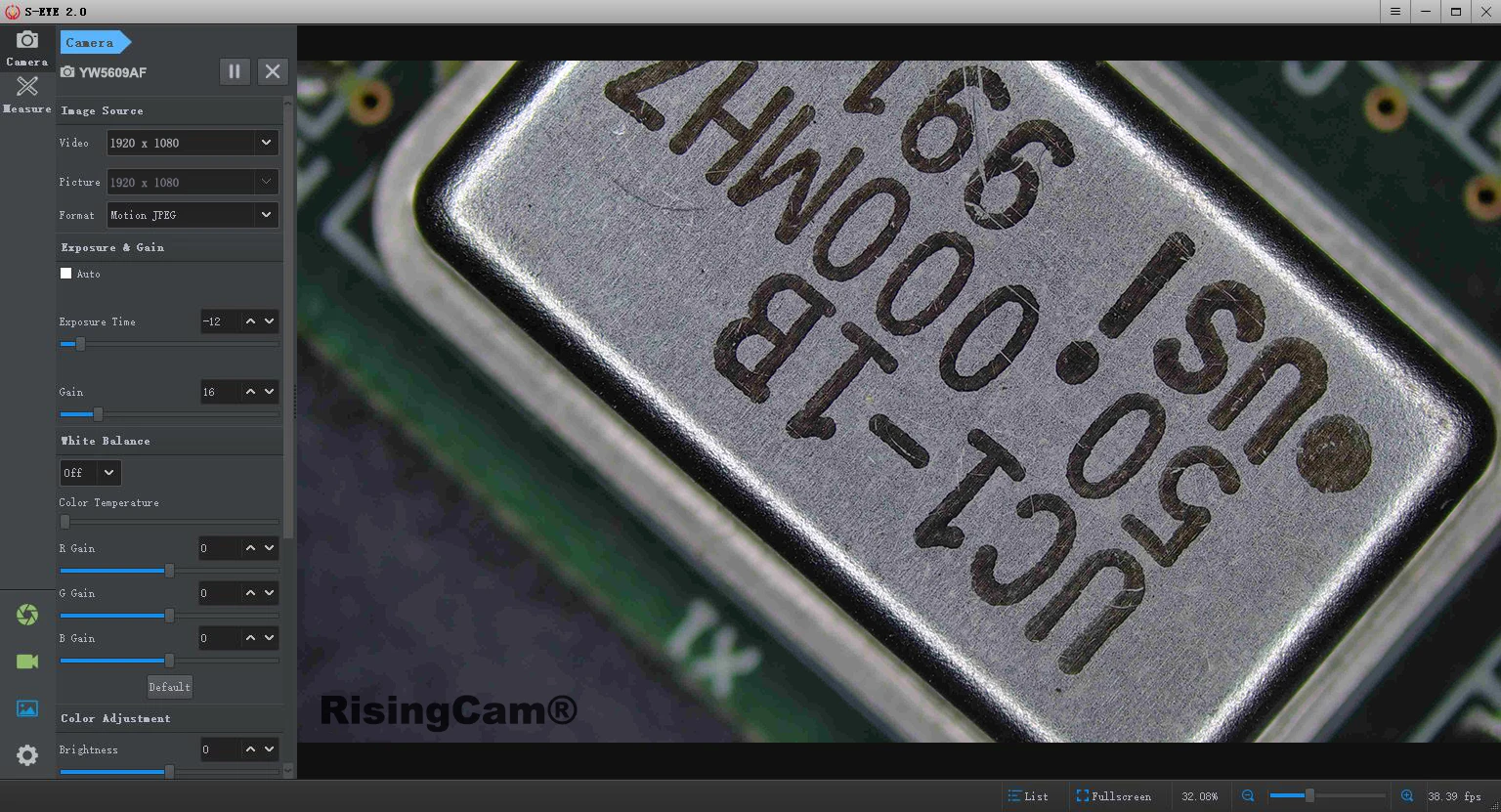
Camera USB output can work with other software which support UVC,
below picture is Camera work in OBS software under Windows Computer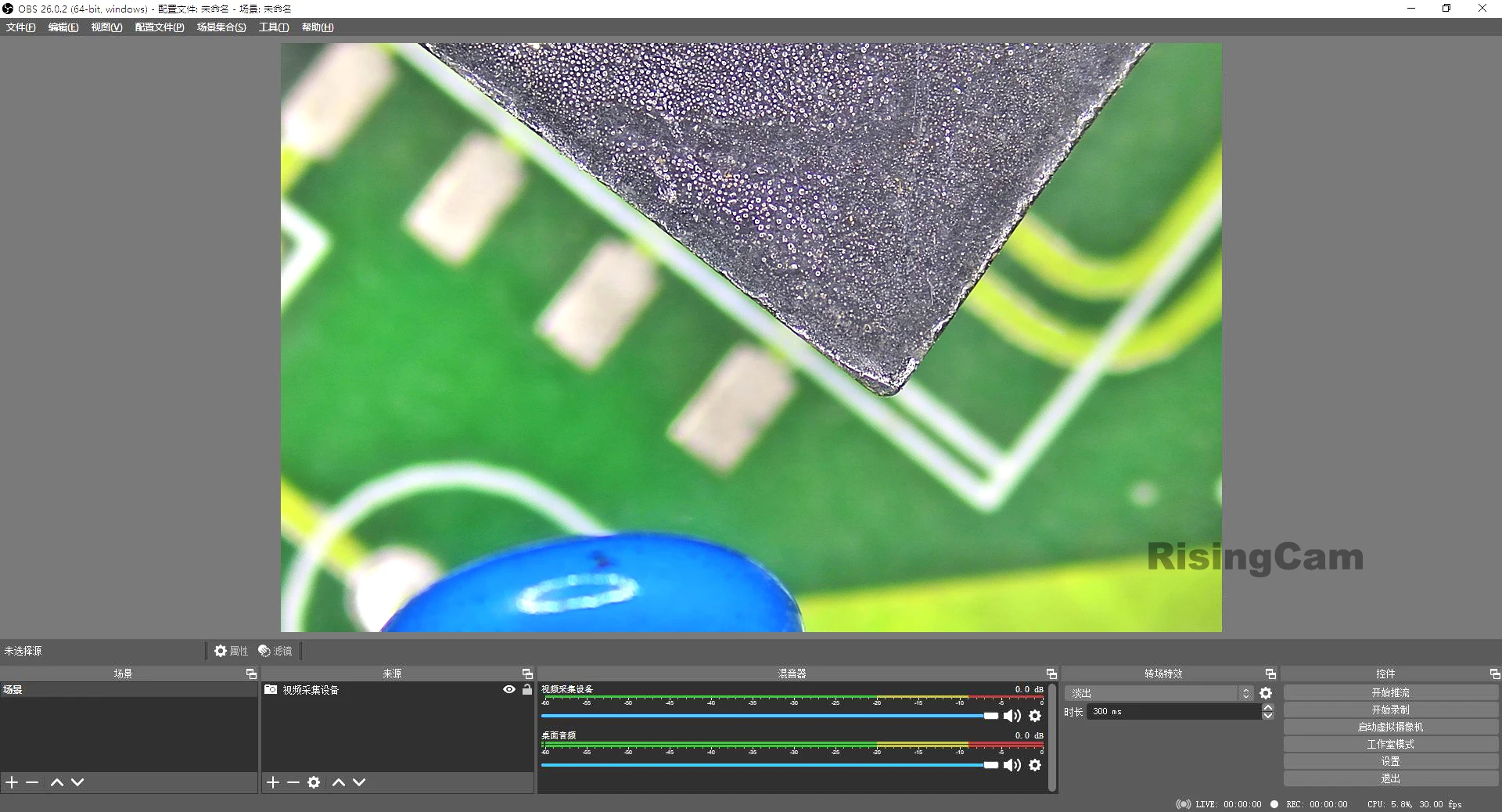


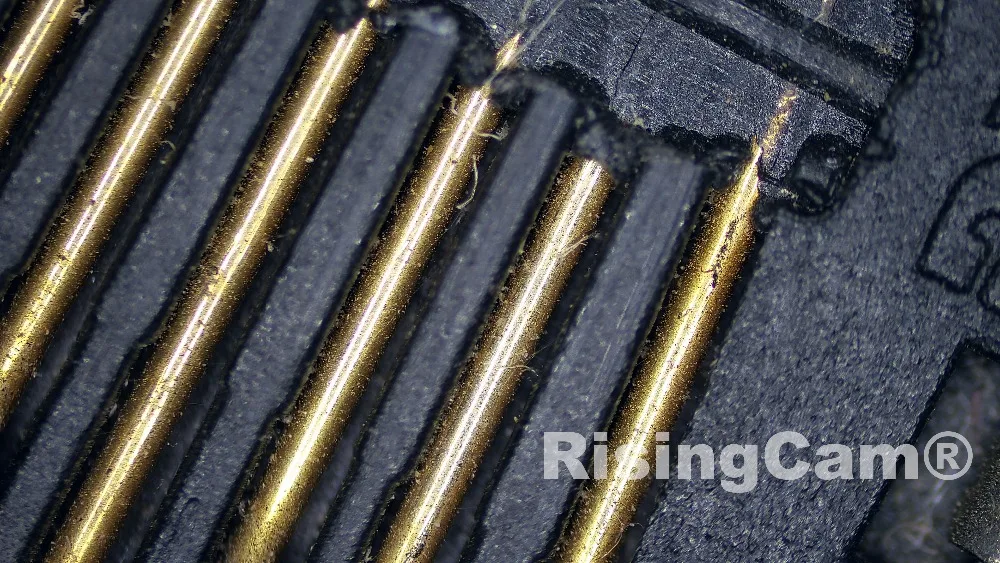

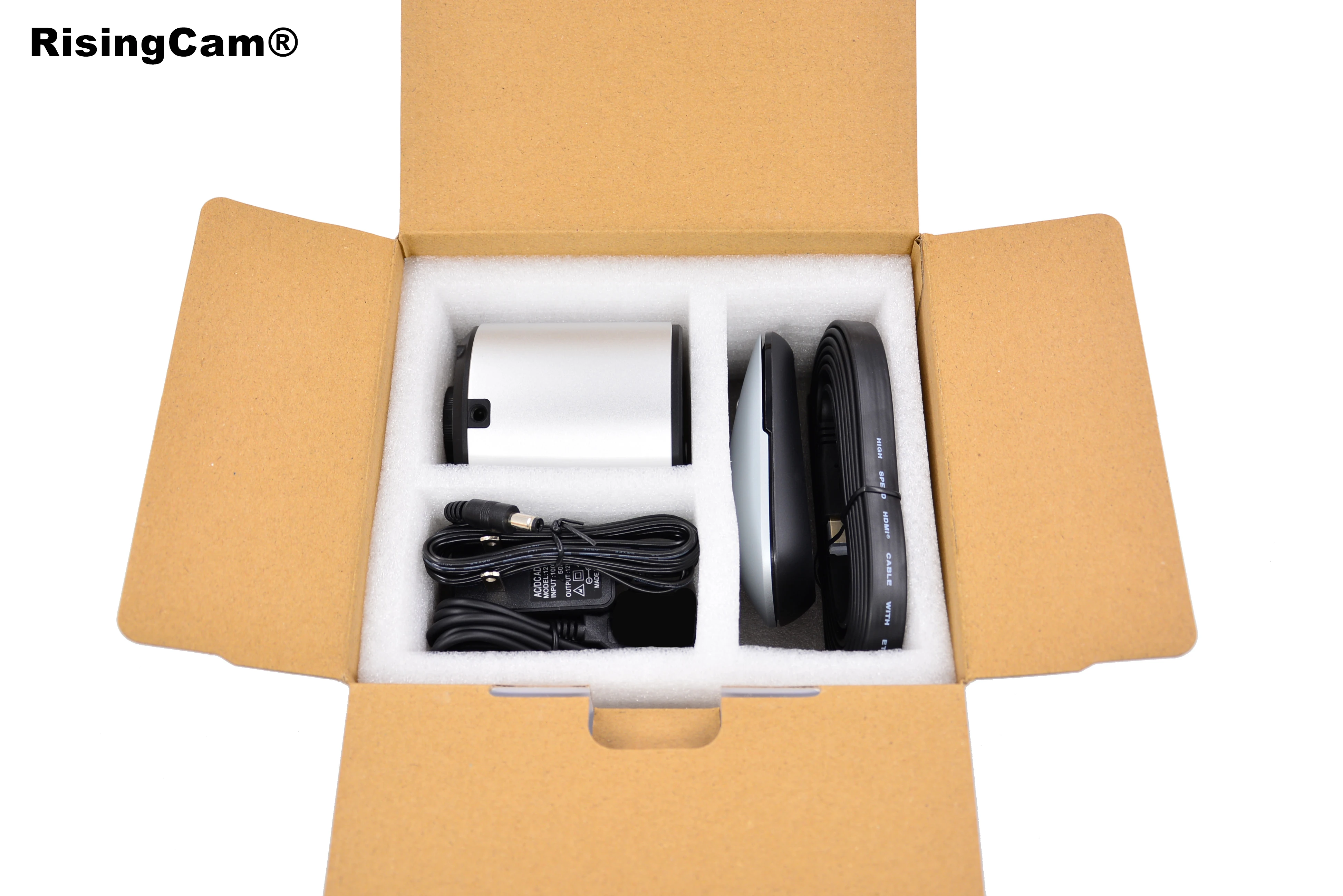
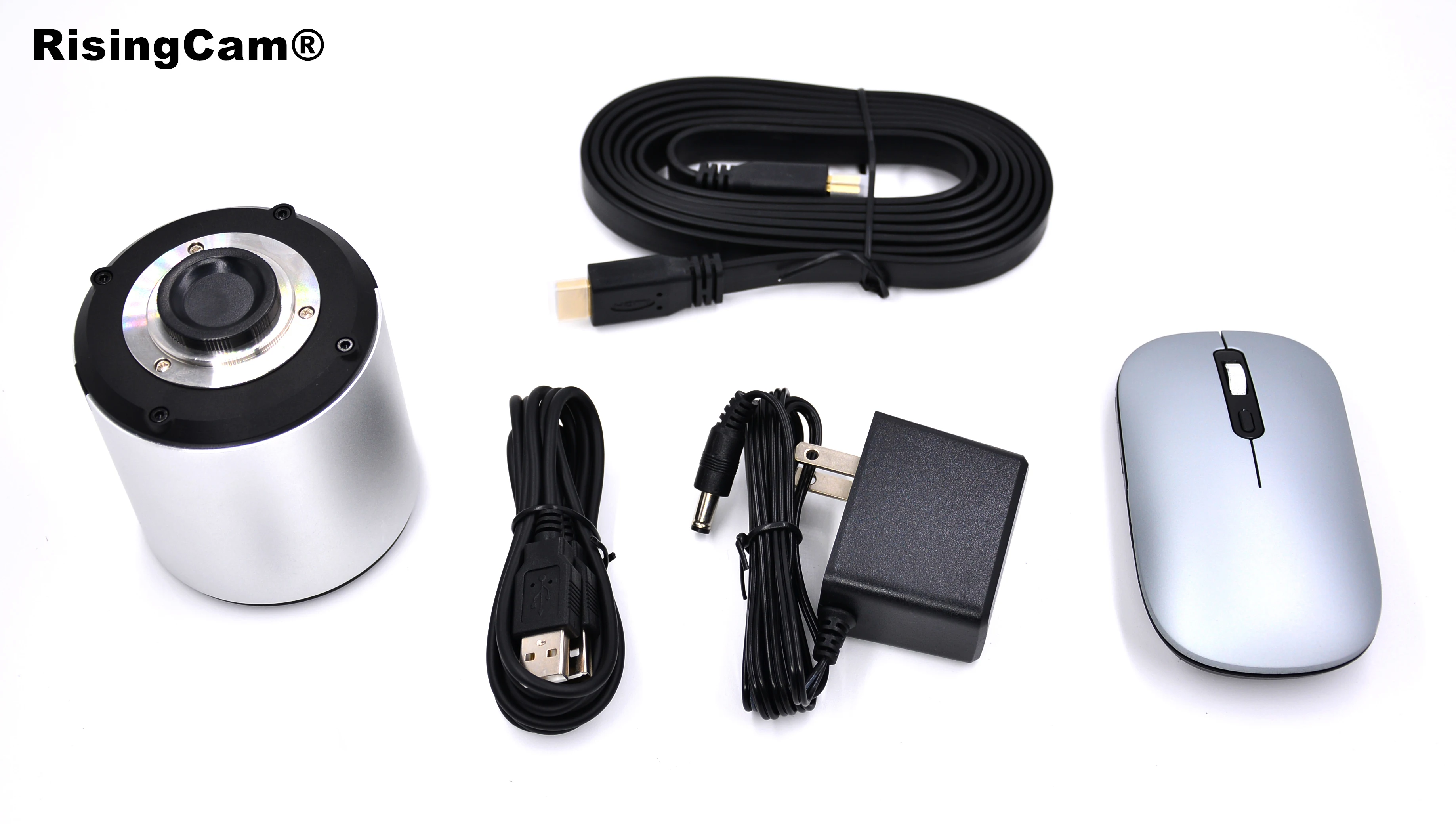
The standard packing include
1. YW5609AF camera
2. HDMI cable
3. Wireless mouse
4. USB Cable
5. Power Supplier (EU, US and UK for choice)
