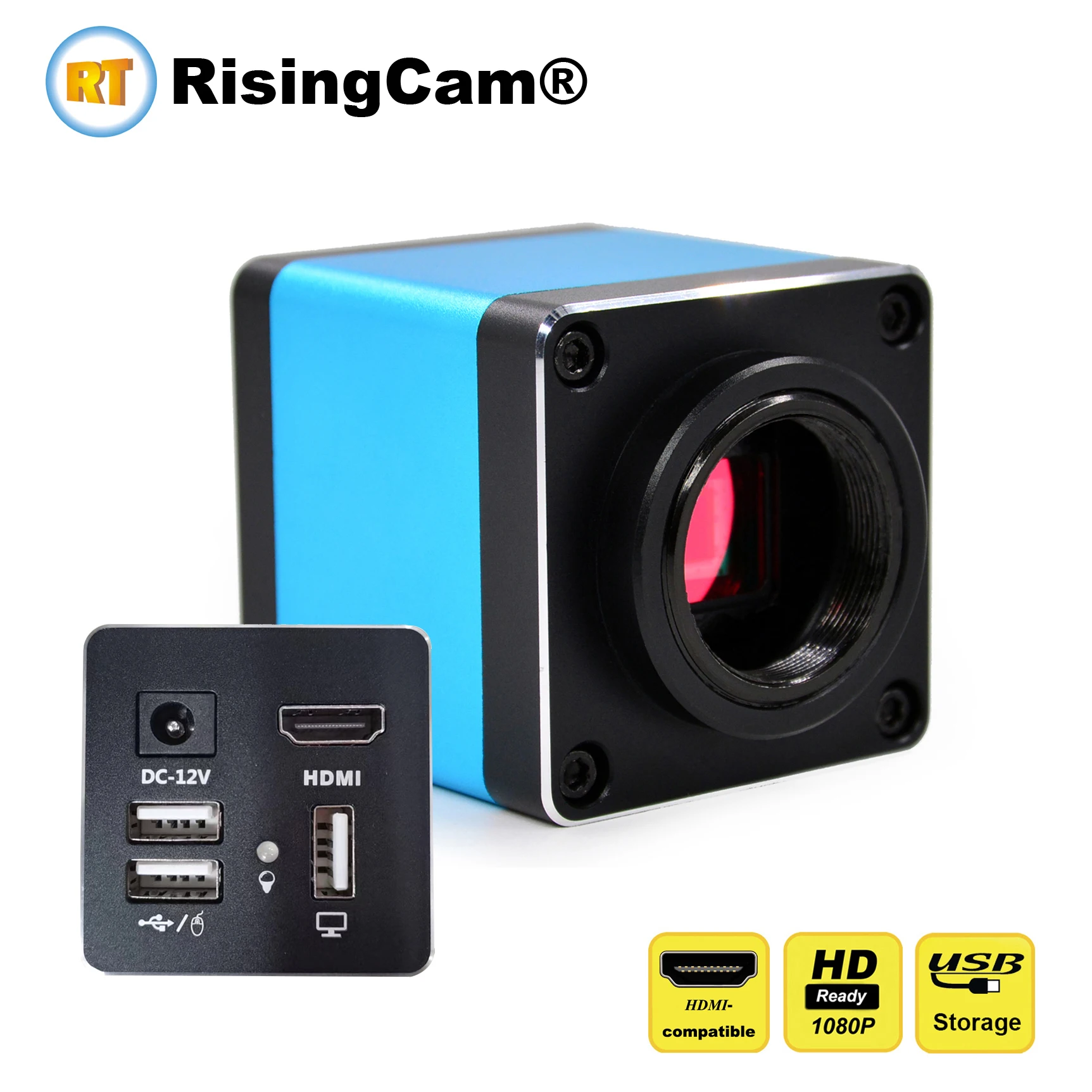
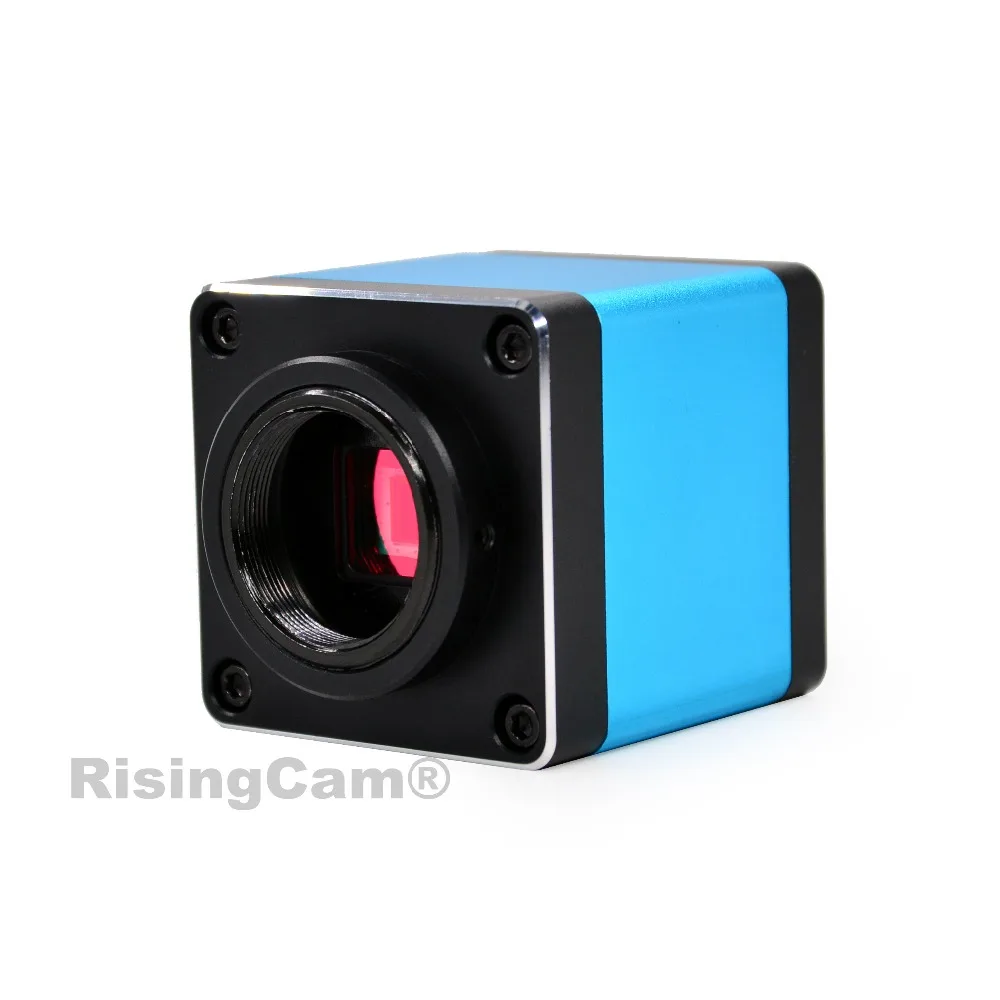
HD 1080p 60fps installed SONY imx335 Sensor USB flash storage digital microscope camera with HDMI and USB output and measurement
Model No RT5609pro
Scientific research, education (teaching, demonstration and academic exchanges)
Digital laboratory, medical research
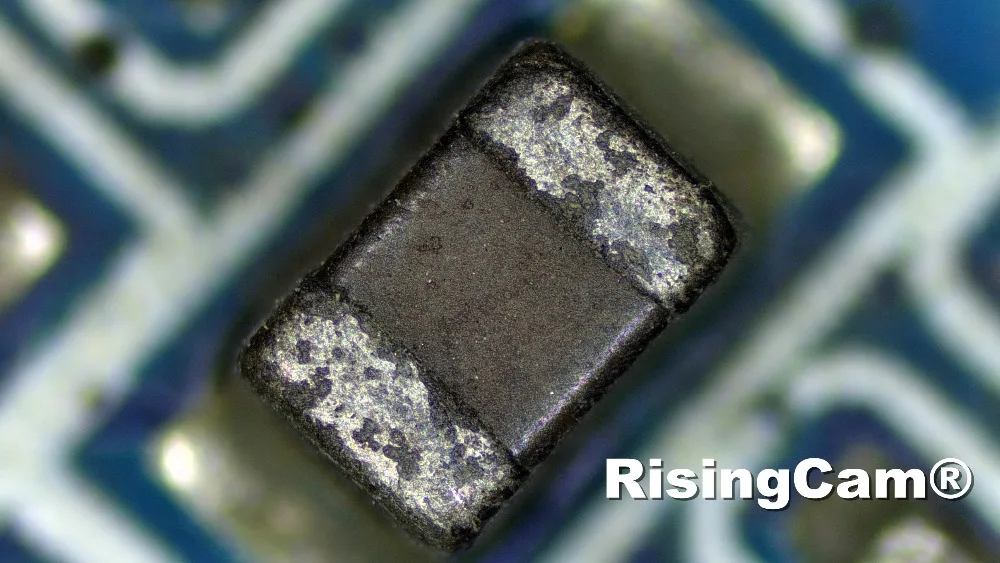
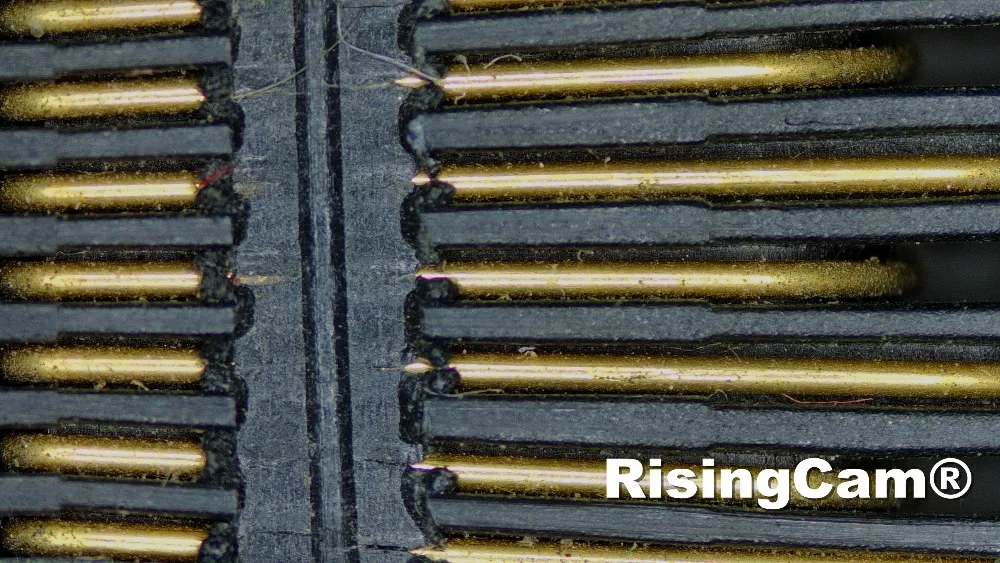
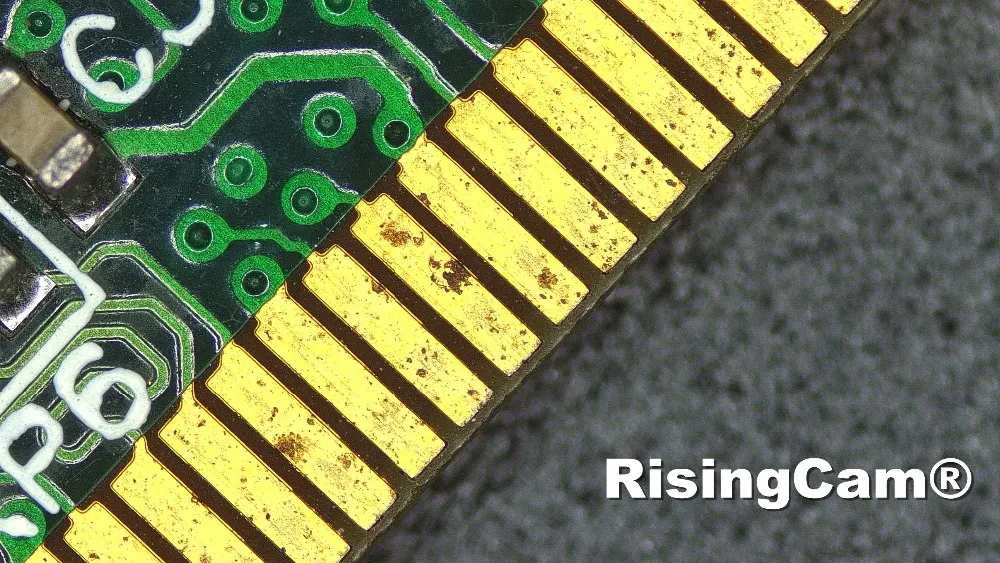
Industrial visual (PCB examination, IC quality control)
Medical treatment (pathological observation)
Food (microbial colony observation and counting)
Aerospace, military (high sophisticated weapons)
|
Model No. |
RT5609Pro |
|
Name |
1080p industrial microscope camera |
|
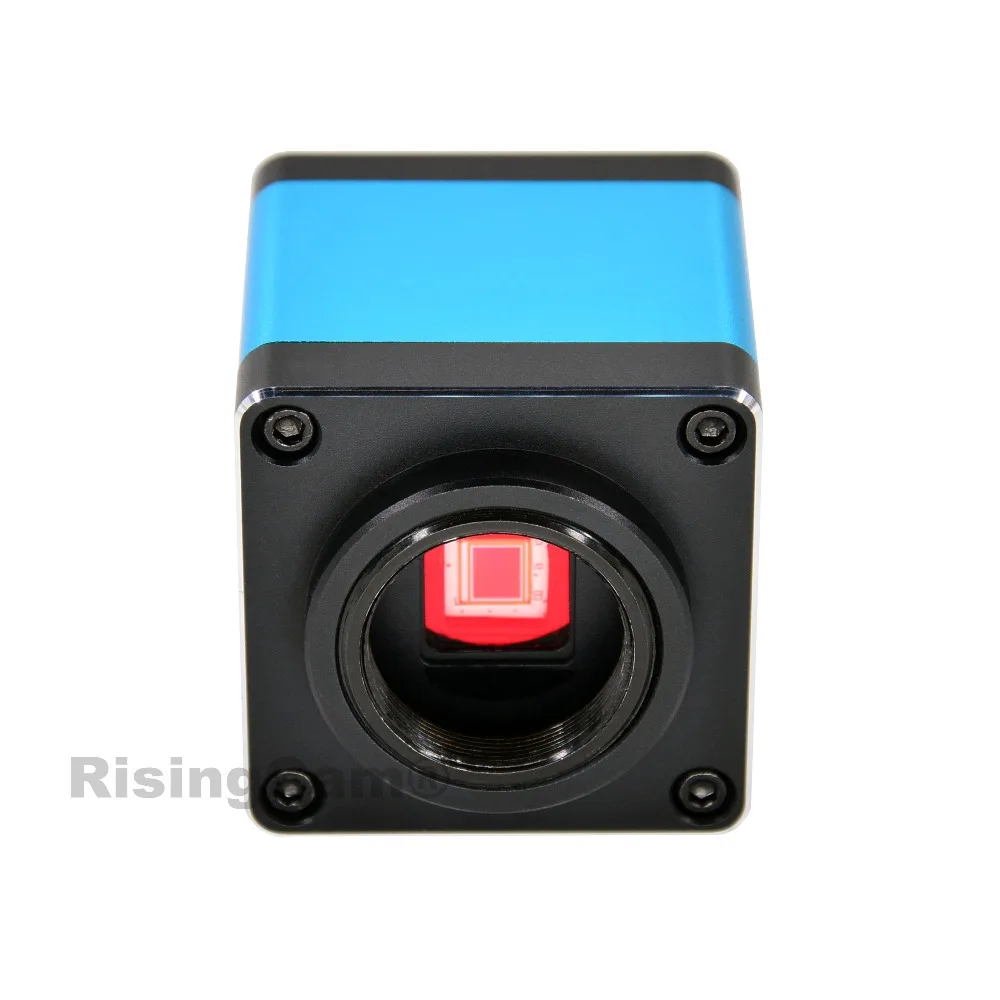
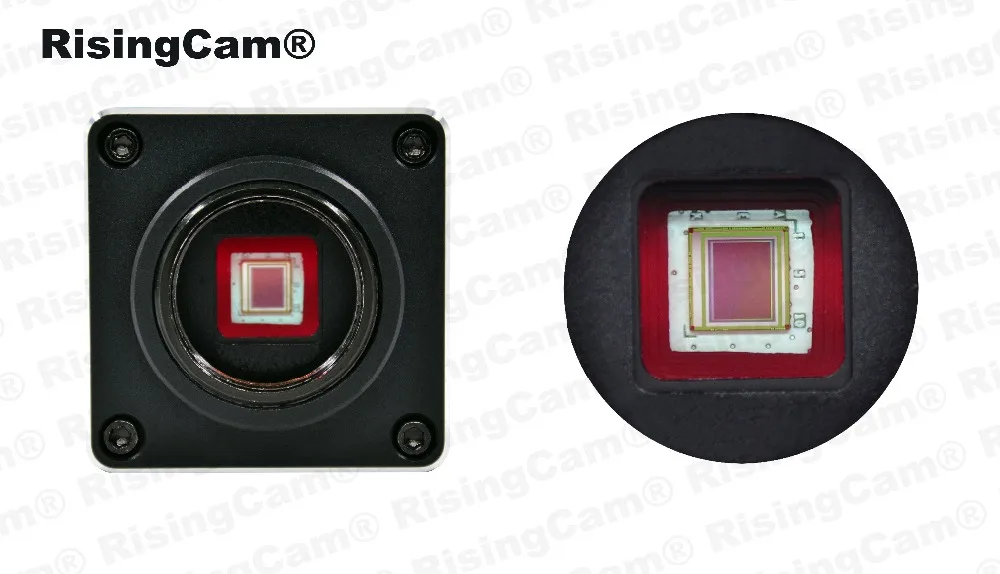
Sensor |
SONY imx335 |
|
Sensor size |
1/2.8" |
|
Pixel size |
2umx2um |
|
Photo Resolution |
4.0mp |
|
Video Resolution |
1080p 1920*1080@60FPS |
|
Output |
HDM output (Max 60fps) USB output (Max 30fps) |
|
Power in |
DC-12V/1A |
|
Camera function |
Exposure, Gain, Contrast, Saturation, Brightness, Sharpness, White balance, Color temperature adjustable |
|
Zoom in&out, image flip, Mono image, freeze, gridlines, image comparison, measurement |
|
|
Image and Video storage |
USB drive or external SD card |
|
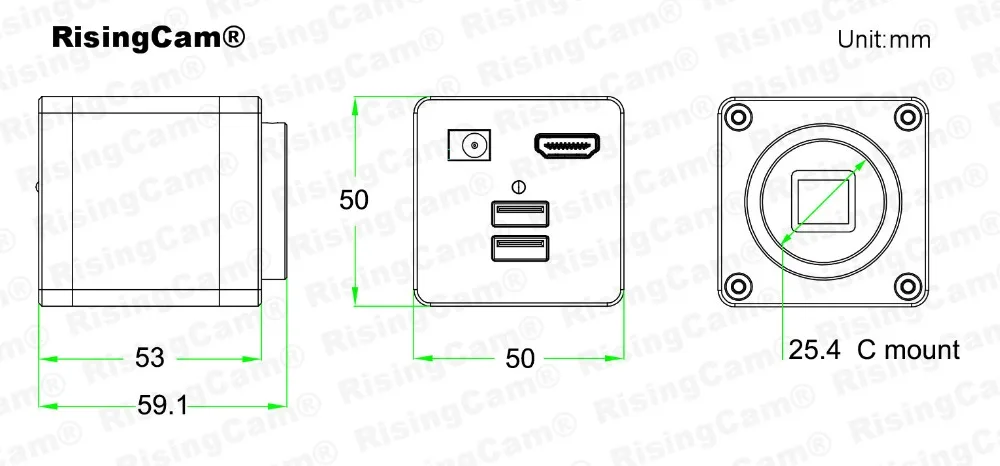
Dimensions |
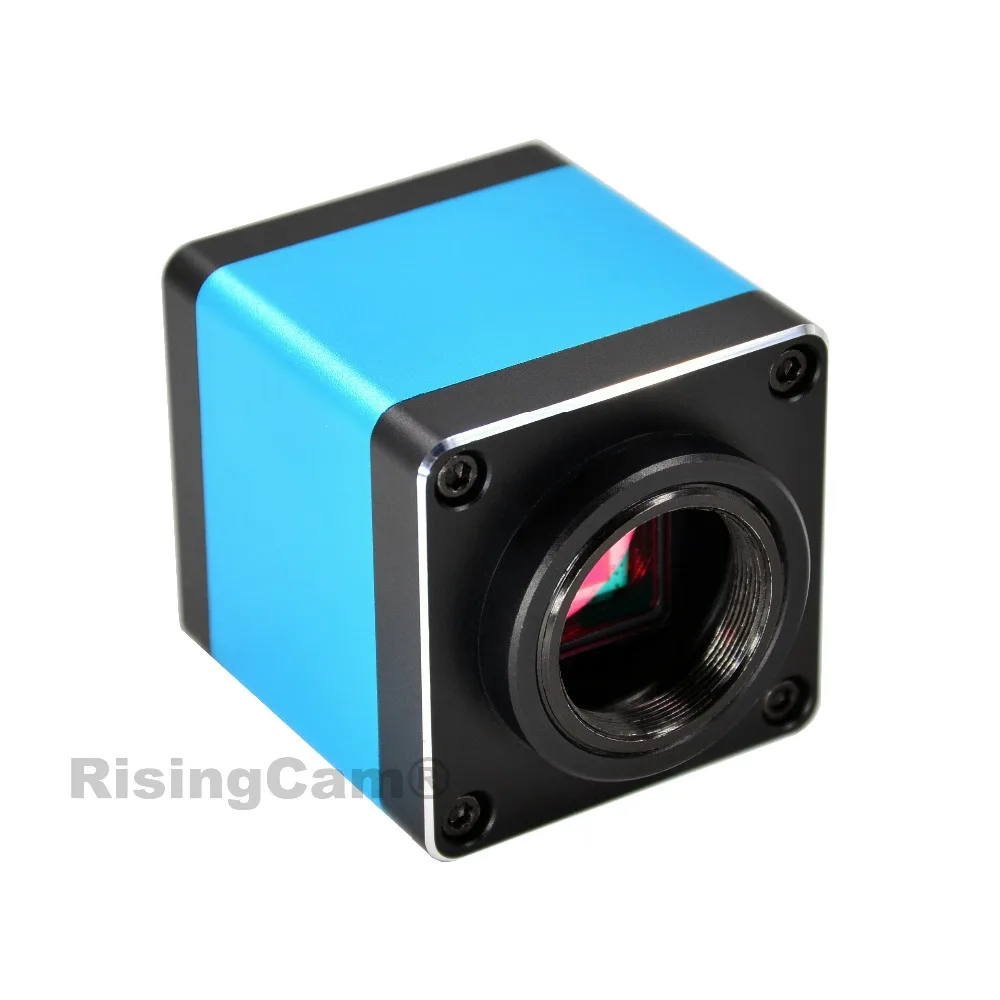
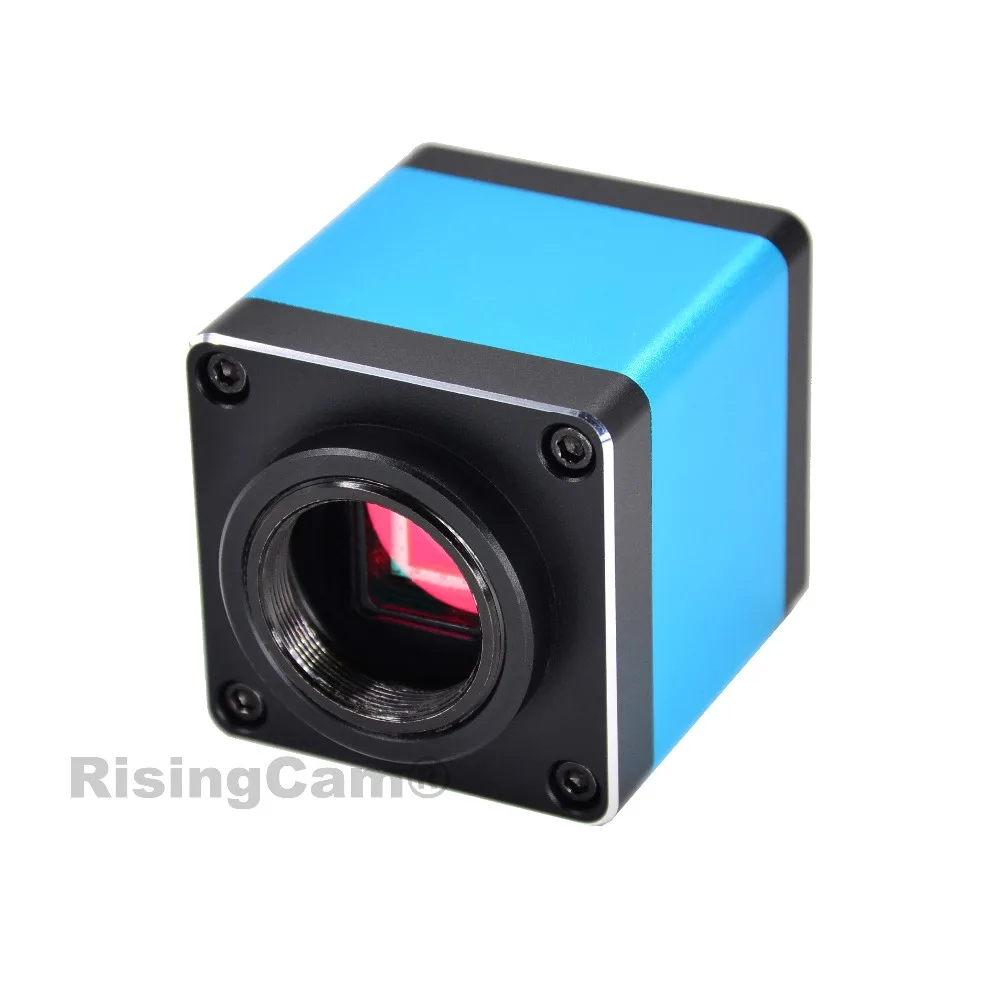
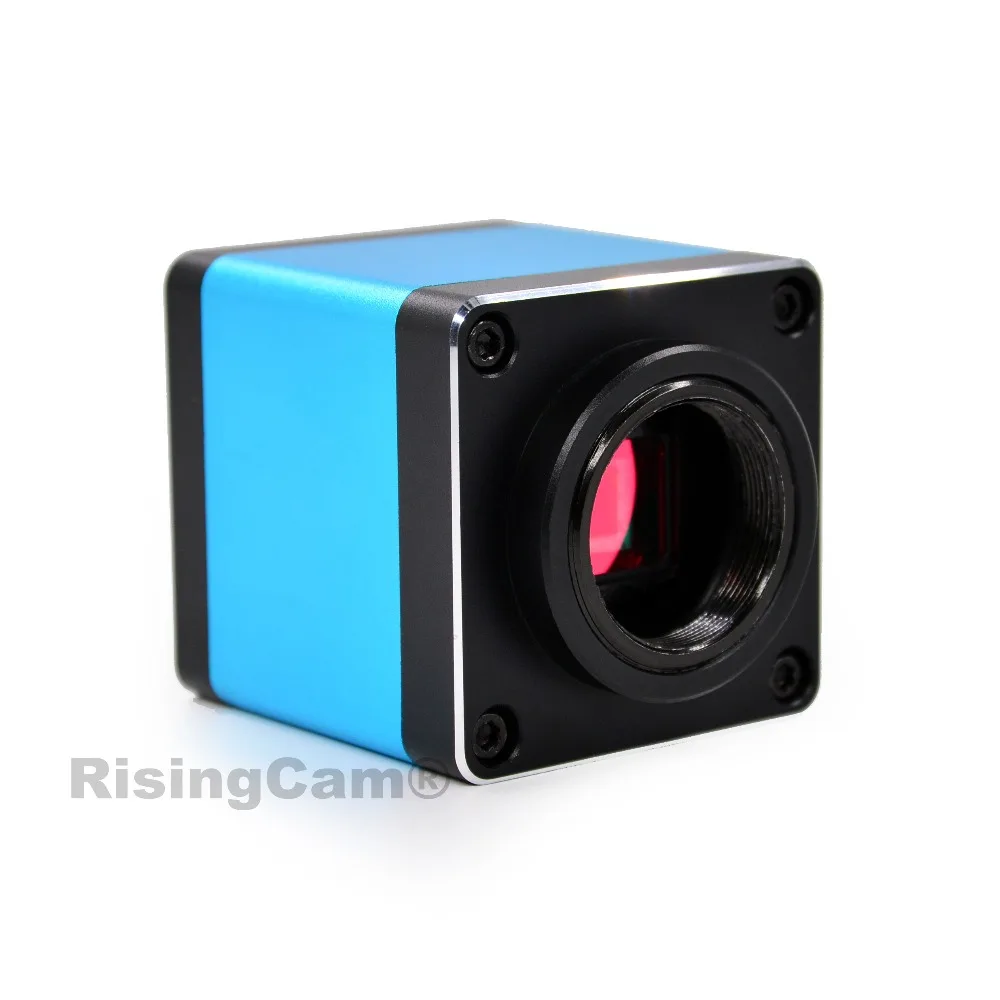
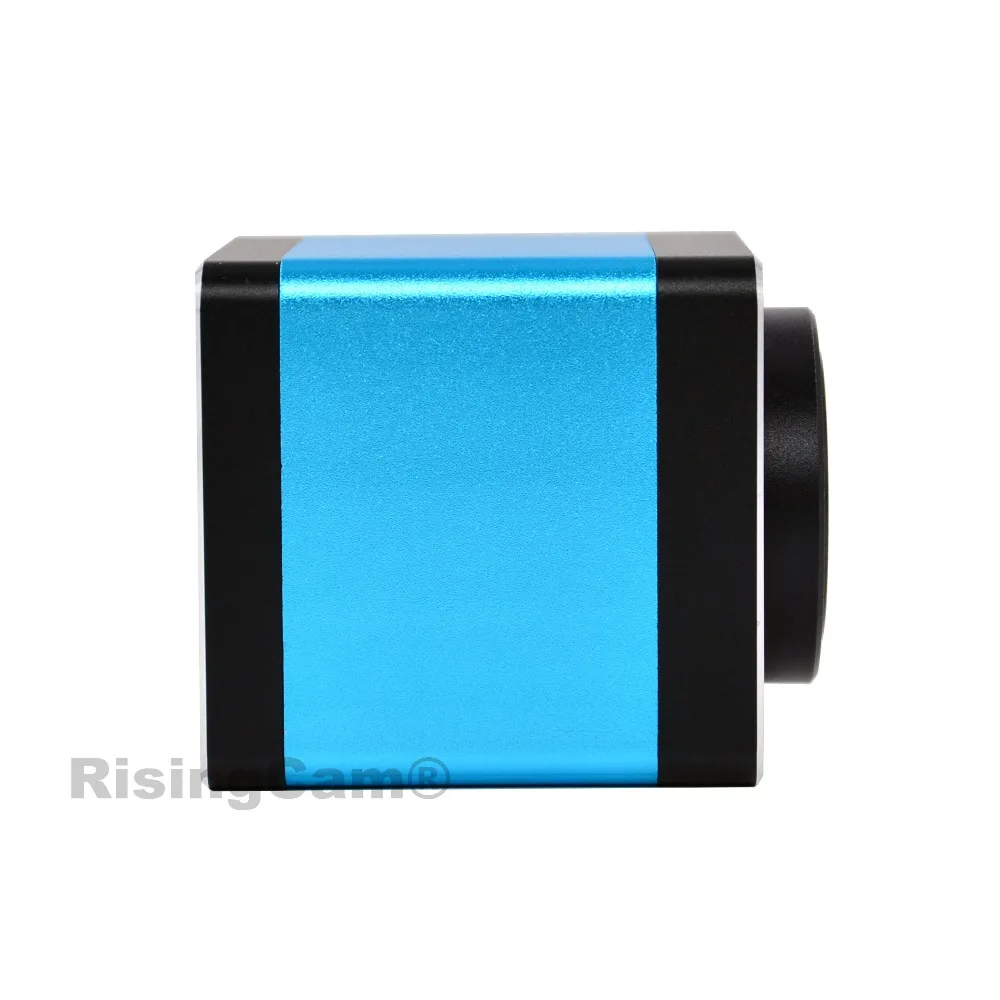
50*50*58mm |
|
Net wight |
0.3kg |
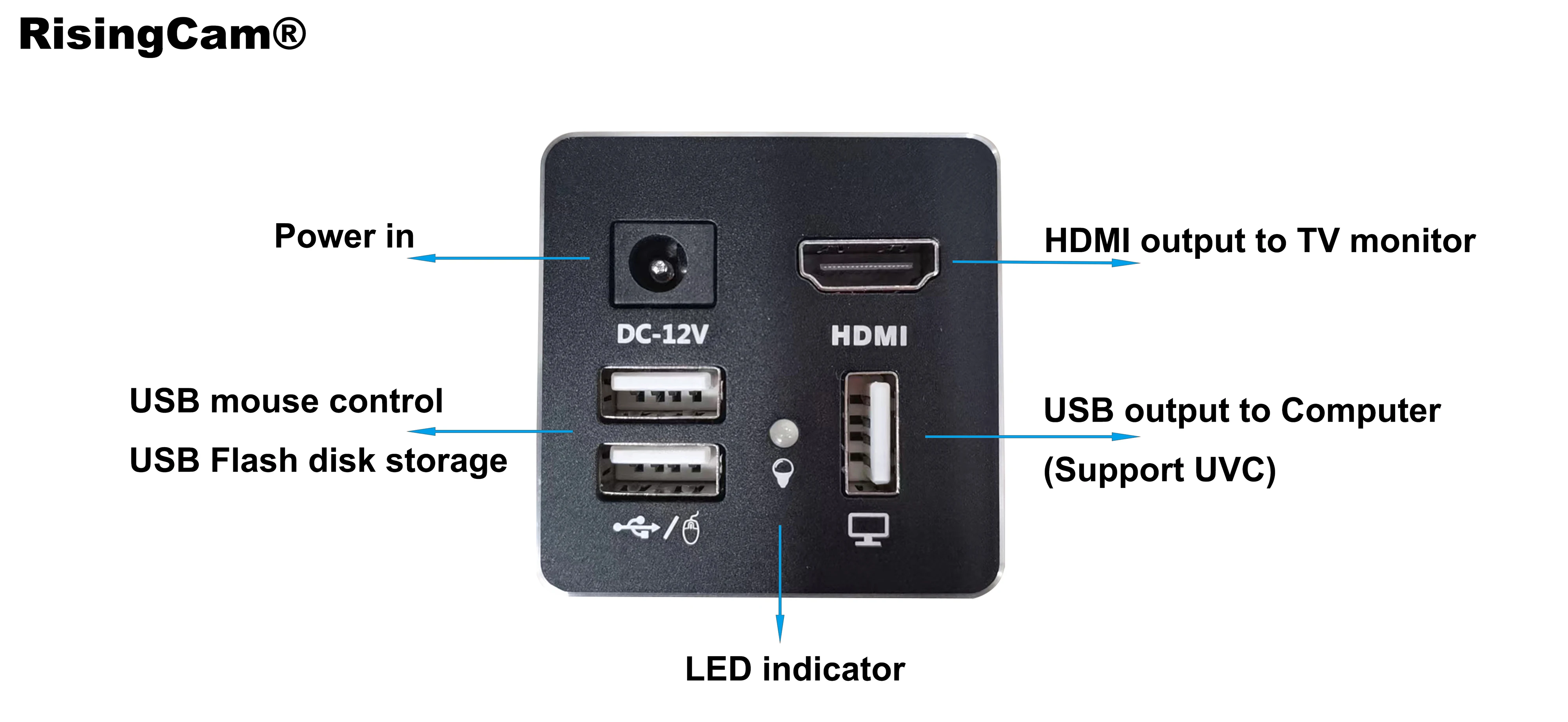
Camera work with TV monitor via HDMI output
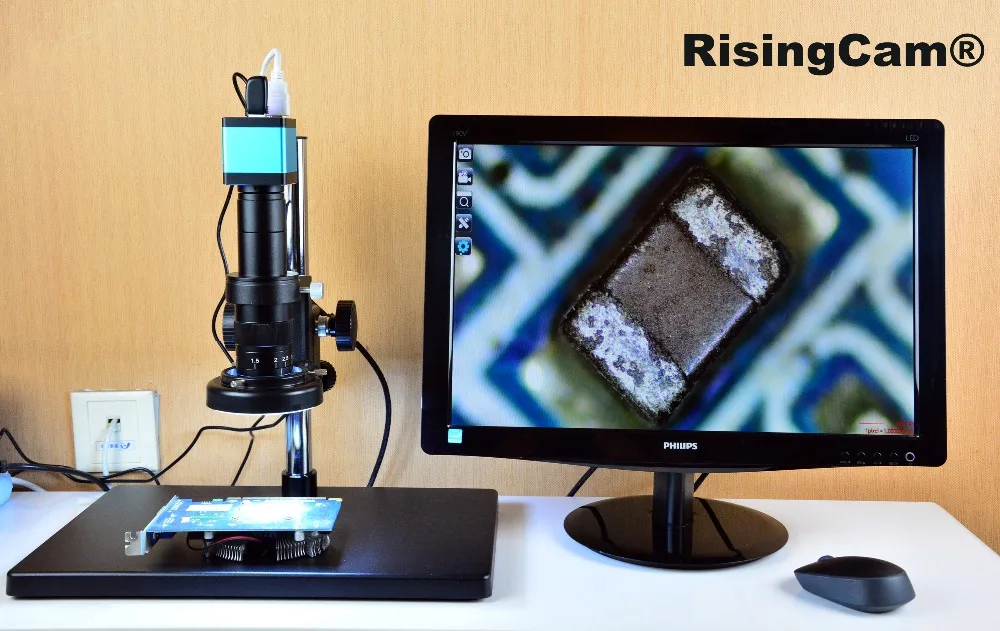
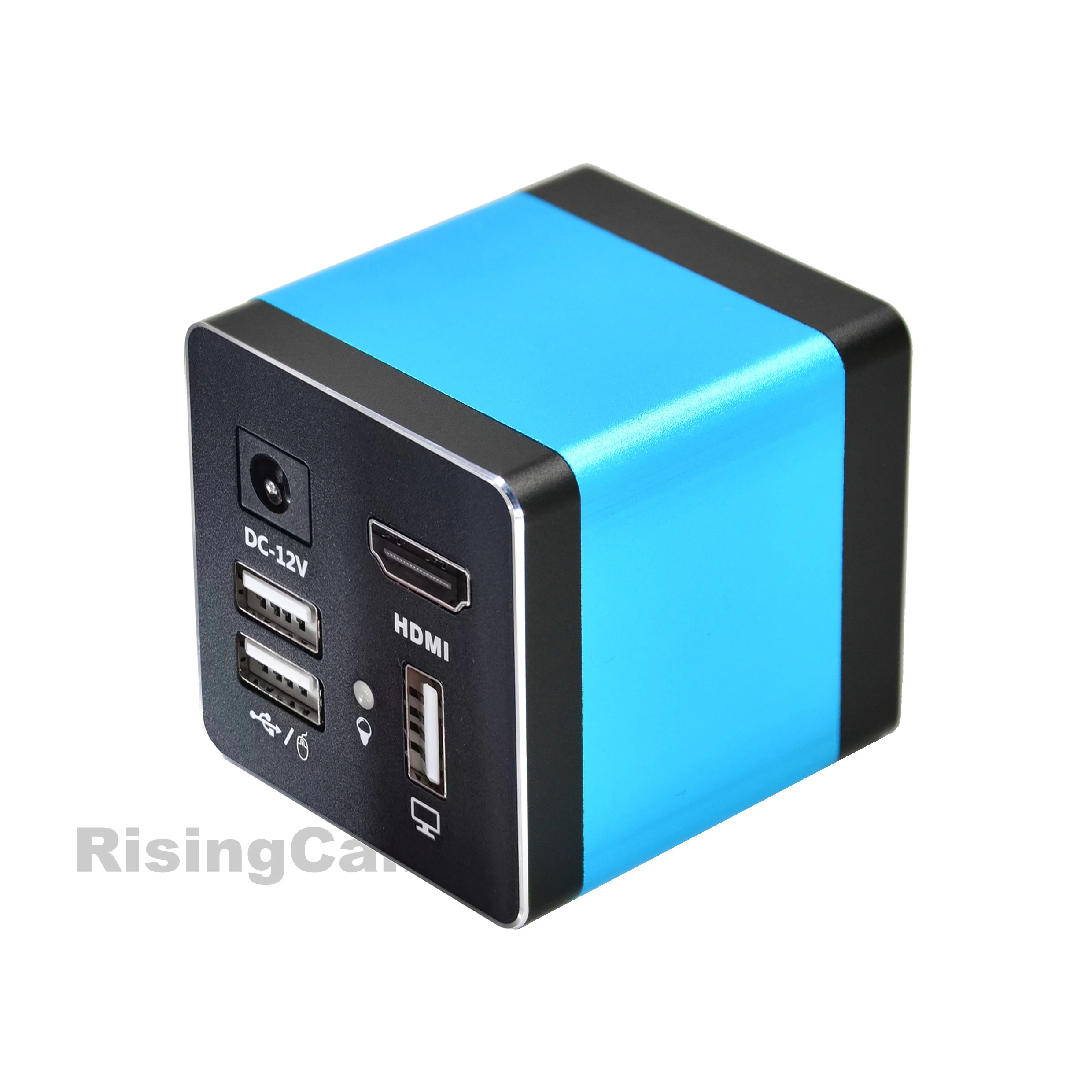
1.Connect camera to TV monitor with HDMI-compatible Cable
2.Insert Mouse, USB drive or External SD card into USB port of camera
3.Power in, Camera auto start, LED light blue, camera running, then Monitor display image
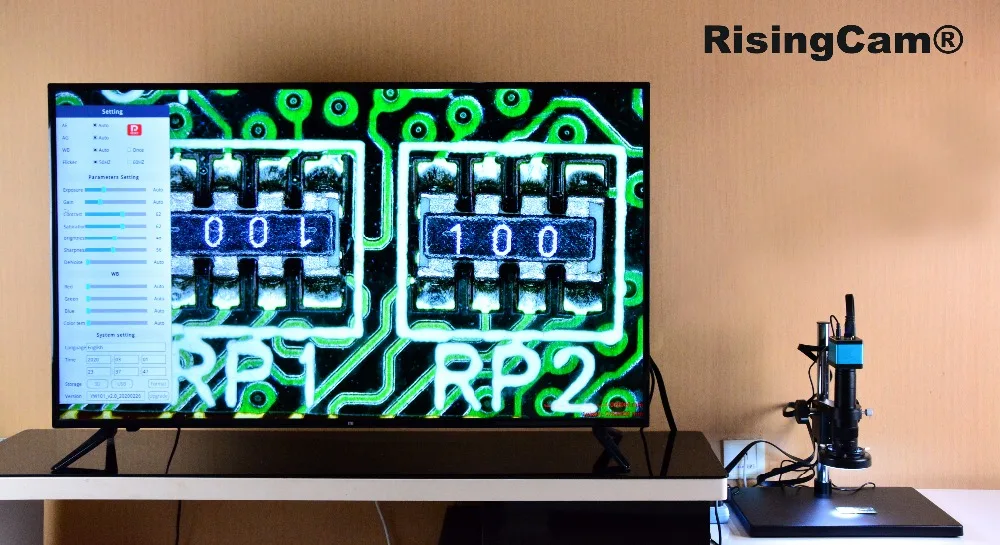
4.Move Mouse to generate Camera control and setting menu
Camera setting menu and Live Measurement Menu
Camera setting menu include:

Auto exposure:Auto gain:White balance:Anti-flicker:Contrast: Brightness: Sharpness: Noise reduction: Red: Green: Blue: Color temperature: Time: Storage: Format
Language: 7 languages for choice: Simplified Chinese, Traditional Chinese, English, German, French, Japanese, Korean

This Camera support Realtime measurement - Measure tools include:
Draw points: radius circle: two point circle: three point circle: measure two circle distance: concentric circle: line circle distance: polygon: cross line: rectangle: polyline: arc: curve: straight line: vertical line: parallel line: angle measurement : Text annotation: Mouse selected move: Selected delete: Delete all: Screenshot:
Calibration edit
Live Measuring
User click the measure tools button by mouse,
then Drag the mouse to complete the measurement
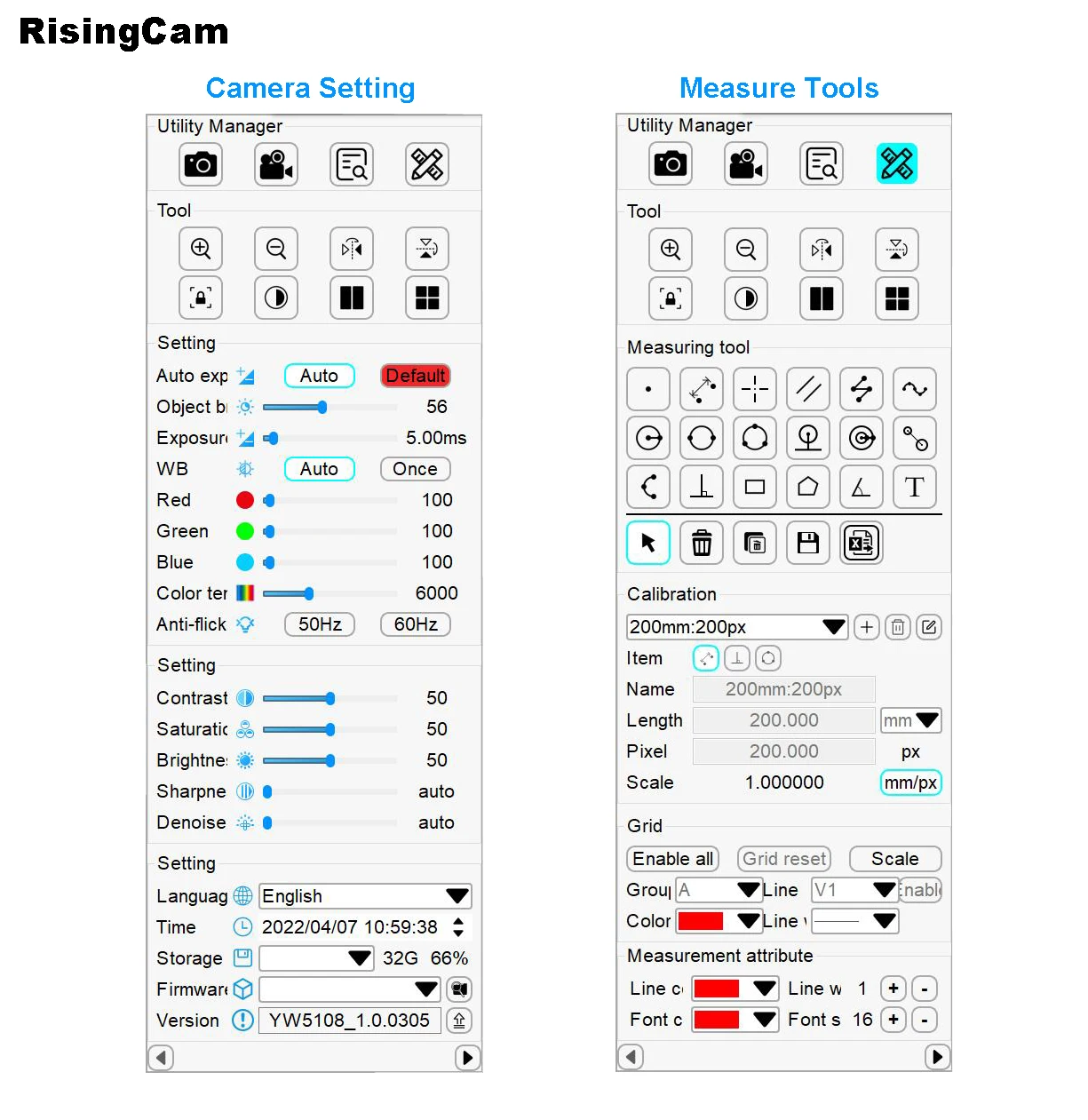
The Measure result can be saved on Picture. The Font, Line size and color can be adjustable
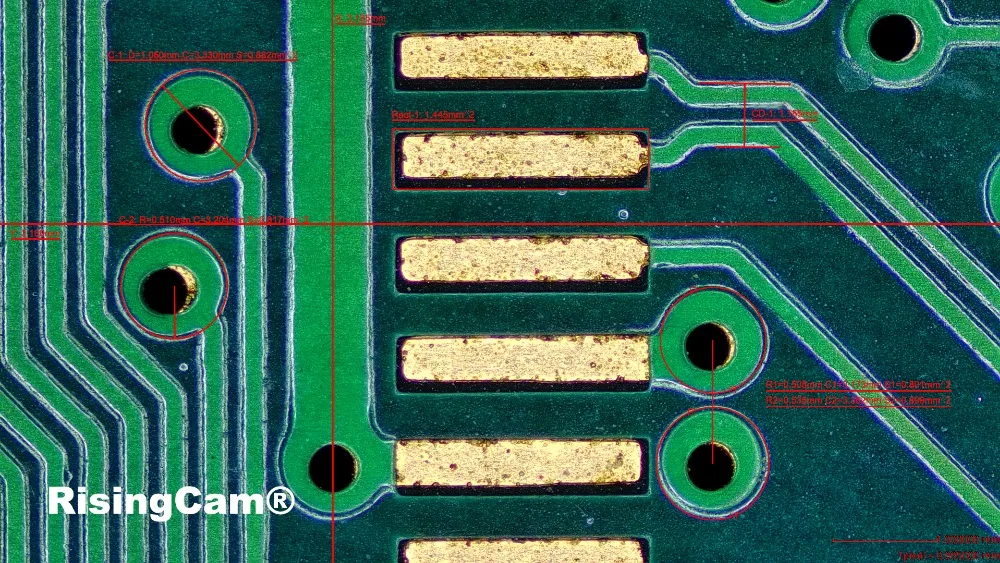
Zoom in - Max 10X
Image comparison
2 image compare - one is Realtime image, other one is picture captured by camera.
The picture on the left is a real-time picture, and the picture on the right is a picture taken by the camera. The mouse wheel can zoom in and out of the picture, and holding down the wheel can drag the picture to change the position.
4 image compare -After clicking the four-picture comparison button, the screen is divided into four parts. Double-clicking on a part can freeze the current image. Up to 4 images can be frozen for comparison. The mouse wheel can zoom in and out of the picture, and you can drag the picture to change the position

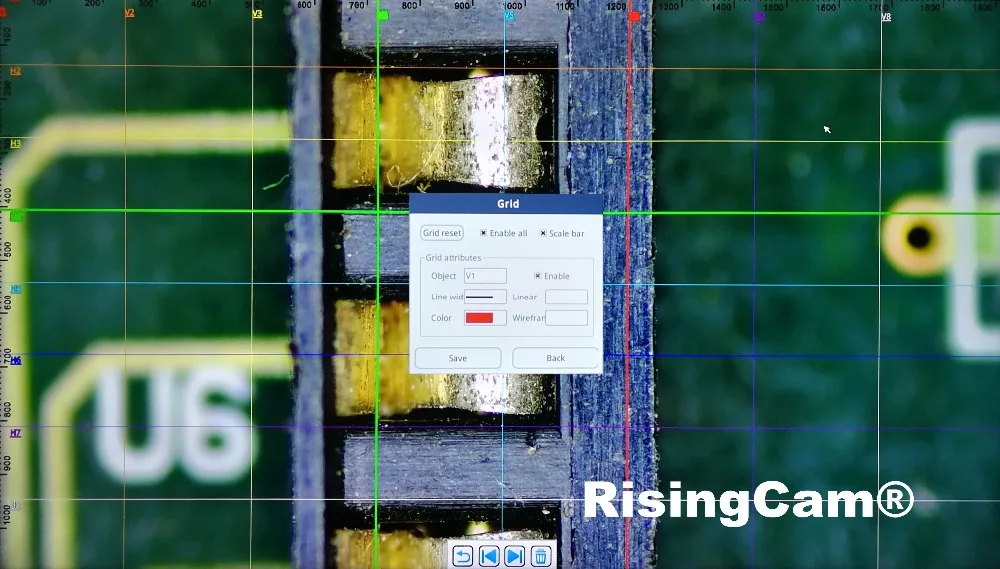
Gridlines -8 horizontal lines, 8 vertical lines, position, color, Line width adjustable


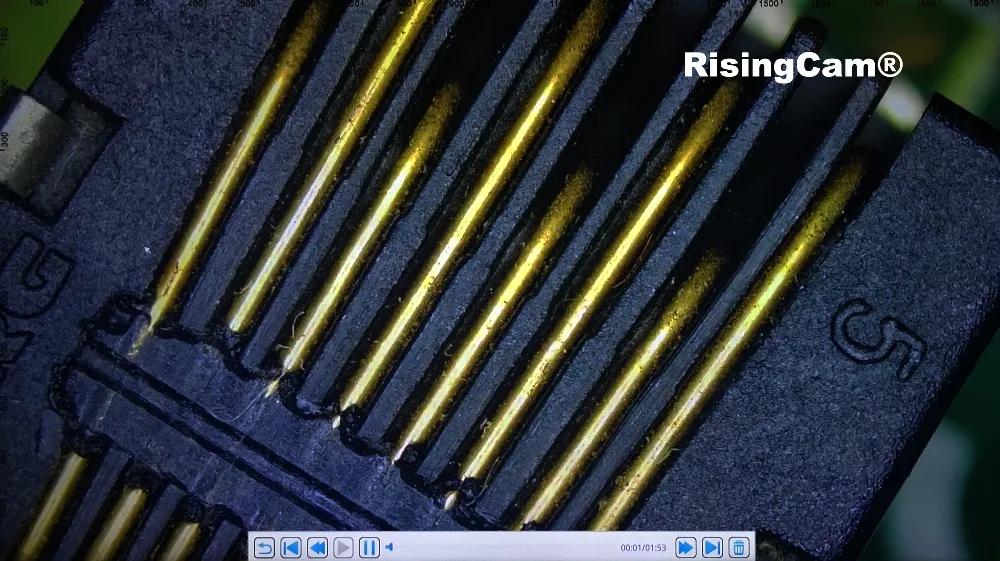
Video Preview frame rate 60fps
Record Frame rate 30fps.
Video Reply Picture
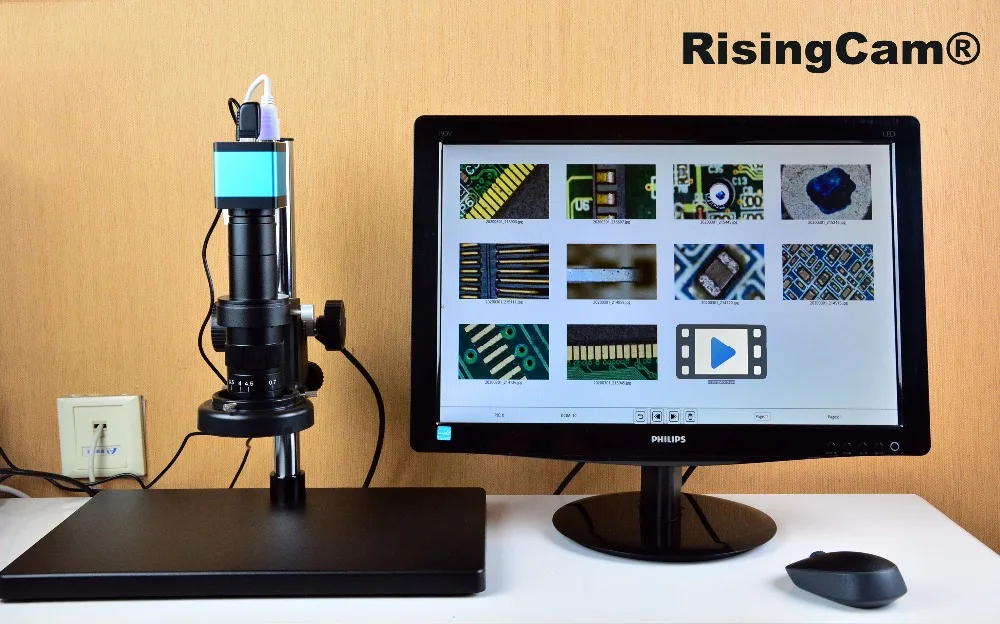
Camera Working with 55inch TV monitor
Camera work with Windows Computer via USB output
RisingCam RT5609pro Camera has USB output, it can work with windows computer
RisingCam provide S-EYE2.0 software for buyers, S-EYE2.0 only support Windows system computer
buyers could contact seller for download link of S-EYE2.0 software
Camera work with Windows Computer connect steps
-
Install S-EYE2.0 software into Windows Computer
-
Connect Camera to Computer via USB cable
-
DC-12V Power in Camera, then camera will keep blue light
-
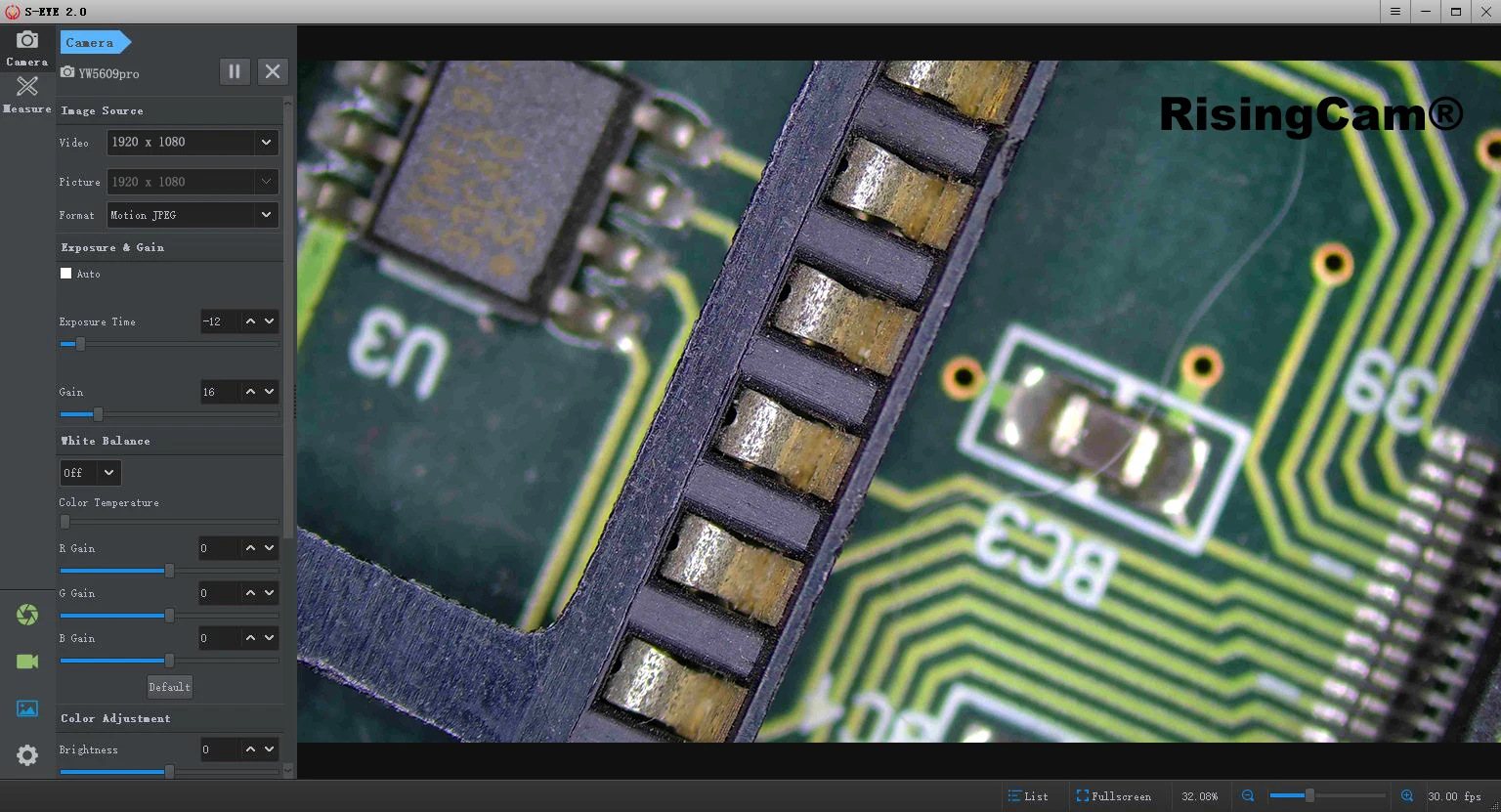
Start S-EYE2.0 Software, select Camera model number, then user can see image from camera
NOTE:
1. if user use Laptop, please Make sure Windows system not disable the camera,and,
please select laptop battery option to High performance (The Power Saver maybe limit USB transmit)
below picture is Camera work in S-EYE2.0 software
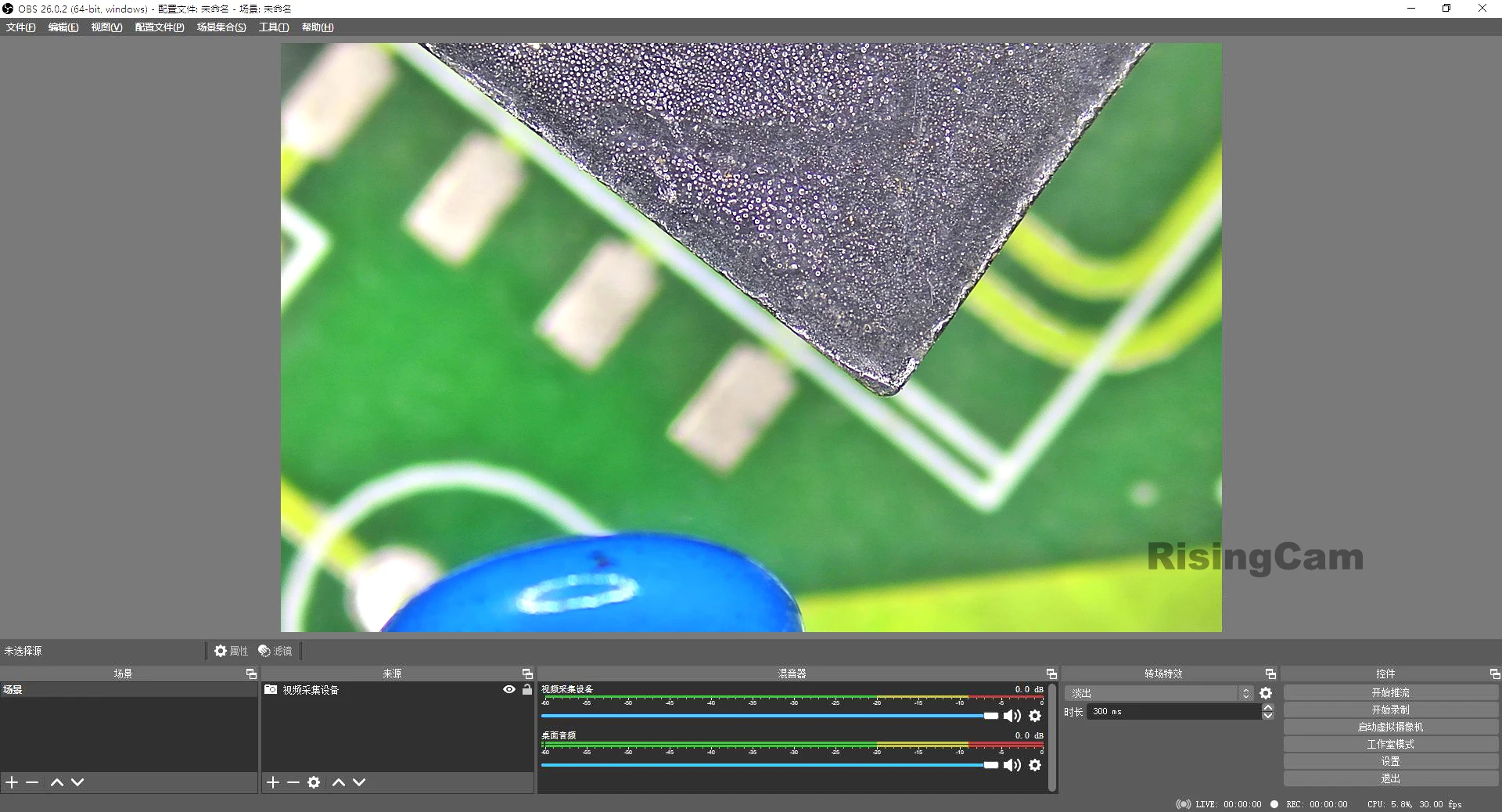
Camera USB output can work with other software which support UVC,
below picture is Camera work in OBS software under Windows Computer
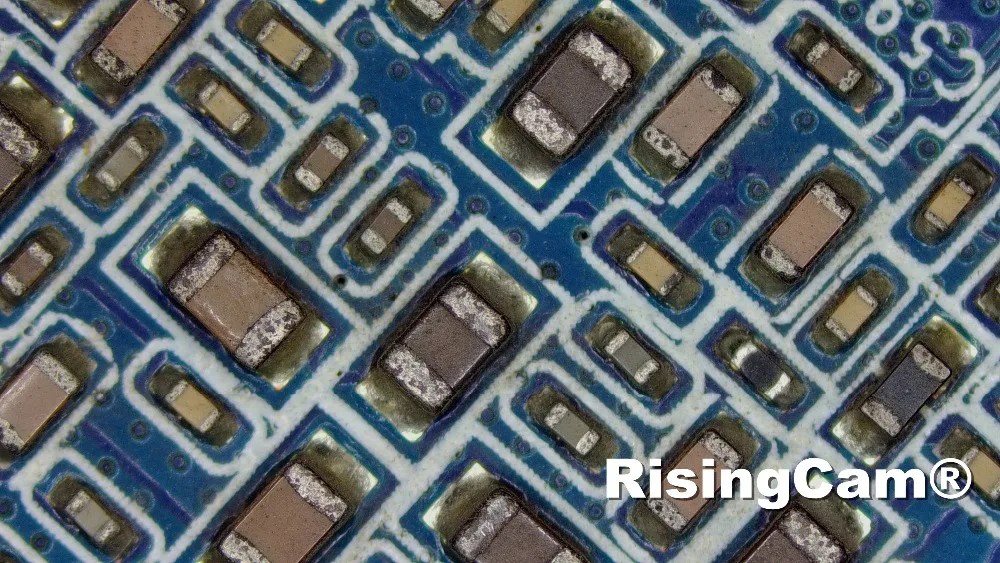
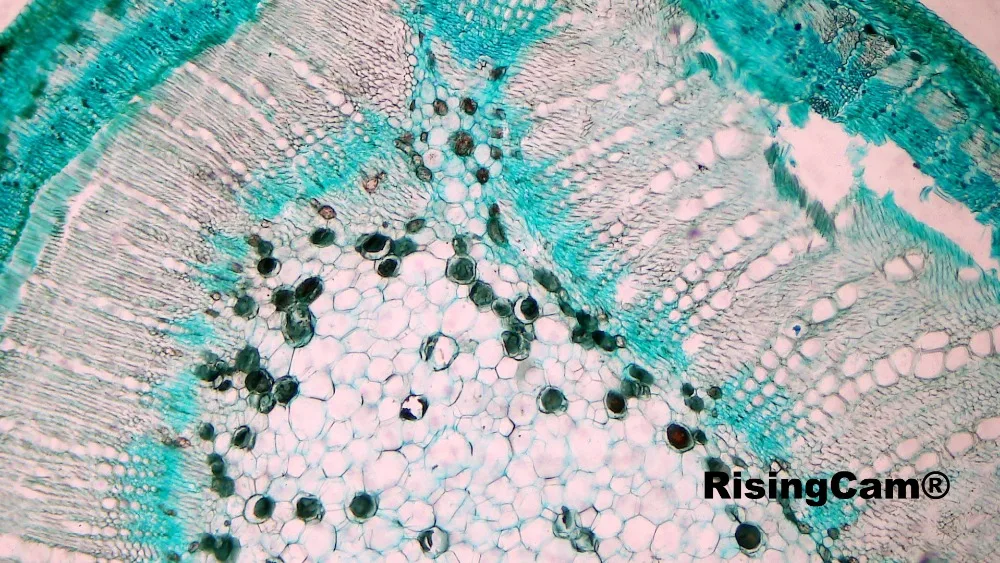
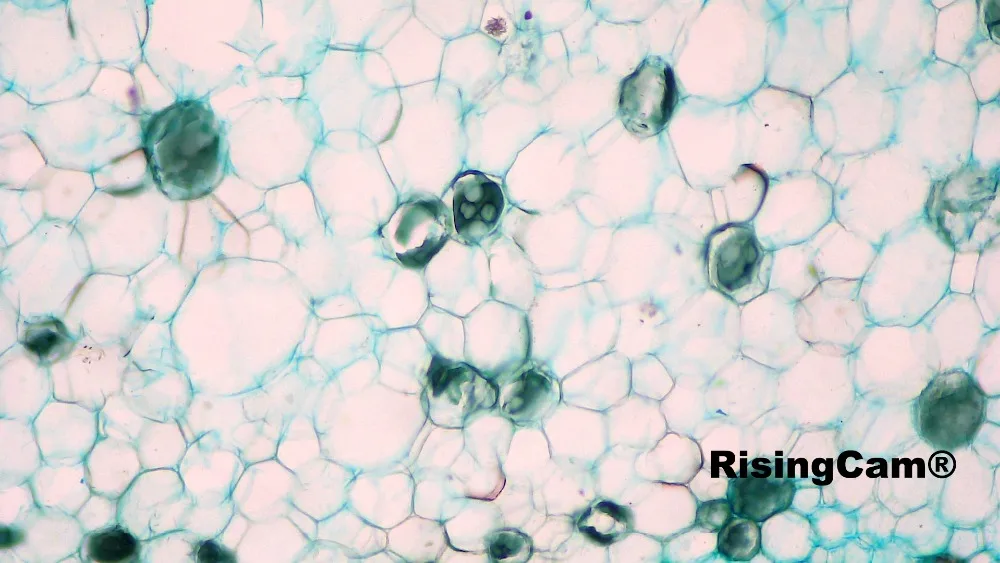
This Camera can working with biological microscope too. follow picture is Plant rhizome
The standard packing include
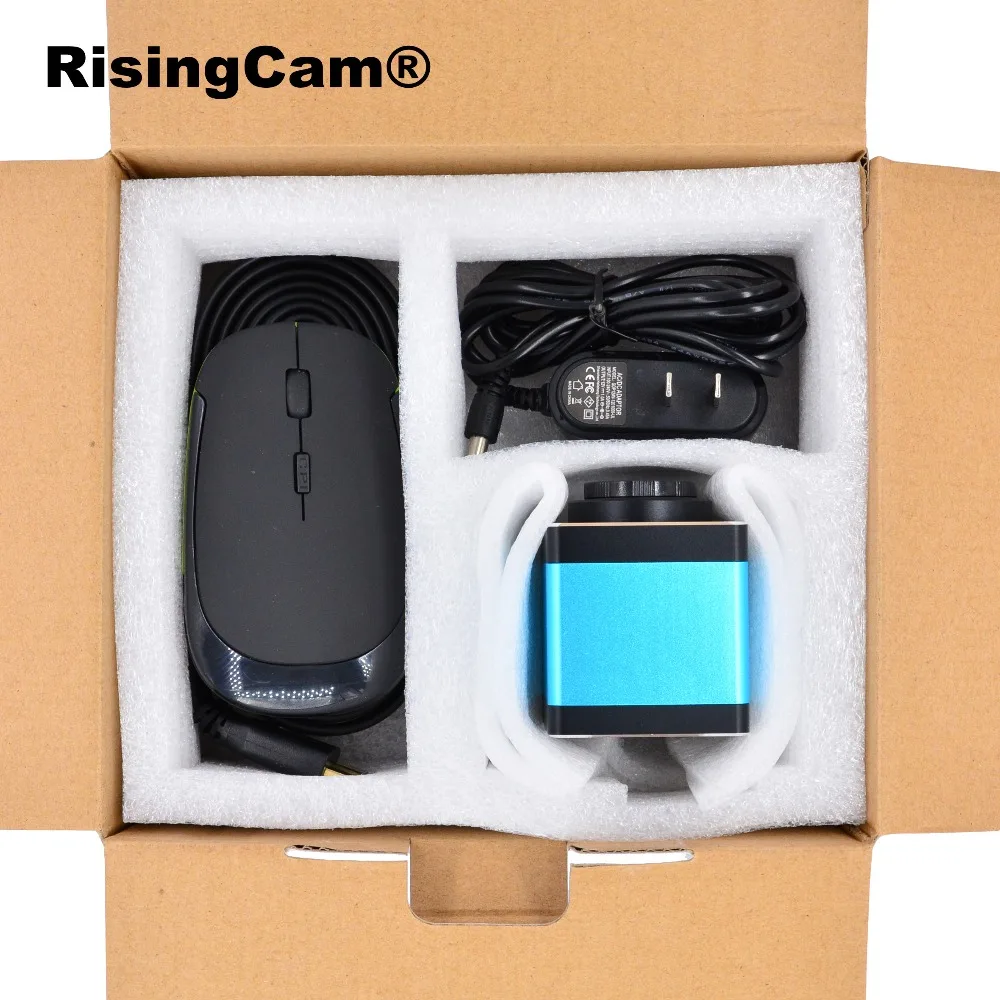
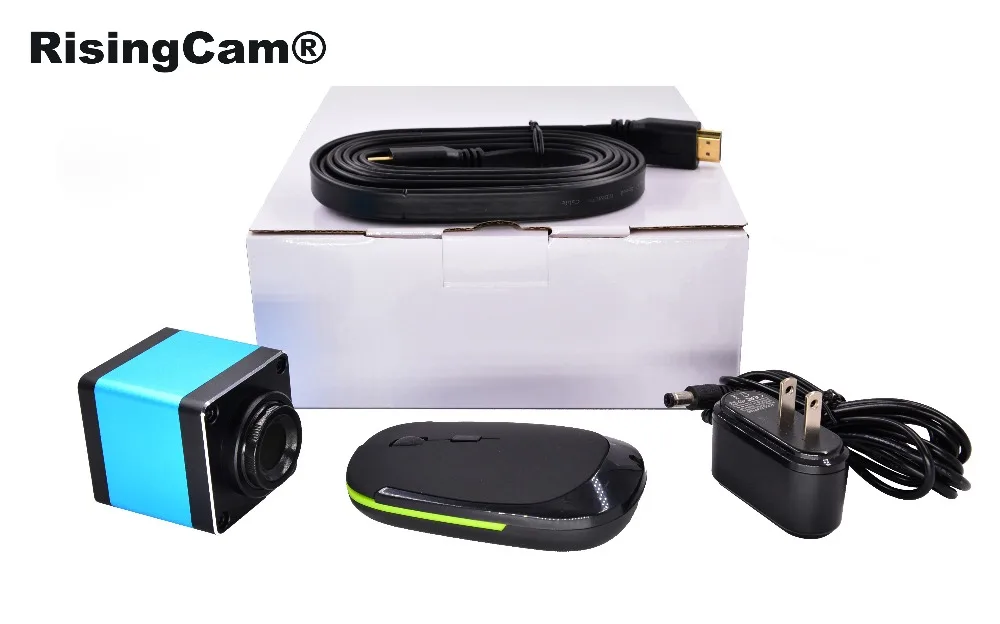
1. Camera
2. HDMI-compatible cable
3. Wireless Mouse
4.Power Supplier (EU, US and UK for choice)
|
Warranty period: 1 year
RisingTech always do our best provide excellent Service before/after sales for all buyers. RisingTech will provide our technical support if buyers have any questions of camera operation.
If camera has any quality problem within warranty period and must be returned to workshop repair it, RisingTech will repair camera or replacement new camera for buyer, RisingTech will stand freight.
If camera has quality problem out warranty period, RisingTech will repair camera for buyers too, buyer need stand freight.
If the camera is man-made damaged, no matter within or out warranty period, buyers should stand repair charges and freight.
|
