


About ANCEL HD210 Scanner
- 🎁【Powerful and Easier-to-use 】- Tired of going to Autozone or other store to run codes, or having to pay the dealer to do it for you? HD210 bluetooth truck scanner is your ticket to happiness.Compared to the complexity of the truck scanners available on the market with unit prices above $200, the diagnostic tool is one of the best investments you can make!
- 🚛【Additional Maintenance Services】- This car scanner offers 2 additional maintenance services assist you to disengage idle and speed limit for Volvo & International engine,to improve timeliness and cost savings.
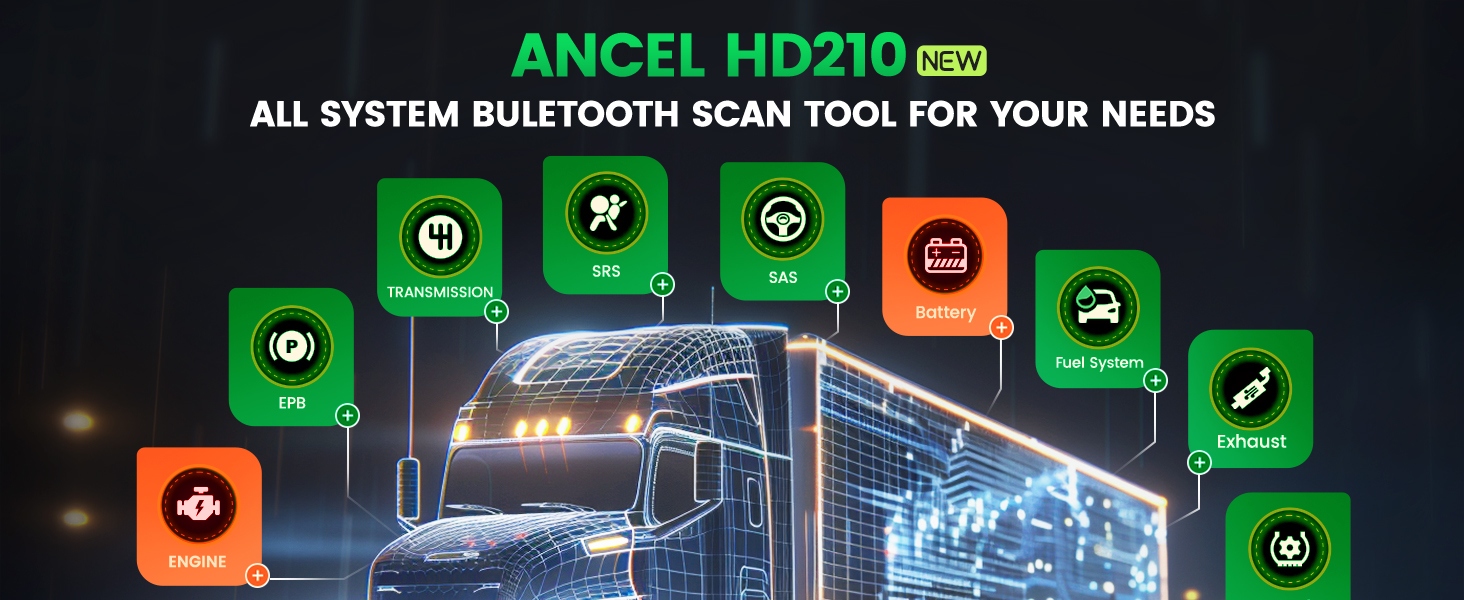
- 🚛【OE-Level All Systems OBD2 Scanner for Trucks】- Whether you're troubleshooting engine problems, abs, airbag, transmission issues, HD210 obd2 scanner bluetooth easily find and fix the problem with your truck.The scan tool supports not only Engine, ABS, Transmission, but also Drivetrain, ESP, Cluster, Suspension, Braking System, Cab Climate, Body Control, Instrument Panel, Fuel System and other system scans.
- 🚛【Enhanced Full Diesel OBD & OBD2 Functions】- HD210 OBD function by reading the ECU version information of each system, providing a 🔥Live Data Stream 🔥Reading Trouble Codes 🔥Erase Fault Code, saving a lot of time and money in maintenance. The obd2 scanner contains all 10 modes. ➤DTC Lookup can be automatically displayed what the code means directly after reading, don't need to search, help you determine if your car needs repair.👍Greatly facilitates your life!
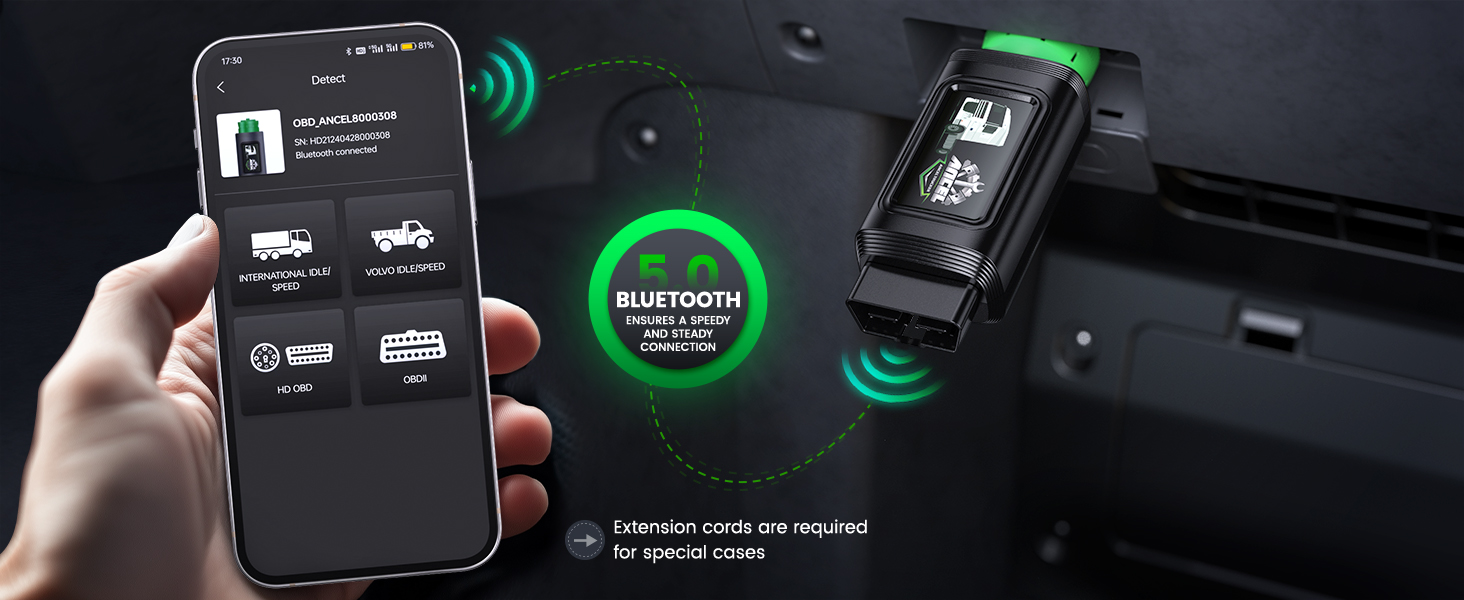
- 🚛【New Generation Bluetooth & Wifi Connectivity】- Say goodbye to the shackles of extra cables, the New Generation Bluetooth connectivity is the most important feature that differentiates the HD210 truck scanner diagnostic tool from the traditional diesel scan tool, it gives you the fastest response and smoothest operation.
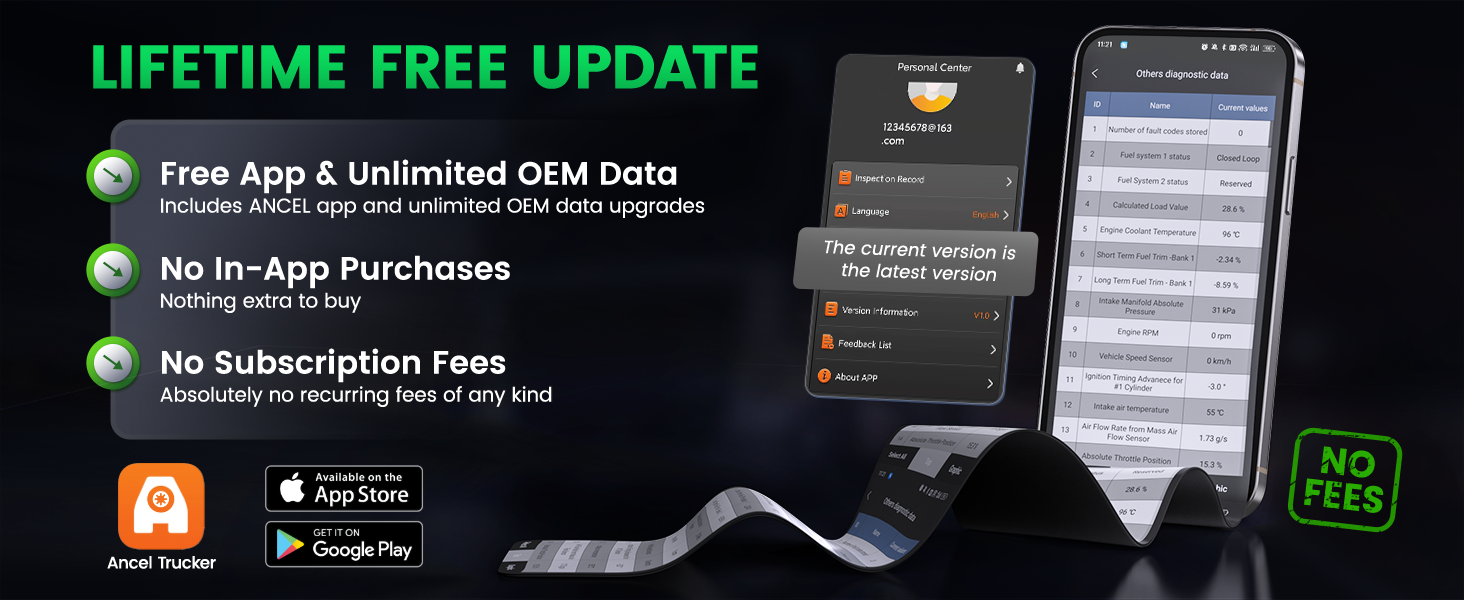
- 👍【Lifetime F-ree Update & Support One-key Feedback 】- Simply download the ANCEL TRUCKER app to your smartphone, register, and connect.The APP features a user-friendly interface that is ideal for beginners and professionals alike. Buy once and be set for life with this device.

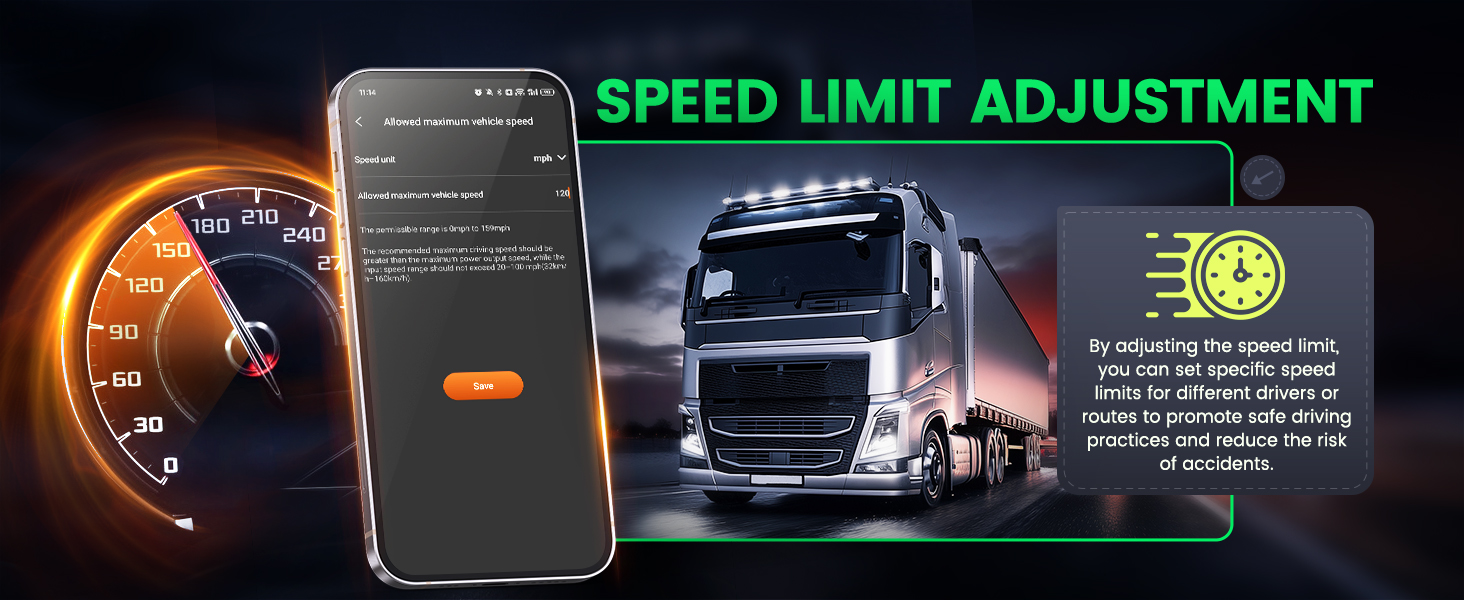
Speed Limit Adjustment Function
Remove the speed restriction
Adjust the road speed
Road speed limits
Remove speed limits
Momentary Road Speed Limiting
Engine speed
Reset speed
Road Speed limiting/Cruise Control
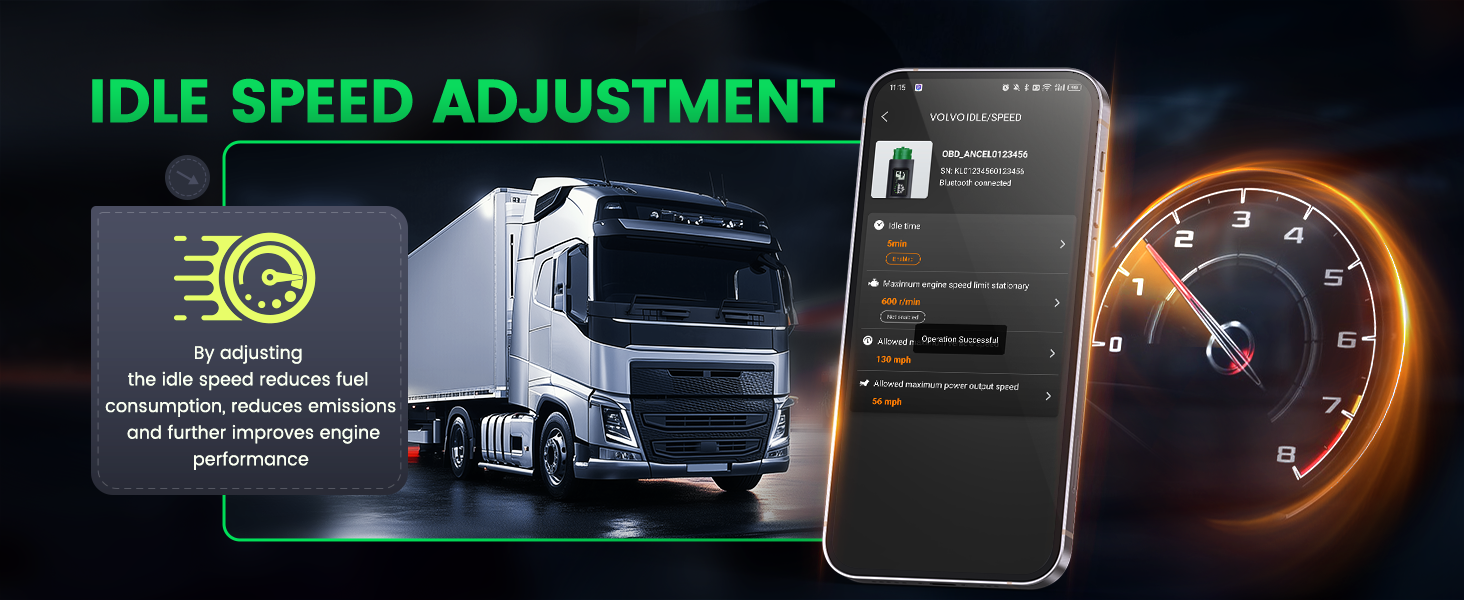
Idle Speed Adjustment
Change Idle Speed
Idle Speed Adjustment
Idle Shutdown Timer
Set Idle Speed
Idle Shutdown
Idle Speed Control
Ancel HD210 is an application designed for Volvo & International engine commercial vehicle diagnostics and maintenance, which can be downloaded to an Android or iPhone phone via the App Store.
The phone connects to the diagnostic tool via Bluetooth or WiFi to perform a variety of operations, such as reading fault codes, clearing fault codes, reading vehicle information, reading vehicle data streams, modifying speed limits, idling time, etc. This is useful for routine maintenance and servicing of vehicles. It is very important for daily maintenance and repair of vehicles.HD210 is mainly usedfor Volvo & International engineto modify vehicle parameters such as speed limit, idle speed and idle running time. This is useful for improving vehicle performance and optimizing energy efficiency.
Currently, the only product on the market that can support Android & Apple phones, Bluetooth, Wi-Fi connection, strong compatibility. (Note: Recommended Bluetooth connection diagnosis)
The Reasons for unsuccessful speed limit
1. ECU password restriction
If the ECU is set with password protection, you may need to release the password restriction before you can modify it.2. Engine failure
If there is an engine fault, the speed limit setting may be locked or cannot be modified. The engine fault must be solved before modifying the speed limit.3. Vehicle startup status
For safety reasons, some vehicles must be turned off or put into a specific mode before modification can be made.4. Non-ECU Controlled Speed Limits
In some vehicles, the speed limit is not necessarily controlled by the ECU, but may be controlled by the GPS system or instrument module. In this case, simply modifying the engine speed limit may not achieve the desired effect.5. Parameter Reset Requirements
A reset of the vehicle's parameters is required to modify the speed limit settings. For example, a previous incorrect setting may need to be restored to the default state first.6. Other Conditional Restrictions
There may be other condition-specific limitations, such as limitations in specific modes of the vehicle or hardware and software compatibility issues.Unlocking Speed Limit Operation
Step 1 : Check the on-board electronic system to find the setting options for the speed limiter.Step 2 : According to the instructions, adjust the parameters of the speed limiter to release the speed limit.
Step 3 : Ensure that the speed limit has been successfully lifted and test the vehicle's performance at highway speeds.
Why did the idle speed adjustment fail?
1. System limitations
Some vehicles may have software or hardware limitations set by the manufacturer that prevent modifications to the idle speed.2. Unauthorized access
Access to the vehicle's Electronic Control Unit (ECU) may be restricted, preventing modification of the idle speed.3. Technical problems
The vehicle may have a technical problem, such as a faulty sensor, electrical system, or other critical component, that causes the idle speed modification to fail.4. Failure to perform correctly
The idle speed modification may not have been performed according to the correct procedure or steps, or with the proper tools and equipment.OEM-Level Full Systems Diagnostic
This truck scan tool Supports to scan full system. You can get real time data related to system and do some repair by yourself using this truck tool, which will save much time and money for you.
Power Transmission: Engine, Construction engine, Hybrid, VCS(Vehicle Computer Simulation), Transmission, Integrated Control, Integrated Security System, Motor Control, Battery/SCR.
Chassis: Anti-lock braking system, EZGOC(Wheel Brake Special System), Retarder.
Carbody: Immobilizer, SRS Airbag, SWS (Smart Writing System), Headlamp Auto-leveling, ABS, ASR, EBS, ESCOT, ESP, EPS, AT System, Smoother, HSA/ CFS, BCM, BCM(MIMAMORI), VIM(Vehicle Interface Module), UDS, Gas Treatment, DCU/ BCU, Instrument System, Suspension System, Pro-shift, Inverter, Kneeling, Drivetrain, Scanning Cruise/LDWS/PCS, Tire Pressure Monitoring System, Ldfing Stop System, Clutch System, Anti-theft devices, Blocker, PESS(Passive entry and start system), PIM(Powertrain interface module), Chassis ESC, Air Suspension, Headlamp Auto-leveling.
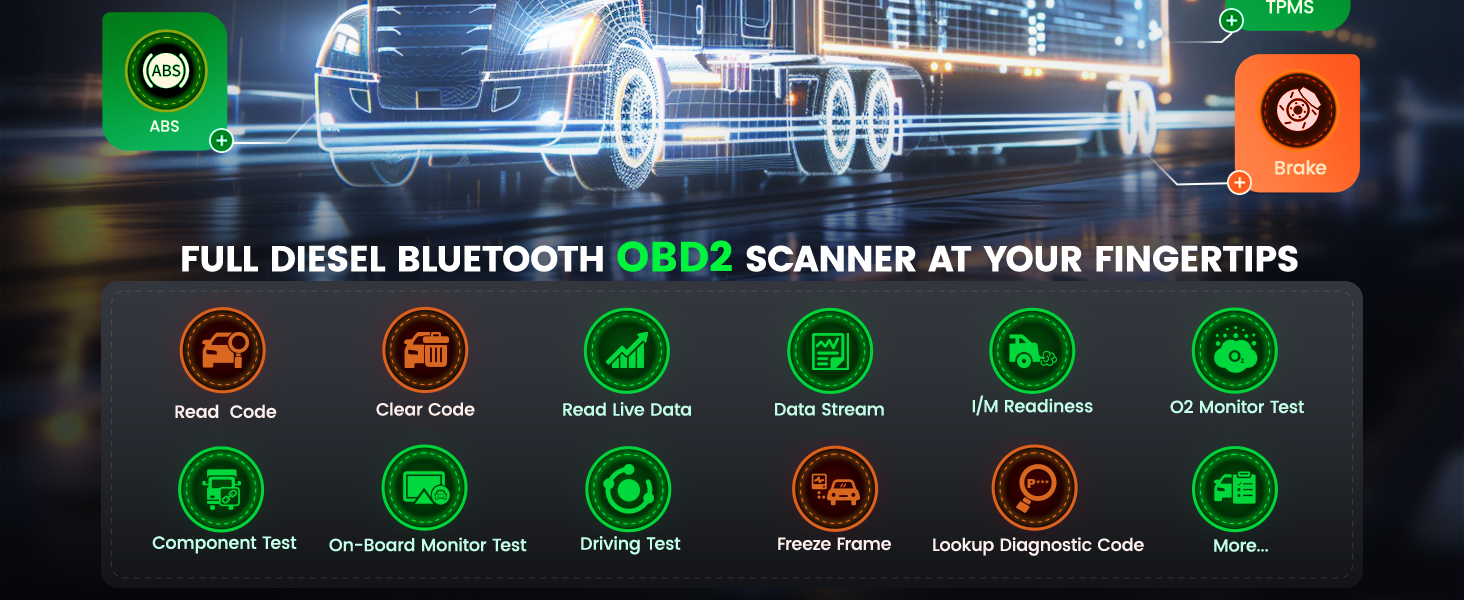
Diesel OBD Menu Function
Read ECU Informtion
Read Fault Code
Erase Fault Code
Read Live DatOBDII Menu Functions for Engine
Read/Clear Code
Read Live Data
Read Data Stream
Read Freeze Frame
On-Board Monitor Test
I/M Readiness
O2 Monitor Test
Component Test
Read Vehicle Information
Driving Test
Lookup Diagnostic Code
Ancel HD200 Operation Steps
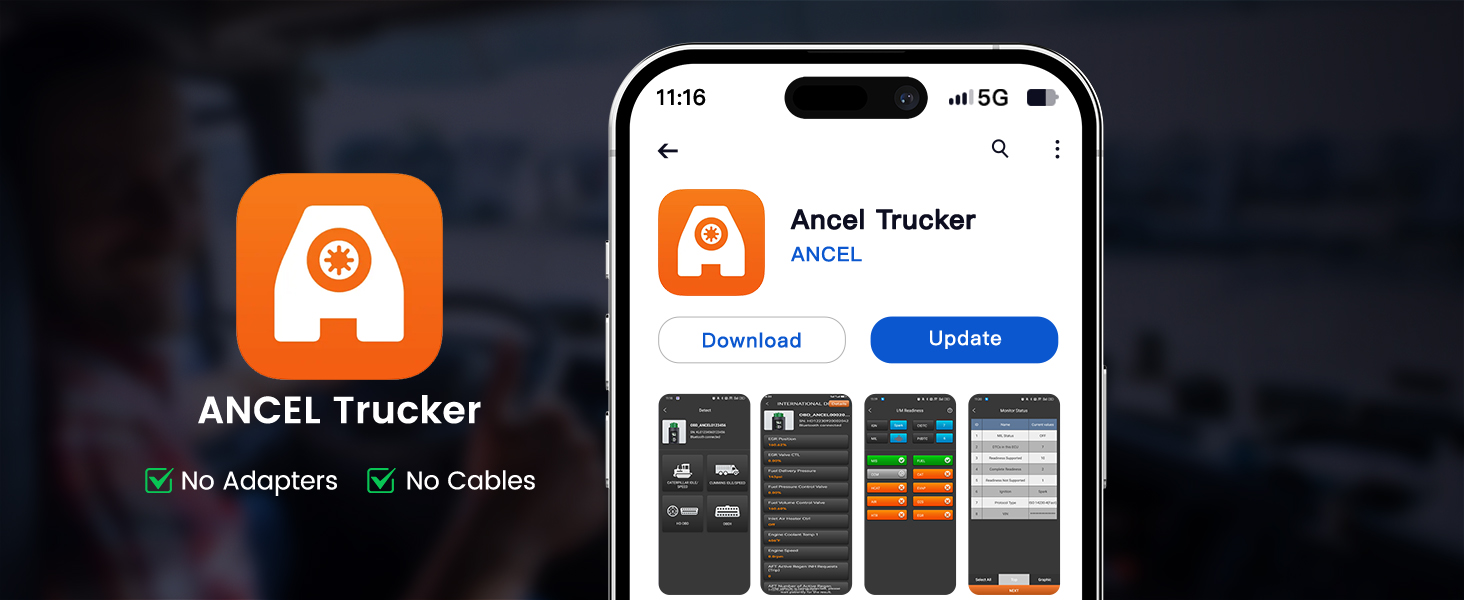
Step 1: APP Download
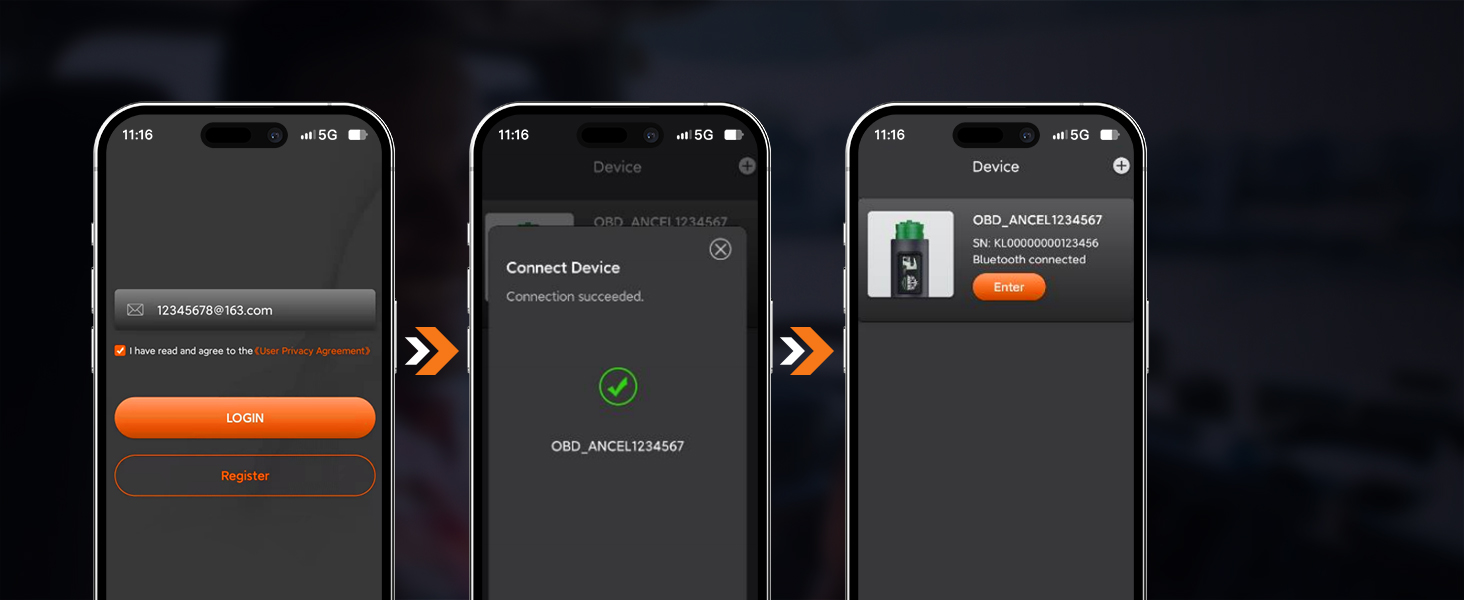
Search for Ancel trucker in the App Store or Google Play and download it.Step 2. User Registration and Login
User registration is by email (no need to receive verification code by email).Step 3: Insert the Ancel trucker device into the vehicle diagnostic seat.
Open the app and connect to the vehicle via Bluetooth.
Q & A
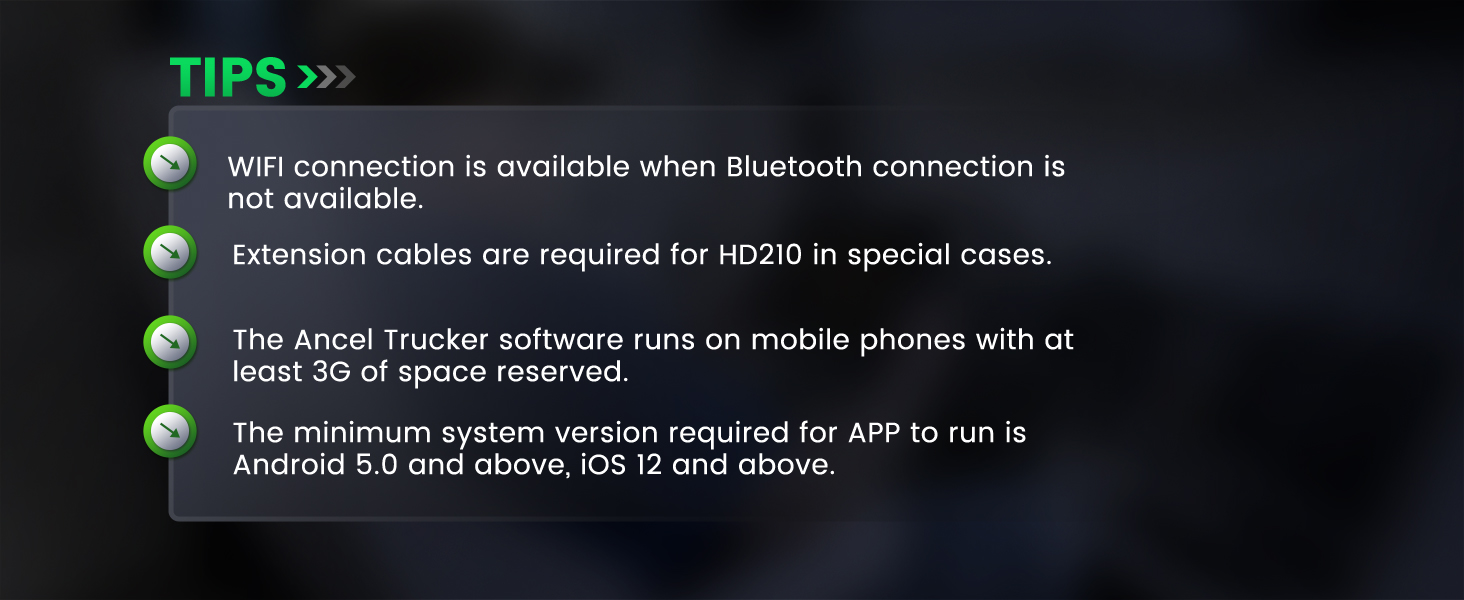
1、How much space do I need to reserve for my cell phone to run AncelTrucker software?
A: At least 3G.2、What is the minimum system version required for the APP to run?
A: Android: 5.0 and above; iOS: 12 and above.3、Why is it Bluetooth connection, but need to open the cell phone positioning?
A: Connecting via Bluetooth, android12 or below, requires location permissions and opening location services to scan for nearby Bluetooth devices.4、How to upgrade the software?




We accept all common forms of payment such as Credit cards、Debit card、Google Pay ect.
Payment should be made within 7 days after bidding ends.
Otherwise a Unpaid Item case will be opened to you.
Please include your special requests in eBay note if there is any.
Delivery time varies from 2 to 5 business days.
Please make sure it is correct and include phone number for delivery.
Please include your special requests in eBay note if there is any.
We are authorize distributor, our all items are 100% original and Our devices have warranty,
5 Year free repair for the devices.
In case an item arrives faulty, please contact us as soon as possible and keep it unused.
We will instruct you on how to return and get refund or replacement.
If the item has been used, we have the right to decline your claim.
Items should be returned on buyers' cost for repair or replacement.
We are specialized dealer of On-Board Car Diagnostic tools and automotive electronics
for more than 15 years.
We are authorized first class distributor of Launch, Foxwell, Autek, Ancel, Innova, Autophix, Thinkcar, Kzyee brands,
and more brands will be show in our store in near future.
What Do We Have?
We have office and warehouse in US to ensure fast shipment and after-sale service.
We have more than 1000 employees devoting to customer satisfaction.
1:If youhave any problem about the goods, please contact us before leaving Neutral/Negative feedback.We promise to help you solve it asap, and make you feel satisfactory absolutely.
2: our business time:M-F: 9:30AM - 18:00PM BST (Beijing Standard Time)
3:Please leave us Positive Feedback and 5-stars★★★★★after you received our package you are satisfied with it. as you know, every seller works hard for the positive feedback. We will do the same as soon as we can too.
