







International Buyers – Please Note:
a) Import duties, taxes & charges are not included in the item price or shipping charges. These charges are buyer’s responsibility.
b) Please check with your country’s customs office to determine what these additional costs will be prior to bidding/buying.

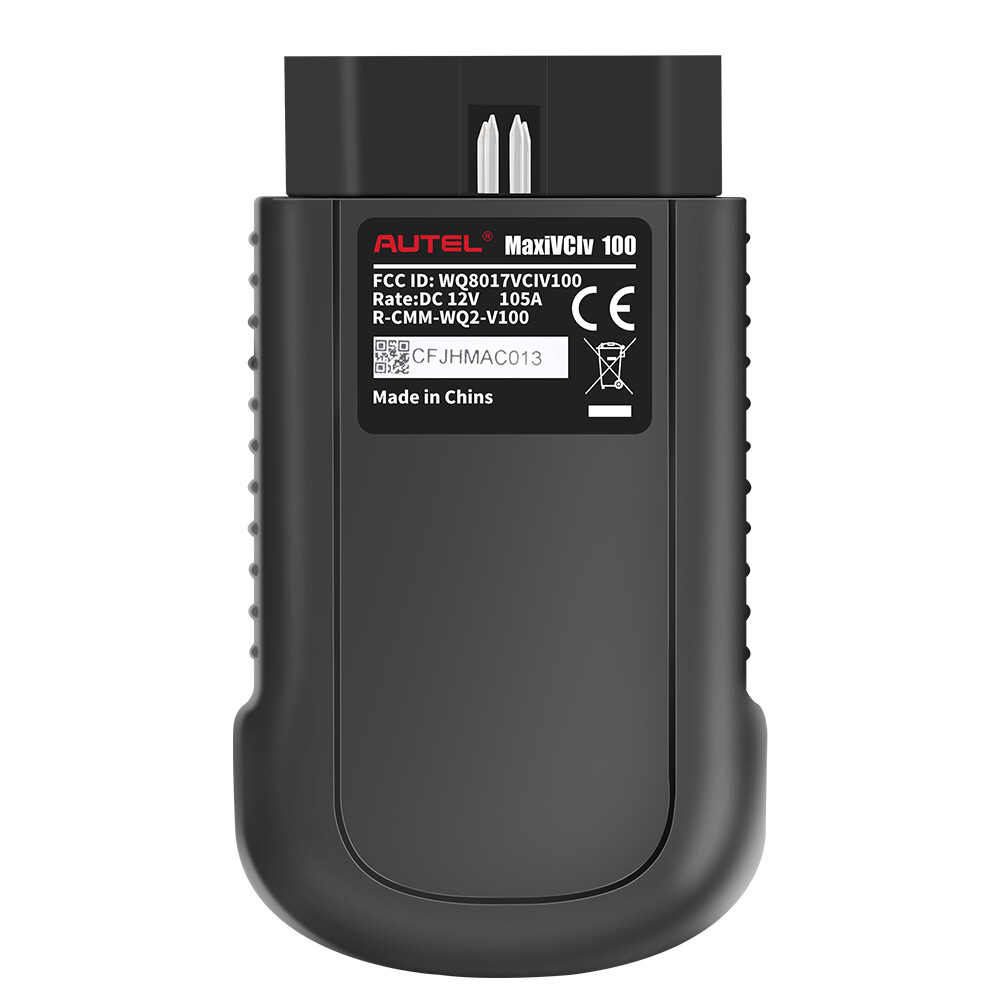
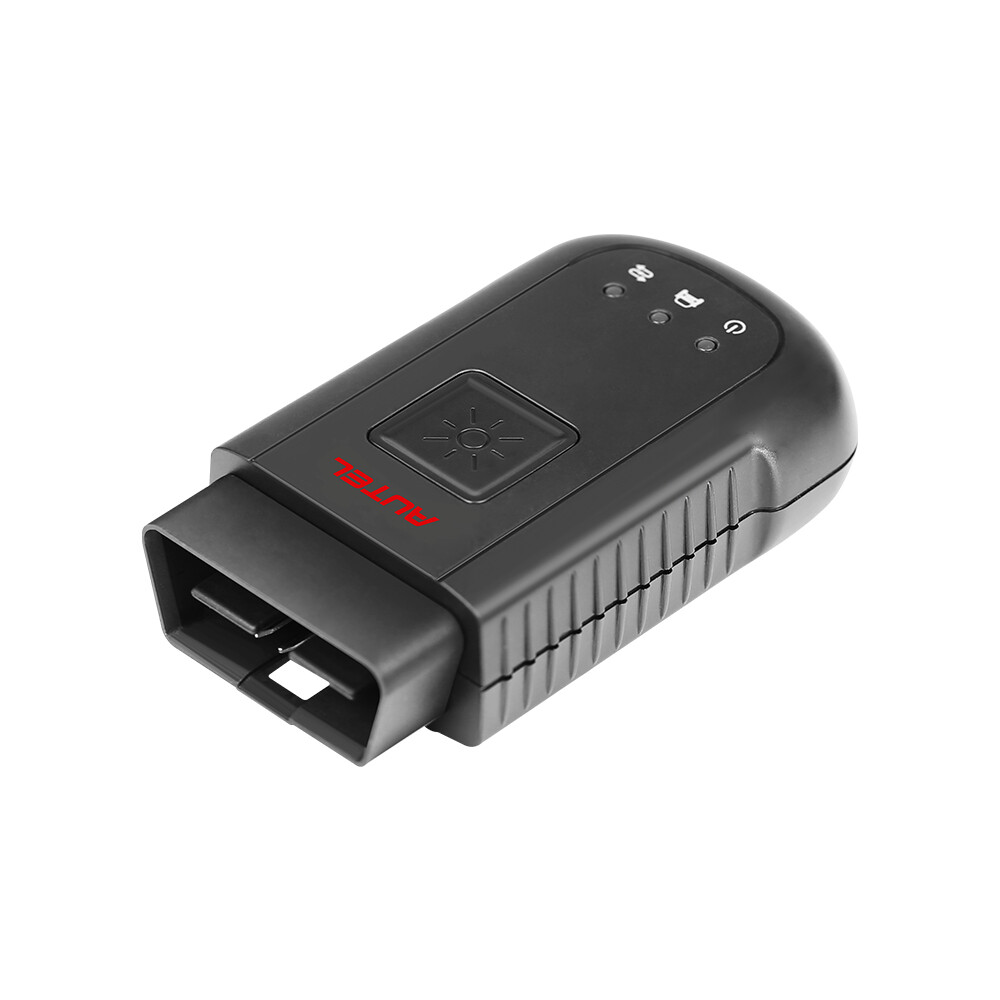
Autel MaxiVCI V100 Compact Bluetooth Vehicle Communication Interface

Features and Benefits:
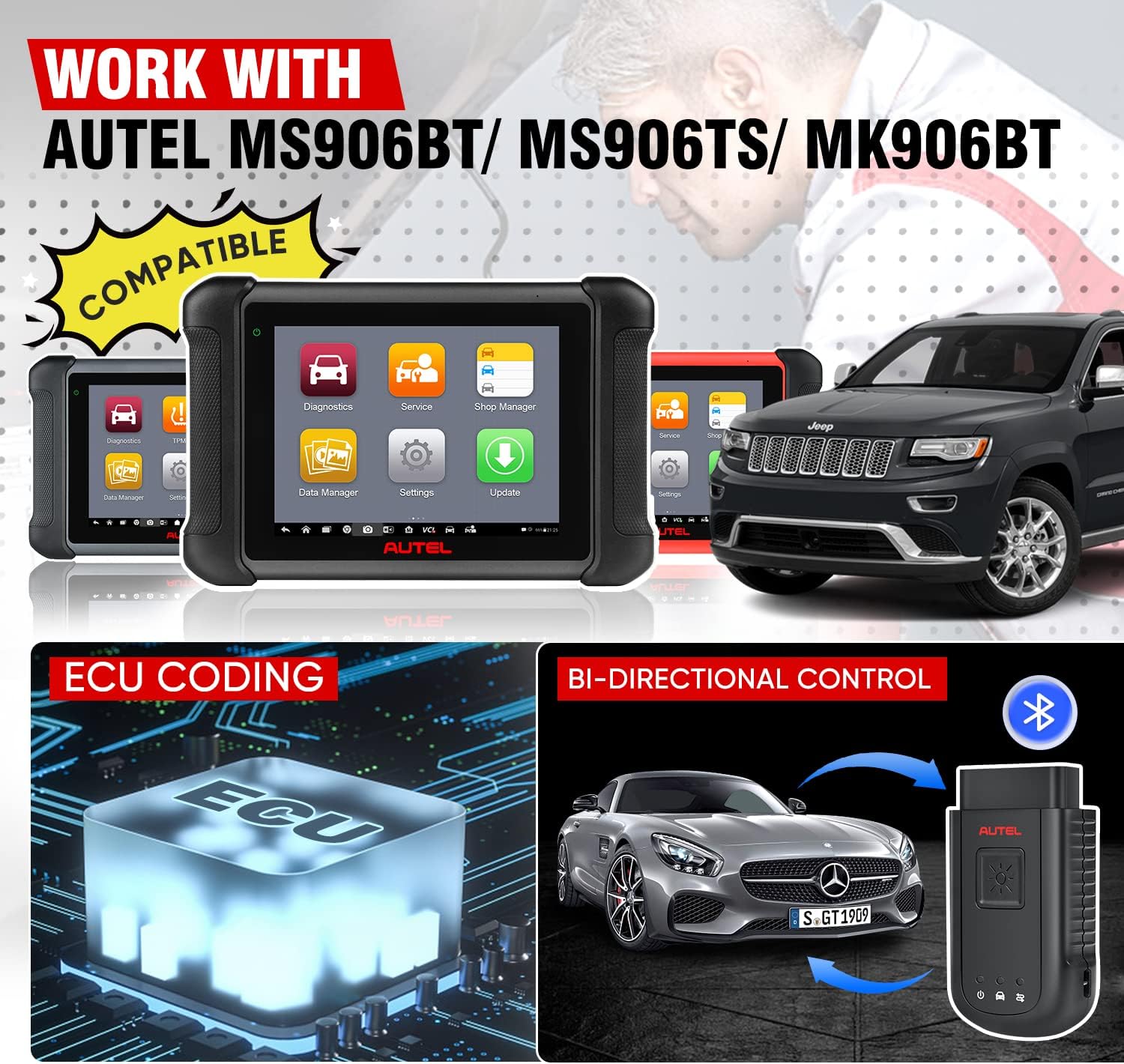
- 👍【AUTEL MAXIVCI V100, WORK WITH MS906BT/MS906TS/MK906BT】Autel MaxiVCI V100 vehicle communication interface works with MS906TS, MK906BT, MS906TS to do E-C-U coding, bi-directional control, maintenance etc. The working range of VCI 100 is as far as 98.4 feet (30 meters), not limited 1 meter distance. Based on advanced high-tech, VCI100 speeds up identification and pairing, offers more stable data transmission to avoid diagnostic interruption,and realizes uninterrupted communication.
- 👍【AUTEL WIRELESS CONNECTOR】Autel MaxiVCI V100 wireless diagnostic interface is a mini dongle, used to connect the car DLC port with MaxiSys tablet or P-C, which display the overall car diagnose result in the form of DTC on the scanner. It can offer intuitive repair guidance for professional technicians and auto repair shops.
- 👍【ULTRA-LONG WORKING RANGE】This Autel VCI V100 Wireless Diagnostic Interface working range is up to 98.4 feet (30 meters). Compared with 3.3 feet limited distance of MS906, VCI100 expand diagnose distance by 30 times. Autel MaxiVCI V100 has low energy consumption, low latency and enhanced anti-interference ability, which further improves cruising ability of the tablet. Note: When the signal range is out of range, the connection will be auto disconnected, and restored after entering the working range.
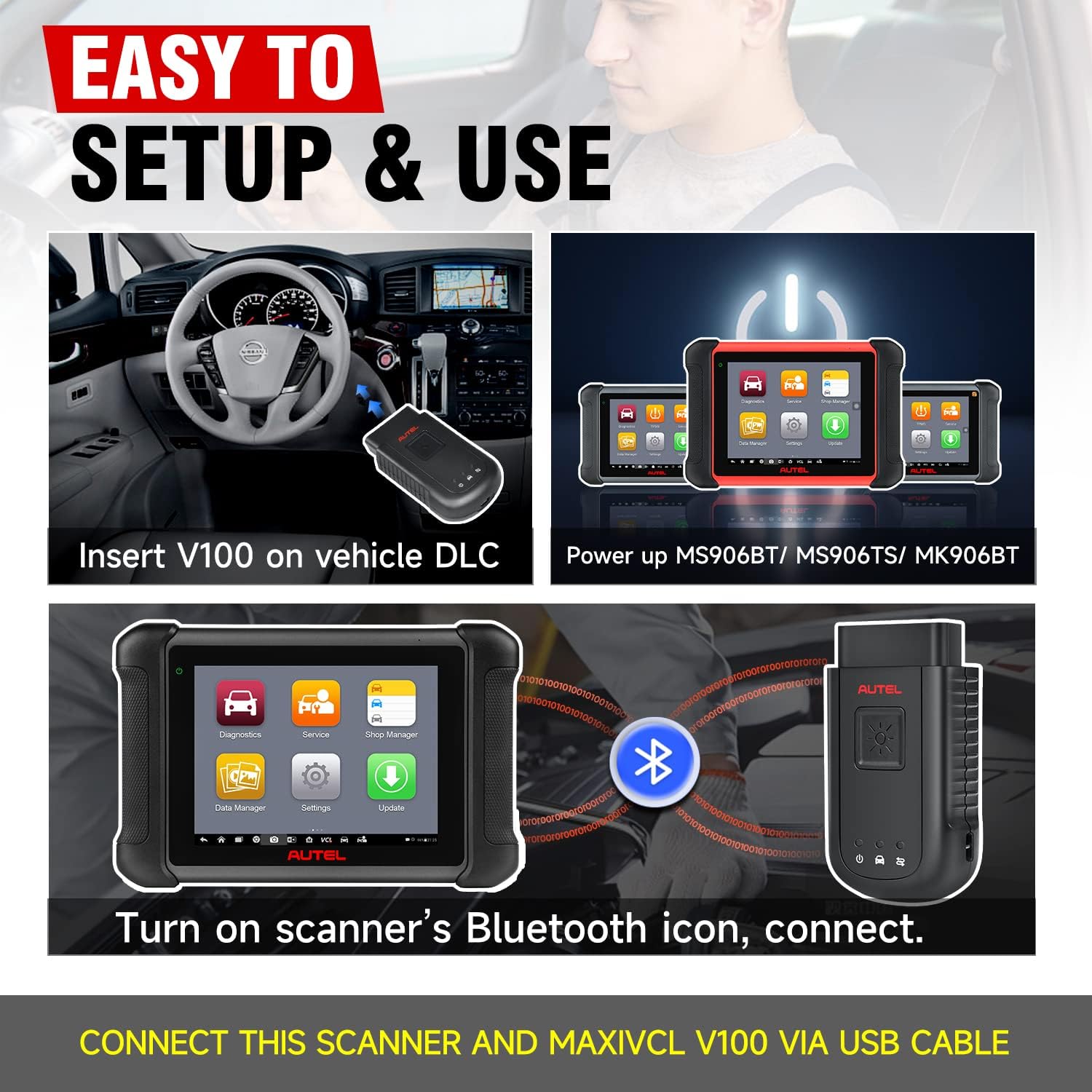
- 👍【TWO CONNECTION METHODS, EASY TO USE】Autel car wireless box MaxiVCI V100 is a bridge between the car and scanner, easy to connect. Only need three steps to connect instantly: Step 1: insert V100 into the car DLC; Step 2: power on scanner; Step 3: open the scanner's settings and connect. In addition, the VCI100 is also directly connected to USB cable to establish communication with the scanner, and the system will give priority to USB communication.
- 👍【THREE WAYS TO CHARGING, LED LIGHT DESIGN】Autel MaxiVCI V100 can not only be charged through the OBD II/ EOBD compliant Data Link Connector (DLC), but also can be powered through a USB cable or P-C connection. The three indicator lights designed on the fuselage correspond to the power indicator light, the car communication indicator light and the connection mode indicator light respectively, and judge the VCI connection status and communication status according to different colors.
- 👍【1-YEAR WARRANTY,】 Autel MaxiVCI V100 interface is only compatible with MS906BT/ MK906BT/ MS906TS. If your VCI100 is broken due to long-term use, you can buy this product and replace it. Our products has 1 year warranty
Work with Autel MS906BT/ MS906TS/ MK906BT
The wireless diagnostic interface MaxiVCI V100 is a small vehicle communication interface (VCI) used to connect to a vehicle’s diagnostic connector (DLC) with the Display scanner, as a vehicle communication interface (VCI) for vehicle data transmission.
Autel MaxiVCI VCI100 Compact Bluetooth Features:
98.4 feet ultra-distance diagnosis, no longer limited to the 1-meter wired diagnosis distance
Reduce communication time and ensure utility
Bluetooth connection, superfast OBDII port communication, fast and stable, safe and efficient, low energy consumption.
Mini Bluetooth box for easy carry
Wirelessly connects E-CU to perform E-CU Coding, Full TPMS, Bi-directional Control, Services etc.

Easy 3 Steps in Two Way
There are 3 Steps to perform OBD II Vehicle Connection:
- Step 1: Insert the MaxiVCI V100 on the vehicle’s DLC
- Step 2: Power up MS906BT/ MS906TS/ MK906BT
- Steps 3: Turn on scanner Bluetooth icon, connect with VCI100.
To connect to a Non-OBD II Vehicle
- 1. Locate the required OBD I adapter and connect its 16-pin jack to the Vehicle Data Connector on the MaxiVCI V100.
- 2. Connect the attached OBD I adapter to the vehicle’s DLC.
USB Cable Connection:
After VCI100 connected with DLC, you can also use USB Cable to conect with Autel scaner,
NOTE: When both the communication methods are applied at the same time, the MaxiCOM system will use the USB communication as the default priority.
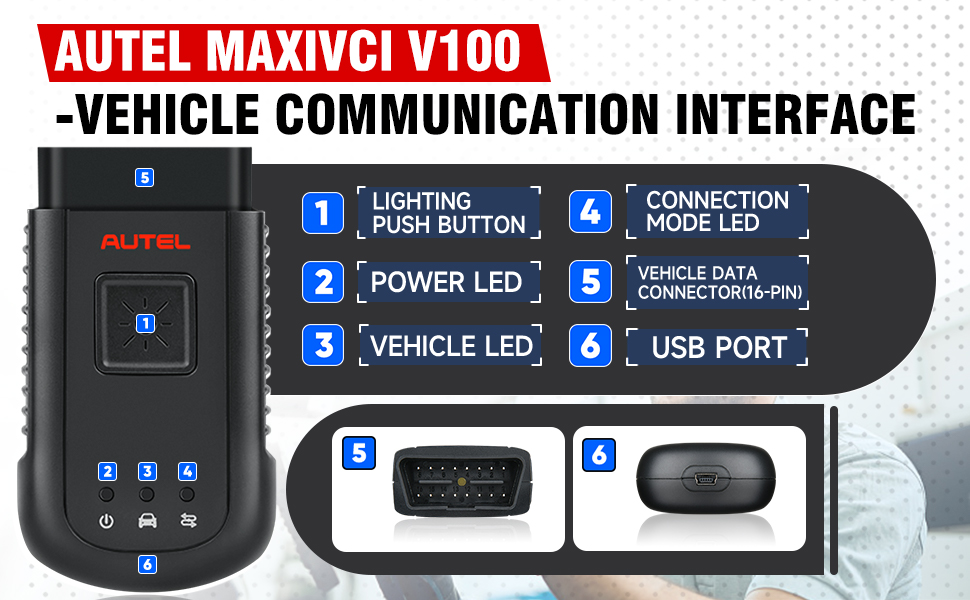
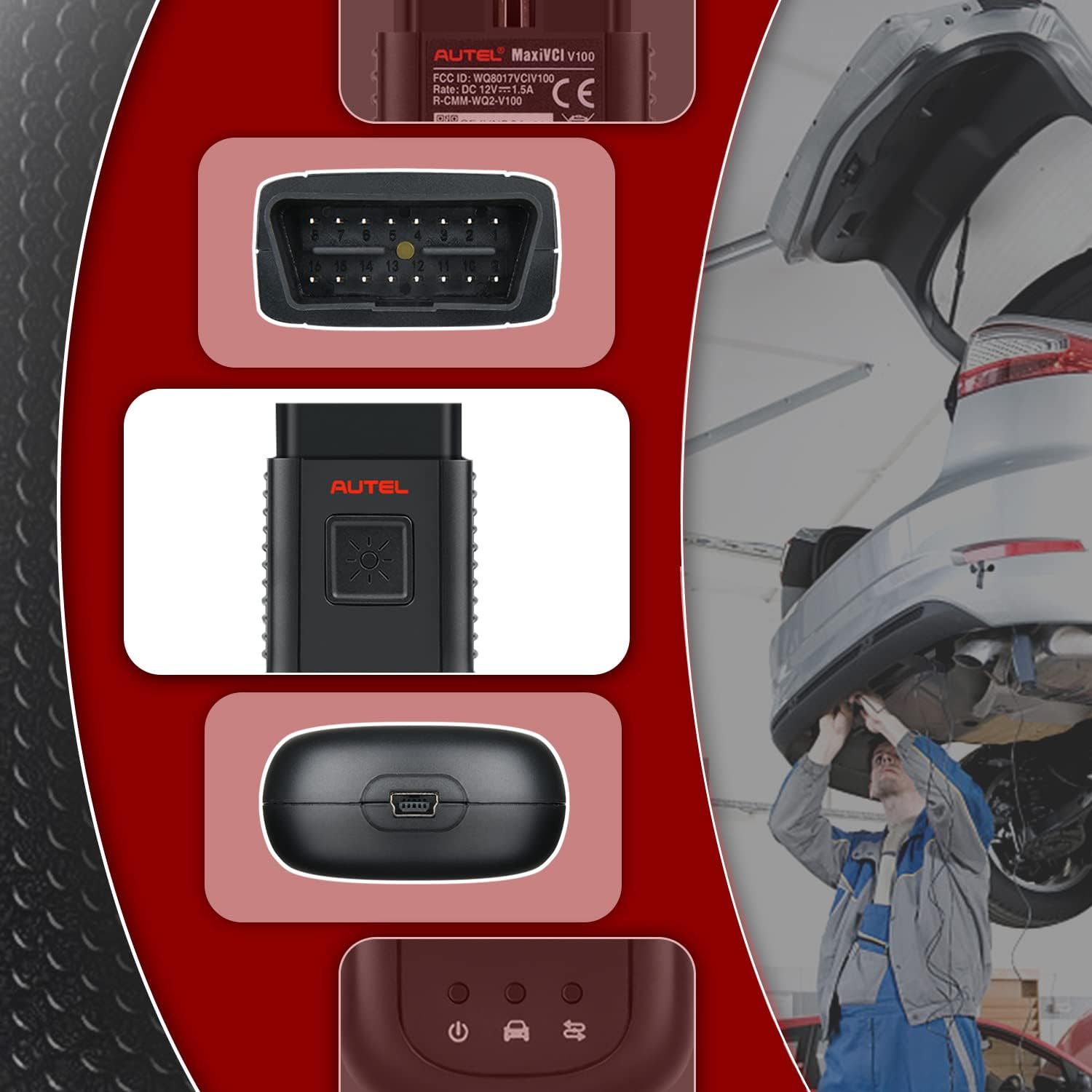
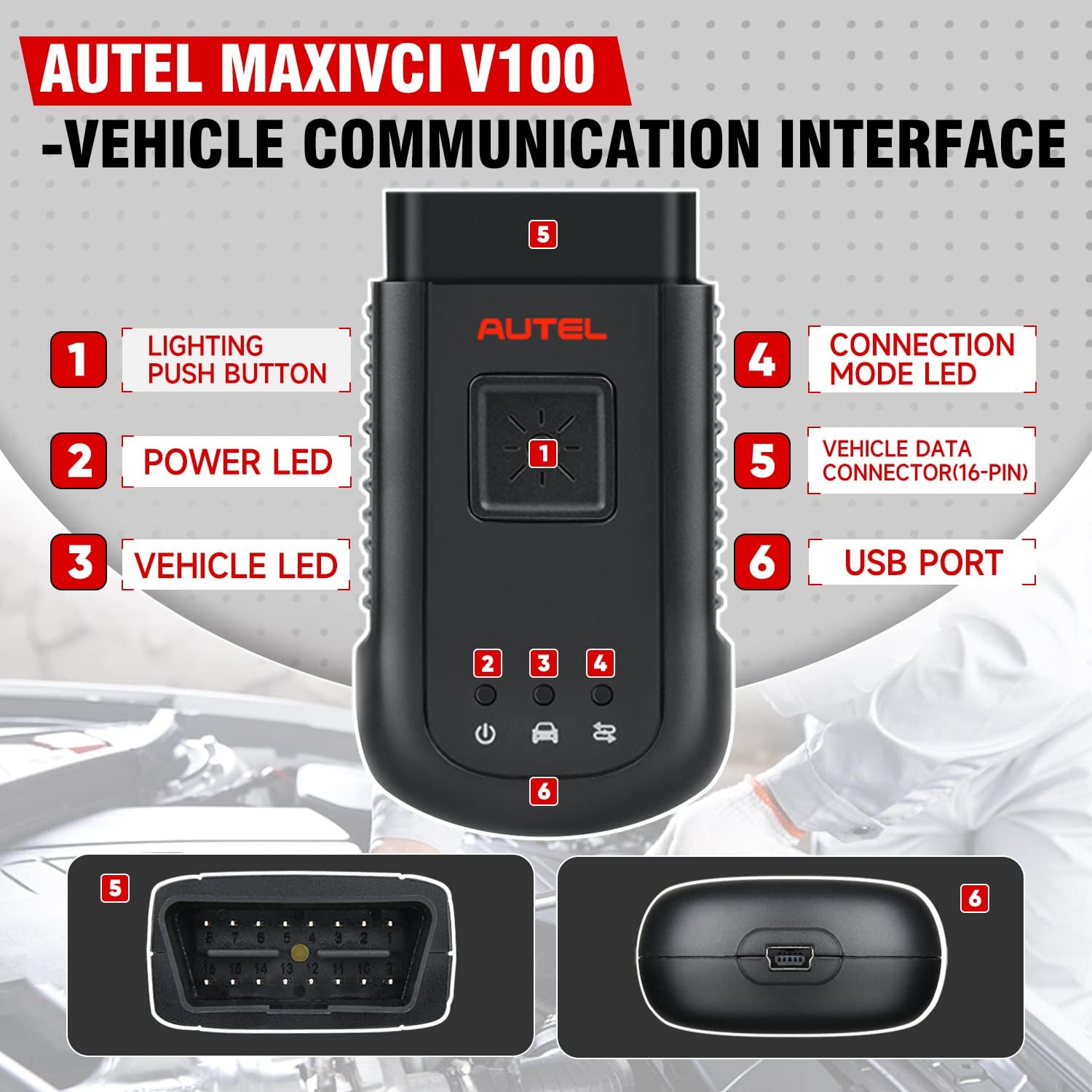
1. Lighting Push Button – presses to turn on the white LED in the vehicle data connector socket
2. Power LED – indicates power and system status
Green: illuminates solid green when powered on.
Amber: flashes green and amber automatically when performing firmware update.
Red: illuminates red automatically when powered up, and flashes red when system failure occurs.
3. Vehicle LED – flashes green when communicating with the vehicle’s system
4. Connection Mode LED – illuminates solid green when the device is properly connected with the Display scanner or PC via the USB cable, or illuminates solid blue via wireless BT connection
5. Vehicle Data Connector (16-pin)
6. USB Port
The Wireless Diagnostic Interface supports both the wireless BT and the USB communication. It can transmit vehicle data to the Display scanner with or without a physical connection. The working range of the transmitter through BT communication is about 98.4 feet (about 30 m). A signal lost due to moving out of range automatically restores itself when the Display scanner is brought closer to the VCI unit.
|
|
|
|---|---|---|
Extension Vehicle Coverage
| Wireless Bluetooth Connect
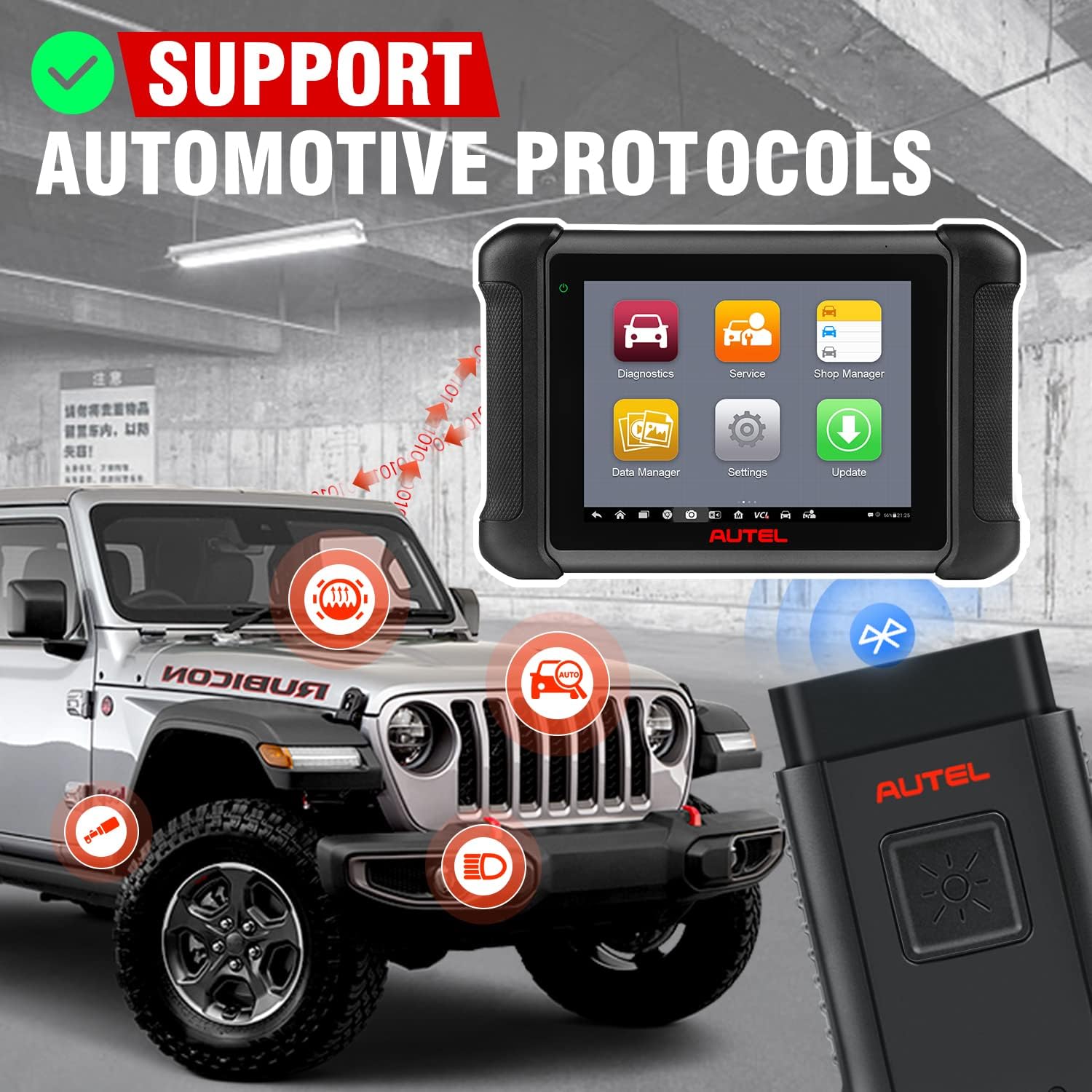
| Support Multi-Automotive Protocols
|


Specifications:
Item | Description |
Communications | BT V.2.1 + EDR USB 2.0 |
Wireless Frequency | 2.4 GHz |
Input Voltage Range | 12 VDC |
Supply Current | 150 mA @ 12 VDC |
Operating Temperature | 0°C to 50°C (ambient) |
Storage Temperature | -20°C to 70°C (ambient) |
Built-in Battery | 3.7V Lithium Battery |
Light | White LED |
Package List:
1pc x Autel MaxiVCI V100

 100% Genuine
 High Quality
 Fast Shipping